
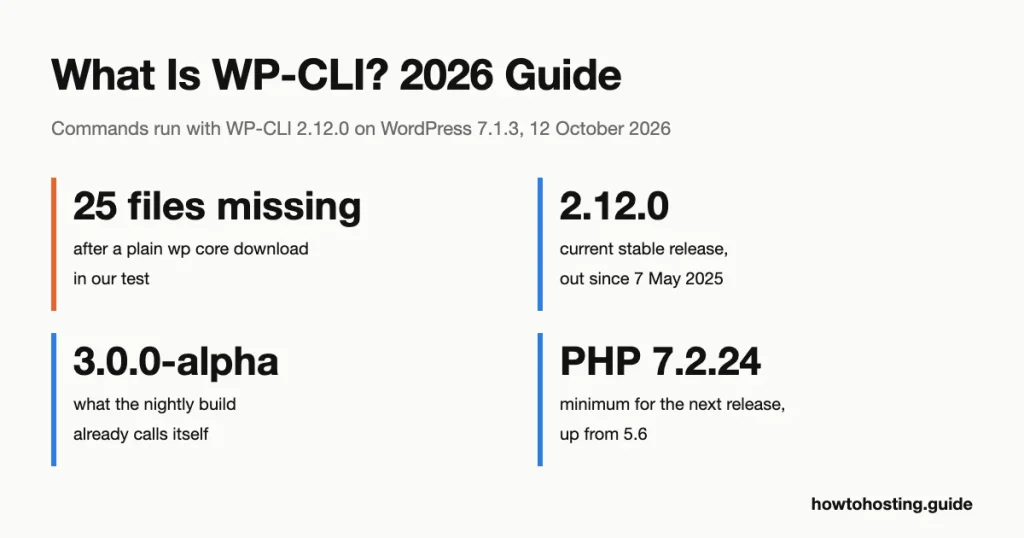
What Is WP-CLI + How to Use It [The Ultimate Guide]
WP-CLI is the official command-line tool for WordPress: you type a short command in a terminal, and WordPress does the job without a browser. One line updates every plugin. Another exports the database or creates a user. Most tutorials for…
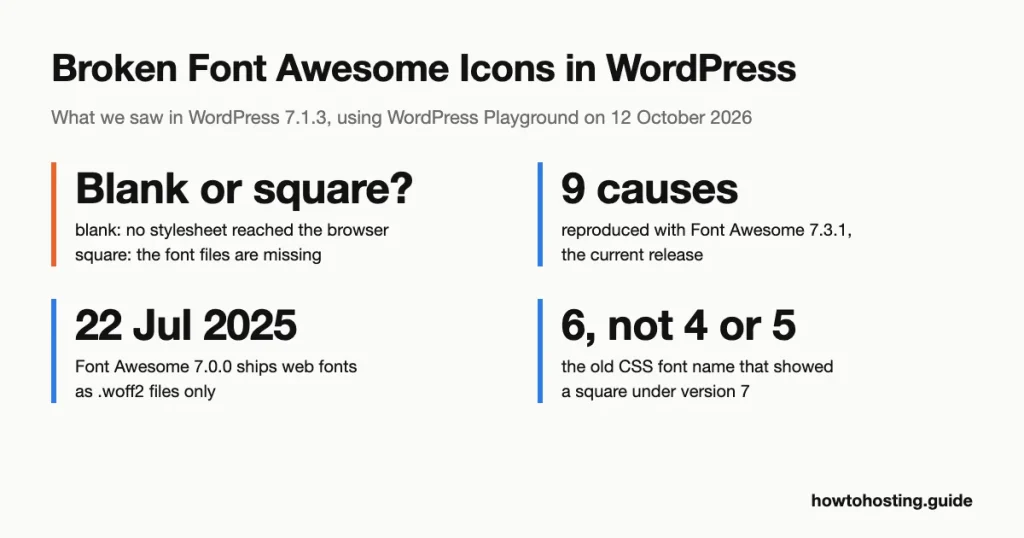
How To Fix Broken Font Awesome Icons in WordPress
A broken Font Awesome icon shows up in WordPress as one of two things: a blank gap or an empty square. Which one you see tells you which fix to use. We reproduced nine causes in WordPress 7.1.3 with Font…
How to Fix the 500 Internal Server Error in WordPress (2026)
WordPress’s own crash screen is an HTTP 500. So is a blank white page. So is the unstyled page your web server serves when it gives up. Core’s fatal error handler hands a 500 response to wp_die() before it prints…

How to Fix Shared Hosting Email Problems (2026): 12 Failures and Who Controls Each
On 29 April 2025, Microsoft deleted the grace period from its own announcement. The original plan was to route unauthenticated mail from big senders into the Junk folder, with rejection to follow later. Six days before enforcement, Microsoft switched to…
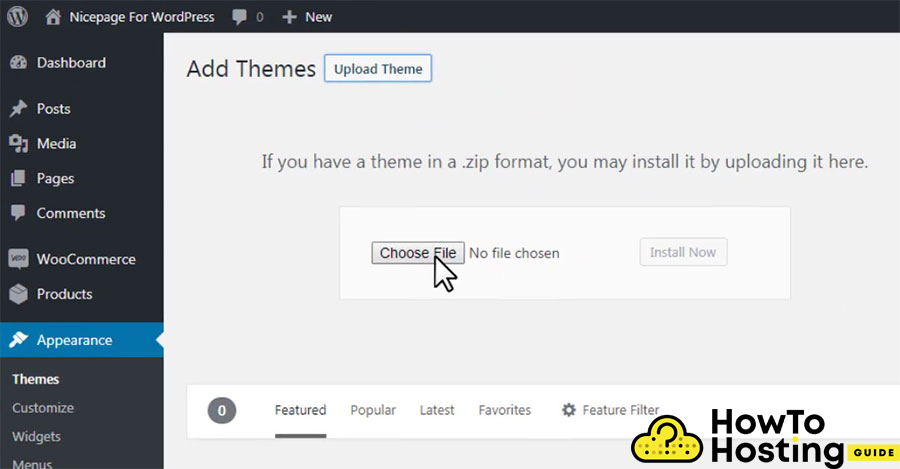
WordPress Won’t Upload Themes (2026): Every Error and the Fix That Matches It
Upload a 12 MB theme to a stock PHP install and WordPress tells you the link you followed has expired. Nothing expired. The zip was larger than PHP’s 8 MB default for a form submission. PHP threw the whole request…
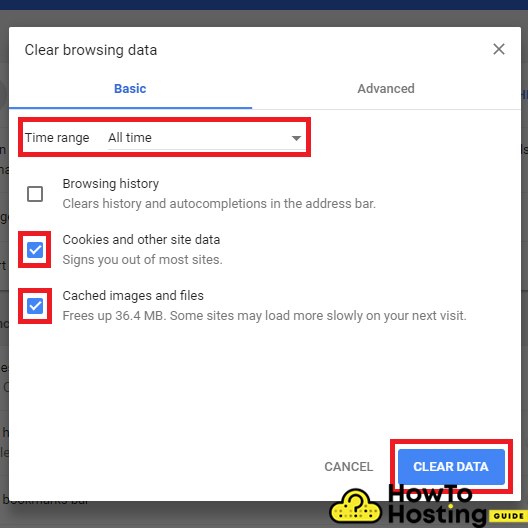
How to Fix WordPress Login Crashes (2026): Eight Failures and the Order to Rule Them Out
WordPress prints two different “cookies are blocked” errors on the login screen. One means your browser refused a cookie. The other means your server printed something before WordPress could set one. They sit eleven lines apart in the same core…
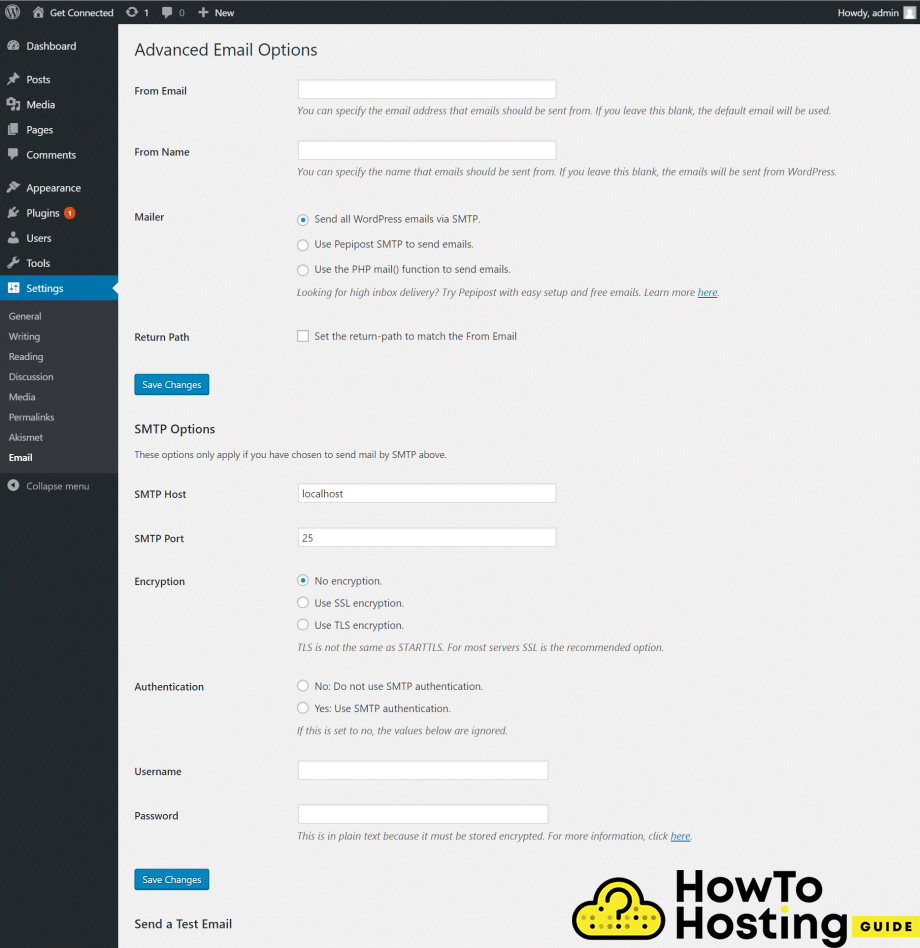
Why WordPress Is Not Sending Email (2026): 9 Causes and the Fix for Each
WordPress has never sent an email in its life. It hands your message to PHP’s mail() function, gets back a true or a false, and treats that as a delivery report. Nothing in that exchange checks whether the message left…
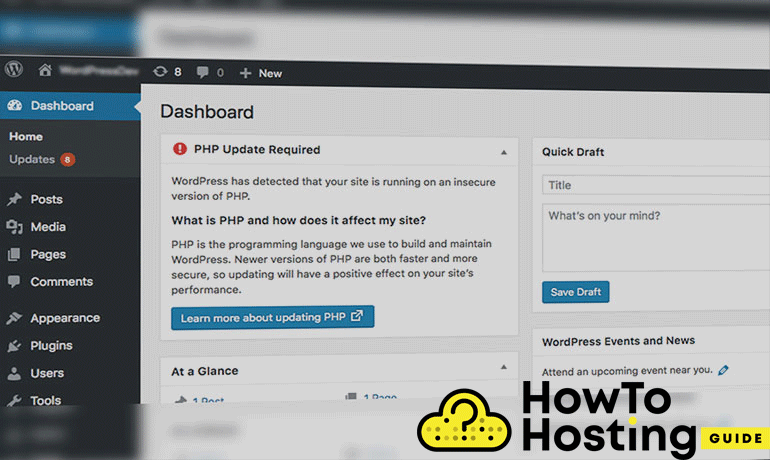
WordPress Requires a New PHP Version: How to Fix the Warning
PHP 8.1 stopped receiving security patches on 31 December 2025. WordPress still tells the 11.6% of sites running it that everything is fine. That gap is not a bug you can report. It’s a threshold set by a WordPress.org API…
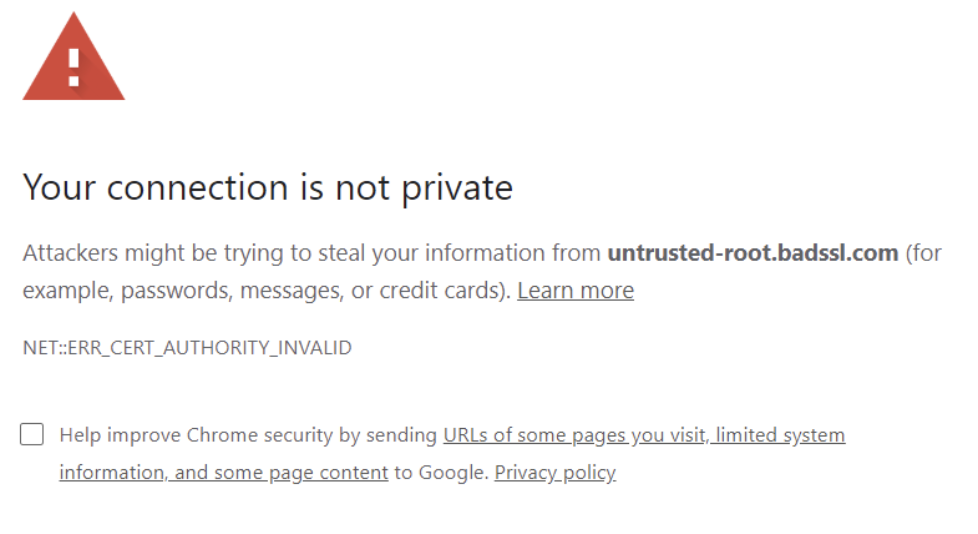
“Your Connection Is Not Private” Error: How to Fix It
The headline never changes. The error code sitting underneath Chrome’s Advanced button does. That code is the only part of the page telling you whether to fix your own device or wait for the site owner. Most guides skip straight…
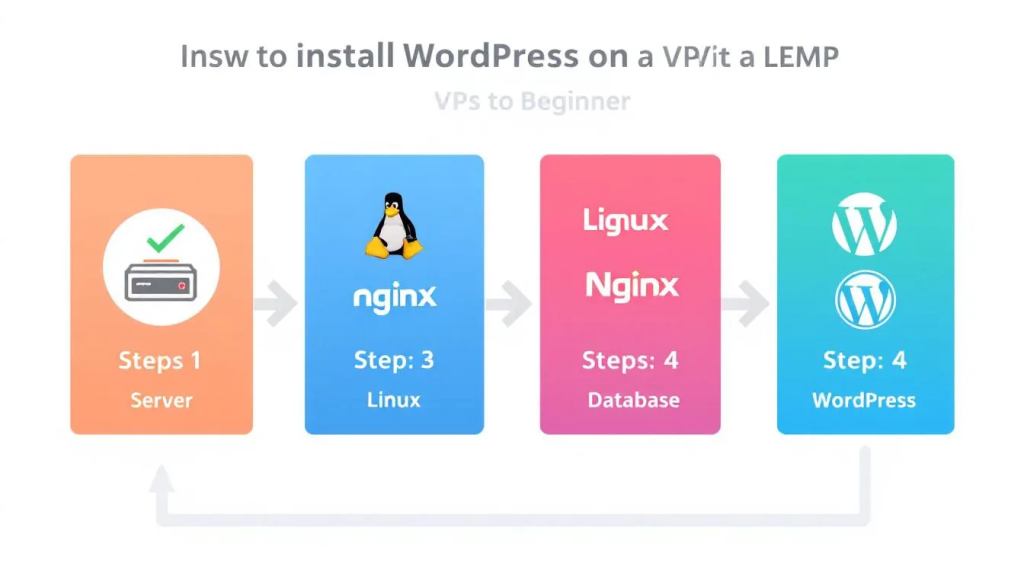
Install WordPress with a LEMP Stack on Ubuntu 24.04: 2026 Beginner-Friendly Guide
Ten minutes is honest only if your VPS is already provisioned, your domain DNS already points at it, and you can copy-paste cleanly. Closer to forty if you’re learning. Good news: the 2026 install is shorter than the 2018 version…
How to Fix Render-Blocking Resources in WordPress (2026)
When Vodafone reduced render-blocking JavaScript on its Italian site, Largest Contentful Paint dropped 31% and sales rose 8%. That’s not a margin-of-error tweak. That’s measurable revenue from one technical fix. The same optimization is available to every WordPress site, and…
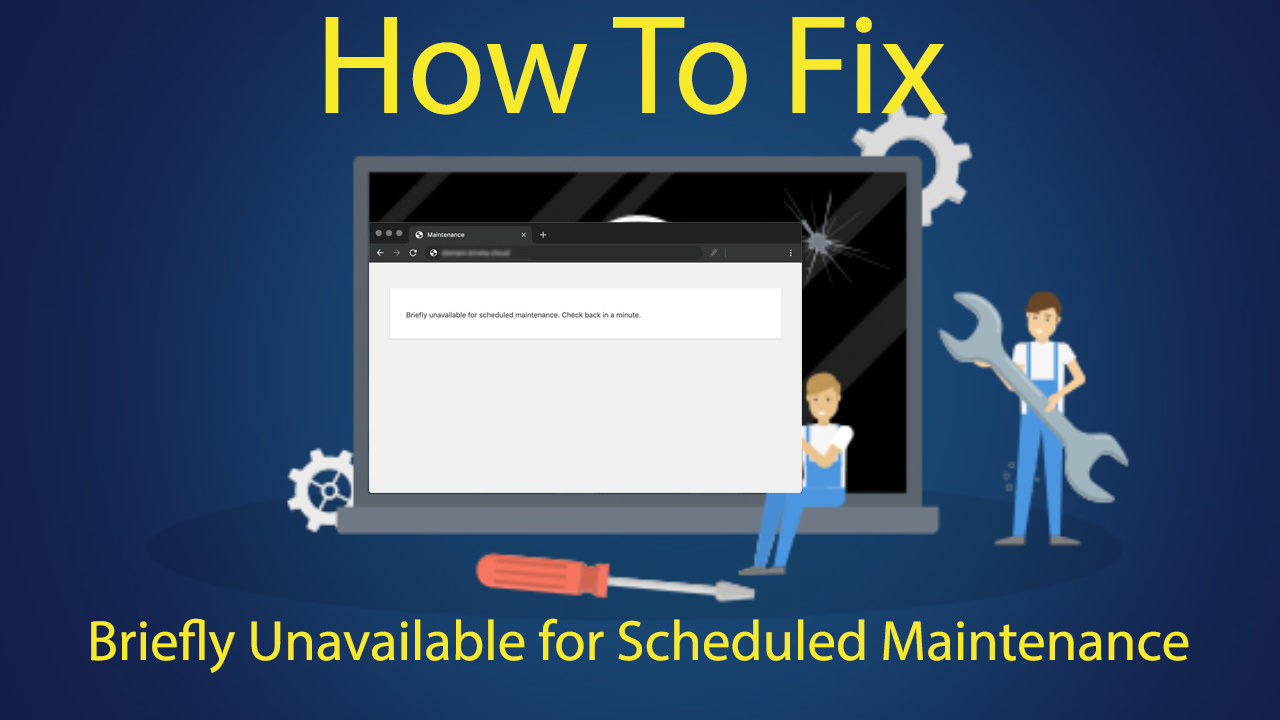
How to Fix “Briefly Unavailable for Scheduled Maintenance” in WordPress (2026)
WordPress will auto-recover from this error after exactly 10 minutes. Most site owners find that out the hard way, after panicking through the first nine. The faster fix is manual: delete the .maintenance file in your site’s root folder. No…
How to Fix “ECONNREFUSED – Connection Refused by Server” in FileZilla (2026)
You open FileZilla, enter your credentials, hit connect, and get this: ECONNREFUSED – Connection refused by server. The connection dies before it starts. This error means the server actively rejected your request. Not a timeout. Not a wrong address. An…
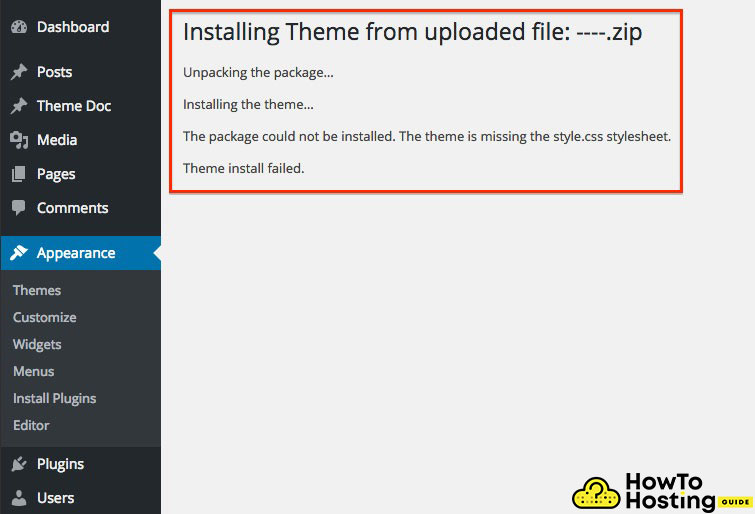
How to Fix WordPress After Changing Theme (Step-by-Step Guide)
When choosing a WordPress theme there are a lot of different options to consider. Many times site administrators will download and install several themes before making their final choice. When a site frequently changes the look and feel additional code…
18 Most Common WordPress Errors & Fixes [Detailed Guide]
WordPress errors, while common, can be a major headache for website owners, leading to downtime and a poor user experience. This article is an investigation into the root causes of WordPress issues, shedding light on how server limitations, plugin conflicts,…
Fix the Error Establishing a Database Connection in WordPress
Establishing a Database Connection is a very common, fatal error in WordPress that prevents your website from running, and makes it inaccessible to all of your visitors. This error appears when WordPress is not able to make the connection to…
How to Fix Background Images and Styles Disappeared DIVI
Experiencing issues with the Background Images and Styles on Divi? Read this guide! It will show you how fix this issue quickly. What Are Background Images and Styles in DIVI? “Background Images and Styles” in Divi, a WordPress theme, refer…
Update My WordPress to WordPress 5.4, Why It Doesn’t Worк
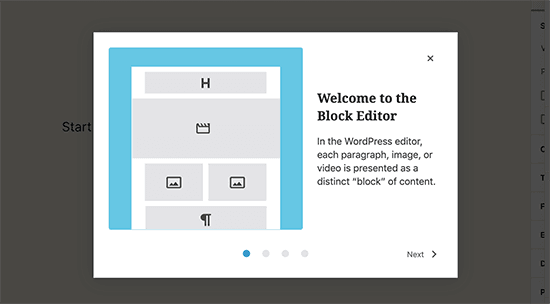
WordPress 5.4 was officially released to the public community on March 31, 2020. Due to many reasons we recommend to use version 5.4 is you are decided to create you first wordpress blog. This WordPress update was named “Adderley” in…
WordPress 5.4.2 Fixes Several XSS Vulnerabilities, Update Now
Have you updated your WordPress to version 5.4.2? If you haven’t, consider doing it as soon as possible, as the update contains 23 fixes and enhancements, and specifically 6 security fixes, 3 of which address XXS, or cross-site scripting vulnerabilities.…

Google Search Console Bug Allows Owner Access of WordPress Sites
A new critical vulnerability that should be seriously considered by SEO people was just discovered. There’s a critical bug in the official WordPress plugin of Google called Site Kit, which has more than 300,000 active installations. The bug could allow…
While we may earn affiliate commissions from some of the companies featured, these commissions do not compromise the integrity of our reviews or influence our rankings.
The affiliate earnings contribute to covering account acquisition, testing expenses, maintenance, and development of our website and internal systems.
Trust howtohosting.guide for reliable hosting insights and sincerity.