
Best VPS for Docker in 2026: 8 Container Hosting Providers Compared
The cheapest plan with "Container" in its name is often the one that can't run Docker. Time4VPS and Hostens both sell a product called "Container VPS," and both build it on OpenVZ, which shares the host kernel and blocks the features Docker needs. For containers you build and run yourself, KVM (full virtualization, where your server gets its own kernel) is the line that matters, not the label on the box. This guide sorts eight providers by what actually runs Docker containers well, and at what real cost.
Quick answer: For most self-hosted Docker work on a budget, Contabo gives the most RAM per dollar (8 GB for about USD 4.95/mo on KVM). For throwaway or CI containers you spin up and kill, Hetzner and Kamatera bill by the hour or minute. For a full managed container stack (registry, Kubernetes, one-click deploys), DigitalOcean wins. Hostinger is the easiest start thanks to a bundled Docker Manager.
Jump to: Hostinger, Kamatera, Hosting.com (A2), Time4VPS, Hostens, Contabo, Hetzner, DigitalOcean.
Last reviewed: June 2026. Prices and features verified against provider checkout pages this month.
How We Selected These Docker VPS Providers
Virtualization type was the gate. Docker needs a real kernel for cgroups and namespaces, so any plan built on OpenVZ or LXC got pulled from the Docker-capable shortlist, even when the same brand sells it cheaper. We required KVM virtualization with full root access on every recommended plan.
From there, weighting followed the Docker use case. RAM headroom mattered most, since each container eats 512 MB to 2 GB, so we favored plans with 4 GB or more at the entry tier. NVMe or SSD storage counted heavily because image builds and database containers punish slow disks. We checked for hourly or per-minute billing (it changes the math for short-lived containers), one-click Docker tooling, and whether renewal pricing stayed honest.
Sources were official checkout pages first, then independent uptime monitors and user-review aggregators with 50+ reviews. We did not run synthetic load tests, and we flag where renewal pricing wasn't published on a current product page. Where a provider sells both an OpenVZ and a KVM line, we steer you to the one that runs Docker, not the one with the lower sticker price.
| Hosting Provider | Reviews | Overall Rating | VPS Starts from |
|---|---|---|---|
1  Hostinger Hostinger
|
63.2k+ |

|
$4.99 / mo. 80% Off |
2  Kamatera Kamatera
|
320 |

|
$4.00 / mo. 30 Days free |
3  A2 Hosting A2 Hosting
|
3.4k+ |
|
$2.99 / mo. NOW -76% |
4  Time4VPS Time4VPS
|
1.3k+ |
|
$2.52 / mo. from 1.04E |
5  Hostens Hostens
|
1k+ |
|
$2.50 / mo. -50% OFF |
6  Contabo Contabo
|
9.1k+ |
|
$4.73 / mo. No Setup Fee |
7  Hetzner Online Hetzner Online
|
2.3k+ |

|
$4.28 / mo. |
8  Digital Ocean Digital Ocean
|
1.9k+ |

|
No data / mo. |
1. Hostinger

 63.2k+
4.6
Positive
Positive
63.2k+
4.6
Positive
Positive










| Storage | Cpu | Ram | Price | |
|---|---|---|---|---|
| 50 GB | 1 core | 4 GB | $4.99 / mo. | View Plan |
| 100 GB | 2 cores | 8 GB | $5.99 / mo. | View Plan |
| 200 GB | 4 cores | 16 GB | $10.49 / mo. | View Plan |
Hostinger – Best for a Guided Docker Start
Entry: USD 6.49/mo on a 24-month term (KVM 1). 1 vCPU, 4 GB RAM, 50 GB NVMe, 4 TB traffic. KVM, full root. Renews at USD 11.99/mo. 30-day money-back.
Hostinger is the only budget host here that bundles a visual Docker Manager into the panel. On most cheap VPS plans you install Portainer yourself; Hostinger ships a container dashboard plus a true one-click Docker template, so you can have an image pulled and running without touching a Compose file. The Kodee AI assistant talks you through setup, which helps if this is your first container host.
RAM is the real draw at the bottom of the range. KVM 1 hands you 4 GB at the entry tier, enough for a handful of small containers plus a database. That's where Hostinger beats the convenience-cloud crowd: DigitalOcean charges roughly USD 24/mo for a 4 GB Basic droplet, while Hostinger's 4 GB KVM 1 lists at USD 6.49/mo on the long term. The trade is bandwidth, KVM 1 caps at 4 TB where Hetzner includes 20 TB.
Performance comes from AMD EPYC cores and NVMe storage across all four KVM tiers, with a 99.9% uptime SLA. Step up and you get KVM 2 (2 vCPU, 8 GB, USD 8.99/mo, renews USD 14.99) or KVM 4 (4 vCPU, 16 GB, USD 12.99/mo, renews USD 28.99).
Pros:
- Bundled Docker Manager GUI plus one-click Docker template
- 4 GB RAM at the entry tier, double the usual 2 GB
- AMD EPYC and NVMe on every plan
- Eight data center regions, including Brazil and India
Cons:
- Renewal roughly doubles (KVM 1: USD 6.49 to USD 11.99)
- Lowest rate needs a 24-month prepay
- No hourly billing for short-lived containers
Pricing: The headline rate buys two years up front. Renewal lands near double, so factor the USD 11.99/mo when you do the math past year two. No setup fee, free snapshots and weekly backups included.
Best for: first-time container hosts who want a GUI and a one-click image. Skip if: you want to pay by the hour for ephemeral work.
Verdict: Buy Hostinger if you're new to Docker and want the panel to hold your hand, the bundled Docker Manager genuinely shortens setup. If you already live in a terminal and want raw value, Contabo gives twice the RAM for less, and if you need hourly billing, Hetzner is the better call.
2. Kamatera
 320
4.2
Positive
Positive
320
4.2
Positive
Positive






| Storage | Cpu | Ram | Price | |
|---|---|---|---|---|
| 20 GB | 1 x 2.6GHz | 1 GB | $4.00 / mo. | View Plan |
| 20 GB | 1 x 2.6GHz | 2 GB | $6.00 / mo. | View Plan |
| 30 GB | 2 x 2.65GHz | 2 GB | $12.00 / mo. | View Plan |
Kamatera – Best for Throwaway and CI Containers
Entry: USD 4/mo, billed by the minute. Build-your-own (1 to 104 vCPU, 256 MB to 128 GB RAM, NVMe SSD). 30-day free trial up to USD 100 credit. 99.95% uptime.
Picture a CI pipeline that spins up a Docker host, runs a build, and destroys it twenty minutes later. That's the Kamatera scenario. Billing is per-minute, not per-month, so an ephemeral container box costs cents per run. Better still, Kamatera publishes an official docker-machine driver on GitHub, so the whole lifecycle scripts cleanly into your CI/CD without manual provisioning.
Deployment is a genuine one-click affair: the marketplace carries Docker-ready Ubuntu 24.04 and 22.04 images, plus Portainer, Harbor, and Kubernetes templates. You pick CPU, RAM, storage, and one of 17 global regions independently, then scale any of them mid-flight. For the free window, Kamatera's 30-day trial caps at USD 100 of credit; DigitalOcean's competing offer hands new users USD 200 over 60 days, so DO is more generous on paper, but Kamatera lets you reshape the machine as you go.
One honest caveat: the USD 4 box ships with 1 GB RAM, which is thin for multi-container work. Plan on a 2 to 4 GB build (closer to USD 6 to USD 12/mo) for a usable Docker host. This is unmanaged infrastructure, you get the VM and the support desk, not a managed orchestration layer.
Pros:
- Per-minute billing, ideal for short-lived containers
- Official docker-machine driver for CI/CD
- One-click Docker images plus Portainer and Harbor
- 17 regions; scale CPU and RAM independently
Cons:
- USD 4 entry has only 1 GB RAM
- No managed Kubernetes or container registry
- Config-based pricing creeps as you add resources
Pricing: Pay-as-you-go with no long contract. Hourly and monthly both available. The trial works as the risk-free window since there's no traditional refund policy.
Best for: developers scripting ephemeral Docker hosts into CI. Skip if: you want a fixed monthly price you never have to think about.
Verdict: Choose Kamatera when containers are short-lived and you want to automate spin-up and teardown, the docker-machine driver and per-minute billing are built for exactly that. If you want a flat monthly bill and maximum RAM, Contabo is the saner pick, and if you need a managed registry and Kubernetes alongside, DigitalOcean keeps it all in one console.
3. A2 Hosting
 3.4k+
4.5
Positive
Positive
3.4k+
4.5
Positive
Positive


| Storage | Cpu | Ram | Price | |
|---|---|---|---|---|
| 20 GB | 1 core | 1 GB | $2.99 / mo. | View Plan |
| 75 GB | 2 cores | 2 GB | $7.99 / mo. | View Plan |
| 150 GB | 4 cores | 4 GB | $9.99 / mo. | View Plan |
Hosting.com (formerly A2 Hosting) – Best for Distro Choice
Entry: USD 9.99/mo promo (unmanaged Linux VPS). AMD EPYC, NVMe, KVM, full root. Regular and renewal rate USD 19.99/mo. VPS plans excluded from the refund window.
Start with the bad news, because it's the kind buyers miss. A2 Hosting rebranded to Hosting.com under World Host Group in April 2025, and the current refund policy explicitly excludes VPS plans. So there's no money-back trial for Docker workloads here, a real downgrade from A2's old prorated VPS refund. Sign up only when you're confident the box fits.
What you get for that commitment is a clean unmanaged KVM VPS with full root and your choice of Ubuntu 22.04, Debian 12, or AlmaLinux 9, all standard Docker hosts. The unmanaged line explicitly markets the freedom to install your own containers, runs on AMD EPYC with NVMe, and carries a 99.9% SLA. If your team standardizes on AlmaLinux for production, this is one of the few budget hosts that offers it cleanly at checkout.
The value question is where it stumbles. Hosting.com's unmanaged VPS renews at USD 19.99/mo, and the page doesn't publish per-tier vCPU and RAM, so you're sizing a container host partly blind. For comparison, Contabo's Cloud VPS 20 gives a known 12 GB RAM at a flat USD 7.95/mo. Avoid the managed cPanel VPS line for Docker, it runs CloudLinux without full root, so containers are off the table there.
Pros:
- Choice of Ubuntu, Debian, or AlmaLinux at checkout
- Unmanaged KVM with full root, AMD EPYC, NVMe
- 10 global data center locations
Cons:
- VPS plans excluded from the 30-day money-back
- Per-tier specs not published on the product page
- Renewal doubles (USD 9.99 to USD 19.99)
- Managed cPanel line can't run Docker
Pricing: Promo USD 9.99/mo on a longer term, regular USD 19.99/mo. No risk-free window on VPS, so treat the first bill as committed spend.
Best for: teams that need AlmaLinux or Debian specifically and know their resource needs. Skip if: you want a refund safety net, Hostinger's 30-day guarantee covers VPS where Hosting.com's does not.
Verdict: Pick Hosting.com when distro choice and a managed company behind the rebrand matter more than price, and when you're certain about sizing. If you want the same KVM freedom with more published RAM per dollar, Contabo wins outright, and if you need a refund window to test Docker first, go Hostinger.
4. Time4VPS
 1.3k+
4.6
Positive
Positive
1.3k+
4.6
Positive
Positive


| Storage | Cpu | Ram | Price | |
|---|---|---|---|---|
| 20 GB | 1 x 2.4GHz | 2 GB | $2.52 / mo. | View Plan |
| 512 GB | 1 x 1.7GHz | 1 GB | $2.76 / mo. | View Plan |
| 40 GB | 2 x 2.4GHz | 4 GB | $3.08 / mo. | View Plan |
Time4VPS – Best Cheap EU Box (the Right Line)
Entry (Linux VPS, KVM): EUR 1.99/mo (about USD 2.15), from EUR 0.99 on a biennial term. 1 vCPU, 2 GB RAM, 20 GB SSD, 4 TB traffic. Single Vilnius data center. 99.98% uptime.
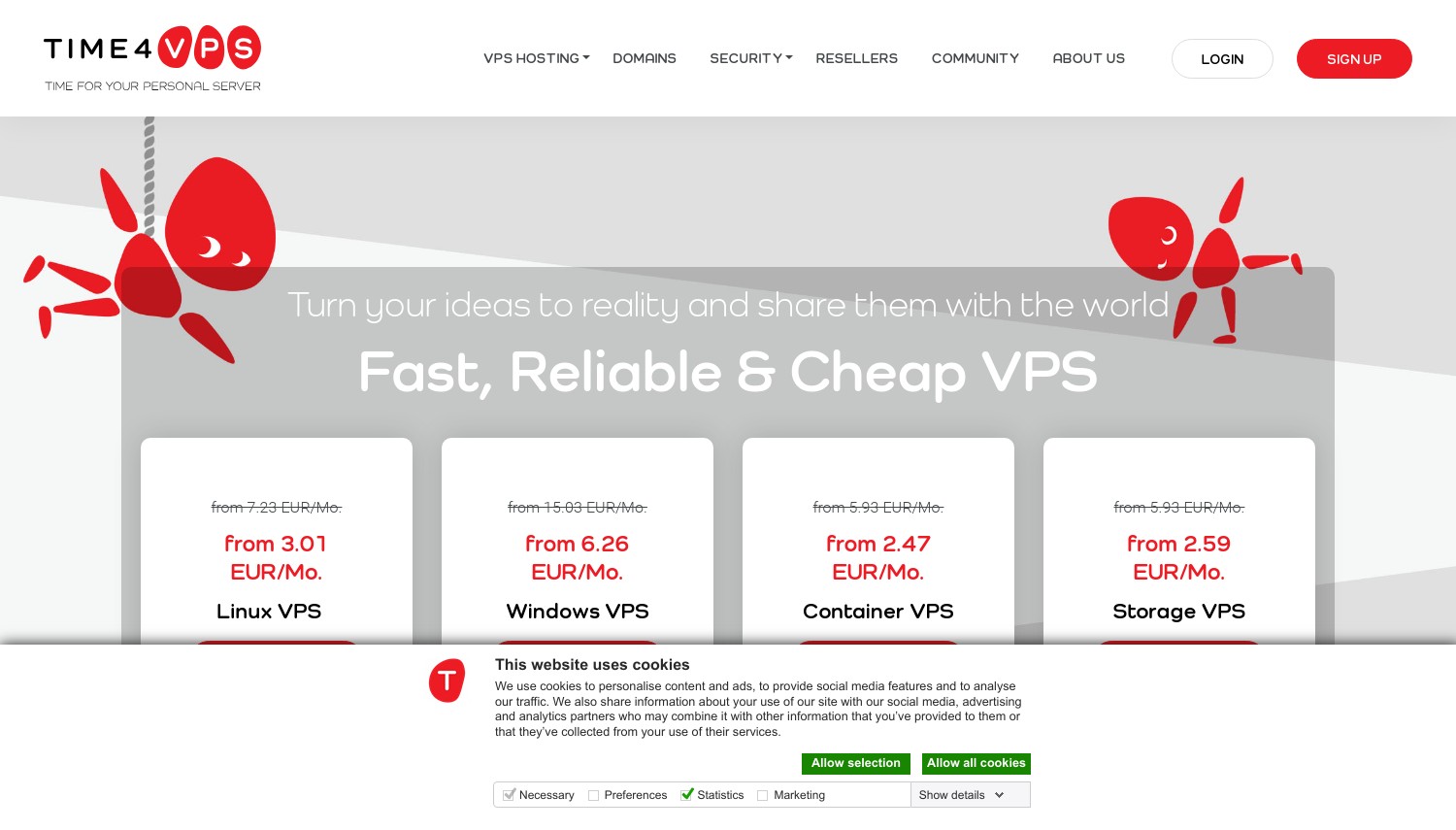
Here's the trap this provider sets, and it's the reason this whole guide exists. Time4VPS sells a product literally called "Container VPS," and it's built on OpenVZ 7, which shares the host kernel. Docker won't run reliably on it. The line you actually want for containers is the "Linux VPS," which uses KVM. Same brand, two virtualization types, and the cheaper-sounding one is the wrong buy for Docker.
Get the naming right and Time4VPS is one of the cheapest legitimate Docker boxes in the EU. The KVM Linux 2 tier runs about EUR 1.99/mo for 2 GB of RAM, dropping toward EUR 0.99 on a two-year prepay. That undercuts its own sister brand: Hostens charges roughly USD 3.75/mo for the same 2 GB on a three-year term, while Time4VPS's EUR 1.99 (USD 2.15) lands lower for similar hardware out of the same Lithuanian facility. Step up to Linux 4 (2 vCPU, 4 GB, 40 GB) for a comfortable small Docker host around EUR 4.39/mo.
The limits are real. Everything ships from one Vilnius data center, so latency climbs for anyone outside Europe, and there's no geo-redundancy. Default storage on cheaper tiers is SSD rather than NVMe, which slows heavy image builds. A 30-day money-back guarantee covers you while you test.
Pros:
- EUR 0.99/mo floor on biennial KVM plans
- Real KVM with full root on the Linux VPS line
- EU/GDPR Tier III facility, 30-day refund
- Generous traffic (4 to 32 TB by tier)
Cons:
- Cheaper "Container VPS" runs OpenVZ, not Docker-ready
- Single data center (Vilnius only)
- Lowest rates need long prepay
Pricing: Term-based, monthly through biennial. The headline EUR 0.99 needs the two-year commitment; month-to-month sits closer to EUR 1.99. SSD upgrade and add-ons cost extra.
Best for: EU-based developers wanting the cheapest honest KVM Docker box. Skip if: your users are in the Americas or Asia, where a single Vilnius DC adds latency, look at Kamatera's 17 regions instead.
Verdict: Buy the Time4VPS Linux VPS (not the Container VPS) if you want rock-bottom EU pricing and you can commit to a term, it's the cheapest properly Docker-capable box on this list. If you need NVMe speed for fast image builds or servers outside Europe, this isn't it, point yourself at Contabo or Hetzner.
5. Hostens
 1k+
4.5
Positive
Positive
1k+
4.5
Positive
Positive
| Storage | Cpu | Ram | Price | |
|---|---|---|---|---|
| 20 GB | 1 x 2.40GHz | 2 GB | $2.50 / mo. | View Plan |
| 20 GB | 1 x 2.60GHz | 2 GB | $3.75 / mo. | View Plan |
| 40 GB | 1 x 2.40GHz | 4 GB | $5.00 / mo. | View Plan |
Hostens – Best for High-Bandwidth Budget Containers
Entry (Linux VPS, KVM): about USD 3.75/mo on a three-year term (USD 7.50 regular). 1 vCPU, 2 GB RAM, 20 GB SSD, 4 TB traffic. Single Vilnius data center. 99.95% uptime.
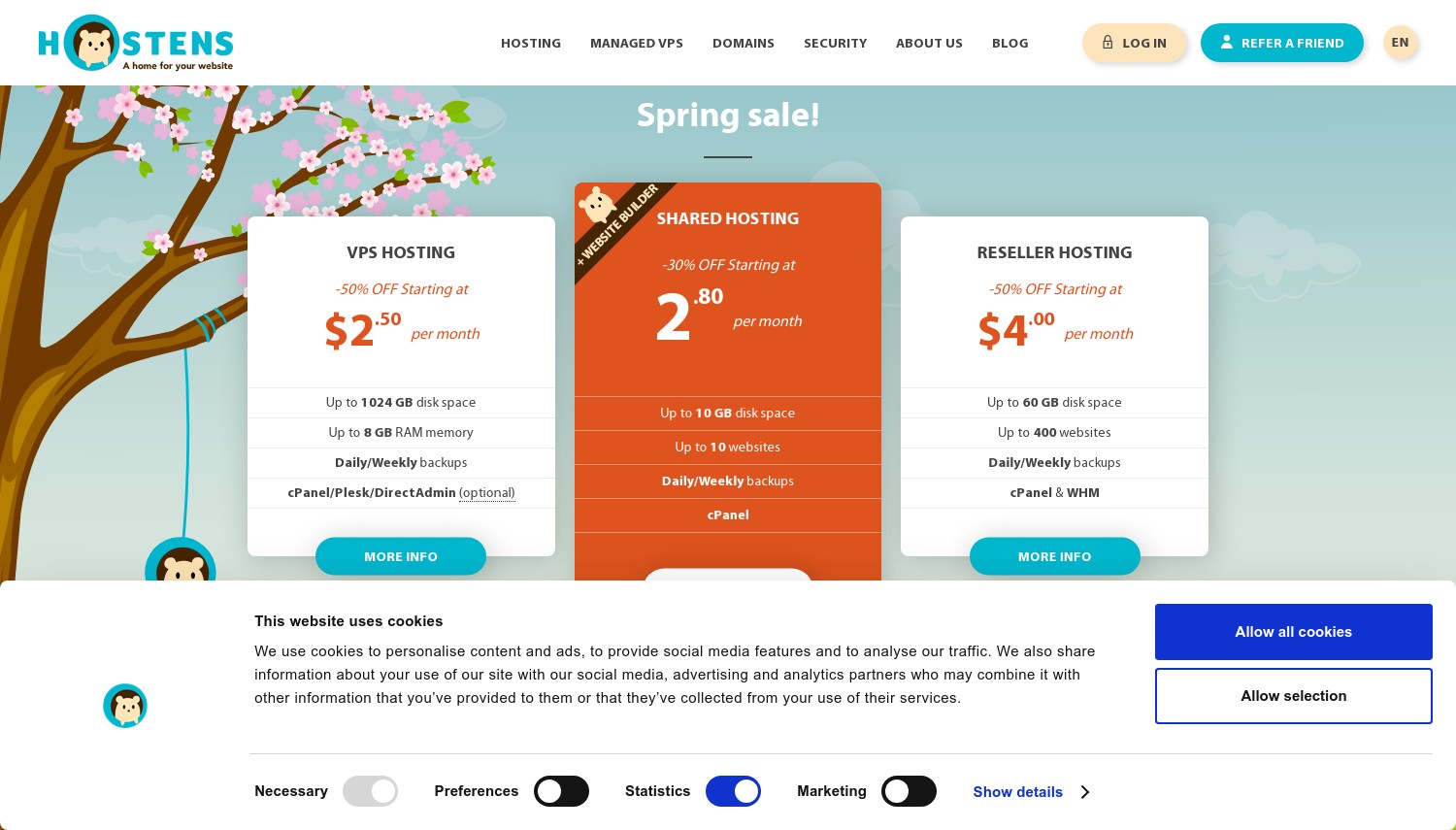
USD 3.75 a month for a KVM box with 4 TB of traffic. That's Hostens at its cheapest, and like its sister brand Time4VPS, it hides a virtualization trap. The "Container VPS" and "Storage VPS" lines run OpenVZ and can't host Docker properly; only the "Linux VPS" tiers use KVM. Buy the Linux line, ignore the container-branded one, same lesson as before.
Where Hostens earns its place is bandwidth-to-price. The Linux tiers bundle 4 to 16 TB of traffic on SSD storage from an EU Tier III facility, which suits container apps that move a lot of data on a tight budget. The ceiling is modest, though: the published top tier is LARGE at 3 vCPU and 8 GB RAM for USD 31.50/mo. Put that next to Contabo's Cloud VPS 10, which gives the same 8 GB for about USD 4.95/mo, and Hostens looks expensive once you climb past the entry box. At the very bottom, however, the 2 GB KVM SMALL tier on a long term is competitive for a single-purpose container host.
Renewal pricing isn't published on the plan page, so the long discounted term carries some uncertainty about what you'll pay later. Expect it to climb back toward the USD 7.50 regular rate.
Pros:
- Real KVM on the Linux VPS line, full root
- High traffic allowances (4 to 16 TB)
- EU/Lithuania Tier III, 30-day money-back
- Cheap 2 GB entry on a three-year term
Cons:
- "Container VPS" and "Storage VPS" are OpenVZ, not for Docker
- Low ceiling (max 3 vCPU / 8 GB published)
- Renewal price not published
- One data center, SSD not NVMe
Pricing: Term discounts run 30% (1 yr) to 50% (3 yr), so the effective rate depends on commitment length. The USD 3.75 figure assumes a three-year prepay on the Linux SMALL tier.
Best for: a single bandwidth-hungry container app on an EU budget. Skip if: you'll need more than 8 GB RAM, the ceiling is low and Contabo scales to 24 GB for less.
Verdict: Go with the Hostens Linux VPS for a cheap, high-traffic single container box in the EU, the bandwidth allowances are strong for the money. If you expect to grow past 8 GB of RAM or want published renewal pricing, skip it, Contabo offers more headroom and a flat rate that doesn't surprise you.
6. Contabo
 9.1k+
4.0
Positive
Positive
9.1k+
4.0
Positive
Positive
| Storage | Cpu | Ram | Price | |
|---|---|---|---|---|
| 400 GB | 4 cores | 6 GB | $4.73 / mo. | View Plan |
| 800 GB | 4 cores | 8 GB | $9.98 / mo. | View Plan |
| 2.3 TB | 6 cores | 12 GB | $14.71 / mo. | View Plan |
Contabo – Best RAM Per Dollar for Self-Hosting
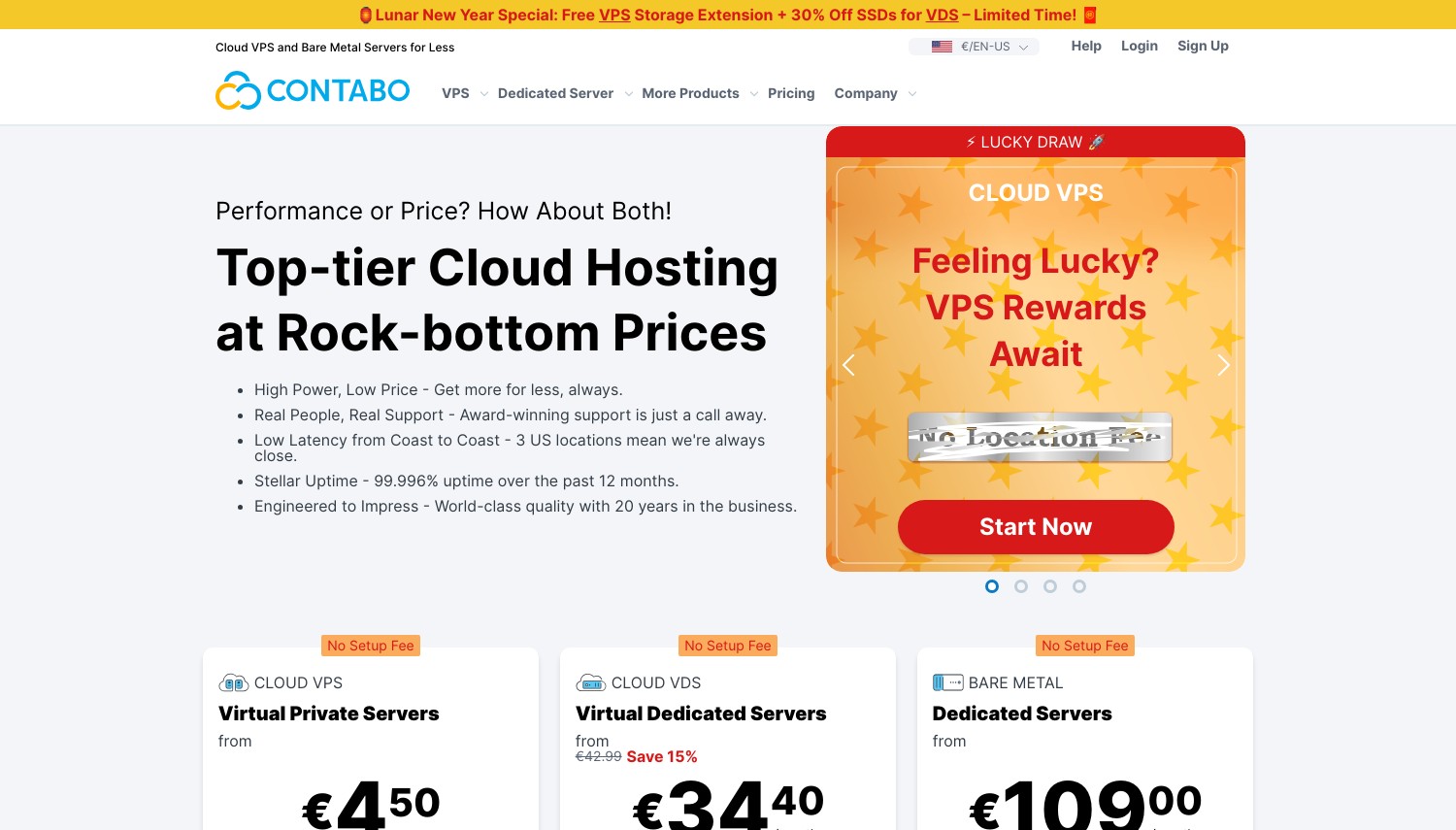
Entry (Cloud VPS 10): about USD 4.95/mo. 4 vCPU, 8 GB RAM, 75 GB NVMe (or 150 GB SSD), 200 Mbit/s port. KVM, full root. Renewal stays flat. 99.9% uptime.
Twenty-four gigabytes of RAM for about EUR 14 a month. That's the Cloud VPS 30, and it's why self-hosters who run a dozen containers keep landing on Contabo. The whole range is KVM with full root, NVMe storage at no extra cost, and a flat renewal that doesn't jump after a promo. Since Contabo dropped shared hosting in 2025, the VPS line is the focus, and it's built for stacking containers.
Density is the story. The entry Cloud VPS 10 packs 8 GB into a USD 4.95/mo box; the same 8 GB on Hostens costs USD 31.50/mo, and DigitalOcean's nearest equivalent runs higher still. For one-click Docker, Contabo offers a Coolify VPS image, a self-hosted PaaS that gives you Heroku-style deploys for any Docker-packaged app without wiring up Portainer by hand. You can also point S3-compatible Object Storage at a self-run registry.
The honest weaknesses: vCPU is shared and can feel variable under load, and port speeds start at 200 Mbit/s on the cheapest tier (rising to 600 Mbit/s by VPS 30), so throughput-heavy workloads notice. There's no managed Kubernetes and no first-party container registry. The money-back window is only 14 days, and reviewers report the refund process is fussy. A small new gotcha: a one-time setup fee now applies to Cloud VPS 10 on 1-month and 6-month terms, longer terms and higher tiers avoid it.
Pros:
- 8 GB RAM from USD 4.95/mo, 24 GB near EUR 14
- Flat renewal, no promo cliff
- NVMe included; one-click Coolify PaaS
- 11 data centers across 9 regions
Cons:
- Shared vCPU and 200 Mbit/s entry port
- 14-day refund, reportedly hard to claim
- No managed Kubernetes or registry
Pricing: About USD 4.95/mo for Cloud VPS 10, USD 7.95 for VPS 20 (12 GB), around EUR 14 for VPS 30 (24 GB). Renewal matches the original rate. Watch the setup fee only on the cheapest tier with short terms.
Best for: self-hosters cramming many containers onto one cheap, high-RAM box. Skip if: you need consistent dedicated CPU or fast ports, Hetzner's dedicated-vCPU CCX line is steadier under sustained load.
Verdict: Contabo is the pick when RAM density and a flat bill beat everything else, nobody here gives you 24 GB for EUR 14. If your containers are CPU-bound or latency-sensitive, look elsewhere: Hetzner's dedicated vCPU plans hold up better under constant load, and DigitalOcean wins if you want managed orchestration.
7. Hetzner Online
 2.3k+
3.1
Neutral
Neutral
2.3k+
3.1
Neutral
Neutral

| Storage | Cpu | Ram | Price | |
|---|---|---|---|---|
| 25 GB | 1 core | 1 GB | $4.28 / mo. | View Plan |
| 50 GB | 2 cores | 2 GB | $7.58 / mo. | View Plan |
| 100 GB | 2 cores | 4 GB | $13.06 / mo. | View Plan |
Hetzner – Best for Automated and ARM Container Workloads
Entry (CAX11, ARM): EUR 5.99/mo (about USD 6.49), billed hourly. 2 vCPU, 4 GB RAM, 40 GB NVMe, 20 TB traffic. KVM, full root. IPv4 adds about EUR 0.50/mo. 99.9% uptime.
Where DigitalOcean sells you a console, Hetzner sells you an API. The Cloud platform pairs raw KVM VMs with a full REST API, the hcloud CLI, an official Terraform provider, and Ansible support, so your Docker infrastructure becomes code you commit. Add hourly billing capped at a monthly max, and short-lived container clusters cost only the hours they run.
The ARM CAX line is the quiet value play for containers. CAX11 gives 2 Ampere cores and 4 GB RAM with a remarkable 20 TB of included traffic for EUR 5.99/mo. Hostinger matches the 4 GB at USD 6.49, but caps traffic at 4 TB, so Hetzner offers five times the bandwidth at a near-identical price. Multi-arch Docker images run natively on ARM, often cheaper than x86. Prefer Intel or AMD? CX23 (Intel, 4 GB) lists around EUR 5.49 and CPX22 (AMD) bumps storage to 80 GB. There's a one-click Docker app in the marketplace too.
A note on timing: Hetzner raised Cloud prices on June 15, 2026, so the once-dramatic gap narrowed (entry ARM went from about EUR 4.49 to EUR 5.99). Support is email-only, there's no managed Kubernetes, and IPv4 now carries a small monthly fee. For constant high-CPU container loads, the dedicated-vCPU CCX line (from CCX13, 2 vCPU, 8 GB) is the steadier choice.
Pros:
- Full API, CLI, and Terraform for IaC
- 20 TB traffic included on EU plans
- Cheap ARM cores for multi-arch containers
- Hourly billing; one-click Docker app
Cons:
- No managed Kubernetes or container service
- IPv4 costs extra; email-only support
- June 2026 price rise narrowed the value gap
Pricing: EUR 5.99/mo CAX11 (ARM), EUR 5.49 CX23 (Intel), both hourly-capped. Add roughly EUR 0.50/mo if you need an IPv4 address. No fixed-term contract, so you stop paying when you delete the server.
Best for: developers who script infrastructure and want ARM value plus huge bandwidth. Skip if: you want phone support or a managed container platform, DigitalOcean offers both where Hetzner offers neither.
Verdict: Hetzner is the automation pick, treat servers as disposable code and the API plus hourly billing pays off fast. If you'd rather click through a managed Kubernetes setup or call support, DigitalOcean fits better, and if flat-rate maximum RAM is the goal, Contabo undercuts Hetzner on memory per dollar.
8. Digital Ocean
 1.9k+
3.7
Neutral
Neutral
1.9k+
3.7
Neutral
Neutral
DigitalOcean – Best Managed Container Stack
Entry (Basic droplet): USD 4/mo, billed per second with a monthly cap. 1 vCPU, 512 MB RAM, 10 GB SSD, 500 GB transfer. USD 200 credit for 60 days. 99.99% droplet SLA.
The whole container toolchain lives in one console here, and that's the reason to pay a little more. DigitalOcean gives you a one-click Docker droplet, managed Kubernetes (DOKS), a container registry (DOCR), and App Platform, all wired together, so your cluster can pull straight from your private registry without glue code. The standout cost edge: the DOKS control plane is free, where hyperscalers charge roughly USD 0.10/hr per cluster. You pay only for worker-node droplets, with clusters starting around USD 12/mo.
This is also where managed Kubernetes can beat a raw Docker VPS for small teams. The registry has a free Starter tier (500 MB), Basic at USD 5/mo, and Pro at USD 20/mo, and App Platform builds and deploys straight from a Dockerfile if you'd rather skip server management entirely. For a small team that doesn't want to babysit a control plane, that bundle is worth real money.
Raw compute is the weak spot. The USD 4 droplet's 512 MB is too small for real containers, so practical Docker work starts at USD 12 to USD 24/mo. A 2 GB droplet runs USD 12, while Hetzner's CX23 gives 4 GB for about USD 5.90: twice the RAM at half the price. You pay that premium for the managed ecosystem and the 99.99% droplet SLA, not for cheap memory. Fourteen data centers across 11 regions cover most of the globe.
Pros:
- Free Kubernetes control plane (DOKS)
- Integrated registry, App Platform, one-click Docker
- Per-second billing; USD 200 new-user credit
- 99.99% droplet SLA, strong docs and API
Cons:
- Entry 512 MB droplet too small for Docker
- Roughly 4x Hetzner's cost per GB of RAM
- No always-free tier after the credit expires
Pricing: Droplets from USD 4/mo (realistic Docker from USD 12), DOKS worker nodes billed as droplets with a free control plane, registry free to USD 20/mo. The USD 200/60-day credit covers a generous trial period.
Best for: teams that want managed Kubernetes, a registry, and deploys in one place. Skip if: you're optimizing for cheap RAM on a single box, Contabo gives 8 GB for the price of DO's 1 GB tier.
Verdict: DigitalOcean wins when you want the managed container stack and the free Kubernetes control plane, the integration saves real engineering time. If your project is one self-managed Docker host and budget rules, Contabo or Hetzner deliver far more compute per dollar, and the difference compounds every month.
How to Choose a Docker VPS
This isn't about feature checklists. It's about matching the workload to the billing model and the RAM. Three scenarios cover most buyers.
Long-running self-hosted stack (10+ containers), budget under USD 15/mo. Go Contabo Cloud VPS 30 (24 GB RAM, about EUR 14/mo). Skip DigitalOcean here, a comparable 24 GB of managed droplet RAM costs several times more, and for a single always-on box you don't need the orchestration layer you'd be paying for.
Ephemeral CI builds or test containers spun up and destroyed. Use Kamatera (per-minute) or Hetzner (hourly, with Terraform). A build host that lives 20 minutes shouldn't cost a full month. Both let you script creation and teardown; Hetzner's API and hcloud CLI edge ahead if your pipeline is already infrastructure-as-code. Don't park this on a term-locked plan like Time4VPS, you'd pay for idle months.
Budget under USD 4/mo, EU users, single container app. Pick the Time4VPS Linux VPS (KVM), from EUR 1.99/mo, not the cheaper "Container VPS" (OpenVZ won't run Docker). If you're outside Europe, this single-DC option adds latency, choose Kamatera's nearest of 17 regions instead.
Managed registry plus Kubernetes, without running your own control plane. DigitalOcean is the answer, the free DOKS control plane and integrated DOCR remove work that you'd otherwise do by hand on Hetzner or Contabo. When containers outgrow a single VPS entirely and you need guaranteed isolated hardware, that's the point to compare a dedicated server instead.
One rule cuts across all of these: confirm KVM before you buy. If a plan says OpenVZ, LXC, or "containers," assume Docker will fight you. The brands above that sell both lines (Time4VPS, Hostens) make this mistake easy, so read the spec, not the product name.
Think about where Docker sits in your scaling path, too. Shared hosting can't run it at all (no root, shared kernel), which is the usual reason people move to a VPS in the first place. A single KVM box covers most projects for a long time. When traffic gets spiky or global and you'd rather not manage scaling by hand, that's the moment a managed cloud platform or an orchestrated cluster starts earning its higher price. Until then, a plain Docker VPS is almost always the cheaper, simpler call.
Frequently Asked Questions
Can I run Docker on the cheapest "Container VPS" plans?
Usually not. Products named "Container VPS" from Time4VPS and Hostens run on OpenVZ, which shares the host kernel and blocks the features Docker needs. For Docker you want their KVM "Linux VPS" line instead. The naming is backwards: the plan branded for containers is the one that can't run yours.
How much RAM do I need to run multiple Docker containers?
Budget 512 MB to 2 GB per container, so a small multi-container stack wants at least 4 GB. Hostinger's KVM 1 (4 GB) and Hetzner's CAX11 (4 GB) handle a handful of containers plus a database. For 10 or more services, jump to Contabo's 8 to 24 GB tiers. The 512 MB entry droplets from DigitalOcean are too thin for real Docker work.
Which VPS comes with Docker preinstalled?
Hostinger bundles a Docker Manager GUI and a one-click Docker template. Hetzner and DigitalOcean both offer one-click Docker images in their marketplaces, and Kamatera ships Docker-ready Ubuntu images plus a docker-machine driver. Contabo offers a one-click Coolify image, a self-hosted PaaS for Docker apps. On bare KVM elsewhere, you install Docker yourself in a couple of commands.
Is managed Kubernetes cheaper than running Docker on a VPS?
It can be, for small clusters. DigitalOcean's DOKS control plane is free, so you pay only for worker-node droplets (clusters from about USD 12/mo). Most hyperscalers charge roughly USD 0.10/hr just for the control plane. For a single host running a few containers, a plain Contabo or Hetzner VPS is still cheaper, but once you need orchestration and failover, DOKS removes a lot of cost and effort.
Final Verdict
Match the provider to how your containers behave. For a long-running, high-density self-hosted stack on a budget, Contabo is the clear winner: 8 GB for USD 4.95/mo and 24 GB near EUR 14, on flat-renewing KVM. For containers you spin up and kill, Hetzner (hourly, scriptable, 20 TB traffic) and Kamatera (per-minute, docker-machine driver) split the win, lean Hetzner if your pipeline is infrastructure-as-code. When you want a managed registry and Kubernetes in one console, DigitalOcean takes it on the free control plane alone.
For a guided first container host, Hostinger's bundled Docker Manager is the gentlest on-ramp. Need a specific distro like AlmaLinux and you're sure of your sizing? Hosting.com works, just remember VPS plans skip the refund window. And for the cheapest honest EU box, the Time4VPS and Hostens Linux (KVM) lines deliver, as long as you avoid their OpenVZ "Container VPS" plans, which can't run Docker at all.
Building out your stack further? If you're still deciding how much server management you want to take on, our guide to managed versus unmanaged VPS breaks down the trade-offs that matter for Docker. From there, compare general-purpose VPS hosting providers if your project isn't container-only, or move up to a dedicated server once a single VPS stops keeping pace.