
Best WordPress VPS Hosting (2026): 12 Providers Tested for Speed and Scalability
Shared WordPress hosting works until it doesn't. One viral post, a WooCommerce sale, or a poorly-coded plugin brings everything down. The usual advice? "Upgrade to VPS." But WordPress VPS hosting splits into two camps that rarely get explained clearly: managed solutions where someone else handles server optimization, and unmanaged servers where you're responsible for PHP versions, caching layers, and security hardening.
Quick answer: Hostinger delivers the best balance of WordPress tools and VPS pricing at $4.99/mo with their AI assistant handling server tasks. ScalaHosting offers the strongest managed WordPress VPS with their proprietary SPanel starting at $29.95/mo. For maximum control on a budget, Contabo's 8GB RAM servers at under $5/mo let you build exactly the WordPress stack you want. Below, we compare 12 providers with verified January 2026 pricing and WordPress-specific features.
Last reviewed: January 2026. Prices and features verified.
Jump to: Hostinger | ScalaHosting | Ultahost | FastComet | InterServer | A2 Hosting | HostPapa | InMotion | DreamHost | GreenGeeks | Hostwinds | Contabo | How to Choose | FAQ
How We Selected These Providers
We evaluated VPS hosts specifically for WordPress workloads, focusing on PHP 8.x support, available caching solutions (Redis, Memcached, LiteSpeed), one-click WordPress deployment, and staging environment options. Pricing data comes from official provider websites as of January 2026, including renewal rates. User ratings were cross-referenced from aggregated reviews, with minimum thresholds of 4.0/5 from 500+ reviews. We included both managed options (for users who want WordPress optimization handled) and unmanaged servers (for developers building custom stacks).
| Hosting Provider | Reviews | Overall Rating | Wordpress VPS from |
|---|---|---|---|
1  Hostinger Hostinger
|
63.2k+ |

|
$4.99 / mo. 80% Off |
2  ScalaHosting ScalaHosting
|
2.2k+ |

|
$14.95 / mo. -75% |
3  Ultahost Ultahost
|
854 |
|
$3.99 / mo. Flash Sale -40% |
4  FastComet FastComet
|
3.5k+ |
|
$1.79 / mo. -80% OFF |
5  InterServer InterServer
|
2.3k+ |
|
$3.00 / mo. NOW 65% off |
6  A2 Hosting A2 Hosting
|
3.4k+ |
|
$2.99 / mo. NOW -76% |
7  HostPapa HostPapa
|
2.6k+ |
|
$19.99 / mo. -77% OFF |
8  InMotion Hosting InMotion Hosting
|
2.8k+ |

|
$4.99 / mo. -75% |
9  DreamHost DreamHost
|
7.7k+ |
|
$10.00 / mo. Flash Sale |
10  GreenGeeks Web Hosting GreenGeeks Web Hosting
|
1.7k+ |
|
$39.95 / mo. - 75% |
11  Hostwinds Hostwinds
|
1.5k+ |
|
$4.99 / mo. |
12  Contabo Contabo
|
9.1k+ |
|
$4.73 / mo. No Setup Fee |
1. Hostinger
 63.2k+
4.6
Positive
Positive
63.2k+
4.6
Positive
Positive










| Storage | Cpu | Ram | Price | |
|---|---|---|---|---|
| 50 GB | 1 core | 4 GB | $4.99 / mo. | View Plan |
| 100 GB | 2 cores | 8 GB | $5.99 / mo. | View Plan |
| 200 GB | 4 cores | 16 GB | $10.49 / mo. | View Plan |
Hostinger: Best VPS for WordPress Beginners
Starting at $4.99/mo | 4GB RAM, 50GB NVMe | AI-powered WordPress assistance
WordPress on a VPS usually means learning Linux commands, configuring Nginx, and troubleshooting PHP errors at midnight. Hostinger sidesteps this with Kodee, their AI assistant that handles WordPress-specific tasks through conversation. Ask it to install WordPress, configure caching, or diagnose slow page loads. It translates technical operations into plain language actions. For anyone who knows WordPress but not server administration, this bridges the gap.
The underlying infrastructure runs AMD EPYC processors with NVMe storage, delivering noticeably faster database queries than standard SSDs. Each VPS includes a dedicated IP address and full root access when you need it. WordPress installation takes one click through the control panel. The 4GB RAM on the entry KVM 1 plan handles most WordPress sites comfortably, including those running WooCommerce with moderate traffic.
Hostinger doesn't include LiteSpeed or built-in WordPress caching at the VPS level. You'll configure your own caching solution (W3 Total Cache, WP Super Cache, or Redis if you install it manually). That's more setup than managed WordPress VPS alternatives like ScalaHosting in this list. The $4.99/mo rate requires 48 months upfront, and renewal hits $8.49/mo. Daily backups cost an extra $6/mo, though weekly backups come included.
Pros
- AI assistant (Kodee) handles WordPress tasks without command-line knowledge
- 4GB RAM on entry plan supports medium-traffic WordPress sites
- One-click WordPress installer with AMD EPYC and NVMe performance
- Full root access when you need granular control
Cons
- No built-in LiteSpeed or WordPress-specific caching
- Promotional pricing requires 48-month commitment
- Daily backups cost additional $6/mo
Pricing: KVM 1 at $4.99/mo (promo), $8.49/mo renewal. 1 vCPU, 4GB RAM, 50GB NVMe, 4TB bandwidth. KVM 2 at $6.99/mo (2 vCPU, 8GB RAM). KVM 4 at $12.99/mo (4 vCPU, 16GB RAM). 30-day money-back guarantee.
Best for: WordPress users stepping up from shared hosting who want VPS resources without server management complexity.
Skip if: You want managed WordPress optimization or need predictable renewal pricing.
Hostinger makes VPS accessible to WordPress users who'd otherwise avoid it. The AI assistant genuinely helps. Factor in the 4-year total cost before committing, and install your own caching plugin since none comes preconfigured.
2. ScalaHosting
 2.2k+
4.9
Positive
Positive
2.2k+
4.9
Positive
Positive






| Storage | Cpu | Ram | Price | |
|---|---|---|---|---|
| 50 GB | 2 x 3.6GHz | 2 GB | $14.95 / mo. | View Plan |
| 50 GB | 2 x 3.6GHz | 4 GB | $29.95 / mo. | View Plan |
| 50 GB | 2 x 3.6GHz | 4 GB | $39.95 / mo. | View Plan |
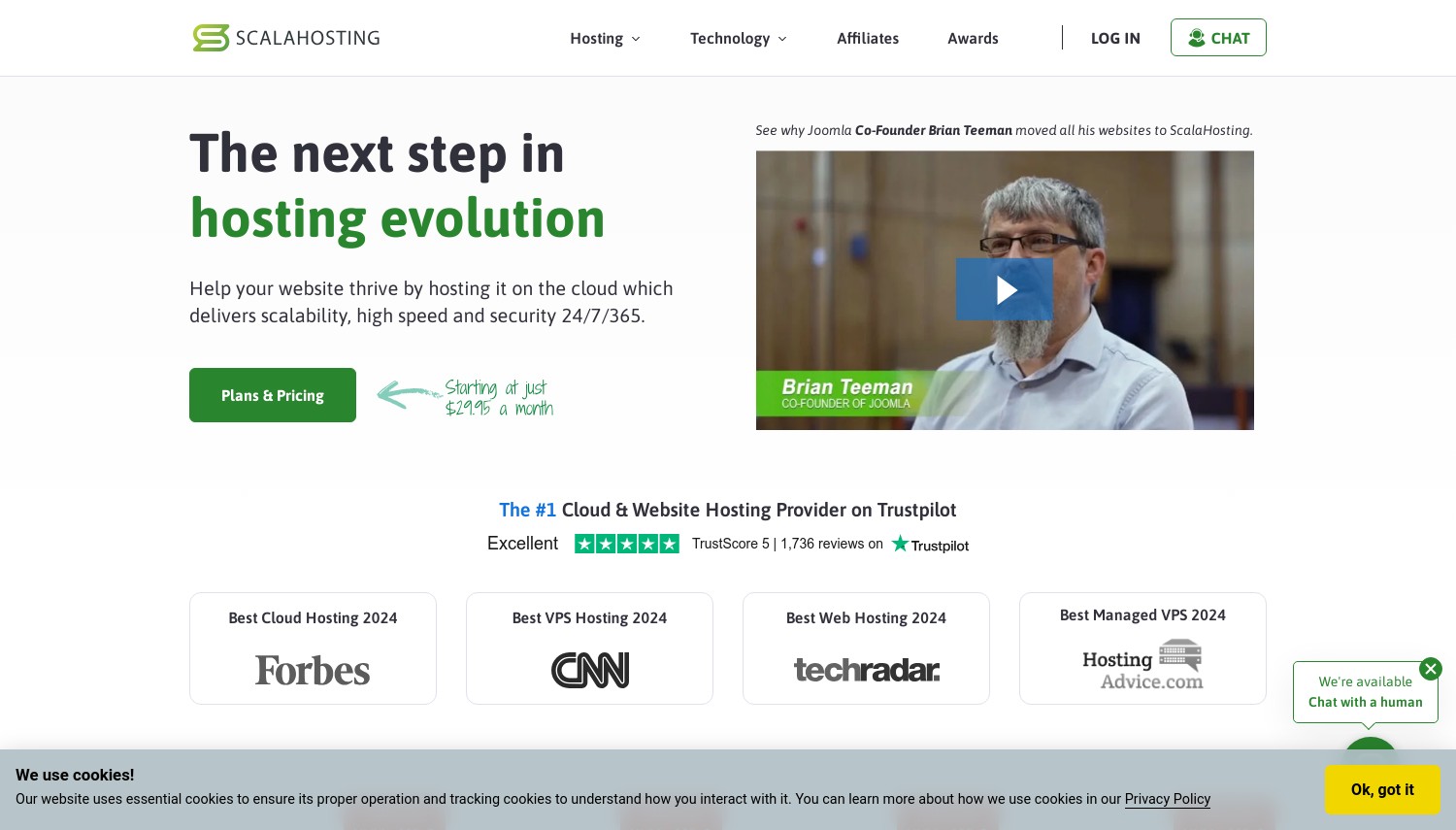
ScalaHosting: Best Managed WordPress VPS
Starting at $29.95/mo | 2GB RAM, 50GB NVMe | SPanel with WordPress Manager
ScalaHosting built something rare: a WordPress management system that actually works at the VPS level. Their SPanel includes a dedicated WordPress Manager handling updates, staging environments, and security scanning without requiring plugins. Clone a site for testing, push changes back to production, roll back if something breaks. These workflows exist on premium managed WordPress hosts like Kinsta, but ScalaHosting bundles them into their VPS product.
SShield provides real-time security monitoring specifically tuned for WordPress threats. It blocks brute-force login attempts, scans for malware in theme and plugin files, and monitors file integrity. Users report it catches issues that Wordfence misses. The automatic daily backups store offsite, so a compromised server doesn't mean lost backup files. For agencies managing multiple WordPress sites, these features reduce the tools and plugins you'd otherwise need.
The cost positions ScalaHosting above budget VPS options. Entry at $29.95/mo (promotional) provides 2GB RAM and 50GB storage. That handles smaller WordPress sites, but WooCommerce stores or high-traffic blogs need the Build 2 plan at $63.95/mo (4GB RAM, 80GB storage). Renewal rates climb steeply. Against Hostinger's $4.99/mo entry, you're paying for management features. The question is whether staging environments and SShield security justify 6x the monthly cost.
Pros
- WordPress Manager with staging environments and one-click cloning
- SShield real-time security monitoring included
- SPanel eliminates cPanel licensing fees
- Free daily offsite backups on all plans
Cons
- Entry price at $29.95/mo is 6x higher than budget VPS
- Renewal rates jump after first term
- 2GB RAM on entry plan limits larger WordPress installations
Pricing: WordPress Cloud Start at $29.95/mo promo. 2 CPU cores, 2GB RAM, 50GB NVMe. Build 2 at $63.95/mo (4 cores, 4GB RAM, 80GB). Build 3 at $107.95/mo (6 cores, 6GB RAM, 120GB). Anytime money-back guarantee.
Best for: Agencies and developers managing multiple WordPress sites who need staging and automated security.
Skip if: You're comfortable configuring your own WordPress stack or prioritize lowest monthly cost.
ScalaHosting justifies its premium through genuine WordPress tooling. If you'd otherwise pay for staging plugins, security services, and backup solutions, the bundled approach makes financial sense. Budget users should look elsewhere.
3. Ultahost
 854
4.6
Positive
Positive
854
4.6
Positive
Positive


| Storage | Cpu | Ram | Price | |
|---|---|---|---|---|
| 30 GB | 1 x 2.7GHz | 1 GB | $3.99 / mo. | View Plan |
| 30 GB | 1 core | 1 GB | $4.80 / mo. | View Plan |
| 50 GB | 2 x 2.7GHz | 2 GB | $6.99 / mo. | View Plan |
Ultahost: Best for WordPress with Transparent Pricing
Starting at $5/mo | 1 vCPU, 1GB RAM, 30GB NVMe | WordPress one-click install
Ultahost addresses the pricing games that frustrate WordPress site owners planning long-term. Their VPS rates don't double at renewal. What you pay initially is what you continue paying. For a WordPress site that'll run for years, this predictability matters more than saving $2/mo on a promotional rate that expires.
The WordPress deployment uses Softaculous with one-click installation. SuperMicro Dual AMD EPYC processors power the infrastructure, and all plans include NVMe storage. The managed approach means Ultahost handles server updates, security patches, and monitoring. Their support team assists with WordPress-specific issues, not just server problems. BitNinja security comes included, blocking common WordPress attack vectors automatically.
Entry specs limit what you can run. The $5/mo plan provides just 1GB RAM and 30GB storage. A basic WordPress site fits, but add WooCommerce or a page builder like Elementor and you'll need the $10.50/mo tier with 2GB RAM. The 24-month commitment locks in prices but reduces flexibility. Compared to FastComet's managed WordPress VPS in this list, Ultahost costs less but offers fewer WordPress-specific optimization features.
Pros
- Fixed renewal pricing eliminates budget surprises
- Managed VPS with free monthly support included
- BitNinja security blocks WordPress-specific threats
- 30-day money-back guarantee for testing
Cons
- Entry plan limited to 1GB RAM, tight for WordPress with plugins
- Requires 24-month term for promotional pricing
- No built-in staging or WordPress-specific caching
Pricing: VPS Basic at $5/mo. 1 vCPU, 1GB DDR5 RAM, 30GB NVMe, unlimited bandwidth. Standard at $10.50/mo (2 vCPU, 2GB RAM). Business at $17.50/mo (4 vCPU, 4GB RAM). 30-day money-back guarantee.
Best for: WordPress site owners who want predictable long-term costs with managed support.
Skip if: You need staging environments or want high RAM on entry plans.
Ultahost trades feature richness for pricing honesty. WordPress runs fine, but you're responsible for optimization beyond basic installation. The fixed pricing matters most for sites you'll run for years.
4. FastComet
 3.5k+
4.8
Positive
Positive
3.5k+
4.8
Positive
Positive

| Storage | Cpu | Ram | Price | |
|---|---|---|---|---|
| 10 GB | - | $1.79 / mo. | View Plan | |
| 50 GB | 1 x 2.5GHz | 2 GB | $46.16 / mo. | View Plan |
| 80 GB | 2 x 2.5GHz | 4 GB | $53.86 / mo. | View Plan |
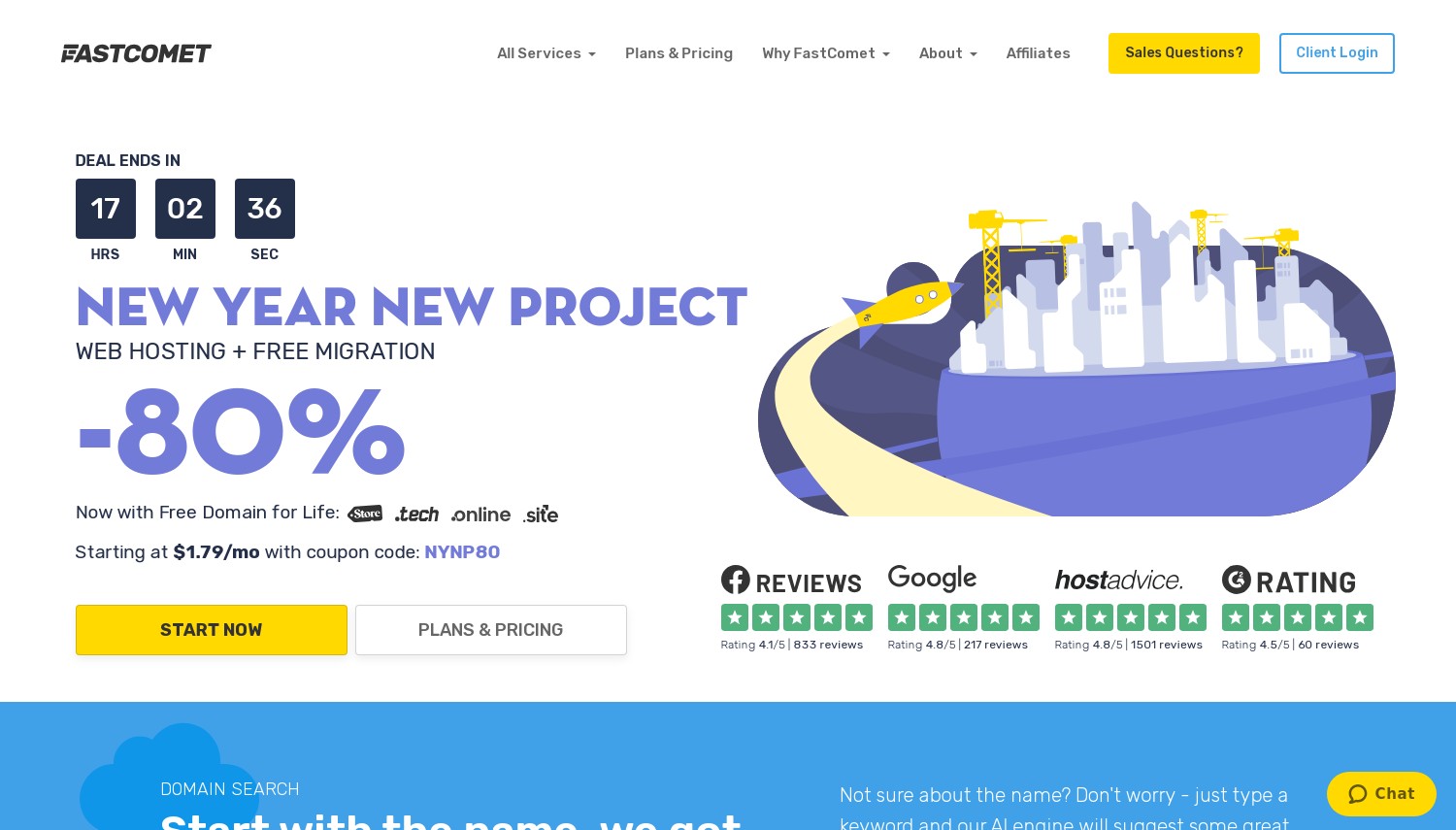
FastComet: Best Fully Managed WordPress VPS
Starting at $59.95/mo | 2GB RAM, 50GB SSD | Priority WordPress support
FastComet positions their WordPress VPS as "everything handled." Their team deploys WordPress optimized for their infrastructure, configures caching, handles migrations, and responds to WordPress-specific support tickets with priority. This isn't standard VPS support that tells you to figure out WordPress yourself. Their technicians understand WordPress debugging, plugin conflicts, and performance tuning.
The infrastructure includes features typically reserved for premium WordPress hosts. Imunify360 security scans WordPress files for malware. Always-on DDoS protection handles traffic spikes without you configuring anything. Free website transfers include WordPress-specific migration handling, preserving permalinks and database configurations. The 24/7/365 technical support backs this with people who actually know WordPress internals.
The cost reflects this management level. Entry at $59.95/mo ($46.16/mo on promotion) exceeds most competitors by 5-10x. The Cloud 1 plan provides 2GB RAM and 50GB SSD, adequate for moderate WordPress sites but not high-traffic stores. Renewal jumps to the regular rate after your first term. Against budget options like Hostinger or Contabo, you're paying specifically for human expertise and hands-off management. If you'd hire a WordPress developer anyway, FastComet's rate looks different.
Pros
- WordPress-specific support that handles debugging and optimization
- Free WordPress migrations with database preservation
- Imunify360 security and DDoS protection included
- 45-day money-back guarantee, longer than industry standard
Cons
- Entry at $59.95/mo (regular rate) far exceeds budget VPS
- Only 2GB RAM on Cloud 1 plan limits larger sites
- No LiteSpeed; uses Apache/Nginx configurations
Pricing: Cloud 1 at $46.16/mo promo, $59.95/mo regular. 1 vCPU, 2GB RAM, 50GB SSD, 2TB bandwidth. Cloud 2 at $53.86/mo promo (2 vCPU, 4GB RAM). Cloud 3 at $74.26/mo promo (4 vCPU, 8GB RAM). 45-day money-back guarantee.
Best for: Business owners who want WordPress managed completely without learning server administration.
Skip if: You're technical enough to handle your own WordPress optimization or prioritize cost.
FastComet makes sense when your time has measurable value. The premium buys expertise, not just resources. For WordPress professionals who bill by the hour, handling your own server may cost more than FastComet's management fee.
5. InterServer
 2.3k+
4.4
Positive
Positive
2.3k+
4.4
Positive
Positive




| Storage | Cpu | Ram | Price | |
|---|---|---|---|---|
| 15 GB | 1 core | 1 GB | $3.00 / mo. | View Plan |
| 30 GB | 1 core | 2 GB | $5.00 / mo. | View Plan |
| 30 GB | 1 core | 2 GB | $6.00 / mo. | View Plan |
InterServer: Best Price-Lock VPS for WordPress
Starting at $6/mo per slice | 2GB RAM, 30GB SSD | Price never increases
InterServer uses an unusual pricing model: slices. Each $6/mo slice includes 1 CPU core, 2GB RAM, 30GB SSD, and 2TB bandwidth. Need more resources? Add slices. A WordPress site running WooCommerce might need 2 slices ($12/mo) for 4GB RAM. The critical difference: these prices never change. No promotional rates, no renewal increases. Your $6 slice costs $6 forever.
WordPress installation comes through standard methods (one-click installer, manual deployment). InterServer doesn't provide managed WordPress features like staging or automatic plugin updates. You're getting raw VPS resources. The WordPress VPS hosting plans include SSD storage and unlimited bandwidth for sites that stay within reasonable usage. Basic DDoS protection comes standard.
The self-managed approach means WordPress optimization falls on you. There's no built-in caching, no WordPress-specific support team, no staging environments. You'll install and configure Redis yourself if you want object caching. Security plugins are your responsibility. For WordPress developers who already know how to tune a site, this freedom is the point. For business owners wanting everything handled, InterServer isn't the right fit. The $0.01 first month lets you test without risk.
Pros
- Price-lock guarantee means rates never increase
- Flexible slice model scales exactly to your needs
- $0.01 first month trial for testing
- Unlimited bandwidth for WordPress sites
Cons
- Unmanaged; WordPress optimization is your responsibility
- No staging environments or WordPress-specific features
- Support helps with server issues, not WordPress debugging
Pricing: 1 Slice at $6/mo. 1 CPU, 2GB RAM, 30GB SSD, 2TB transfer. 2 Slices at $12/mo (2 CPU, 4GB RAM). 4 Slices at $24/mo (4 CPU, 8GB RAM). First month $0.01 with coupon. Price-lock guarantee.
Best for: WordPress developers who want predictable costs and full control over their stack.
Skip if: You need managed WordPress features or want someone else handling server optimization.
InterServer's value is honesty. The price on day one is the price on day 1,000. WordPress runs well if you know how to configure it. The slice model means you're not paying for RAM you won't use.
6. A2 Hosting
 3.4k+
4.5
Positive
Positive
3.4k+
4.5
Positive
Positive

| Storage | Cpu | Ram | Price | |
|---|---|---|---|---|
| 20 GB | 1 core | 1 GB | $2.99 / mo. | View Plan |
| 75 GB | 2 cores | 2 GB | $7.99 / mo. | View Plan |
| 150 GB | 4 cores | 4 GB | $9.99 / mo. | View Plan |
A2 Hosting (NOW Hosting.Com): Best for WordPress Speed
Starting at $25/mo managed | Turbo servers with LiteSpeed | Free site migration
A2 Hosting built their reputation on speed, and their Turbo servers deliver. LiteSpeed web server replaces Apache, and the performance difference for WordPress is measurable: faster PHP processing, built-in caching that doesn't require plugins, and better handling of concurrent visitors. Their managed VPS plans include these optimizations preconfigured for WordPress.
The managed WordPress VPS tier includes Jetpack licenses, automatic updates for WordPress core and plugins, and staging environments for testing changes safely. Free site migrations handle the technical complexity of moving an existing WordPress site. A2 Optimized plugins come pre-installed, configured for their server environment. These aren't generic VPS plans with WordPress available; they're tuned specifically for WordPress performance.
The rebrand to hosting.com (completed in 2025) came with pricing adjustments. Managed VPS starts at $25/mo promotional, with renewal rates nearly 3x the intro price. That's aggressive even by hosting industry standards. The Turbo features justify a premium over basic VPS, but the renewal jump requires planning. Unmanaged A2 VPS plans cost less but skip the WordPress-specific optimizations that make A2 notable. Against FastComet, A2 offers better speed technology but steeper renewal increases.
Pros
- LiteSpeed web server with built-in WordPress caching
- Managed plans include staging, auto-updates, and Jetpack
- Free site migration with WordPress-specific handling
- Turbo servers deliver measurably faster WordPress performance
Cons
- Renewal rates nearly 3x promotional pricing
- Turbo features only on managed VPS tiers
- Rebranding to hosting.com may cause confusion
Pricing: Managed VPS from $25/mo promo, ~$75/mo renewal. Includes LiteSpeed, cPanel, staging, Jetpack. Unmanaged from $5/mo. Free SSL and migrations. Anytime money-back guarantee.
Best for: WordPress sites where loading speed directly impacts revenue (WooCommerce, membership sites).
Skip if: You can't absorb the renewal rate increase or don't need LiteSpeed performance.
A2's Turbo technology isn't marketing fluff. LiteSpeed plus their optimizations make WordPress measurably faster. Calculate total cost over 3 years before committing, because that renewal matters.
7. HostPapa
 2.6k+
4.8
Positive
Positive
2.6k+
4.8
Positive
Positive



| Storage | Cpu | Ram | Price | |
|---|---|---|---|---|
| 60 GB | 4 cores | 2 GB | $19.99 / mo. | View Plan |
| 125 GB | 4 cores | 4 GB | $59.99 / mo. | View Plan |
| 250 GB | 8 cores | 8 GB | $109.99 / mo. | View Plan |
HostPapa: Best Transparent WordPress VPS Pricing
Starting at $19.95/mo | Managed WordPress VPS | No renewal surprises
HostPapa publishes clear pricing with a claim few hosts make: renewal rates stay the same. Their Managed WordPress VPS plans range from $19.95/mo to $114.95/mo, and those prices don't jump after year one. For WordPress agencies quoting ongoing hosting to clients, this simplifies everything. No awkward conversations about rates doubling.
The WordPress VPS product includes features often sold separately. Free SSL certificates, automated backups, CDN integration, and malware scanning come bundled. Real-time security monitoring protects against WordPress-specific vulnerabilities. The one-click WordPress installer deploys a configured installation, not a generic vanilla setup. cPanel access comes standard for users who prefer that interface.
Entry specs target different traffic levels. The $19.95/mo Start plan handles 50,000 monthly visitors with 25GB SSD storage. The $49.95/mo Plus tier supports 100,000-200,000 visitors with 50GB storage. HostPapa's VPS infrastructure runs in North American and European data centers. Compared to ScalaHosting's managed VPS, HostPapa offers similar WordPress management at lower entry pricing. The trade-off is ScalaHosting's SPanel includes more advanced staging workflows.
Pros
- Transparent pricing with no renewal increases
- Managed WordPress includes CDN, backups, and malware scanning
- Traffic tier structure helps match plan to actual needs
- 30-day money-back guarantee
Cons
- Entry plan limited to 50,000 monthly visitors
- No LiteSpeed or advanced caching options
- Fewer data center locations than global competitors
Pricing: Managed WordPress VPS Start at $19.95/mo for 50K visitors, 25GB SSD. Plus at $49.95/mo (100-200K visitors, 50GB). Pro at $64.95/mo (500K visitors, 100GB). Ultra at $114.95/mo (500K+ visitors, 300GB). 30-day money-back guarantee.
Best for: Agencies and freelancers who need predictable hosting costs for client sites.
Skip if: You need advanced WordPress optimization or global data center options.
HostPapa's value is simplicity. The pricing structure makes sense, renewals don't surprise you, and WordPress features cover the basics well. It won't win speed benchmarks against A2's Turbo servers, but it won't surprise you with billing either.
8. InMotion Hosting
 2.8k+
4.0
Positive
2.8k+
4.0
Positive
 Neutral
| Storage | Cpu | Ram | Price | |
|---|---|---|---|---|
| 160 GB | 4 cores | 8 GB | $4.99 / mo. | View Plan |
| 260 GB | 8 cores | 16 GB | $12.99 / mo. | View Plan |
| 360 GB | 12 cores | 24 GB | $26.99 / mo. | View Plan |
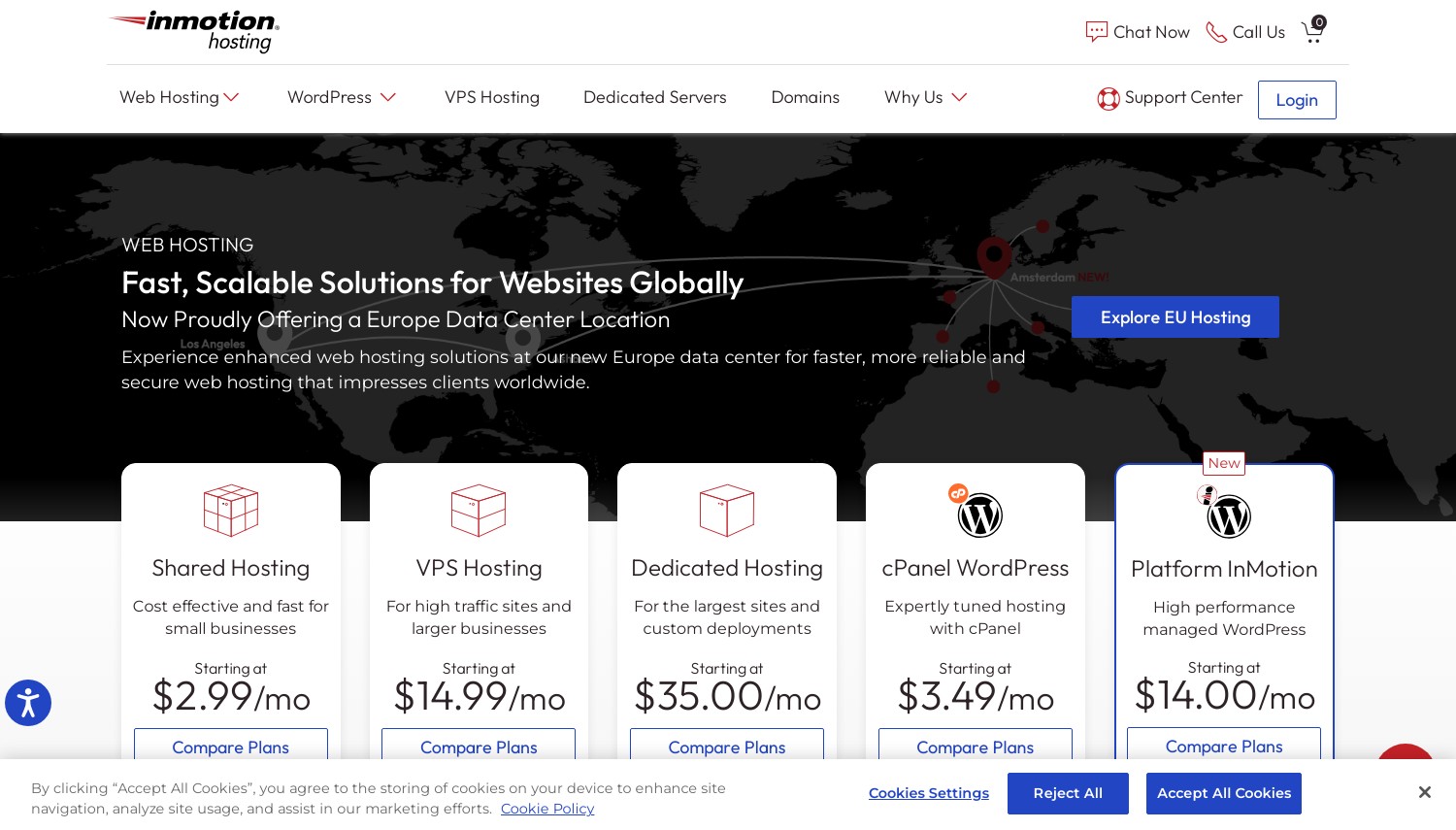
InMotion Hosting: Best UltraStack WordPress VPS
Starting at $4.49/mo | UltraStack with Redis caching | 90-day money-back
InMotion developed UltraStack specifically for WordPress workloads. This software stack combines Nginx, PHP-FPM, and Redis object caching in a configuration optimized for WordPress queries. Database calls that would normally hit MySQL get served from Redis memory, reducing page generation time. The result: WordPress sites that handle traffic spikes without the performance degradation typical of basic VPS setups.
Their WordPress VPS plans include features that overlap with managed WordPress hosting. Staging environments let you test updates before pushing live. The WP-CLI command-line interface comes pre-installed for developers who prefer terminal-based WordPress management. Free site migrations include WordPress-specific handling. Security covers DDoS protection and proactive monitoring.
Pricing structures require attention. The $4.49/mo entry requires a 3-year commitment and renews at $14.99/mo. That's a 3x increase. The UltraStack features need the $5/mo Control Web Panel add-on or $20/mo cPanel license for easy management. Without a control panel, you're working command-line only. InMotion's 90-day money-back guarantee provides longer testing time than competitors. Against Hostinger, InMotion offers better WordPress-specific architecture but higher complexity and renewal costs.
Pros
- UltraStack with Redis caching optimized for WordPress
- Staging environments and WP-CLI included
- 90-day money-back guarantee, longest in this comparison
- Free migrations with WordPress-specific handling
Cons
- Renewal at $14.99/mo, 3x the promotional rate
- Control panel costs extra ($5-20/mo)
- UltraStack setup requires technical understanding
Pricing: VPS entry at $4.49/mo (3-year), $14.99/mo renewal. 4GB RAM, 50GB SSD. Higher tiers to $111.99/mo (32GB RAM). cPanel add-on $20/mo, CWP $5/mo. 90-day money-back guarantee.
Best for: Developers who want WordPress performance optimization without manual Redis configuration.
Skip if: You need simple pricing or don't want to pay extra for a control panel.
InMotion's UltraStack actually improves WordPress performance. The Redis integration makes a measurable difference for database-heavy sites. Budget the control panel cost and calculate total 3-year pricing before committing.
9. DreamHost
 7.7k+
4.6
Positive
Positive
7.7k+
4.6
Positive
Positive

| Storage | Cpu | Ram | Price | |
|---|---|---|---|---|
| 30 GB | - | 1 GB | $10.00 / mo. | View Plan |
| 60 GB | - | 2 GB | $20.00 / mo. | View Plan |
| 120 GB | - | 4 GB | $40.00 / mo. | View Plan |
DreamHost: Best DreamPress WordPress VPS
Starting at $10/mo VPS, $19.95/mo DreamPress | Built-in caching | 100% uptime guarantee
DreamHost offers two WordPress VPS paths. Standard VPS starts at $10/mo with self-managed WordPress installation. DreamPress is their managed WordPress product, starting at $19.95/mo with WordPress-specific optimization, automatic updates, and dedicated support. The DreamPress option handles most WordPress tasks without requiring technical knowledge.
DreamPress includes practical features worth noting. Built-in caching eliminates the plugin dependency most WordPress sites have. One-click staging lets you test theme changes safely. Automatic daily backups store separately from your server. The WordPress support team handles WordPress questions specifically, not generic hosting issues. Their Remixer website builder integrates for users who prefer visual editing over the block editor.
VPS pricing shows the usual promotional vs renewal split. The $10/mo entry requires a 3-year term and jumps to $24.99/mo on renewal. DreamPress renews at similar levels. DreamHost includes a free domain for first-year annual commitments. The 100% uptime guarantee stands out, though the compensation for downtime is prorated billing credit. Against ScalaHosting's managed VPS, DreamPress offers simpler pricing but fewer advanced features like integrated staging workflows.
Pros
- DreamPress includes built-in caching without plugins
- One-click staging and automatic daily backups
- 100% uptime guarantee with billing credits
- Free domain included on annual plans
Cons
- VPS renewal jumps to $24.99/mo from $10/mo promo
- DreamPress entry limited to 1 WordPress site
- Fewer global data centers than competitors
Pricing: VPS from $10/mo (3-year), $24.99/mo renewal. 2-12GB RAM, 60-360GB storage. DreamPress from $19.95/mo for 1 site, 100K visitors. 30-day money-back guarantee.
Best for: WordPress users wanting managed hosting with a proven provider and uptime guarantees.
Skip if: You need multiple WordPress sites on entry plans or want predictable long-term pricing.
DreamHost has hosted WordPress sites since WordPress was new. DreamPress delivers genuine managed hosting value. Calculate your 3-year cost before committing to promotional rates.
10. GreenGeeks Web Hosting
 1.7k+
4.3
Positive
Positive
1.7k+
4.3
Positive
Positive

| Storage | Cpu | Ram | Price | |
|---|---|---|---|---|
| 50 GB | 4 cores | 2 GB | $39.95 / mo. | View Plan |
| 75 GB | 4 cores | 4 GB | $59.95 / mo. | View Plan |
| 150 GB | 6 cores | 8 GB | $109.95 / mo. | View Plan |
GreenGeeks: Best Eco-Friendly WordPress VPS
Starting at $39.95/mo | 300% renewable energy match | LiteSpeed caching included
GreenGeeks matches 300% of their energy consumption with renewable energy credits. For WordPress site owners who factor environmental impact into purchasing decisions, this differentiates GreenGeeks from providers who don't address their carbon footprint. The green positioning isn't just marketing; they're EPA Green Power Partners.
Their managed VPS plans handle WordPress optimization at the server level. LiteSpeed caching improves WordPress performance without plugin configuration. Nightly backups protect against data loss. A free CDN accelerates content delivery globally. Security monitoring protects against WordPress-specific vulnerabilities. The managed approach means GreenGeeks handles server updates while you focus on content.
VPS pricing positions GreenGeeks as mid-premium. Entry at $39.95/mo exceeds budget VPS by 8x. Three tiers (4GB, 8GB, 16GB RAM) provide scaling options, with the 8GB plan at roughly 180% of entry cost offering the best value ratio. Renewal pricing jumps from promotional rates. Against FastComet's managed VPS, GreenGeeks costs less with similar features, but FastComet includes longer money-back periods. The environmental commitment may justify the premium for aligned buyers.
Pros
- 300% renewable energy offset, EPA Green Power Partner
- LiteSpeed caching included for WordPress
- Free CDN and nightly backups on all plans
- Managed WordPress support handles optimization
Cons
- Entry at $39.95/mo far exceeds budget VPS options
- Only 3 VPS tiers available, less customization
- Renewal prices jump after first term
Pricing: VPS 4GB at $39.95/mo. VPS 8GB at ~$69.95/mo. VPS 16GB at $109.95/mo. Includes LiteSpeed, CDN, nightly backups. 30-day money-back guarantee.
Best for: WordPress site owners prioritizing environmental responsibility with managed hosting needs.
Skip if: Environmental factors don't influence your purchasing or you need budget pricing.
GreenGeeks offers legitimate managed WordPress VPS with a genuine environmental commitment. The pricing is fair for what's included. Whether the green positioning matters depends on your values and your audience's values.
11. Hostwinds
 1.5k+
4.4
Positive
Positive
1.5k+
4.4
Positive
Positive

| Storage | Cpu | Ram | Price | |
|---|---|---|---|---|
| 30 GB | 1 core | 1 GB | $4.99 / mo. | View Plan |
| 30 GB | 1 core | 1 GB | $8.24 / mo. | View Plan |
| 50 GB | 1 core | 2 GB | $9.99 / mo. | View Plan |
Hostwinds: Best Customizable WordPress VPS
Starting at $5/mo unmanaged | 16 VPS tiers | Linux or Windows options
Hostwinds provides more VPS configuration options than most competitors. Sixteen tiers span from 1GB RAM to 96GB RAM. You choose Linux or Windows. Managed or unmanaged. SSD storage sizes from 30GB to 750GB. Bandwidth from 1TB to 9TB. This flexibility lets you build exactly the WordPress server you need without paying for resources you won't use.
WordPress deployment uses Softaculous one-click installation. The managed tier adds server monitoring, security patches, and technical support beyond basic infrastructure issues. All plans include SSD storage, nightly backups, and 1Gbps network connections. Hostwinds operates their own data centers, providing infrastructure control that resellers can't match. The 99.9999% network uptime guarantee reflects this.
The unmanaged pricing ($5/mo entry) competes with Contabo on cost. Managed pricing starts around $8.24/mo. The trade-off is complexity. With 16 tiers and numerous configuration options, choosing the right plan requires understanding your WordPress site's actual resource needs. The 72-hour refund window is substantially shorter than competitors offering 30+ days. For WordPress developers building custom stacks, the flexibility justifies learning the options. For hands-off users, simpler providers may fit better.
Pros
- 16 VPS tiers with granular resource customization
- Choice of Linux/Windows and managed/unmanaged
- 99.9999% network uptime guarantee
- Nightly backups included on all plans
Cons
- Only 72-hour refund window
- Configuration complexity may overwhelm beginners
- No WordPress-specific management features
Pricing: Unmanaged from $5/mo (1 CPU, 1GB RAM). Managed from $8.24/mo. Customizable: 1-16 CPU, 1-96GB RAM, 30-750GB SSD, 1-9TB bandwidth. 72-hour refund period.
Best for: Developers with specific resource requirements who want configuration flexibility.
Skip if: You want simple pricing tiers or need a longer testing period.
Hostwinds gives you exactly what you configure. WordPress runs well when you know what resources your site needs. The flexibility is the feature; simpler options exist for users who don't need it.
12. Contabo
 9.1k+
4.0
Positive
Positive
9.1k+
4.0
Positive
Positive
| Storage | Cpu | Ram | Price | |
|---|---|---|---|---|
| 400 GB | 4 cores | 6 GB | $4.73 / mo. | View Plan |
| 800 GB | 4 cores | 8 GB | $9.98 / mo. | View Plan |
| 2.3 TB | 6 cores | 12 GB | $14.71 / mo. | View Plan |
Contabo: Best Budget WordPress VPS Specs
Starting at ~$5/mo | 4 vCPU, 8GB RAM | 11 global data centers
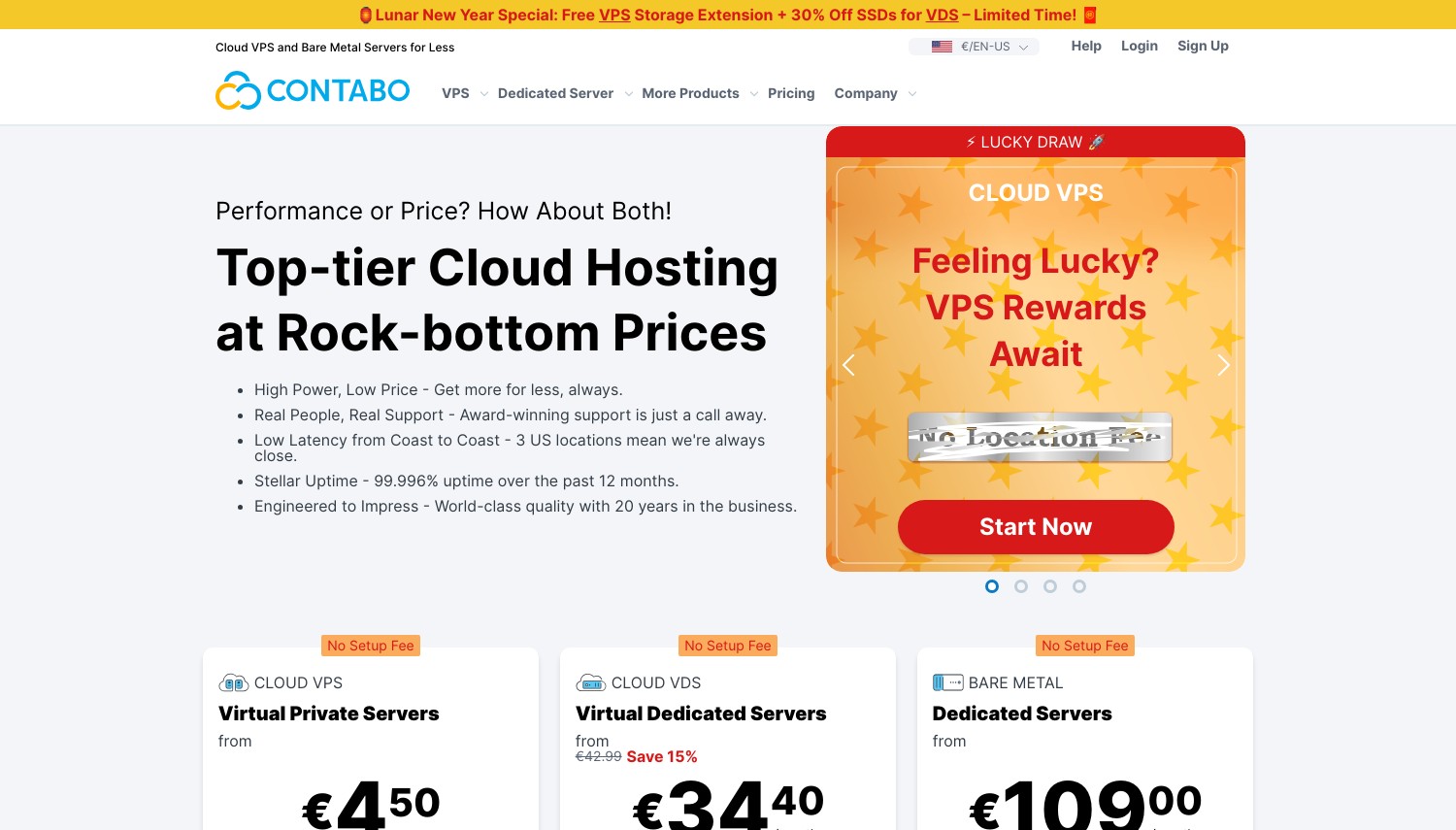
Contabo delivers specifications that seem like misprints. Their entry Cloud VPS includes 4 vCPUs, 8GB RAM, and 75GB NVMe storage for around $5/mo. That's 8x the RAM competitors offer at similar pricing. For WordPress sites that need resources but not management hand-holding, this raw power at budget pricing is unmatched.
The infrastructure spans 11 data centers across USA, Europe, Asia, and Australia. NVMe storage options deliver faster performance than SSD alternatives, particularly for WordPress database operations. Higher tiers scale to 64GB RAM with 300GB NVMe for resource-intensive WordPress installations like large WooCommerce stores or multisite networks.
Contabo provides resources, not management. There's no WordPress-specific support, no staging environments, no managed updates. You install WordPress manually or through basic deployment tools. You configure caching, security, and backups yourself. Automatic daily backups cost extra, quite a bit more than competitors who include them. The 14-day money-back period is shorter than industry standard. For WordPress developers comfortable managing their own servers, Contabo's specs-per-dollar can't be matched. For users wanting any managed assistance, look elsewhere.
Pros
- 8GB RAM at ~$5/mo, unmatched specs-per-dollar
- 11 global data centers for low-latency positioning
- NVMe storage improves WordPress database performance
- Fixed pricing without renewal increases
Cons
- Completely unmanaged; WordPress setup is your responsibility
- Automatic backups cost extra (more than competitors)
- Only 14-day money-back guarantee
Pricing: Cloud VPS S from ~$5/mo. 4 vCPU, 8GB RAM, 75GB NVMe. Higher tiers to 16 vCPU, 64GB RAM, 300GB NVMe. Backup storage charged separately. 14-day money-back guarantee.
Best for: WordPress developers who can manage their own servers and want maximum resources per dollar.
Skip if: You need any level of managed WordPress support or want included backups.
Contabo is pure power at budget pricing. If you know how to configure Nginx, set up Redis, and harden WordPress security yourself, no competitor matches this value. If those terms are unfamiliar, choose a managed option.
How to Choose WordPress VPS Hosting
The managed versus unmanaged decision matters most. Cloud and VPS hosting differ from shared hosting in requiring more technical involvement, but managed WordPress VPS bridges this gap.
- Assess your technical comfort. Can you configure Nginx, set up Redis caching, and troubleshoot PHP errors? If not, managed WordPress VPS (ScalaHosting, FastComet, HostPapa) eliminates this requirement. If yes, unmanaged options (Contabo, InterServer, Hostwinds) maximize your resources per dollar.
- Calculate total cost over 3 years. Promotional pricing creates illusions. A $4.99/mo rate requiring 48-month commitment that renews at $9.99/mo costs more than a $10/mo flat rate over time. Include renewal rates, backup add-ons, and control panel costs in your comparison.
- Match resources to your WordPress needs. A basic blog runs on 1-2GB RAM. WooCommerce stores with product catalogs need 4GB minimum. Sites using page builders like Elementor or Divi benefit from 4-8GB. High-traffic sites or multisite networks may need 16GB+.
- Prioritize staging environments for business sites. Testing updates on production is risky. ScalaHosting, A2 Hosting, InMotion, and DreamHost include staging. Others require manual setup or third-party services.
- Consider backup strategy. Some providers include daily backups (ScalaHosting, GreenGeeks). Others charge extra (Contabo, Hostinger daily). For WordPress sites with frequent content updates, automated backups prevent disaster.
WordPress VPS makes sense when shared hosting limits your site's performance or security. If you're currently on shared hosting and hitting resource limits, VPS is the natural upgrade path.
Frequently Asked Questions
Do I need managed or unmanaged WordPress VPS?
Managed WordPress VPS suits business owners and marketers who don't want to learn server administration. ScalaHosting, FastComet, and HostPapa handle WordPress optimization, security updates, and performance tuning. Unmanaged VPS (Contabo, InterServer, Hostwinds) provides more resources per dollar but requires you to configure WordPress yourself. If you can't explain the difference between Nginx and Apache, choose managed.
How much RAM does WordPress need on VPS?
A basic WordPress blog runs adequately on 1-2GB RAM. WooCommerce stores should budget 4GB minimum, more with large product catalogs. Sites using Elementor, Divi, or similar page builders benefit from 4GB+. High-traffic sites (100K+ monthly visitors) or WordPress multisite installations typically need 8-16GB. Start smaller and monitor; most VPS providers allow upgrading without migration.
Is WordPress VPS faster than managed WordPress hosting?
Not automatically. Premium managed WordPress hosts like Kinsta or WP Engine invest heavily in WordPress-specific optimization. A basic VPS without caching configuration may actually perform worse. VPS advantages appear when you properly configure caching (Redis, Memcached), use LiteSpeed or optimized Nginx, and tune PHP settings. Managed WordPress VPS options (ScalaHosting, A2 Hosting, FastComet) provide these optimizations without manual configuration.
Can I host multiple WordPress sites on one VPS?
Yes, resource permitting. VPS pricing typically doesn't limit site count. With 4-8GB RAM, you can run multiple moderate-traffic WordPress sites. Use a control panel (cPanel, SPanel, CyberPanel) to manage separate installations, or configure WordPress multisite for related properties. Each site consumes resources, so monitor RAM and CPU usage as you add sites.
Final Verdict
Your technical comfort level determines the right choice. Hostinger wins for WordPress users upgrading from shared hosting who want VPS power with training wheels. The AI assistant genuinely helps. ScalaHosting delivers the most complete managed WordPress VPS with staging, security monitoring, and their SPanel control panel. Contabo offers unmatched specs-per-dollar for developers comfortable managing their own WordPress optimization.
For WordPress speed optimization, A2 Hosting's Turbo servers with LiteSpeed caching deliver measurable performance gains. HostPapa and InterServer stand out for transparent pricing without renewal surprises. InMotion's UltraStack provides sophisticated WordPress caching for developers who understand Redis but don't want to configure it manually.
Budget WordPress sites that don't need management should consider Contabo or InterServer. Business sites where downtime costs money should invest in managed options like ScalaHosting or FastComet. The right choice depends less on which provider is "best" and more on matching your technical skills and time availability to the appropriate management level.
For VPS options focused on specific regions, see our general VPS comparison or location-specific guides like VPS hosting in the USA. If managed WordPress without VPS complexity fits better, our managed WordPress hosting guide covers dedicated WordPress hosts.