
Best Managed Cloud Hosting (2026): 11 Top Services Compared
Server administration skills have become the hidden tax on cloud hosting. Raw infrastructure costs $5-20/mo, but the expertise to secure it, optimize it, and troubleshoot at 3am costs considerably more. Managed cloud hosting shifts that burden to professionals. Someone else handles security patches, performance tuning, and those cryptic error logs. You focus on building your business.
Quick answer: Hostinger delivers the most accessible managed cloud experience with visual controls and AI-assisted troubleshooting starting at $7.59/mo. ScalaHosting wins for growing businesses wanting managed VPS without enterprise pricing, while SiteGround justifies premium costs with Google Cloud infrastructure and transparent pricing that stays consistent on renewal. Below, we compare 11 managed cloud options with verified January 2026 pricing.
Jump to: Kamatera | Verpex | ScalaHosting | HostArmada | Hostinger | DreamHost | A2 Hosting | ChemiCloud | InMotion Hosting | SiteGround | Liquid Web | How to Choose | FAQ
Last reviewed: January 2026. Prices and features verified.
This comparison covers hosts offering genuine management services, not just raw infrastructure with a control panel bolted on. We've noted what each provider actually manages versus what falls on you, because "managed" means different things to different companies.
How We Selected These Providers
We filtered for providers offering actual management services: proactive monitoring, security patching, performance optimization, and responsive support for server-level issues. User ratings required minimum 4.0/5 from aggregated reviews with 300+ reviews for statistical relevance. Pricing was confirmed against official sources in January 2026, including renewal rates that promotional pages often obscure.
| Hosting Provider | Reviews | Overall Rating | Cloud Hosting from |
|---|---|---|---|
1  Kamatera Kamatera
|
320 |

|
$4.00 / mo. 30 Days free |
2  Verpex Hosting Verpex Hosting
|
1.2k+ |

|
$0.59 / mo. Special Deal -90% |
3  ScalaHosting ScalaHosting
|
2.2k+ |

|
$14.95 / mo. -75% |
4  HostArmada HostArmada
|
1.1k+ |
|
$2.49 / mo. -85% NOW |
5  Hostinger Hostinger
|
63.2k+ |
|
$7.59 / mo. 80% Off |
6  DreamHost DreamHost
|
7.7k+ |
|
$4.50 / mo. Flash Sale |
7  A2 Hosting A2 Hosting
|
3.4k+ |
|
$2.99 / mo. NOW -76% |
8  ChemiCloud ChemiCloud
|
1.2k+ |
|
$2.95 / mo. 78% OFF |
9  InMotion Hosting InMotion Hosting
|
2.8k+ |
|
$6.00 / mo. -75% |
10  SiteGround SiteGround
|
29.1k+ |
|
$91.24 / mo. NOW -81% |
11  Liquid Web Inc. Liquid Web Inc.
|
2.8k+ |
|
$5.00 / mo. up to -55% |
1. Kamatera
 320
4.2
Positive
Positive
320
4.2
Positive
Positive











| Storage | Cpu | Ram | Bandwidth | |
|---|---|---|---|---|
| 20 GB | 1 x 2.6GHz | 1 GB | 5 TB | View Plan |
| 50 GB | 4 cores | 4 GB | Unlimited | View Plan |
Kamatera: Best for Customizable Managed Infrastructure
Starting at $4/mo | 24 global data centers | 30-day free trial with $100 credit
Fixed hosting plans create waste. You end up paying for 8 CPU cores because you needed 16GB RAM, or accepting 2GB RAM because that's all the affordable plan offered. Kamatera's configurator eliminates this inefficiency entirely. Specify exact vCPU count (1-104), RAM (1GB-512GB), and storage independently. A configuration with 4 vCPU, 8GB RAM, and 100GB SSD runs approximately $35-50/mo, with billing calculated precisely on selected resources.
The managed layer operates separately from infrastructure. Their Managed Cloud service handles server monitoring, security hardening, OS updates, and technical support escalation. This optional add-on converts their IaaS foundation into fully managed hosting for teams without dedicated DevOps staff. The 24 data centers span four continents, including 8 US locations, with Intel Ice Lake processors and NVMe storage (a faster type of SSD) as the underlying hardware standard.
What sets Kamatera apart is the 30-day free trial with $100 credit. This provides real runway to test performance under actual workloads, not the 3-day windows that barely allow proper evaluation. The 99.95% uptime guarantee with 24/7 human support rounds out the offering. Against standard VPS hosting, Kamatera delivers more flexibility, though at higher complexity for users unfamiliar with server configuration.
Pros
- Fully customizable CPU, RAM, and storage configurations
- $100 credit with 30-day trial for genuine testing
- 24 data centers across Americas, Europe, Asia-Pacific
- Optional managed services layer for hands-off operation
Cons
- Managed services cost extra beyond base infrastructure
- Configuration flexibility adds complexity for beginners
- Interface functional but less polished than newer competitors
Pricing: Entry at $4/mo for 1 vCPU, 1GB RAM, 20GB SSD. Mid-tier example: 4 vCPU, 8GB RAM, 100GB runs $35-50/mo. Managed Cloud services add-on available. Hourly billing at per-minute granularity. All traffic included.
Best for: Teams needing precise resource allocation who want optional management without overpaying for unused capacity.
Skip if: You want simple fixed plans without configuration decisions.
Kamatera rewards users who know what they need. The customization prevents waste, and the managed layer eliminates infrastructure maintenance. The combination works well for growing applications with predictable but specific resource requirements.
2. Verpex Hosting
 1.2k+
4.7
Positive
Positive
1.2k+
4.7
Positive
Positive




| Storage | Cpu | Bandwidth | Price | |
|---|---|---|---|---|
| 30 GB | - | Unlimited | $0.59 / mo. | View Plan |
| 50 GB | - | Unlimited | $0.99 / mo. | View Plan |
| 100 GB | - | Unlimited | $1.49 / mo. | View Plan |
Verpex: Best for Dedicated Resources on a Budget
Starting at $6/mo (renewal) | 12 data centers | 45-day money-back guarantee
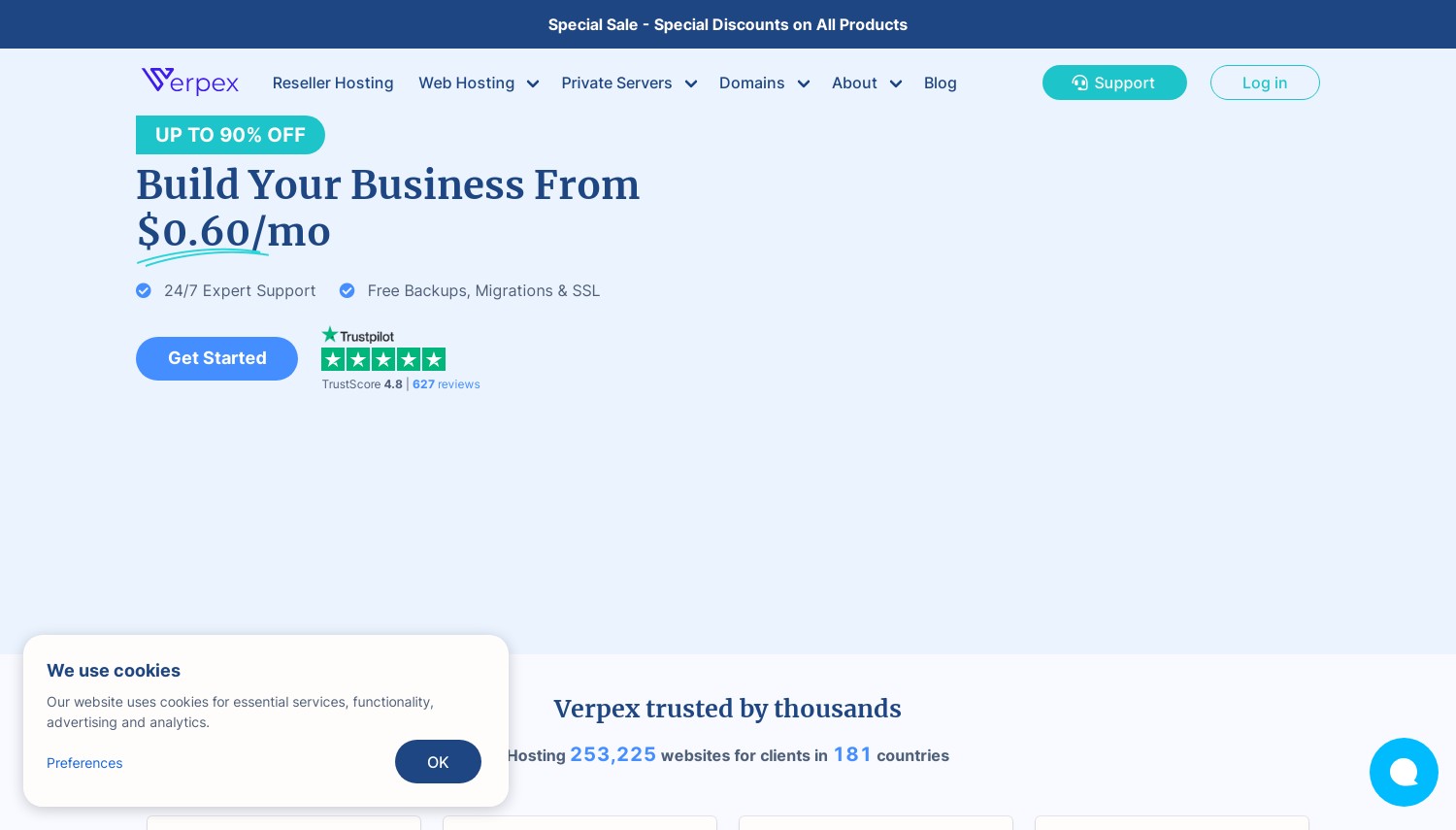
Budget cloud hosting typically means shared resources. Your site competes with dozens of neighbors for CPU time, creating unpredictable performance during traffic spikes. Verpex takes a different approach with their cloud plans: dedicated Xeon vCPUs that don't share processing power with other accounts. The Bronze plan includes 1 vCPU, 1GB RAM, and 30GB NVMe for $6/mo, with the Gold tier offering 2 vCPUs and 100GB storage at $15/mo.
The company operates 12 data centers globally, including locations in Dallas, London, Sydney, Frankfurt, and Singapore. All plans include unlimited bandwidth, daily automated backups, and free SSL certificates (encryption that protects data in transit). The cPanel control panel handles website management tasks, while Imunify360 provides security scanning and malware protection. Free migrations mean moving from another host costs nothing beyond your time to request it.
Renewal pricing deserves attention. The $6/mo Bronze rate holds steady, but their managed cloud servers (D4 at $23.34/mo, D8 at $41.40/mo) carry steeper premiums for the additional resources and management layer. The 45-day money-back guarantee provides generous testing time for shared cloud plans, though managed VPS drops to just 7 days. Compared to HostArmada in this comparison, Verpex offers more straightforward pricing but fewer data center locations.
Pros
- Dedicated Xeon vCPUs instead of shared processing
- 45-day refund window on cloud web hosting plans
- Unlimited bandwidth eliminates overage concerns
- Free daily backups and migrations included
Cons
- Managed cloud servers have only 7-day refund window
- Entry plan limited to 1GB RAM
- Renewal on managed tiers increases substantially
Pricing: Cloud Bronze at $6/mo renewal (1 vCPU, 1GB RAM, 30GB NVMe). Silver at $10/mo (2 vCPU, 2GB RAM, 50GB). Gold at $15/mo (2 vCPU, 2GB RAM, 100GB). Managed Linux servers from $23.34/mo (D4: 2 vCPU, 4GB RAM, 80GB with cPanel/WHM).
Best for: Users wanting dedicated resources at budget pricing without fighting for CPU time.
Skip if: You need extensive managed VPS testing time or require larger data center selection.
Verpex delivers consistent performance at accessible pricing. The dedicated CPU allocation means your site runs predictably regardless of what other customers do. For applications sensitive to response time variability, that consistency matters.
3. ScalaHosting
 2.2k+
4.9
Positive
Positive
2.2k+
4.9
Positive
Positive



| Storage | Cpu | Ram | Bandwidth | |
|---|---|---|---|---|
| 50 GB | 2 cores | 2 GB | $14.95 / mo. | View Plan |
| 50 GB | 2 x 3.6GHz | 4 GB | Unlimited | View Plan |
| 100 GB | 4 x 3.6GHz | 8 GB | Unlimited | View Plan |
ScalaHosting: Best Managed VPS Value
Starting at $29.95/mo (promo) | SPanel included free | Anytime money-back guarantee
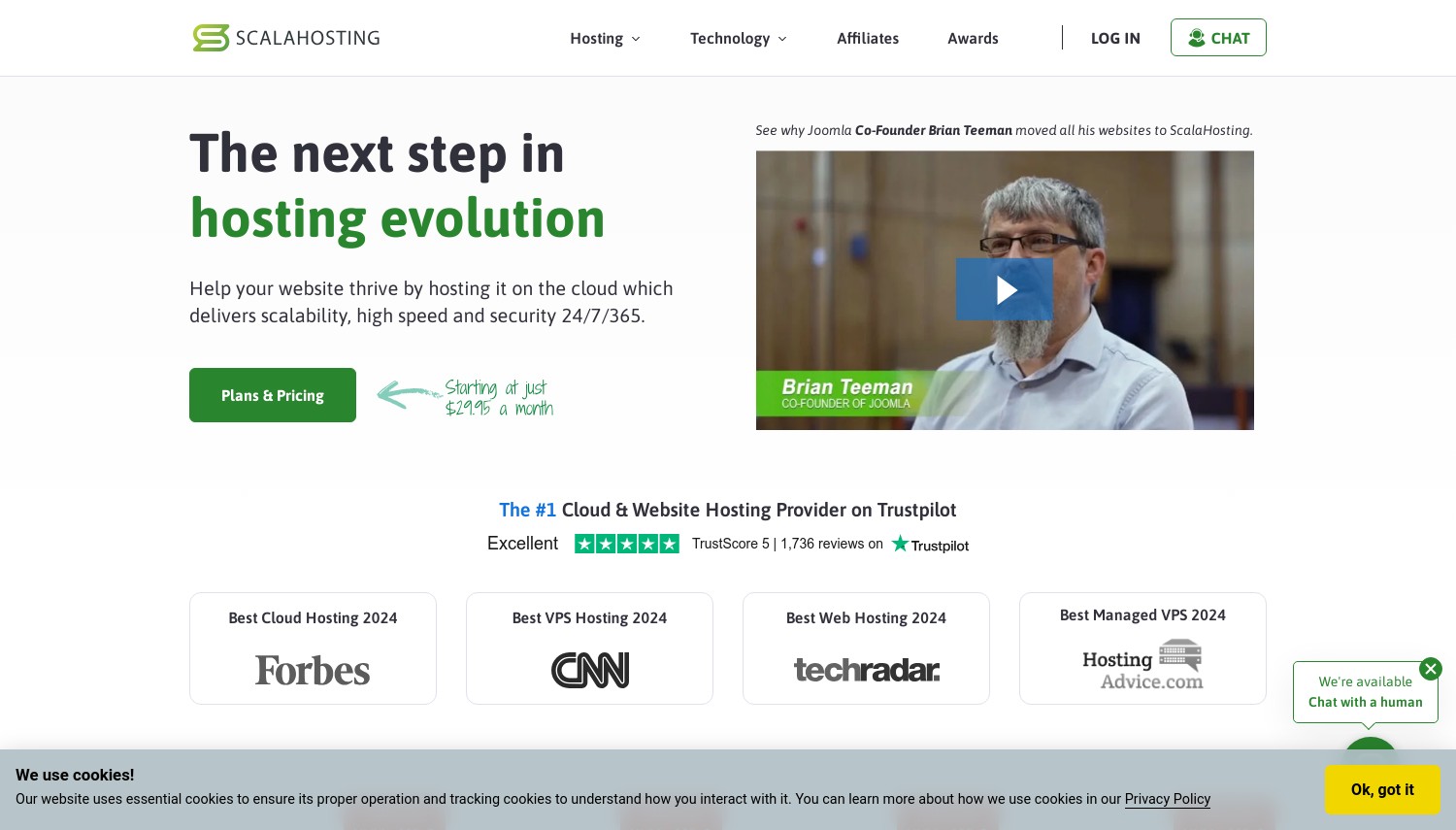
cPanel licensing costs have pushed hosting prices upward across the industry. ScalaHosting bypassed this problem by building SPanel, their own control panel with equivalent functionality at zero additional cost. The savings compound: a managed VPS that would cost $50+/mo elsewhere runs $29.95/mo here because you're not paying $15-20/mo for control panel licensing on top of infrastructure.
Their SShield security system uses AI-powered detection claiming to block 99.998% of web attacks automatically. Daily automated backups, free SSL provisioning, and managed WordPress tools come standard across all tiers. Native data centers operate in Dallas, New York, and Sofia (Bulgaria), with an AWS partnership extending deployment options when specific regions matter. The management layer handles security patches, performance optimization, and proactive monitoring without requiring your attention.
The anytime money-back guarantee differentiates ScalaHosting from competitors offering 30-day windows. Cancel after six months and receive a prorated refund for unused time. Entry at $29.95/mo (3-year term) requires commitment, but Build #2 at $44.95/mo (2 cores, 4GB RAM, 60GB NVMe) handles most small business workloads comfortably. Renewal increases to $54.95-$96.95/mo depending on tier, so factor year-two costs into planning. Compared to Liquid Web, ScalaHosting delivers similar management at lower price points but with less hardware customization.
Pros
- SPanel included free (saves $15-20/mo vs. cPanel licensing)
- SShield AI security with 99.998% attack blocking
- Anytime money-back guarantee with prorated refunds
- Fully managed with proactive monitoring included
Cons
- Best pricing requires 3-year commitment
- Renewal at $54.95/mo is nearly double promotional rate
- Fewer data center options than major IaaS providers
Pricing: Build #1 at $29.95/mo promo, $54.95 renewal (1 CPU, 2GB RAM, 30GB NVMe). Build #2 at $44.95/mo promo, $96.95 renewal (2 CPU, 4GB RAM, 60GB). Build #3 at $69.95/mo (3 CPU, 6GB RAM, 100GB). All include SPanel, daily backups, unlimited websites.
Best for: Growing businesses ready for VPS power who want management without enterprise pricing.
Skip if: You need specific cloud providers (AWS/GCP) or can't commit to annual terms.
ScalaHosting fills the gap between shared hosting constraints and full DevOps requirements. The SPanel savings add up, and the management layer eliminates server administration overhead. When traffic growth demands VPS resources, this represents a cost-effective upgrade path.
4. HostArmada
 1.1k+
4.9
Positive
Positive
1.1k+
4.9
Positive
Positive

| Storage | Cpu | Ram | Bandwidth | |
|---|---|---|---|---|
| 15 GB | 2 cores | 2 GB | Unlimited | View Plan |
HostArmada: Best Cloud-Shared Hybrid
Starting at $1.99/mo (promo) | 11 data centers | 45-day money-back guarantee
Traditional shared hosting runs on single servers. One hardware failure takes down everyone. HostArmada rebuilt their infrastructure on distributed cloud architecture where resources spread across multiple nodes with automatic failover. If one server develops problems, traffic shifts to healthy nodes without intervention. This hybrid approach delivers shared hosting simplicity with cloud reliability at shared hosting prices.
The Speed Reaper plan at $3.95/mo promo provides 40GB NVMe, 6 CPU cores, and 6GB RAM. All tiers include LiteSpeed web server (significantly faster than Apache for PHP applications), free SSL, and managed daily backups ranging from 7 to 21 copies depending on tier. Their security stack features 17 Tbit/s DDoS filtering capacity and Web Application Firewall protection. The 11 data centers cover major markets including locations in the US, Europe, Asia, and Australia.
Cloud VPS plans start at $29.95/mo for users needing guaranteed resources beyond shared hosting limits. The promotional pricing requires attention: Start Dock at $1.99/mo renews at $9.95/mo, Speed Reaper at $3.95/mo renews at $19.75/mo. The 45-day money-back guarantee applies to shared cloud plans, dropping to 7 days for VPS. Against ChemiCloud in this list, HostArmada offers more aggressive DDoS protection and a longer refund window, while ChemiCloud provides slightly larger storage allocations.
Pros
- Cloud infrastructure with automatic failover at shared hosting prices
- 17 Tbit/s DDoS protection exceeds most competitors
- LiteSpeed web server with NVMe storage on all plans
- 45-day refund period for shared cloud hosting
Cons
- Renewal nearly 5x promotional rate on entry plans
- VPS refund drops to 7 days only
- Entry tier (Start Dock) limited to single website
Pricing: Start Dock at $1.99/mo promo, $9.95/mo renewal (15GB NVMe, 2 cores, 2GB RAM, 1 site). Web Warp at $3.29/mo promo (30GB, 4 cores, 4GB RAM, unlimited sites). Speed Reaper at $3.95/mo promo (40GB, 6 cores, 6GB RAM). Cloud VPS from $29.95/mo.
Best for: Users wanting cloud reliability and performance without managing infrastructure themselves.
Skip if: Budget depends on stable long-term pricing or you need extensive VPS testing time.
HostArmada's cloud-shared hybrid makes sense for sites that need better reliability than traditional shared hosting but don't require dedicated VPS resources. The failover architecture provides genuine protection against infrastructure failures, and the management layer keeps technical complexity minimal.
5. Hostinger
 63.2k+
4.6
Positive
Positive
63.2k+
4.6
Positive
Positive


| Storage | Cpu | Ram | Bandwidth | |
|---|---|---|---|---|
| 200 GB | 2 cores | 3 GB | Unlimited | View Plan |
| 250 GB | 4 cores | 6 GB | Unlimited | View Plan |
| 300 GB | 6 cores | 12 GB | Unlimited | View Plan |
Hostinger: Best Managed Cloud for Beginners
Starting at $7.59/mo | Dedicated IP included | 30-day money-back guarantee
Most cloud hosting assumes you can SSH into a server and know what to do once connected. Hostinger built their platform for people who don't. Their hPanel control panel visualizes complex tasks: scaling resources, managing security, configuring backups. The AI assistant Kodee explains error messages in plain language and suggests fixes without requiring technical expertise. For users comfortable with shared hosting who need more power, this accessibility removes the learning curve.
Cloud Startup includes 200GB NVMe, 2GB RAM, and a dedicated IP address (your own address rather than sharing with other sites). Performance runs on LiteSpeed technology with built-in caching, delivering faster page loads than Apache-based competitors. Daily backups, free SSL, and CDN (Content Delivery Network, which caches content closer to visitors) come standard. Server locations span North America, Europe, Asia, and South America, letting you position near your primary audience.
The promotional pricing requires a 48-month commitment at $7.59/mo. Monthly billing jumps to $25.99. When renewal hits, expect approximately $19.99-25.99/mo, nearly triple the promotional rate. That's the trade-off for Hostinger's accessibility: you pay for the simplified interface and support quality through long-term commitment. Against SiteGround, Hostinger costs substantially less initially but lacks SiteGround's transparent no-games pricing. Against Kamatera, Hostinger offers easier onboarding but less infrastructure flexibility.
Pros
- Visual hPanel built specifically for non-technical users
- AI assistant (Kodee) for troubleshooting in plain language
- Dedicated IP included on all cloud plans
- Daily backups and CDN included without add-on fees
Cons
- Promotional rate requires 48-month commitment
- Renewal at $19.99-25.99/mo is nearly 3x promo
- Less infrastructure control than developer-focused options
Pricing: Cloud Startup at $7.59/mo (48-mo term), ~$19.99/mo renewal. 200GB NVMe, 2GB RAM, dedicated IP. Cloud Professional at $11.99/mo promo adds 250GB storage, 4GB RAM. Cloud Enterprise at $29.99/mo provides 300GB and 8GB RAM. 30-day money-back guarantee.
Best for: Users upgrading from shared hosting who want cloud power without learning server administration.
Skip if: You need predictable long-term pricing or prefer command-line control.
Hostinger makes managed cloud accessible to people who've never touched a terminal. The interface genuinely helps, and support understands that not everyone speaks sysadmin. Calculate your total 4-year cost before committing, because that renewal increase matters substantially.
6. DreamHost
 7.7k+
4.6
Positive
Positive
7.7k+
4.6
Positive
Positive

| Storage | Cpu | Ram | Bandwidth | |
|---|---|---|---|---|
| 80 GB | 1 core | 512 MB | Unlimited | View Plan |
| 80 GB | 1 core | 2 GB | Unlimited | View Plan |
| 80 GB | 4 cores | 8 GB | Unlimited | View Plan |
DreamHost: Best for Pay-As-You-Go Flexibility
Starting at $4.50/mo | Hourly billing with monthly cap | 97-day money-back guarantee
Fixed monthly plans punish variable workloads. Run an intensive batch job for 3 days, pay for the full month. DreamHost's DreamCompute flips this model: hourly billing with a 600-hour monthly cap. Use a server for 25 days and you've hit the cap. Run it for 31 days and those extra 6 days are free. For applications with predictable off-peak periods or seasonal traffic patterns, this billing structure provides genuine savings.
DreamCompute runs on OpenStack, the same open-source cloud platform used by major enterprises. You get proper cloud infrastructure with API access for automation, not just VPS rebranded as "cloud." Entry configurations start around $4.50/mo for basic instances, scaling with resources as needed. Every account includes 100GB block storage at no charge, with additional storage at $10/100GB monthly. Data centers operate in Ashburn, Virginia (DreamCompute) and Irvine, California (DreamObjects storage).
The 97-day money-back guarantee provides exceptional testing runway. DreamHost's management approach falls between fully managed and pure IaaS: they handle infrastructure maintenance but expect you to manage applications. Support responds competently but won't configure your WordPress for you. Against Hostinger in this comparison, DreamHost offers more billing flexibility but less hand-holding. Against Kamatera, both provide developer-focused platforms, though Kamatera offers more global data center options.
Pros
- Hourly billing capped at 600 hours/month
- 100GB block storage included at no charge
- 97-day money-back guarantee for extensive testing
- OpenStack foundation with API access for automation
Cons
- Only US data centers (Ashburn and Irvine)
- Requires more technical knowledge than beginner-focused options
- Application-level support limited
Pricing: Entry instances from $4.50/mo (hourly to 600-hour cap). Additional block storage at $10/100GB monthly. Bandwidth included. IPv4 and IPv6 addresses at no extra charge. 97-day money-back guarantee on hosting plans.
Best for: Developers running variable workloads who want predictable maximum costs with flexibility below that ceiling.
Skip if: You need global data center presence or want fully managed application support.
DreamHost's billing model rewards usage patterns that don't fit fixed monthly plans. The 600-hour cap provides cost ceiling predictability while hourly rates offer flexibility below that threshold. For the right workload profile, this delivers genuine value.
7. A2 Hosting
 3.4k+
4.5
Positive
Positive
3.4k+
4.5
Positive
Positive

| Storage | Cpu | Ram | Bandwidth | |
|---|---|---|---|---|
| 20 GB | 1 x 0.6GHz | 1 GB | 1 TB | View Plan |
| 75 GB | 2 x 0.6GHz | 2 GB | 2 TB | View Plan |
| 150 GB | 4 x 0.6GHz | 4 GB | 3 TB | View Plan |
A2 Hosting: Best for Speed-Focused Applications
Starting at $4.99/mo (unmanaged VPS) | Turbo servers available | Anytime money-back guarantee
Page speed directly impacts search rankings and conversion rates. A2 Hosting built their platform around this reality. Their Turbo tier runs on LiteSpeed (a web server substantially faster than Apache for PHP applications), NVMe storage for rapid data access, and AMD EPYC processors for compute-intensive operations. The combination produces measurable performance improvements for WordPress, WooCommerce, and similar applications where every millisecond of load time affects business outcomes.
The 2025 rebrand to hosting.com created market confusion, but the underlying service continues. Managed VPS starts at $39.99/mo with their "Guru Crew" handling server administration, security patches, and optimization. Unmanaged options from $4.99/mo suit developers comfortable with terminal access. All managed plans include cPanel (saving the licensing cost that adds $15-20/mo elsewhere), free SSL, and Imunify360 security. Data centers cover US (Michigan), Europe (Amsterdam), and Asia (Singapore).
The anytime money-back guarantee offers prorated refunds even after months of use, reducing commitment anxiety. Turbo features require higher-tier plans, so the speed benefits that make A2 distinctive cost more than entry pricing suggests. Renewal increases substantially from promotional rates, following industry patterns. Against ScalaHosting, A2 offers similar managed VPS pricing but different control panel options. Against InMotion in this list, A2 focuses more on speed optimization while InMotion emphasizes support responsiveness.
Pros
- Turbo tier with LiteSpeed delivers measurable speed improvements
- Anytime money-back guarantee with prorated refunds
- cPanel included on managed plans (saves licensing costs)
- 99.99% uptime guarantee exceeds industry standard
Cons
- Turbo benefits require higher-tier plans
- Promotional pricing jumps substantially on renewal
- 2025 rebrand to hosting.com created confusion
Pricing: Unmanaged VPS from $4.99/mo (1 vCPU, 1GB RAM, 25GB NVMe). Managed VPS (Lift 4) from $39.99/mo (2 cores, 4GB RAM, 150GB SSD) with HostGuard management. Turbo tier adds approximately $7+/mo. Anytime money-back with prorated refund.
Best for: Sites where page speed directly impacts revenue and LiteSpeed optimization provides measurable benefit.
Skip if: Budget is primary concern or you don't need the Turbo-tier speed features.
A2 Hosting's speed focus has technical substance. LiteSpeed consistently outperforms Apache for PHP workloads, and their stack optimizes for the metrics that matter. The premium over basic VPS makes sense when faster pages translate to better conversions.
8. ChemiCloud
 1.2k+
4.9
Positive
Positive
1.2k+
4.9
Positive
Positive

| Storage | Cpu | Ram | Bandwidth | |
|---|---|---|---|---|
| 20 GB | 1 core | 1 GB | $2.95 / mo. | View Plan |
| 80 GB | 2 x 2.2GHz | 4 GB | 4 TB | View Plan |
| 160 GB | 4 x 2.2GHz | 8 GB | 5 TB | View Plan |
ChemiCloud: Best for Lifetime Domain Inclusion
Starting at $2.49/mo (promo) | LiteSpeed on all plans | 45-day money-back guarantee
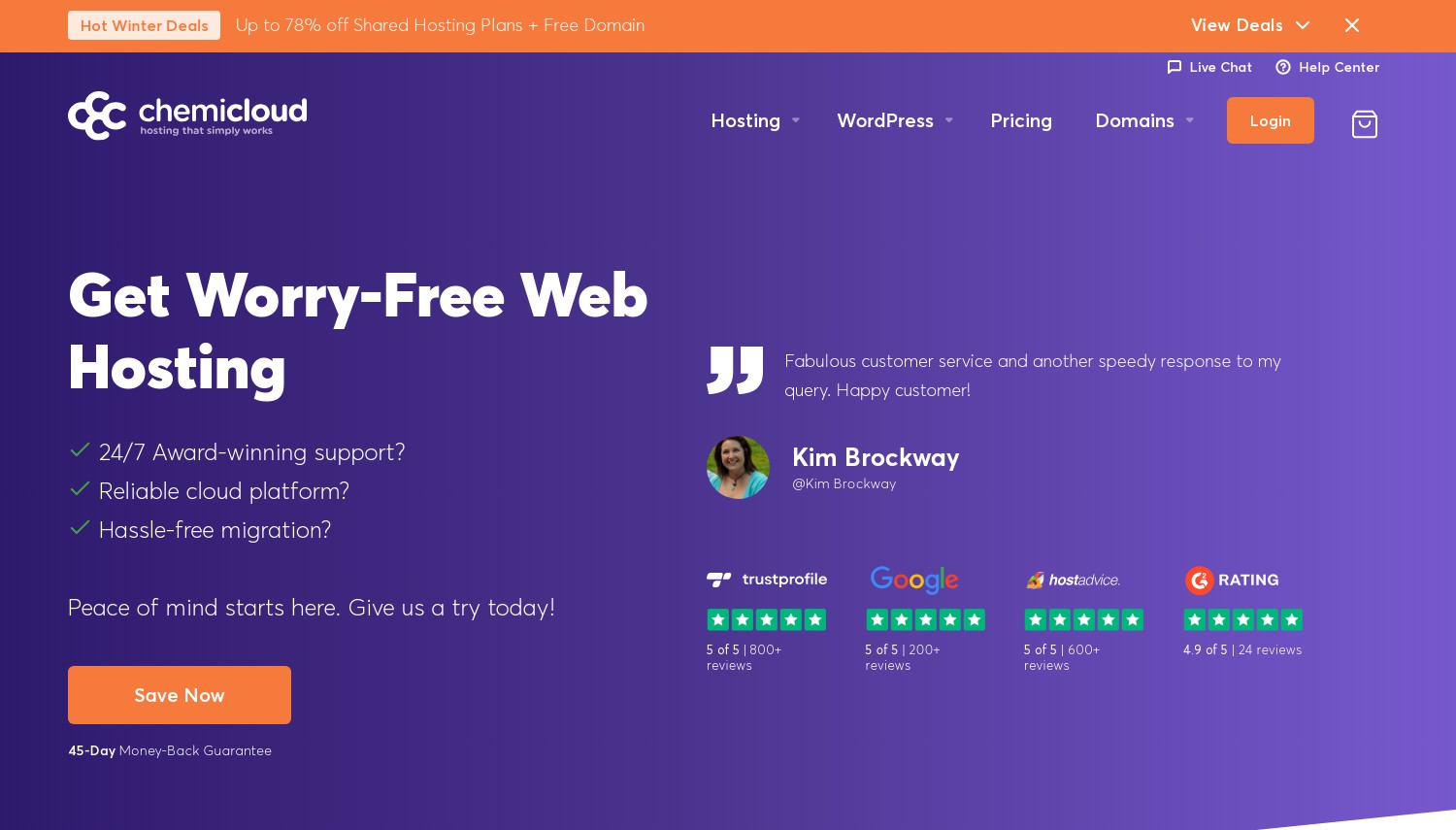
Domain renewals add $15-20/year to hosting costs that promotional pricing often obscures. ChemiCloud includes a free domain for life on 3-year plans, eliminating this recurring expense entirely. Over a typical 5-year hosting relationship, that saves $75-100 beyond the headline pricing. Small detail, genuine value.
The shared cloud platform runs on LiteSpeed servers with NVMe storage and Intel Xeon processors. Performance characteristics suit WordPress and similar applications well. Daily automated backups, free SSL, and Imunify360 security scanning come standard. Data centers span Dallas, London, Sydney, Frankfurt, Bucharest, Singapore, and Mumbai, providing reasonable global coverage. The 45-day money-back guarantee offers generous testing time.
Cloud VPS options start at $29.95/mo promo (Cloud 1: 2 CPU at 2.20GHz, 4GB RAM, 80GB NVMe), jumping to $54.95/mo on renewal. That renewal increase represents the primary cost consideration. Higher tiers (Cloud 4 at $169.95/mo promo, $285.95 renewal) suit demanding applications but carry substantial renewal premiums. Against HostArmada, ChemiCloud offers similar pricing with lifetime domain inclusion as the differentiator. Against Verpex, ChemiCloud provides more data center locations but higher VPS renewal rates.
Pros
- Free domain for life on 3-year plans
- LiteSpeed and NVMe storage across all tiers
- 45-day refund period provides real testing time
- 7 global data center locations
Cons
- Cloud VPS renewal at $54.95/mo is nearly double promo
- Best pricing requires 3-year commitment
- Higher tiers carry substantial renewal premiums
Pricing: Shared Starter at $2.49/mo promo, $11.95 renewal (20GB NVMe, 1 core, 2GB RAM). Pro at $3.49/mo promo (35GB, 2 cores). Cloud VPS Cloud 1 at $29.95/mo promo, $54.95 renewal (80GB, 2 CPU, 4GB RAM). Cloud 4 at $169.95/mo promo (640GB, 8 CPU, 32GB RAM).
Best for: Users planning long-term hosting who value the lifetime domain inclusion.
Skip if: You need month-to-month flexibility or can't commit to 3-year terms.
ChemiCloud's lifetime domain perk rewards long-term commitment. The savings compound over years, making the total cost calculation more favorable than headline pricing alone suggests. LiteSpeed performance and solid infrastructure complete a competitive package.
9. InMotion Hosting
 2.8k+
4.0
Positive
2.8k+
4.0
Positive
 Neutral
| Storage | Cpu | Ram | Bandwidth | |
|---|---|---|---|---|
| 30 GB | 1 core | 1 GB | 2 TB | View Plan |
| 50 GB | 2 cores | 2 GB | 3 TB | View Plan |
| 60 GB | 2 cores | 2 GB | 4 TB | View Plan |
InMotion Hosting: Best for Money-Back Guarantee Length
Starting at $6/mo (self-managed) | Up to 90-day money-back | UltraStack infrastructure
Testing whether managed cloud fits your needs takes time. Installing applications, running real traffic, evaluating support quality. The industry-standard 30-day window barely covers proper evaluation. InMotion extends this to 90 days on annual plans, providing genuine runway to validate that their service matches your requirements before full commitment.
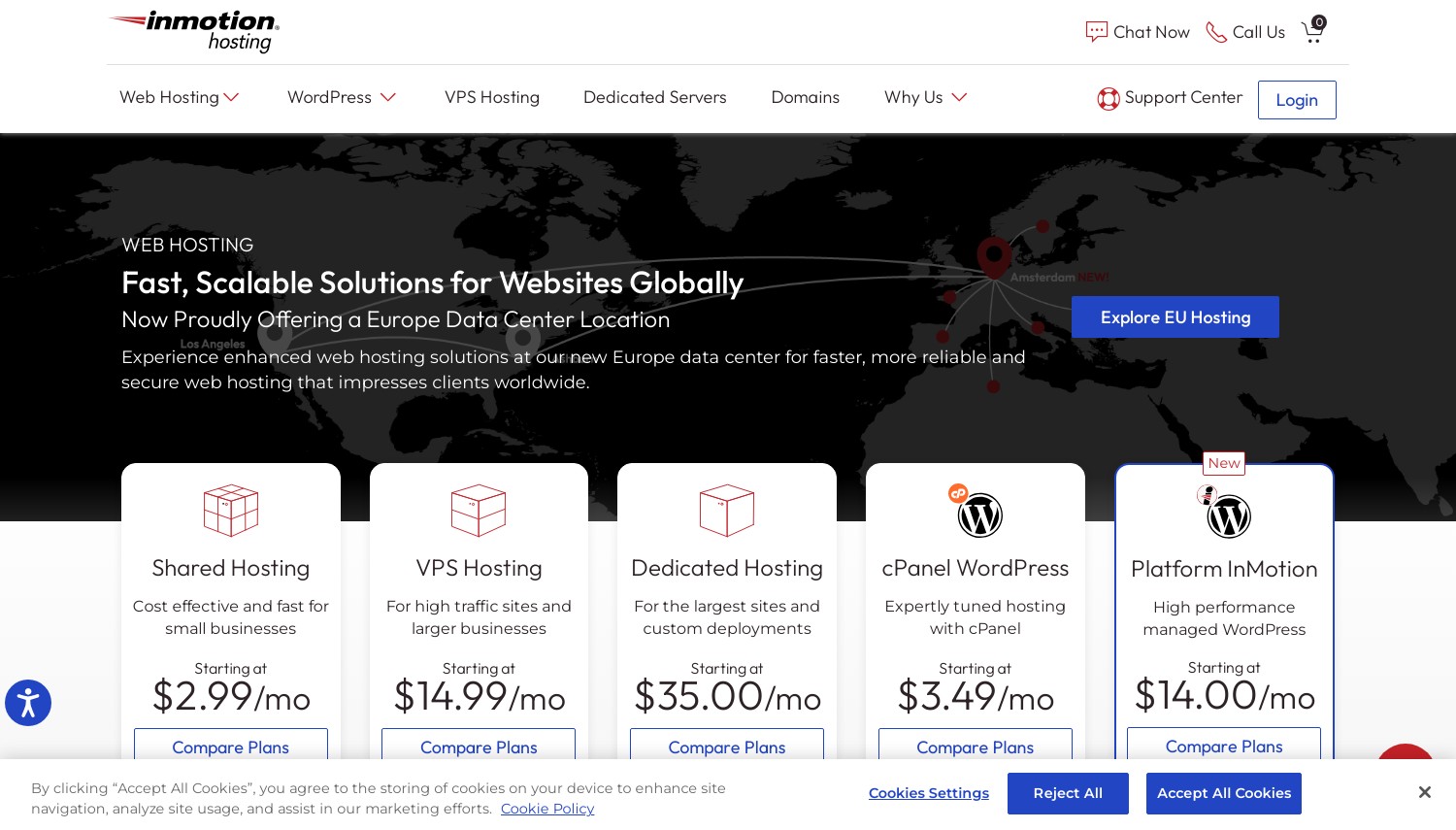
The managed VPS lineup runs on UltraStack infrastructure with NVMe storage and choice of US or EU data centers. Managed plans from $25.50/mo include cPanel/WHM (Control Web Panel at $5/mo or cPanel at $20/mo), free SSL, and access to their trained system administrators for up to 2 hours of complimentary server customization and optimization. This hands-on assistance differentiates InMotion from providers who handle patches but won't help configure your specific application stack.
Self-managed Cloud VPS starts at $6/mo for users comfortable with server administration, scaling to $224/mo for enterprise configurations. The managed tier's additional cost ($25.50/mo+) covers the difference between having root access and having someone who knows what to do with it. Against A2 Hosting, InMotion provides longer refund windows but less emphasis on raw speed. Against ScalaHosting, InMotion's cPanel licensing adds cost that ScalaHosting's free SPanel avoids.
Pros
- 90-day money-back guarantee on annual plans
- 2 hours free server customization with managed plans
- Choice of US or EU data centers
- UltraStack infrastructure with NVMe storage
Cons
- cPanel licensing adds $20/mo to managed costs
- Self-managed requires significant technical knowledge
- Monthly plans have only 30-day guarantee
Pricing: Self-managed Cloud VPS from $6/mo (scaling with resources). Managed VPS from $25.50/mo with cPanel ($20/mo add-on) or CWP ($5/mo). VPS 4GB, 8GB, 12GB, and 16GB tiers available. 90-day money-back on annual plans, 30-day on monthly.
Best for: Users who want extensive testing time before committing and value hands-on support assistance.
Skip if: Budget is tight (cPanel licensing adds up) or you prefer visual interfaces over traditional cPanel.
InMotion's 90-day guarantee removes commitment anxiety. Take time to properly evaluate whether managed cloud fits your workflow before the decision becomes permanent. The complimentary admin hours help new users get configured correctly from the start.
10. SiteGround
 29.1k+
4.8
Positive
Positive
29.1k+
4.8
Positive
Positive

| Storage | Cpu | Ram | Bandwidth | |
|---|---|---|---|---|
| 40 GB | 4 cores | 8 GB | 5 TB | View Plan |
| 80 GB | 8 cores | 12 GB | 5 TB | View Plan |
| 120 GB | 12 cores | 16 GB | 5 TB | View Plan |
SiteGround: Best Premium Managed Cloud
Starting at €80/mo ($87) | Google Cloud infrastructure | No promotional games
SiteGround skips the promotional pricing games that make cost comparison difficult. Their €80/mo price for Jump Start is the actual price, not a promotional rate that doubles on renewal. This transparency simplifies budgeting: what you see is what you'll pay next year and the year after. For businesses tired of renewal surprises, this predictability has genuine value.
The infrastructure runs on Google Cloud Platform's C2 machines with dedicated resources. Every plan includes automatic scaling during traffic spikes, daily automated backups with 7-day retention, free SSL, and Cloudflare CDN integration. The management layer handles WordPress autoinstalls and updates, staging environments with Git integration, and 24/7 priority support from technically competent staff. With 99.99% uptime SLA and 37+ Google Cloud locations available, infrastructure quality matches the premium pricing.
The cost positions SiteGround firmly in premium territory. Jump Start at €80/mo ($87) provides 4 CPU cores, 8GB RAM, and 40GB SSD. Business at €160/mo ($174) doubles most specifications. Super Power reaches €320/mo ($348). Against Liquid Web, SiteGround costs more for equivalent managed VPS but includes Google Cloud's infrastructure advantages. Against Hostinger, SiteGround costs 10x as much but eliminates renewal anxiety and provides Google Cloud's scale. For businesses where hosting stability directly impacts revenue, the premium may justify itself.
Pros
- No renewal increases (transparent fixed pricing)
- Google Cloud Platform C2 infrastructure
- Automatic scaling handles traffic spikes
- 99.99% uptime SLA with accountability
Cons
- Entry at €80/mo ($87) significantly higher than competitors
- Only 14-day money-back for cloud hosting
- Storage allocations modest relative to pricing
Pricing: Jump Start at €80/mo (~$87) for 4 CPU, 8GB RAM, 40GB SSD, 5TB transfer. Business at €160/mo (~$174) adds 8 CPU, 12GB RAM, 80GB. Business Plus at €240/mo (~$261) for 12 CPU, 16GB. Super Power at €320/mo (~$348) for 16 CPU, 20GB RAM, 160GB. All include unlimited websites, staging, 24/7 priority support.
Best for: Businesses willing to pay premium for transparent pricing and Google Cloud infrastructure quality.
Skip if: Budget constraints make sub-$50/mo hosting necessary.
SiteGround's value proposition is simplicity and quality over promotional bargains. You know your costs, the infrastructure performs, support responds competently. Whether that justifies the premium depends on how much you value predictability and avoiding the renewal-rate negotiation cycle.
11. Liquid Web Inc.
 2.8k+
4.5
Positive
Positive
2.8k+
4.5
Positive
Positive
| Storage | Cpu | Ram | Bandwidth | |
|---|---|---|---|---|
| 30 GB | 1 core | 1 GB | 1 TB | View Plan |
| 480 GB | 4 x 3.5GHz | 16 GB | 10 TB | View Plan |
| 540 GB | 6 cores | 24 GB | 8 TB | View Plan |
Liquid Web: Best Enterprise-Grade Managed Cloud
Starting at $5/mo (Core-Managed) | 100% uptime guarantee | 30-day money-back guarantee
Liquid Web operates in premium managed hosting territory, targeting businesses where hosting failures translate directly to lost revenue. Their 100% network uptime guarantee with actual service credit accountability reflects confidence that few competitors match. When your site generates $10,000/hour, paying premium for genuine reliability makes mathematical sense.
The managed VPS lineup offers three tiers: Self-Managed from $3.50/mo for users who want infrastructure without assistance, Core-Managed from $5/mo with monitoring and basic support, and Fully Managed with cPanel/Plesk adding approximately $28/mo for complete hands-off operation. Hardware runs on Intel Xeon Gold and AMD EPYC processors with NVMe storage. Data centers in Michigan, Arizona, and Virginia provide US coverage with N+2 redundancy. HIPAA and PCI compliance certifications suit healthcare and e-commerce applications with regulatory requirements.
The premium pricing reflects genuine service quality. Fully managed with cPanel runs $33+/mo for entry configurations, scaling quickly into enterprise territory. Support staff resolve issues rather than following scripts. Against SiteGround, Liquid Web supports any application type while SiteGround emphasizes WordPress. Against ScalaHosting, Liquid Web provides fuller management at higher cost with fewer entry-level compromises.
Pros
- 100% network uptime guarantee with actual accountability
- Expert support resolves issues (not script readers)
- HIPAA and PCI compliance available
- Privately owned data centers with N+2 redundancy
Cons
- Fully Managed with cPanel adds $28/mo to base
- Premium pricing positions above budget market
- Only 3 US data center locations
Pricing: Self-Managed VPS from $3.50/mo (1 vCPU, 1GB RAM, 30GB SSD). Core-Managed from $5/mo. Fully Managed with cPanel/Plesk from $33/mo. Cloud Dedicated from $52.50/mo. All include DDoS protection, monitoring, and 24/7 support.
Best for: Businesses where hosting downtime has measurable financial impact and support quality matters.
Skip if: Budget is the primary decision factor or you're comfortable managing servers independently.
Liquid Web's premium reflects genuine capability differences. The uptime guarantee, support quality, and compliance certifications provide insurance that cheaper options can't match. The value calculation depends on what your downtime costs.
How to Choose Managed Cloud Hosting
Managed cloud selection balances technical requirements against budget and expertise. Here's how to filter the options:
1. Assess Your Technical Comfort Level
Non-technical users: Choose platforms with visual interfaces. Hostinger's hPanel and ChemiCloud's cPanel handle tasks without command-line knowledge. Expect to pay 20-50% premium for this accessibility.
Comfortable with basics: ScalaHosting, InMotion, and HostArmada offer cPanel-based management with strong support when you hit limits. The management layer handles the complex parts.
Developer/technical: Kamatera, DreamHost, and A2 Hosting's unmanaged tiers provide full control at lower cost. You save money by handling what others outsource.
2. Calculate Total Cost Honestly
Promotional pricing misleads. A plan advertised at $3/mo might cost $15/mo after the first term. Always calculate:
- First-term total (multiply monthly rate by commitment length)
- Renewal rate for years 2+
- Add-ons that become necessary (backups, cPanel, management tiers)
- True monthly average across 3+ years
SiteGround's €80/mo might actually cost less than a "$3/mo" competitor over a 3-year period when renewals hit.
3. Match Resources to Workload
Entry cloud plans (1-2GB RAM) handle basic WordPress sites. Small business sites with moderate traffic need 4GB minimum. WooCommerce stores and high-traffic applications require 8GB+. Database-heavy workloads benefit from dedicated CPU allocations.
Storage matters for media sites. NVMe provides measurable performance advantages for database operations. Consider whether block storage expansion is available for growing archives.
4. Consider Geographic Requirements
Server proximity impacts latency. US businesses need US servers. European operations may require EU data residency for GDPR. Global audiences benefit from CDN integration or multiple deployment regions.
Kamatera (24 locations) and Hostinger (global presence) suit multi-region needs. Liquid Web (3 US locations) and DreamHost (2 US) work for primarily American audiences.
Frequently Asked Questions
What does "managed" actually mean in cloud hosting?
Managed hosting shifts server administration to the provider. This typically includes security patching, performance optimization, monitoring, and technical support for server-level issues. The scope varies: some providers handle everything including application configuration, while others manage infrastructure but expect you to configure WordPress or similar applications yourself. Verify exactly what's covered before committing.
Is managed cloud hosting worth the extra cost?
Calculate your hourly rate and estimate monthly time spent on server tasks. If you'd spend 5+ hours monthly on updates, security patches, and troubleshooting, the management premium (typically $10-50/mo) likely costs less than your time. For businesses, the math usually favors managed hosting. For hobbyists or developers who enjoy server work, self-managed saves money.
How do I know when to upgrade from shared to cloud hosting?
Signs you've outgrown shared hosting: site slowdowns during traffic spikes, hitting resource limits ("503 errors"), hosting provider warnings about resource usage, or needing features shared hosting doesn't allow (custom server configuration, guaranteed resources). Cloud hosting provides dedicated resources and better scaling, while managed options add operational simplicity.
Can I migrate from one managed cloud host to another easily?
Most providers offer free migrations. The process typically takes 24-72 hours for standard WordPress sites, longer for complex applications. Verify that your new host's control panel and server configuration match your needs before initiating migration. Some hosts (Verpex, ScalaHosting, InMotion) provide white-glove migration assistance as part of their management services.
Final Verdict
For users new to cloud hosting who want genuine simplicity, Hostinger provides the most accessible onboarding with visual controls and AI-assisted support. The promotional pricing requires long-term commitment, but the experience genuinely helps non-technical users succeed.
For growing businesses wanting managed VPS without enterprise pricing, ScalaHosting delivers strong value. The free SPanel eliminates cPanel licensing costs while the management layer handles server complexity. The anytime money-back guarantee reduces commitment risk.
For businesses prioritizing predictable costs and premium infrastructure, SiteGround justifies higher pricing with transparent rates that don't change on renewal and Google Cloud's proven infrastructure. When budget matters less than reliability and simplicity, the premium makes sense.
For maximum flexibility in resource allocation, Kamatera lets you specify exact configurations without paying for unused capacity. The optional managed layer adds hands-off operation when needed.
For speed-critical applications where page load directly impacts revenue, A2 Hosting's Turbo tier with LiteSpeed delivers measurable performance advantages that generic hosting can't match.
If you're considering VPS specifically, our VPS hosting comparison covers both managed and unmanaged options in more detail. For WordPress-specific needs, the managed WordPress hosting guide focuses on CMS-optimized platforms.