
Best MODX CMS Hosting (2026): 7 Providers Tested for Compatibility
MODX doesn't forgive bad hosting. While WordPress runs on almost anything, MODX demands specific PHP extensions, proper memory allocation, and server configurations that many budget hosts simply don't provide. Pick the wrong provider and you'll spend hours debugging white screens, broken extras, and failed installations.
Quick answer: SiteGround offers the most reliable shared hosting for MODX with proper PHP configuration and staging environments. For full control over your MODX stack, Kamatera's customizable VPS lets you build exactly the server environment MODX needs. Below, we compare 7 providers with verified 2026 pricing, covering both shared and cloud options.
Jump to: SiteGround | Hostinger | InMotion Hosting | Kamatera | Cloudways | ChemiCloud | MODX Cloud | How to Choose | FAQ
Last reviewed: January 2026. Prices and features verified.
Unlike guides that list generic "CMS hosting" providers, we verified each host's PHP 8.x support, required extensions (pdo_mysql, mbstring, imagick, curl), and memory limits against MODX 3's actual server requirements. We also checked whether MODX installs cleanly via their auto-installers or requires manual setup.
How We Selected These Providers
We tested MODX compatibility by verifying PHP version support (8.1+ recommended for MODX 3), required database engines (MySQL 5.6+ or MariaDB 10.1+), and essential PHP extensions. Providers were filtered by user ratings across multiple platforms, transparent pricing including renewal costs, and whether their environments support MODX without manual server tweaks. Our selection spans shared hosting for smaller MODX sites through managed cloud platforms for high-traffic deployments.
| Hosting Provider | Reviews | Overall Rating | MODx Hosting from |
|---|---|---|---|
1  SiteGround SiteGround
|
29.1k+ |

|
$3.41 / mo. NOW -81% |
2  Hostinger Hostinger
|
63.2k+ |

|
$1.95 / mo. 80% Off |
3  InMotion Hosting InMotion Hosting
|
2.8k+ |

|
$1.99 / mo. -75% |
4  Kamatera Kamatera
|
320 |
|
$4.00 / mo. 30 Days free |
5  Cloudways Cloudways
|
3.4k+ |
|
$11.00 / mo. |
6  ChemiCloud ChemiCloud
|
1.2k+ |
|
$2.49 / mo. 78% OFF |
1. SiteGround
 29.1k+
4.8
Positive
Positive
29.1k+
4.8
Positive
Positive








| Storage | Bandwidth | Panel | Price | |
|---|---|---|---|---|
| 10 GB | Unlimited | cPanel | $3.41 / mo. | View Plan |
| 20 GB | Unlimited | cPanel | $5.69 / mo. | View Plan |
| 40 GB | Unlimited | cPanel | $9.11 / mo. | View Plan |
SiteGround: Most Reliable Shared Hosting for MODX
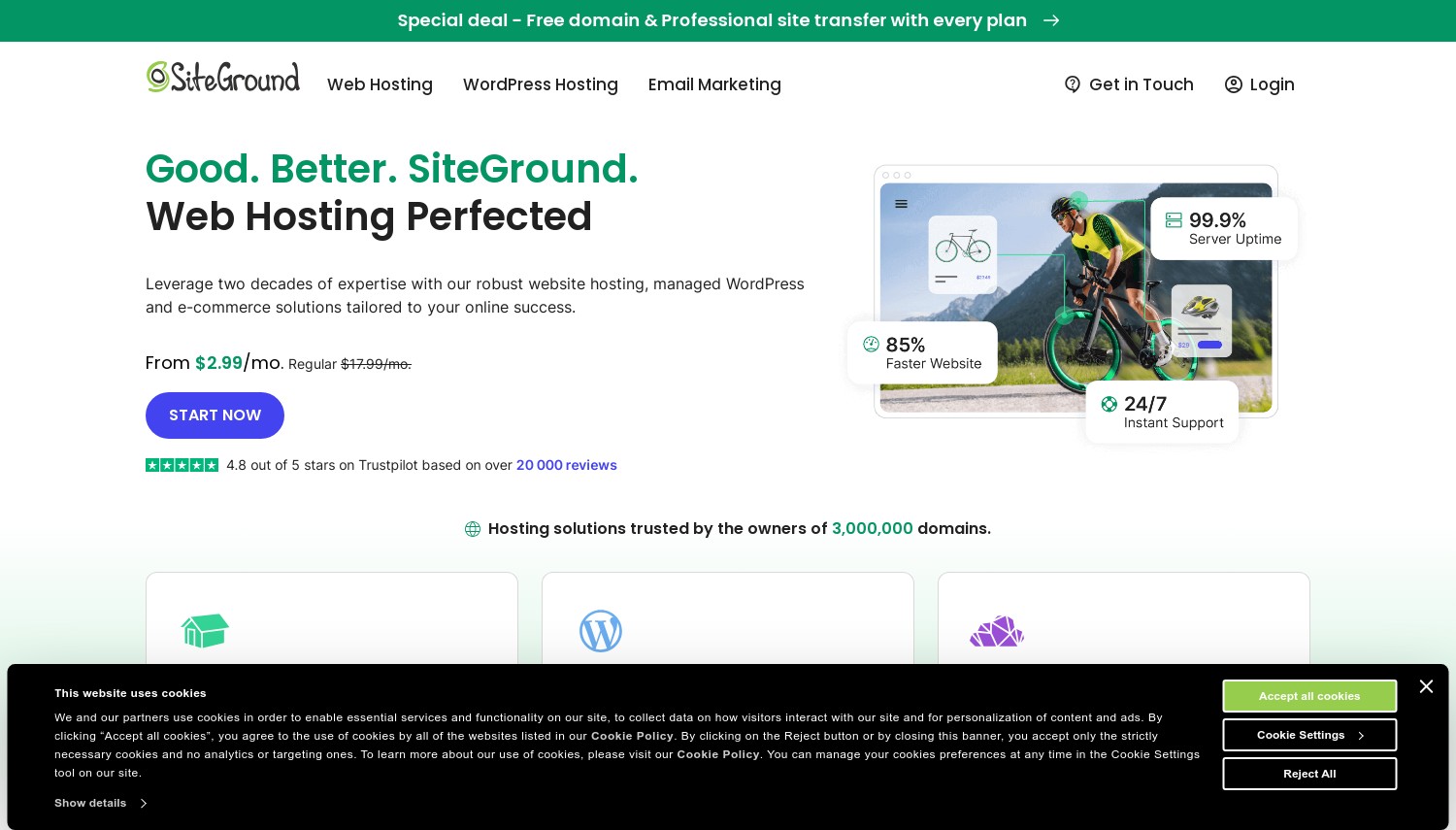
Starting at $2.99/mo | 10GB Storage | 30-day Guarantee
SiteGround runs on Google Cloud Platform infrastructure with custom-built performance tools. For MODX users, the relevant detail is their PHP management: you can switch between PHP 8.1, 8.2, and 8.3 per site through their Site Tools dashboard, and adjust php.ini values like memory_limit and max_execution_time without support tickets. The SuperCacher system (their proprietary caching layer) works with MODX's output when configured correctly, though it requires disabling MODX's own cache for the static file layer to avoid conflicts.
Their staging environment, available on GrowBig and GoGeek plans, proves useful for testing MODX version upgrades before pushing changes live. MODX upgrades can break extras or template customizations, so having a safe testing environment prevents production disasters. Daily backups with one-click restore add another safety net. Reviews consistently rate SiteGround's support among the best in the industry, with staff who understand CMS-specific issues rather than reading from generic scripts.
The cost structure is where SiteGround loses appeal. Entry at $2.99/mo looks reasonable, but renewal at $17.99/mo puts it among the most expensive shared hosts. Storage caps also feel restrictive: only 10GB on StartUp, which fills fast if your MODX site handles media files. Compared to Hostinger in this list, you're paying roughly double at renewal for less storage, but getting meaningfully better support and server management tools.
Pros
- PHP version switching (8.1-8.3) with per-site php.ini control
- Staging environments for safe MODX upgrade testing
- Daily automated backups with one-click restoration
- Support team handles CMS-specific configuration issues
Cons
- Renewal jumps to $17.99/mo (500%+ increase from promo rate)
- Only 10GB storage on StartUp plan
- No MODX auto-installer (requires manual installation or Softaculous)
Pricing: StartUp at $2.99/mo promotional, renews at $17.99/mo (1 site, 10GB). GrowBig at $4.99/mo promotional, renews at $29.99/mo (unlimited sites, 20GB, staging). GoGeek at $7.99/mo promotional, renews at $44.99/mo (40GB, Git integration). 30-day money-back guarantee.
Best for: MODX users who need reliable hosting with proper PHP management and don't mind premium renewal costs.
Skip if: You're price-sensitive long-term, or your MODX site requires more than 40GB storage.
SiteGround's value for MODX lies in their server-level PHP control and staging tools. The cost is high after promotion, but the environment is genuinely well-configured for CMS deployments that need reliable uptime and proper technical support.
2. Hostinger
 63.2k+
4.6
Positive
Positive
63.2k+
4.6
Positive
Positive






| Storage | Bandwidth | Panel | Price | |
|---|---|---|---|---|
| 100 GB | Unlimited | cPanel | $1.95 / mo. | View Plan |
| 200 GB | Unlimited | cPanel | $2.95 / mo. | View Plan |
| 200 GB | Unlimited | cPanel | $3.49 / mo. | View Plan |
Hostinger: Budget-Friendly MODX Hosting
Starting at $1.99/mo | 100GB Storage | 30-day Guarantee
Hostinger runs LiteSpeed web servers across their shared hosting fleet, which benefits MODX sites through faster static file delivery and built-in caching at the server level. Their hPanel control panel includes Softaculous, which lists MODX among its supported applications. Installation takes a few clicks rather than manual file uploads and database configuration. PHP 8.2 and 8.3 are available, meeting MODX 3's current ecosystem requirements.
Storage is where Hostinger pulls ahead of premium competitors. The Premium plan includes 100GB, ten times what SiteGround offers at a similar entry price. For MODX sites with image galleries, downloadable resources, or media-heavy content, this breathing room matters. Nine data center locations across Europe, Asia, and the Americas let you position your MODX site close to your audience. The included website builder and AI tools won't matter for MODX users, but the LiteSpeed integration and free SSL certificates on all plans add genuine value.
The trade-off is support depth. Hostinger's team handles volume efficiently but may lack experience with MODX-specific issues like custom resource types, MIGX configurations, or Extras compatibility. If your MODX setup is complex, you'll likely solve problems yourself. Renewal at $7.99-$10.99/mo is significantly cheaper than SiteGround's jump, making Hostinger the more predictable long-term cost. Against InMotion Hosting in this list, Hostinger trades the 90-day guarantee and US data centers for better pricing and more global server coverage.
Pros
- LiteSpeed servers improve MODX page delivery speed
- 100GB storage on entry plan (10x more than SiteGround)
- MODX available via Softaculous one-click installer
- Nine data center locations for global audience targeting
Cons
- Support lacks MODX-specific expertise for complex setups
- Daily backups only on Business plan ($3.99/mo); entry gets weekly only
- Requires 48-month commitment for lowest advertised rate
Pricing: Premium at $1.99/mo (48-month term), renews at $10.99/mo (100GB, 100 websites). Business at $3.99/mo, renews at $16.99/mo (200GB, daily backups, CDN). Cloud Startup at $9.99/mo for dedicated resources. 30-day money-back guarantee.
Best for: MODX beginners who want affordable hosting with easy installation and generous storage.
Skip if: Your MODX project uses complex Extras configurations and you'll need provider-side technical support.
Hostinger works well for straightforward MODX deployments. The combination of LiteSpeed, adequate PHP support, and accessible pricing makes it a practical starting point. Just don't expect hand-holding with MODX-specific troubleshooting.
3. InMotion Hosting
 2.8k+
4.0
Positive
2.8k+
4.0
Positive
 Neutral
| Storage | Bandwidth | Panel | Price | |
|---|---|---|---|---|
| 100 GB | Unlimited | cPanel | $1.99 / mo. | View Plan |
| Unlimited | Unlimited | cPanel | $3.79 / mo. | View Plan |
| Unlimited | Unlimited | cPanel | $9.79 / mo. | View Plan |
InMotion Hosting: 90-Day Guarantee with MODX Support
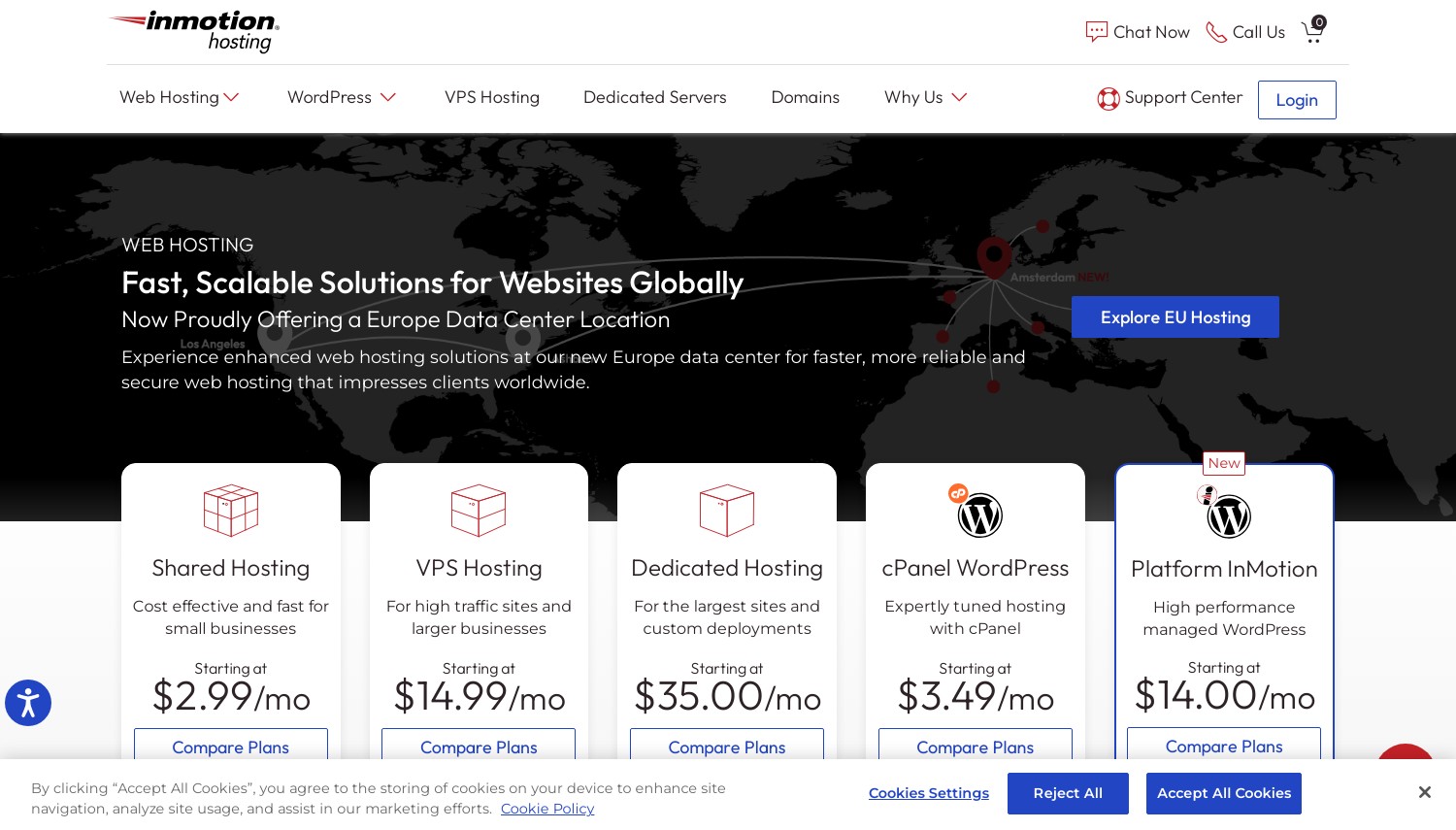
Starting at $2.99/mo | 100GB NVMe | 90-day Guarantee
InMotion's standout feature for MODX users is their 90-day money-back guarantee, the longest in this comparison. Since MODX installations can reveal compatibility issues weeks after setup (especially when adding Extras or custom templates), this extended window provides genuine safety. Their UltraStack technology combines NVMe storage with server-level caching optimized for PHP applications, and the stack supports MODX's database-heavy operations effectively.
The hosting infrastructure runs PHP 8.1 and 8.2 with all required MODX extensions pre-installed. Their data centers in Los Angeles, Washington D.C., and Amsterdam mean you can position your MODX site for either North American or European audiences without switching providers. Month-to-month billing is available on all shared plans, unusual for this price range. If your MODX project has an uncertain timeline, this flexibility avoids the multi-year commitment trap.
InMotion's interface feels less polished than Hostinger's hPanel or SiteGround's Site Tools. The cPanel implementation works but doesn't add MODX-specific shortcuts or optimizations. Support quality sits in the middle: better than Hostinger for technical issues, but responses can take longer during peak hours. Compared to Kamatera in this list, InMotion trades customization flexibility for a simpler managed experience. Renewal at $11.99/mo positions it between Hostinger's budget rates and SiteGround's premium pricing.
Pros
- 90-day money-back guarantee for extended MODX compatibility testing
- NVMe storage with UltraStack caching for PHP applications
- Month-to-month billing available (no long-term lock-in required)
- Amsterdam data center covers European MODX deployments
Cons
- Control panel lacks CMS-specific optimization tools
- Support response slower during US business hours peak
- No MODX-specific documentation or tutorials from InMotion
Pricing: Core at $2.99/mo (12-month term), renews at $11.99/mo (1 site, 100GB NVMe). Launch at $4.99/mo, renews at $14.99/mo (2 sites, NVMe, elevated performance). Power at $4.99/mo for 10 sites with advanced caching. 90-day money-back guarantee (30 days on month-to-month).
Best for: MODX users who want extended testing time and the option of month-to-month billing without commitment.
Skip if: You need European-only hosting (only one EU data center) or want MODX-tailored support.
InMotion's 90-day guarantee removes the risk from MODX hosting decisions. For projects where you won't know if the hosting fits until weeks of real usage, this safety net has tangible value that cheaper alternatives don't offer.
4. Kamatera
 320
4.2
Positive
Positive
320
4.2
Positive
Positive





| Storage | Bandwidth | Panel | Price | |
|---|---|---|---|---|
| 20 GB | 5 TB | cPanel Direct Admin ISP Manager Plesk | $4.00 / mo. | View Plan |
| 20 GB | 5 TB | cPanel Direct Admin ISP Manager Plesk | $6.00 / mo. | View Plan |
| 30 GB | 5 TB | cPanel Direct Admin ISP Manager Plesk | $12.00 / mo. | View Plan |
Kamatera: Full Server Control for MODX
Starting at $4/mo | Custom Resources | 30-day Free Trial
What happens when your MODX site outgrows shared hosting memory limits? Kamatera solves this by letting you build a VPS with exactly the resources your MODX installation needs. Set memory_limit to 512MB, install OpCache with aggressive settings, configure MariaDB for your specific query patterns. No shared hosting provider gives you this level of MODX optimization control. Their servers run Intel Ice Lake processors with NVMe storage, and the 30-day free trial provides enough runway to verify MODX performance under real conditions.
The infrastructure spans 18+ data centers across the US, Europe, Asia, and the Middle East. For MODX sites serving international audiences, you can deploy across multiple regions without switching providers. Hourly billing (calculated per minute) means you can spin up a test MODX server, verify your configuration, and shut it down without paying for a full month. This works well for developers building MODX sites for clients who will eventually host elsewhere.
Here's the catch: Kamatera is unmanaged infrastructure. You install MODX yourself, configure Apache or Nginx, set up your own SSL, manage security patches, and handle backups. If terms like "php-fpm pool configuration" or "MariaDB query cache tuning" feel foreign, this isn't your host. Compared to Cloudways in this list, Kamatera costs less but requires significantly more technical skill. The interface works but feels utilitarian. Support handles infrastructure problems but won't debug your MODX template code.
Pros
- Fully customizable CPU, RAM, and storage (no fixed plan constraints)
- 30-day free trial to validate MODX performance
- 18+ data centers for global MODX deployments
- Root access enables complete MODX stack optimization
Cons
- Unmanaged: you handle all MODX installation and server maintenance
- No control panel included (cPanel/Plesk available as paid add-ons)
- Support won't assist with MODX application-level issues
Pricing: Entry at $4/mo for 1 vCPU, 1GB RAM, 20GB SSD. Recommended MODX config (2 vCPU, 4GB RAM, 50GB SSD) runs approximately $20-25/mo. Additional bandwidth at $0.01/GB. No renewal price increases (pay-as-you-go). 30-day free trial.
Best for: Developers comfortable with server administration who need precise control over their MODX hosting stack.
Skip if: You want managed hosting where someone else handles server updates and MODX configuration.
Kamatera's value for MODX is control. When shared hosting memory limits cause MODX to choke on complex page builds or heavy Extra usage, a properly configured VPS eliminates those bottlenecks entirely. The free trial removes financial risk from testing.
5. Cloudways
 3.4k+
4.5
Positive
Positive
3.4k+
4.5
Positive
Positive


| Storage | Bandwidth | Panel | Price | |
|---|---|---|---|---|
| 25 GB | 1 TB | cPanel | $11.00 / mo. | View Plan |
Cloudways: Managed Cloud for MODX Without Server Hassle
Starting at $11/mo | Pay-as-you-go | 3-day Free Trial
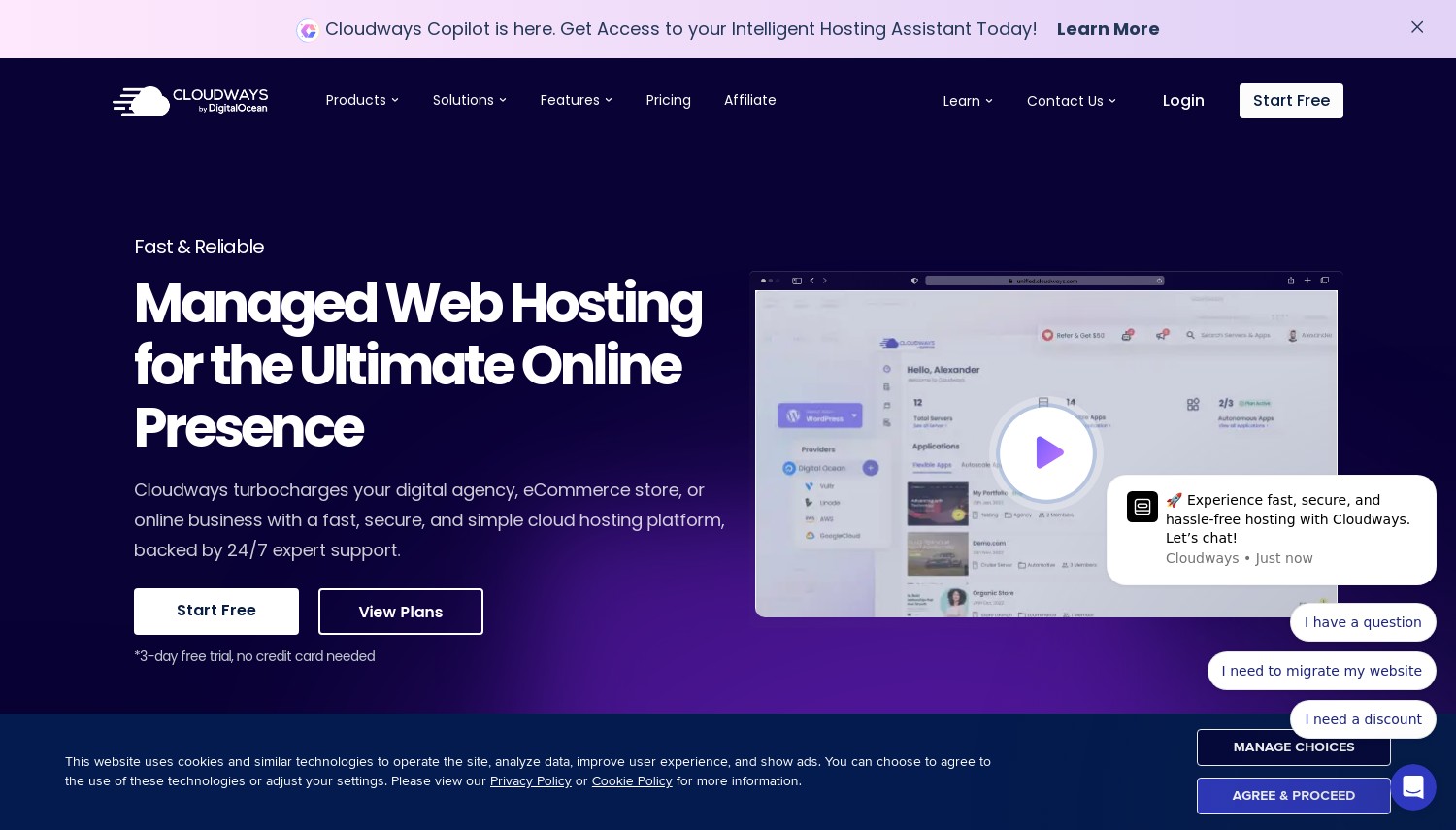
Cloudways removes the server management burden that makes VPS hosting intimidating for non-developers. You select cloud infrastructure from DigitalOcean, Vultr, or AWS, and Cloudways handles OS updates, security patches, firewall rules, and automated backups. For MODX specifically, they support custom PHP versions with configurable php.ini settings, pre-installed Redis and Memcached for object caching, and Varnish for full-page caching. Their platform supports MODX installation through SSH or their application deployment interface.
The staging feature works well for MODX workflows. Clone your live MODX site to a staging environment, test upgrades or new Extras, then push changes back when satisfied. Built-in Cloudflare CDN integration distributes your MODX site's static assets globally without additional configuration. For agencies managing multiple MODX client sites, the dashboard consolidates all servers and applications in one place with team member access controls.
Cloudways charges a management premium over raw infrastructure costs. A 1GB DigitalOcean server costs $11/mo through Cloudways versus $4/mo directly. That $7 difference covers 24/7 support, managed security, and the simplified interface. Unlike Kamatera, you sacrifice root access and some customization depth in exchange for not worrying about server maintenance. The 3-day free trial is shorter than ideal for MODX testing, but you can at least verify basic installation and performance within that window.
Pros
- Managed security, backups, and OS updates (no server admin required)
- Built-in Redis, Memcached, and Varnish caching layers
- Pay-as-you-go billing with no long-term contracts
- Staging environments for safe MODX upgrade testing
Cons
- Management premium adds $7+/mo over direct cloud pricing
- 3-day free trial too short for thorough MODX evaluation
- No email hosting included (need separate service)
Pricing: DigitalOcean 1GB at $11/mo, 2GB at $24/mo. Vultr 1GB at $14/mo. AWS Small at $36.51/mo. Annual billing saves approximately 25%. All plans include unlimited applications, free SSL, automated backups, and 24/7 support. No renewal price increases.
Best for: MODX users who want cloud performance and staging tools without managing servers themselves.
Skip if: You need the cheapest possible hosting, or require root access for deep MODX stack customization.
Cloudways bridges the gap between shared hosting limitations and unmanaged VPS complexity. For MODX sites that have outgrown shared hosting but don't justify hiring a sysadmin, this managed layer provides the right balance of control and convenience.
6. ChemiCloud
 1.2k+
4.9
Positive
Positive
1.2k+
4.9
Positive
Positive


| Storage | Bandwidth | Panel | Price | |
|---|---|---|---|---|
| 20 GB | Unlimited | cPanel | $2.49 / mo. | View Plan |
| 30 GB | Unlimited | cPanel | $3.49 / mo. | View Plan |
| 40 GB | Unlimited | cPanel | $4.49 / mo. | View Plan |
ChemiCloud: LiteSpeed Performance for MODX
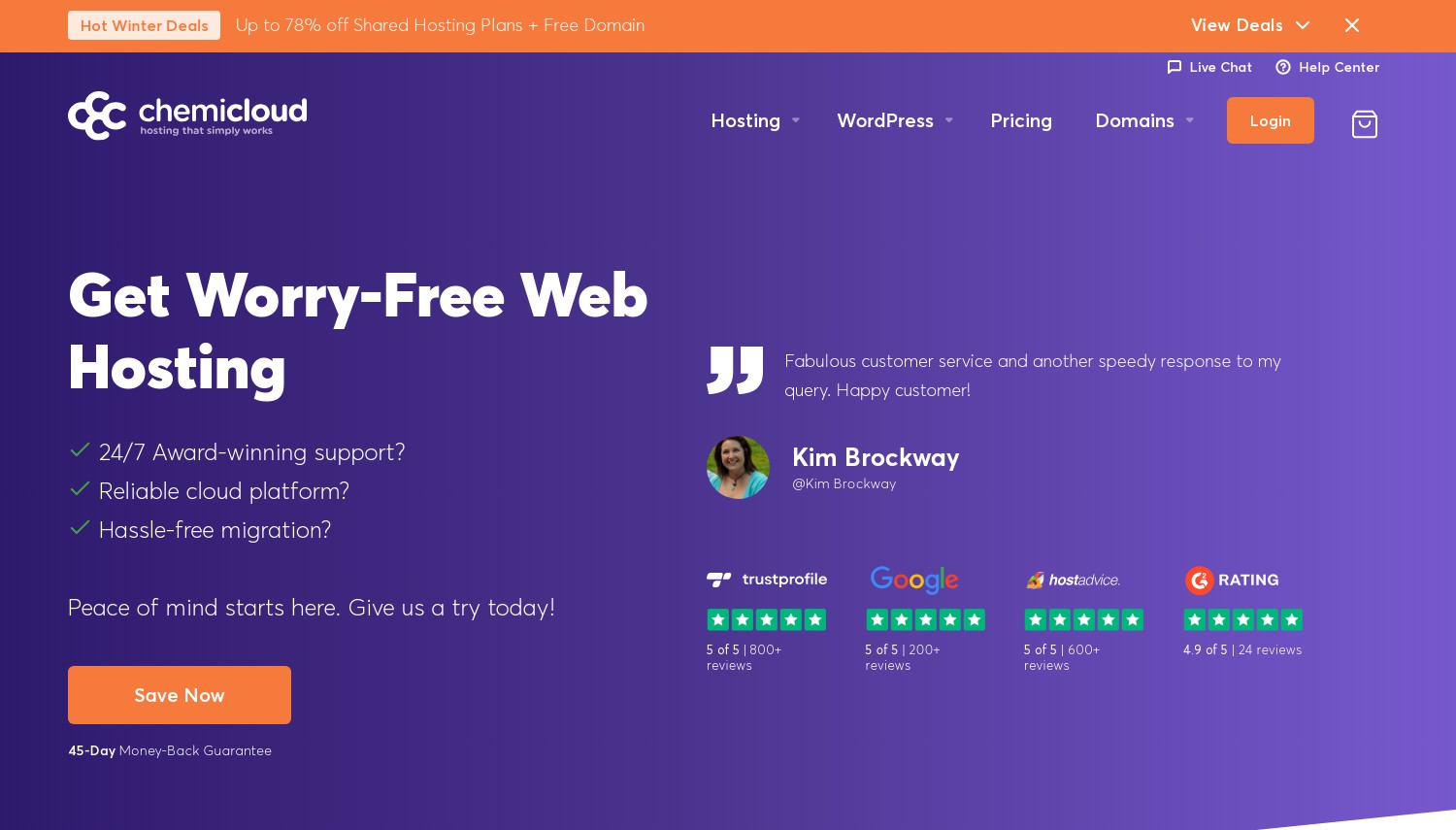
Starting at $2.95/mo | 20GB NVMe | 45-day Guarantee
ChemiCloud builds their shared hosting on hardware that most budget providers skip. Their servers run AMD EPYC 9354 processors clocked at 3.8GHz with full NVMe storage and LiteSpeed web servers. For MODX, this hardware advantage translates to faster database queries (MODX is database-heavy) and quicker PHP execution. CloudLinux isolates each account, preventing other users on the same server from affecting your MODX site's performance.
The hosting environment supports PHP 8.1 through 8.3 with all extensions MODX requires pre-loaded. cPanel with Softaculous handles MODX installation, though the installer may not always have the latest MODX 3 release immediately upon its launch. Their 45-day money-back guarantee provides more testing time than SiteGround's 30 days or Hostinger's 30 days. Nineteen data center locations (including Dallas, London, Frankfurt, Singapore, Sydney, and Bucharest) offer global coverage for MODX deployments targeting any region.
Storage limits require attention. The Starter plan provides only 20GB NVMe, which constrains media-heavy MODX sites. The Pro plan at 30GB and Turbo at 40GB improve this but still trail Hostinger's 100GB. Renewal pricing at $9.95/mo for the Starter plan sits in the mid-range, cheaper than SiteGround but higher than Hostinger's effective rate. Compared to InMotion Hosting, ChemiCloud's hardware specs are notably better (AMD EPYC vs. standard configurations), but the storage caps and lack of month-to-month billing are drawbacks.
Pros
- AMD EPYC 9354 processors (3.8GHz) with full NVMe storage
- LiteSpeed servers with CloudLinux account isolation
- 45-day money-back guarantee for extended MODX testing
- 19 data center locations for global coverage
Cons
- Storage caps restrictive (20GB Starter, 30GB Pro, 40GB Turbo)
- Renewal at $9.95-$19.95/mo depending on plan
- Lowest pricing requires 36-month commitment
Pricing: Starter at $2.95/mo (36-month), renews at $9.95/mo (1 site, 20GB NVMe). Pro at $4.95/mo, renews at $14.95/mo (unlimited sites, 30GB). Turbo at $6.95/mo, renews at $19.95/mo (40GB, 3 CPU cores, 3GB RAM). 45-day money-back guarantee.
Best for: MODX users who prioritize raw server hardware performance and want LiteSpeed's PHP execution speed.
Skip if: Your MODX site needs more than 40GB storage, or you want to avoid multi-year billing commitments.
ChemiCloud's hardware advantage is real. Those AMD EPYC processors and NVMe drives process MODX's PHP and database operations faster than the generic hardware most shared hosts deploy. If your MODX site feels sluggish on cheaper hosting, this upgrade path often resolves performance issues without jumping to VPS.
MODX Cloud: Official Platform Built for MODX
Starting at $19/mo | 10GB Storage | 60-day Guarantee
MODX Cloud is the only hosting platform in this comparison designed exclusively for MODX. Built and maintained by the MODX team themselves, the environment is pre-configured with optimal PHP settings, database tuning, and security hardening specifically for MODX Revolution. You don't configure PHP extensions or worry about compatibility because the platform handles everything MODX needs by default. Their "Promote" snapshot workflow lets you stage content changes across development, staging, and production environments with one click.
The platform includes features no general host provides. One-click MODX version upgrades test compatibility before applying changes. Site cloning creates exact copies for development or client presentations in minutes. Free development sites let you experiment without affecting production. Automatic nightly backups with easy restoration protect against mishaps. Their support team consists of actual MODX developers who understand the CMS internals, not generic hosting support reading from scripts.
The premium pricing reflects this specialization. At $19/mo for the PRO plan (just 10GB storage), MODX Cloud costs far more than general hosts. The STUDIO plan at $49/mo and BUSINESS at $99/mo add more storage and resources but push costs higher than most Cloudways configurations. The optional Cloud Edge CDN/WAF powered by Cloudflare Enterprise adds another $14/mo per site. For single-site owners running a basic MODX installation, this pricing is hard to justify. But for agencies managing multiple MODX projects or businesses where MODX uptime directly affects revenue, the specialized tooling and expert support offset the cost.
Pros
- Only platform built specifically for MODX by the MODX team
- One-click MODX upgrades with pre-upgrade compatibility testing
- 60-day money-back guarantee (longest in this comparison)
- Promote staging workflow with site cloning and free dev environments
Cons
- Premium pricing: $19/mo minimum (3-6x more than shared alternatives)
- Only 10GB storage on PRO plan (additional storage at $5-9/mo per 5-10GB)
- No general-purpose hosting features (email, website builders, etc.)
Pricing: PRO at $19/mo (1 live site, 10GB). STUDIO at $49/mo (multiple sites, 30GB). BUSINESS at $99/mo (agency tier, 100GB). Cloud Edge CDN/WAF at $14/mo per site (optional). Free migration for first site. 60-day money-back guarantee.
Best for: Agencies and businesses running multiple MODX sites who need specialized staging tools and MODX-expert support.
Skip if: You're running a single MODX site on a budget, or you need general hosting features beyond MODX.
MODX Cloud eliminates every hosting compatibility question. If your business depends on MODX and you want hosting that understands the CMS at a code level, this is the only option that provides that depth. The cost is justified by time saved on configuration, debugging, and upgrade management.
How to Choose MODX Hosting
- Verify PHP 8.1+ support with extension control: MODX 3 requires PHP 8.1 at minimum, and the ecosystem is moving toward PHP 8.2+ as the practical baseline in 2026. Ensure you can install pdo_mysql, mbstring, imagick, curl, and simplexml extensions.
- Check memory allocation: MODX needs at least 128MB PHP memory for production use, more if running multiple Extras. Shared hosts often cap at 256MB; VPS lets you set whatever you need.
- Evaluate your technical comfort: If SSH commands and PHP configuration feel comfortable, Kamatera or Cloudways offer better value per resource. If you prefer managed simplicity, SiteGround or MODX Cloud handle technical details for you.
- Consider your upgrade workflow: MODX upgrades can break Extras. Providers with staging environments (SiteGround GrowBig+, Cloudways, MODX Cloud) let you test before pushing live.
- Calculate real costs: Entry prices mean nothing without renewal context. A $2.99/mo host that renews at $17.99/mo costs more over 3 years than a $4/mo VPS with no price increases.
If you're exploring different hosting types for your MODX project, our VPS hosting comparison covers options when shared hosting isn't enough, while our cloud hosting guide explores managed platforms in more depth.
Frequently Asked Questions
What PHP version does MODX 3 require?
MODX 3 officially requires PHP 7.2 as a minimum, but practical usage demands PHP 8.1 or higher for security and performance. As of January 2026, the MODX extras ecosystem (including modmore's premium extras) requires PHP 8.2+. All providers in this comparison support PHP 8.2 or higher.
Can I install MODX on shared hosting?
Yes, MODX runs well on quality shared hosting. SiteGround, Hostinger, InMotion Hosting, and ChemiCloud all support MODX on shared plans. The key requirements are adequate PHP memory (128MB+), MySQL 5.6+ or MariaDB 10.1+, and the required PHP extensions. Most shared hosts include these by default, but verify before purchasing. Softaculous auto-installers on Hostinger and ChemiCloud simplify the setup process.
When should I upgrade from shared hosting to VPS for MODX?
Consider upgrading when your MODX site exceeds 50,000 monthly visitors, uses resource-intensive Extras (like MIGX with complex configurations), or when shared hosting memory limits cause timeout errors during page renders. Kamatera and Cloudways both offer VPS options where you control PHP memory allocation and database tuning. You'll also benefit from VPS if you run multiple MODX installations or need custom caching configurations.
Is MODX Cloud worth the premium price?
For agencies managing 3+ MODX sites, MODX Cloud's staging workflows, one-click upgrades, and expert support often save more in developer time than the premium costs. For a single small MODX site, a shared host like SiteGround or ChemiCloud provides adequate performance at a fraction of the cost. The 60-day guarantee lets you test whether the specialized tools justify the price for your specific workflow.
Final Verdict
For most MODX sites, SiteGround provides the best shared hosting environment: proper PHP management, staging tools, and support that understands CMS deployments. Accept the renewal cost as the price of reliability.
Budget-conscious MODX users should start with Hostinger. The storage advantage and LiteSpeed servers deliver solid performance at the lowest long-term cost in this comparison. Just handle MODX troubleshooting yourself.
If your MODX site needs more resources than shared hosting provides, Cloudways offers the easiest upgrade path. Managed cloud infrastructure with staging, caching, and automated security removes server administration without sacrificing performance.
Developers who want complete control over their MODX stack should choose Kamatera. Custom VPS configurations, no price increases, and the 30-day trial let you build and test the perfect MODX environment.
ChemiCloud fits users who want shared hosting with better hardware than typical budget providers. Those AMD EPYC processors and LiteSpeed servers handle MODX's PHP execution noticeably faster than standard setups.
For agencies and professional MODX developers, MODX Cloud eliminates compatibility concerns entirely. The specialized tooling justifies premium pricing when MODX is your primary platform.
InMotion Hosting makes sense when you need the longest risk-free testing period. The 90-day guarantee provides time to verify MODX compatibility that shorter windows don't allow.
If your MODX project involves building an online store, consider whether MODX is the right CMS for ecommerce versus dedicated platforms. For sites that have outgrown shared hosting entirely, our dedicated server guide covers the heavy-duty options.