
6 Best Cloud Hosting Offers for Denmark in 2026
If you’re comparing cloud hosting for Denmark in 2026, the “best” provider depends on one thing: what kind of stability you need under real traffic. Some cloud hosts are ideal for predictable business websites that need low maintenance, while others are built for teams that want dedicated resources, flexible scaling, and infrastructure-level control.
Quick Comparison Snapshot (Denmark Cloud Hosting)
- ⭐ Best overall for flexibility: Kamatera (custom cloud servers, pay-as-you-go style setup)
- ⚙️ Best “managed feel” for most sites: HostArmada / ChemiCloud (cloud-style hosting with backups + security)
- ? Best for scalable business cloud: SiteGround Cloud (fully managed, dedicated resources; higher entry price)
- ? Cheapest entry pricing (promo): ChemiCloud / HostArmada (intro deals; renewals vary by term)
What Is Cloud Hosting and How Does It Work?
Cloud hosting runs your website on a cluster of servers instead of a single machine. In practice, that means better uptime reliability during spikes, and fewer “one-server” failures taking your whole site down.
Instead of buying one fixed server, your site draws from pooled resources. If one node has problems, the platform can shift workloads elsewhere—this is the main reason cloud is usually more resilient than classic shared hosting.
Cloud hosting, according to hosting professionals and long-time website owners, is a better form of shared web hosting, especially when you want stronger performance under load. The trade-off is simple: you usually pay more, either through higher base pricing (managed cloud) or usage-based scaling (infrastructure cloud).
What We Look for in The Best Cloud Hosting for Denmark
- Latency & regional reach: Providers with Denmark-based infrastructure or nearby EU server locations (to keep response times low for Danish visitors).
- Real scaling behavior: Whether resources can grow without forced migrations or downtime (important for seasonal traffic and campaigns).
- Performance tooling: CDN support, caching layers, NVMe storage availability, and clear CPU/RAM allocation.
- Security defaults: SSL, firewall/WAF options, backup policies, and account isolation (critical for WordPress hosting and eCommerce).
- Pricing transparency: We look for hosts that make renewals, billing terms, and resource limits easy to understand before checkout.
- Customer support quality: Not just “24/7”, but whether support can solve real issues quickly (migrations, DNS, downtime, WordPress problems).
| Hosting Provider | Reviews | Overall Rating | Cloud Hosting from |
|---|---|---|---|
1  Verpex Hosting Verpex Hosting
|
1.2k+ |

|
$0.59 / mo. Special Deal -90% |
2  Kamatera Kamatera
|
320 |

|
$4.00 / mo. 30 Days free |
3  Meebox Meebox
|
9.5k+ |

|
$13.40 / mo. |
4  HostArmada HostArmada
|
1.1k+ |
|
$2.49 / mo. -85% NOW |
5  ChemiCloud ChemiCloud
|
1.2k+ |
|
$2.95 / mo. 78% OFF |
6  FastComet FastComet
|
3.5k+ |
|
$1.79 / mo. -80% OFF |
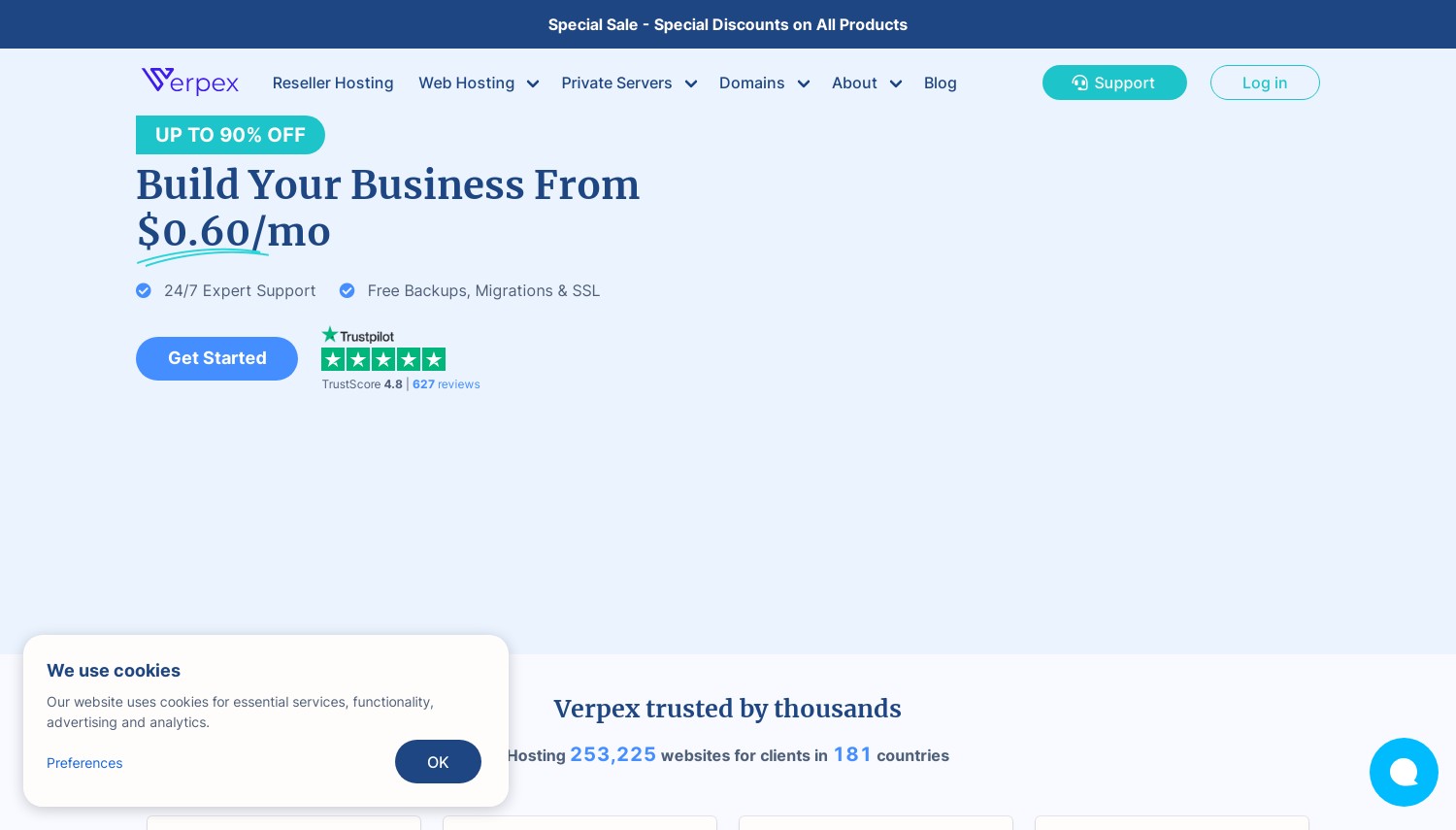
1. Verpex Hosting
 1.2k+
4.7
Positive
Positive
1.2k+
4.7
Positive
Positive










| Storage | Cpu | Bandwidth | Price | |
|---|---|---|---|---|
| 30 GB | - | Unlimited | $0.59 / mo. | View Plan |
| 50 GB | - | Unlimited | $0.99 / mo. | View Plan |
| 100 GB | - | Unlimited | $1.49 / mo. | View Plan |
Verpex - mini-review (Score 4.5)
Verpex is a flexible choice for users who value multiple server location options and quick deployment. It’s best suited to small-to-mid sites that want decent performance without enterprise-level pricing.
- Speed: Good performance when using nearby EU server locations.
- Uptime reliability: Suitable for standard websites rather than complex HA setups.
- Support & migrations: Helpful for users moving sites or managing basics.
- Pricing transparency: Promo pricing is common; review renewal terms and usage limits.
Best for: small businesses, portfolios, and multi-site owners.
Not best for: high-traffic applications needing guaranteed isolation.
Screenshot note: highlight server location selection and backup features.
2. Kamatera
 320
4.2
Positive
Positive
320
4.2
Positive
Positive





| Storage | Cpu | Ram | Bandwidth | |
|---|---|---|---|---|
| 20 GB | 1 x 2.6GHz | 1 GB | 5 TB | View Plan |
| 50 GB | 4 cores | 4 GB | Unlimited | View Plan |
Kamatera - mini-review (Score 4.0)
Kamatera is the “build-your-own cloud” option in this list. If you want full control over CPU/RAM/storage and you’re comfortable managing a server (or paying for management), Kamatera’s model is hard to beat for flexibility. Their European coverage is strong, which matters for Denmark-focused performance when paired with a nearby location and CDN.
- Web hosting speed: Strong when properly configured; performance depends on your chosen server specs.
- Uptime reliability: Cloud-based infrastructure designed for high availability; redundancy depends on how backups and failover are set up.
- Ease of use: Infrastructure-first approach; expect a learning curve if you’re not technical.
- Pricing transparency: Flexible hourly/monthly billing; costs scale with resources and add-ons.
Best for: developers, agencies, SaaS prototypes, and businesses needing custom cloud servers.
Not best for: beginners who want a fully managed WordPress experience.
Screenshot note: show the server builder (CPU/RAM sliders) and EU location selector.
3. Meebox
 9.5k+
4.8
Positive
Positive
9.5k+
4.8
Positive
Positive

| Storage | Cpu | Ram | Bandwidth |
|---|---|---|---|
| 20 GB | - | 512 MB | 10.24 GB |
| 20 GB | - | 512 MB | 10.24 GB |
Meebox - mini-review (Score 4.9)
Meebox is a Denmark-based hosting provider suited to users who prefer a local company and a straightforward setup process. Its cloud offerings work best for modest workloads where simplicity and local presence matter more than advanced infrastructure customization.
- Speed & latency: Favorable for Danish audiences depending on selected plan and server location.
- Ease of use: Beginner-friendly dashboards with minimal setup complexity.
- Support: Local providers can be helpful, but response quality should be tested pre-purchase.
- Pricing: Always confirm which resources are dedicated versus shared.
Best for: Danish small businesses, local websites, and brochure-style projects.
Not best for: high-load applications needing guaranteed resource isolation.
Screenshot note: include plan comparison highlighting CPU, RAM, and storage.
4. HostArmada
 1.1k+
4.9
Positive
Positive
1.1k+
4.9
Positive
Positive
| Storage | Cpu | Ram | Bandwidth | |
|---|---|---|---|---|
| 15 GB | 2 cores | 2 GB | Unlimited | View Plan |
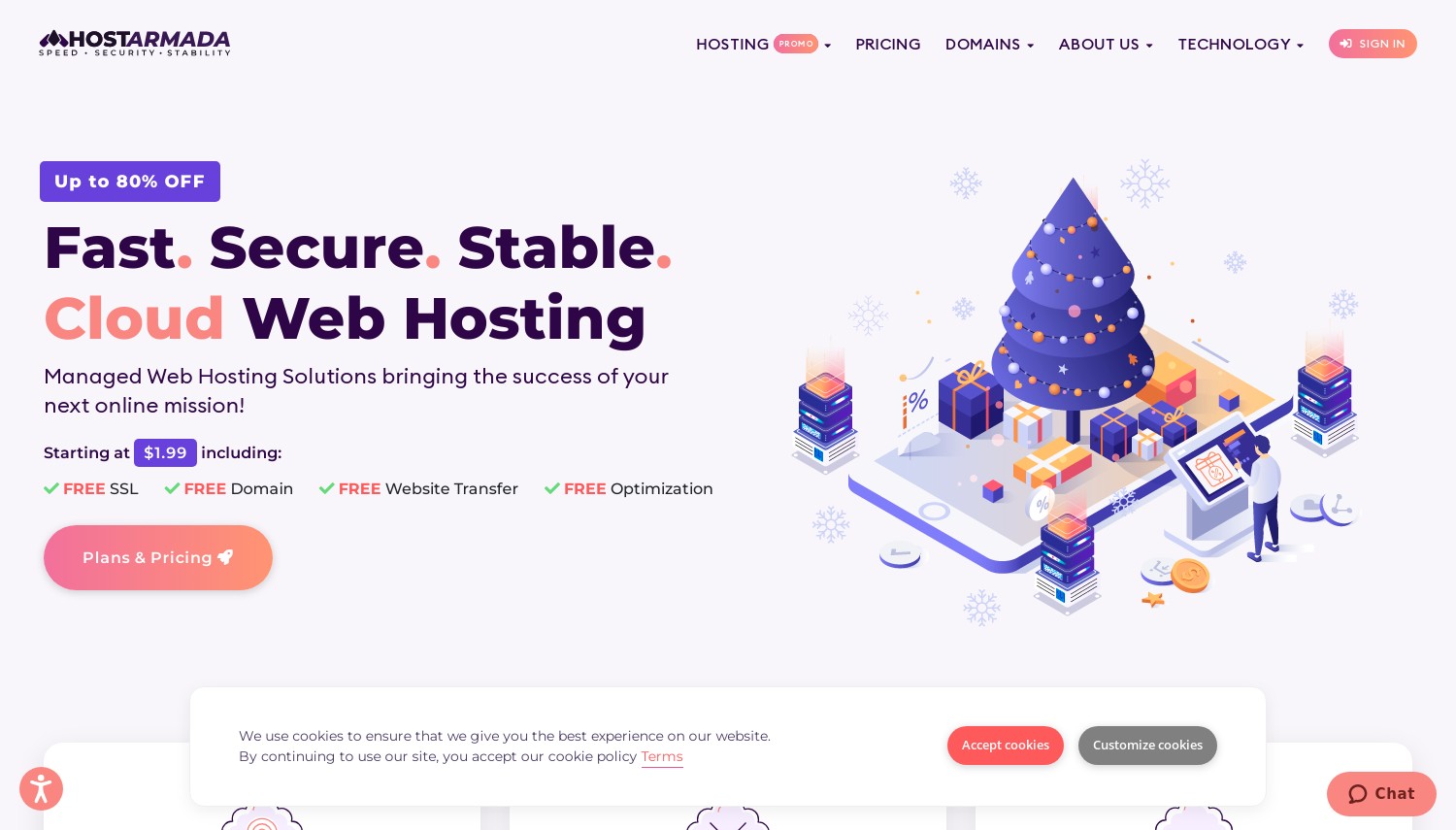
HostArmada - mini-review (Score 4.8)
HostArmada targets users who want cloud-style performance with a managed hosting experience. NVMe storage, caching, backups, and security are baked into plans, making it a practical option for WordPress users who want speed without server management.
- Web hosting speed: Strong for WordPress thanks to NVMe storage and server-level caching.
- Uptime reliability: Cloud infrastructure with a 99.9% uptime target.
- Customer support: 24/7 technical assistance; test responsiveness with a migration or setup question.
- Pricing transparency: Introductory discounts apply; renewal pricing should be reviewed carefully.
Best for: WordPress sites, small stores, and business websites wanting managed performance.
Not best for: advanced users needing deep server-level control.
Screenshot note: show the feature list for caching, backups, and security.
5. ChemiCloud
 1.2k+
4.9
Positive
Positive
1.2k+
4.9
Positive
Positive


| Storage | Cpu | Ram | Bandwidth | |
|---|---|---|---|---|
| 20 GB | 1 core | 1 GB | $2.95 / mo. | View Plan |
| 80 GB | 2 x 2.2GHz | 4 GB | 4 TB | View Plan |
| 160 GB | 4 x 2.2GHz | 8 GB | 5 TB | View Plan |
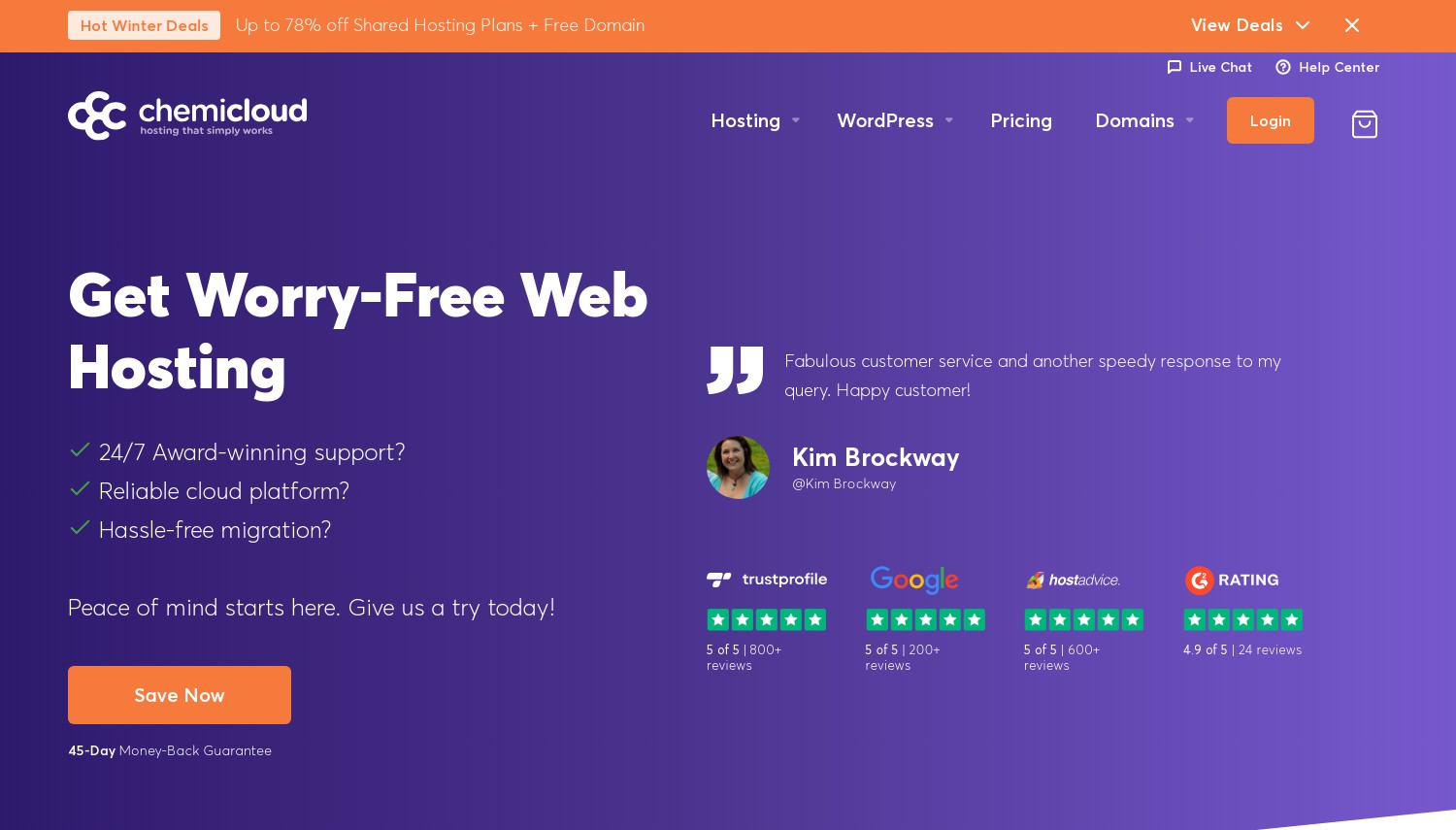
ChemiCloud - mini-review (Score 4.8)
ChemiCloud focuses on user-friendly cloud hosting with clear plan tiers and strong support. It’s especially attractive for WordPress and small business sites, provided buyers factor in renewal pricing over the long term.
- Speed: Solid for standard WordPress and business websites.
- Uptime reliability: Stable for typical workloads; VPS options exist for higher demands.
- Support: Well-suited to non-technical users needing help with setup and migration.
- Pricing transparency: Competitive promos; renewals are higher and should be budgeted in advance.
Best for: bloggers, SMBs, and WordPress hosting with a support-first approach.
Not best for: complex custom stacks or high-performance apps.
Screenshot note: show promo vs renewal pricing clearly.
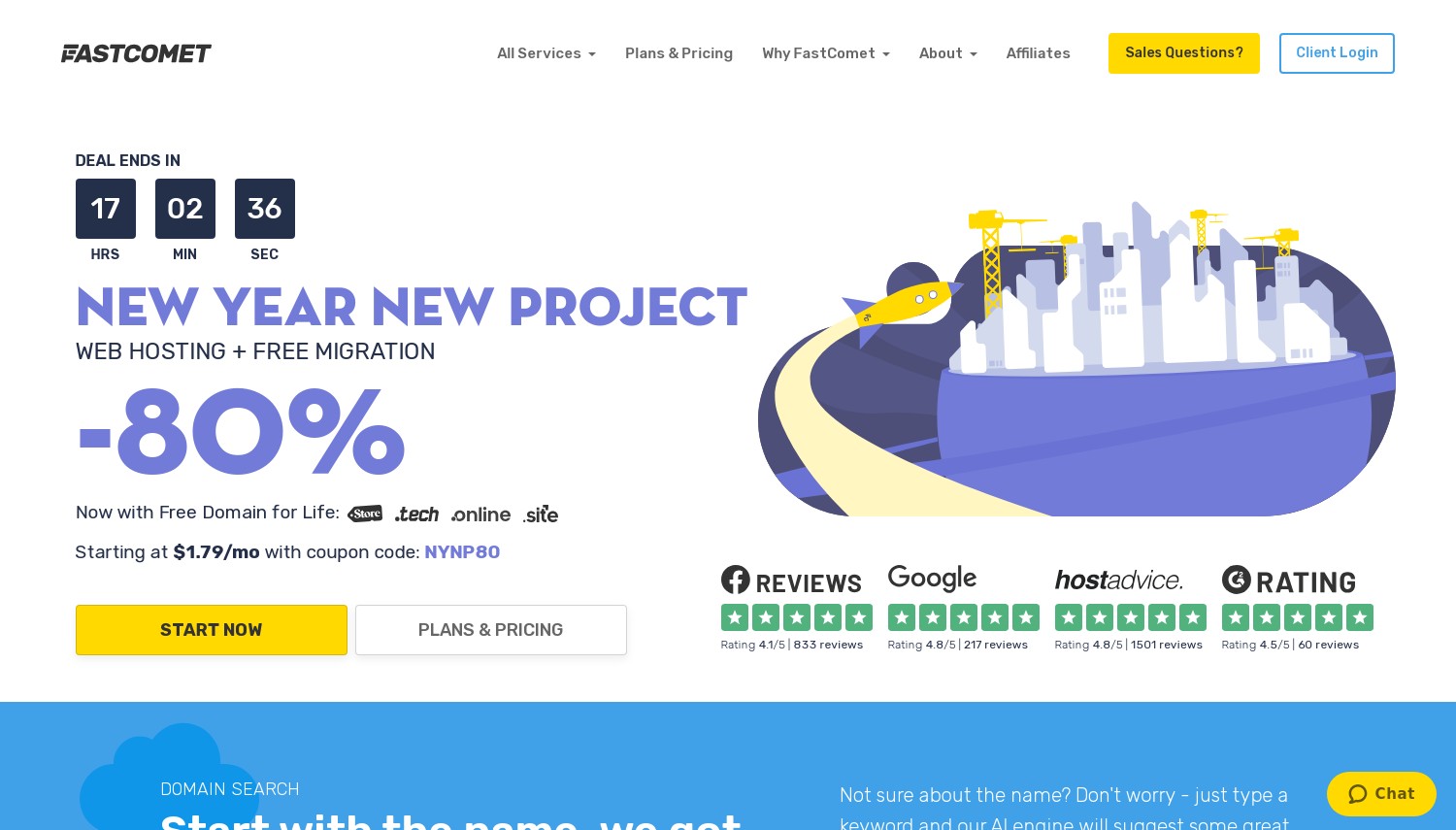
6. FastComet
 3.5k+
4.8
Positive
Positive
3.5k+
4.8
Positive
Positive
| Storage | Cpu | Ram | Bandwidth | |
|---|---|---|---|---|
| 10 GB | - | $1.79 / mo. | View Plan | |
| 50 GB | 1 x 2.5GHz | 2 GB | 2 TB | View Plan |
| 80 GB | 2 x 2.5GHz | 4 GB | 4 TB | View Plan |
FastComet - mini-review (Score 4.7)
FastComet sits between shared hosting and full cloud servers, offering managed VPS-style plans with defined resources. It’s a logical upgrade for sites that have outgrown shared hosting and need more consistent performance.
- Web hosting speed: Strong once you move into higher CPU/RAM tiers.
- Uptime reliability: Cloud VPS architecture with dedicated resources per plan.
- Support: 24/7 assistance, useful for migrations and VPS transitions.
- Pricing transparency: Clear plan pricing with visible renewals.
Best for: growing businesses, WooCommerce stores, and traffic-heavy WordPress sites.
Not best for: budget-focused beginners.
Screenshot note: show VPS plan table and EU data center options.
These providers are ranked for Denmark-focused buyer intent: web hosting speed, uptime reliability, customer support, and pricing transparency (including what typically changes at renewal). Use the screenshots/tables in this post to compare “what you get” at a glance—then match the host to your workload.
- Choose Kamatera if you want maximum control and predictable server building blocks (great for developers and businesses that need custom specs). :contentReference
- Choose HostArmada or ChemiCloud if you want cloud-style speed and protection with a simpler day-to-day experience. :contentReference
- Choose SiteGround Cloud if you want a premium, fully managed cloud platform with dedicated resources and business-grade tooling, at a much higher entry price than “starter cloud” offers. :contentReference
- Choose FastComet Cloud VPS if you want a managed VPS-style environment with clear renewal pricing and plan-based resources. :contentReference
- Choose Verpex if you want broad EU location options and fast provisioning for smaller-to-mid projects that still care about geography. :contentReference
Note on pricing: Several providers advertise introductory discounts. Always check the plan term and renewal pricing before committing, especially if you’re budgeting for a long-term WordPress or store project.