
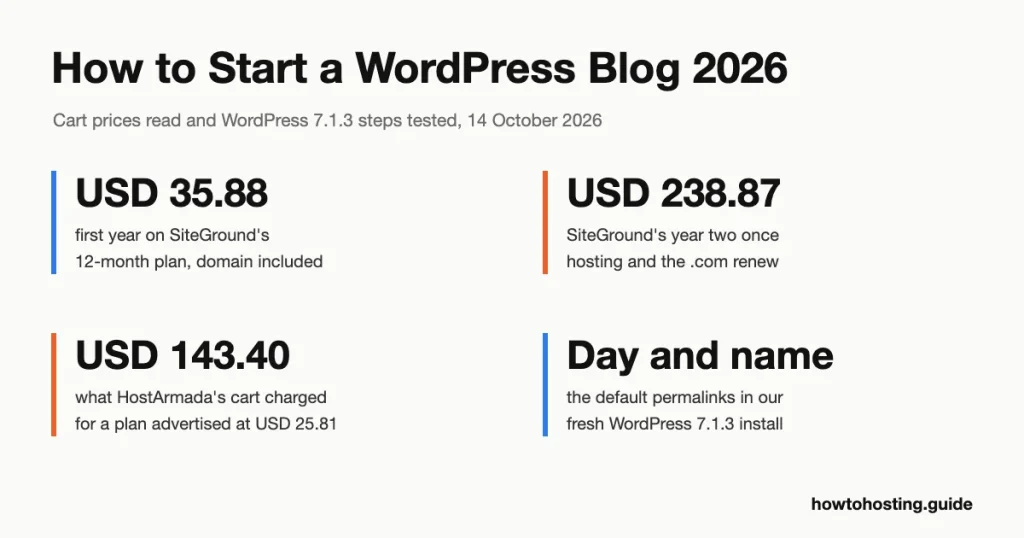
How to Start a WordPress Blog in 2026: Beginner’s Guide
A self-hosted WordPress blog costs USD 35.88 to USD 47.88 for its first year on a 12-month hosting plan, with the domain included. Year two is where budgets break: USD 151.87 to USD 238.87, once hosting and the .com renew…
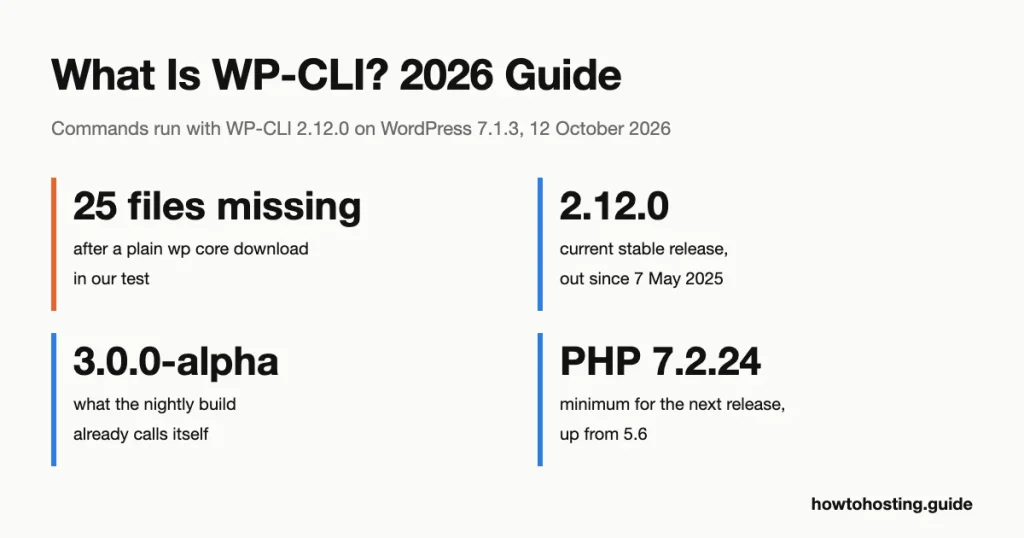
What Is WP-CLI + How to Use It [The Ultimate Guide]
WP-CLI is the official command-line tool for WordPress: you type a short command in a terminal, and WordPress does the job without a browser. One line updates every plugin. Another exports the database or creates a user. Most tutorials for…
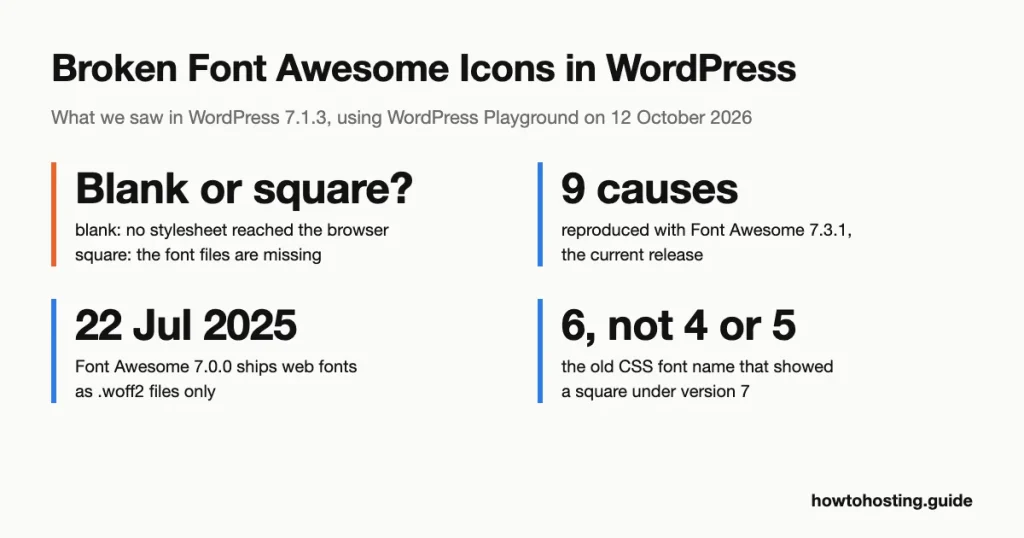
How To Fix Broken Font Awesome Icons in WordPress
A broken Font Awesome icon shows up in WordPress as one of two things: a blank gap or an empty square. Which one you see tells you which fix to use. We reproduced nine causes in WordPress 7.1.3 with Font…
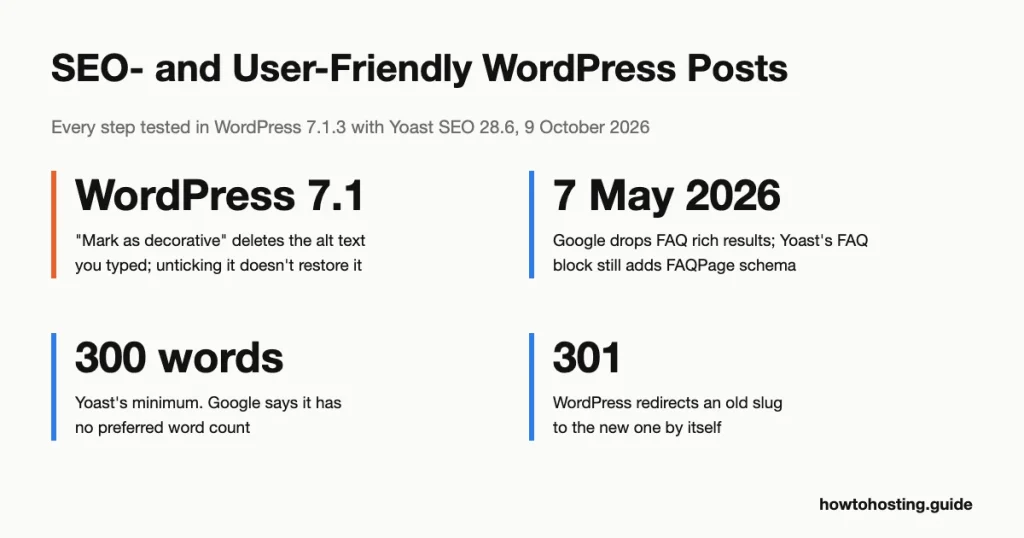
How to Make a WordPress Post SEO-Friendly (2026)
We rebuilt this guide by doing every step in WordPress 7.1.3 and checking each Google claim against Google’s own Search Central documentation. Several tips from the 2020 version didn’t survive that check. Neither did some of the red warnings Yoast…
WordPress Posts Vs WordPress Pages
Short answer: use a post for anything with a date that belongs in your blog stream: news, tutorials, announcements, recipes. Use a page for content that should always sit in the same place: Home, About, Services, Contact and your privacy…
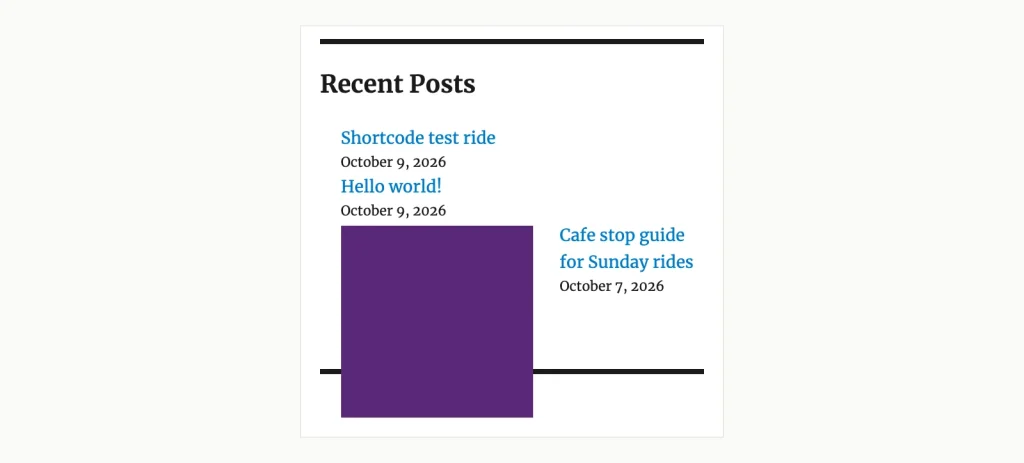
How to Display Recent Blog Posts on Your WordPress Website
We ran the recent-posts code that several tutorials still copy, in WordPress 7.1.3. It printed its own comments on the page and listed 6 posts when asked for 5. The built-in tools do better, but they have traps of their…
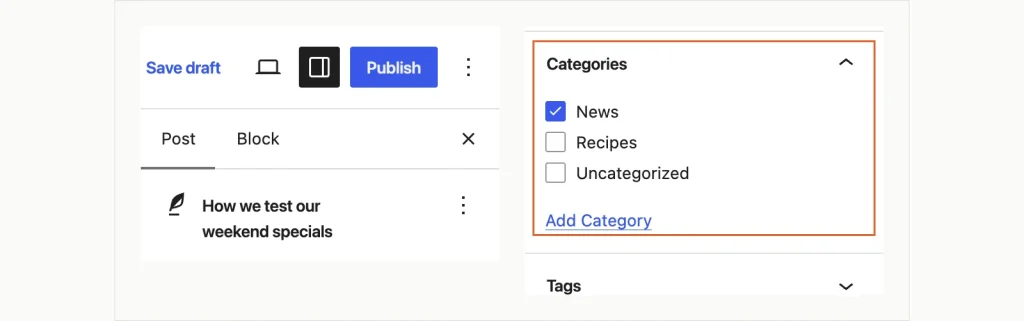
How to Add a Post To a Page in WordPress
Put a Query Loop block on a WordPress page, leave it on its first setting, and the editor shows your latest posts. Publish it, and visitors see one item: the page itself. That trap catches people because the preview looks…
Best Cheap WordPress Hosting (Oct. 2026) – Top 12 Budget Plans Compared
How to Choose Cheap WordPress Hosting Without Regret Generic feature checklists don’t help much when every host claims free SSL and “blazing speed.” Instead, here are four concrete buyer scenarios with thresholds and named recommendations. Scenario 1. First WordPress…

Best WordPress Landing Page Plugins (2026): 11 Builders Priced at Renewal
WPOnePager held a slot in this guide for five years. Its domain no longer resolves, and a WHOIS lookup on 1 September 2026 returns no record for it, so it’s gone from the list. That’s the risk nobody prices into…
How to Fix the 500 Internal Server Error in WordPress (2026)
WordPress’s own crash screen is an HTTP 500. So is a blank white page. So is the unstyled page your web server serves when it gives up. Core’s fatal error handler hands a 500 response to wp_die() before it prints…

How to Fix Shared Hosting Email Problems (2026): 12 Failures and Who Controls Each
On 29 April 2025, Microsoft deleted the grace period from its own announcement. The original plan was to route unauthenticated mail from big senders into the Junk folder, with rejection to follow later. Six days before enforcement, Microsoft switched to…
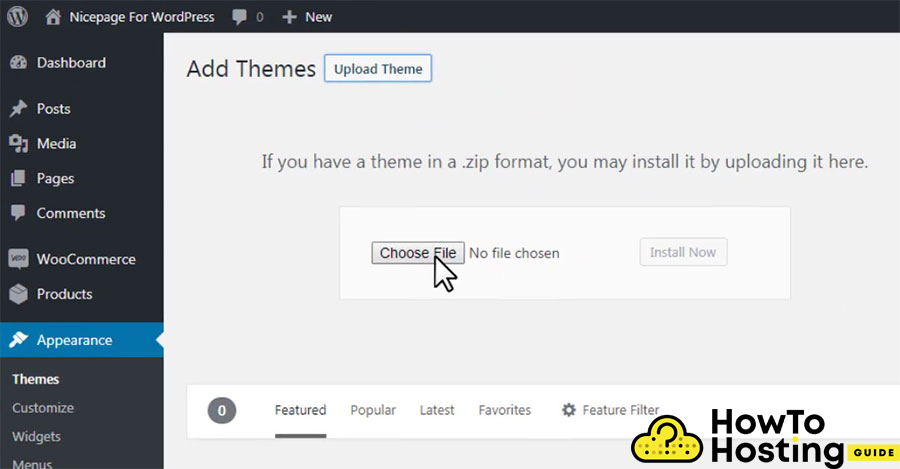
WordPress Won’t Upload Themes (2026): Every Error and the Fix That Matches It
Upload a 12 MB theme to a stock PHP install and WordPress tells you the link you followed has expired. Nothing expired. The zip was larger than PHP’s 8 MB default for a form submission. PHP threw the whole request…
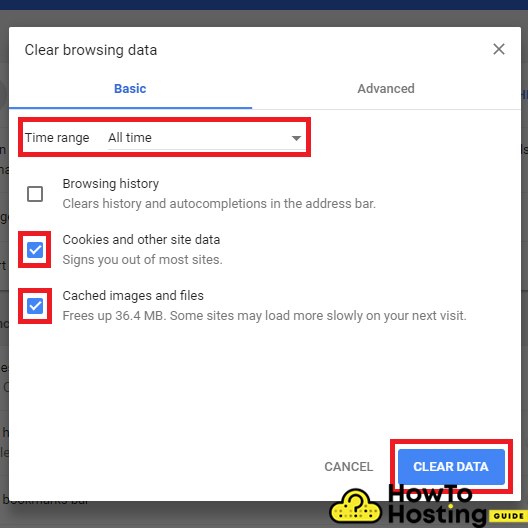
How to Fix WordPress Login Crashes (2026): Eight Failures and the Order to Rule Them Out
WordPress prints two different “cookies are blocked” errors on the login screen. One means your browser refused a cookie. The other means your server printed something before WordPress could set one. They sit eleven lines apart in the same core…

Workout Builder Plugins for WordPress (2026): Top 12 Compared
WordPress.org lists exactly two plugins under its workout tag. The larger of the two runs on 30 sites. Filter by gym and you get five, topping out at 100 installs. Filter by bodybuilding and you get nothing at all. So…

Disable Comments Plugin (2026): Who Owns It Now and How to Turn Off WordPress Comments
Samir Shah auctioned the Disable Comments plugin on 5 August 2020. One condition: the winner had to donate the bid to charity and show him the receipt. WPDeveloper won, shipped version 2.0.0 on 28 November 2020, and announced the deal…
Plugin Rank Review (2026): The Service Is Offline, and What Plugin Authors Should Use Instead
Plugin Rank sold a USD 119/month plan to WordPress plugin developers. On 1 September 2026 its domain returns no DNS record at all. Awesome Motive, the company that bought it, no longer lists it among the roughly 40 brands on…
How to Reset WordPress to Default Settings (2026): 4 Methods and When Each One Is Wrong
Three WordPress reset plugins are now closed on WordPress.org, the most recent shut on 19 July 2026 pending review. You have to reach for a plugin at all because WordPress core has never shipped a reset of its own. The…

Best Free Logo Makers (2026) – 12 Tools and What They Really Charge
Three logo makers that filled “best free logo maker” lists a few years ago no longer exist. One was bought and switched off. One quietly dropped the tool from its own website. One 404s on every URL we could find…
How to Backup Your WordPress Site in 2026 (Plugins, Hosts and the Manual Way)
Kinsta’s backup documentation contains one sentence most of its customers have never read. “Each backup is stored on the same host machine as your site.” Kinsta is a well-regarded managed host, and that line is not a scandal. Same-machine snapshots…

Why WordPress Still Runs on PHP in 2026 (And Why That Won’t Change)
WordPress gets blamed for keeping old PHP alive. The numbers say the reverse. Across WordPress installs that report in, 76.7% run PHP 8, against 63.3% of the PHP web as a whole. That is a 13.4-point lead for the platform…
While we may earn affiliate commissions from some of the companies featured, these commissions do not compromise the integrity of our reviews or influence our rankings.
The affiliate earnings contribute to covering account acquisition, testing expenses, maintenance, and development of our website and internal systems.
Trust howtohosting.guide for reliable hosting insights and sincerity.