Best Cloud Hosting (2026): Top 12 Providers Compared
Cloud hosting splits into two distinct markets that rarely get explained clearly. One side offers managed platforms where someone else handles server configuration, security patches, and 3am emergencies. The other side gives you raw infrastructure, a blank Linux box where you control everything. Picking the wrong type wastes either money (paying for management you don't need) or time (learning server administration when you should be building your business).
Quick answer: Cloudways delivers the best managed experience by layering simplified controls over major cloud providers like DigitalOcean and AWS. For raw infrastructure at aggressive pricing, Vultr starts at $2.50/mo with 32 global locations. Businesses wanting managed WordPress on enterprise infrastructure should look at Kinsta's Google Cloud-powered platform. Below, we compare 12 providers with verified January 2026 pricing and honest capability assessments.
Jump to: Cloudways | Kamatera | ScalaHosting | Vultr | DigitalOcean | Linode (Akamai) | UpCloud | AWS Lightsail | Hostinger | Kinsta | Liquid Web | A2 Hosting | How to Choose | FAQ
Last reviewed: January 2026. Prices and features verified.
This comparison includes both managed platforms (where technical work is handled for you) and IaaS providers (where you get root access and full control). We've noted which category each provider falls into so you can filter based on your technical comfort level.
How We Selected These Providers
We evaluated cloud hosts across two dimensions: infrastructure quality and management level. For IaaS providers, we verified data center counts, network quality, and pricing transparency. For managed platforms, we assessed what technical tasks they actually handle versus what falls on you. User ratings required minimum 4.0/5 from aggregated reviews, with preference given to providers showing consistent performance in third-party benchmarks. All pricing was confirmed against official sources in January 2026.
Cloudways: Best Managed Cloud Platform
Starting at $11/mo (DigitalOcean) | Pay-as-you-go | 3-day free trial
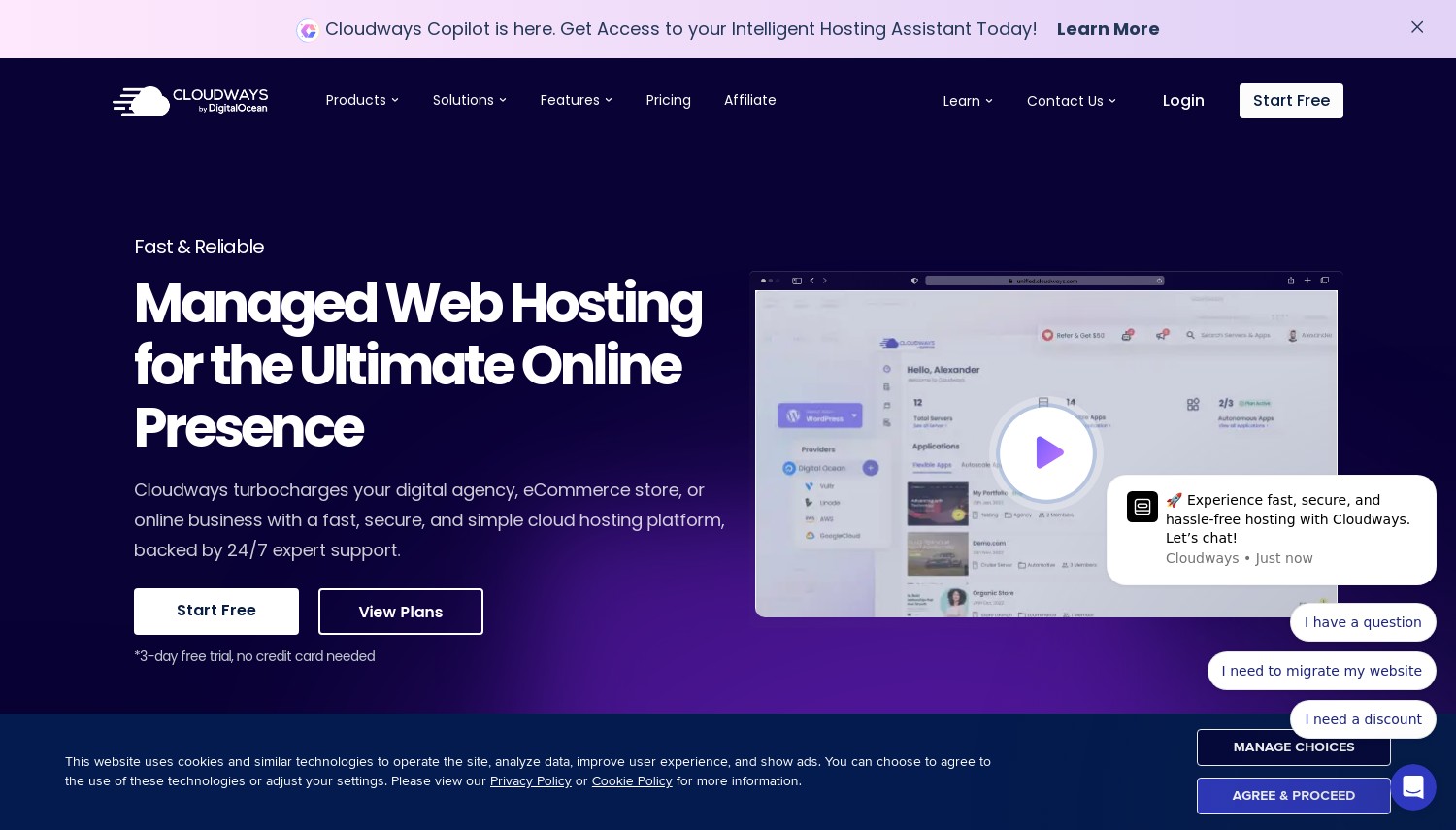
Cloudways occupies unique territory: they don't own servers. Instead, they layer management tools over five major cloud providers (DigitalOcean, Vultr, Linode, AWS, Google Cloud). You pick the underlying infrastructure, and Cloudways handles server configuration, security hardening, automated backups, and performance optimization. This hybrid model gives you enterprise cloud infrastructure without requiring DevOps expertise.
The platform excels at removing friction. One-click server deployment replaces hours of manual configuration. Built-in staging environments let you test changes before pushing live. Their Breeze caching plugin and Redis integration handle performance tuning automatically. SSH and SFTP access remain available when you need deeper control, but most users never touch terminal commands. For agencies managing multiple client sites, the team collaboration features and white-label options add genuine value.
Pricing reflects the management layer. A 1GB DigitalOcean server through Cloudways costs $11/mo versus $4/mo directly from DigitalOcean. That $7 premium covers 24/7 support, managed security, automated backups, and the simplified interface. AWS and Google Cloud options cost significantly more ($36+/mo starting), making sense primarily for enterprises requiring specific compliance certifications. Against Kinsta in this comparison, Cloudways offers more infrastructure flexibility at lower price points, though Kinsta provides deeper WordPress-specific optimization.
Pros
- Choose underlying infrastructure from 5 major cloud providers
- Managed security, backups, and performance optimization included
- Pay-as-you-go billing with no long-term contracts
- SSH/SFTP access when deeper control is needed
Cons
- Premium over direct cloud pricing ($7+/mo management fee)
- Only 3-day free trial for DO/Vultr/Linode (AWS/GCP excluded)
- No email hosting included (requires third-party service)
Pricing: DigitalOcean 1GB at $11/mo, 2GB at $24/mo. Vultr 1GB at $14/mo. AWS Small at $36.51/mo. Google Cloud at $33.18/mo. Annual billing saves 25% ($8.25/mo for DO 1GB). All plans include unlimited applications, free SSL, and 24/7 support.
Best for: Developers and agencies who want cloud infrastructure without server administration overhead.
Skip if: You're comfortable managing servers directly and want to avoid the management premium.
Cloudways solves a real problem: getting cloud infrastructure benefits without the learning curve. The management fee makes sense when your time costs more than $7/month worth of server maintenance tasks.
Kamatera: Best for Custom Configurations
Starting at $4/mo | Hourly billing available | 30-day free trial ($100 credit)
Standard cloud plans force awkward tradeoffs. Need 16GB RAM but only 2 CPU cores? Most providers make you buy an 8-core plan to get that memory. Kamatera eliminates this problem entirely. Their configurator lets you specify exact resources: any combination of 1-104 vCPUs, 1-512GB RAM, and storage sized to your needs. You pay precisely for what you configure, nothing more.
The infrastructure runs on Intel Ice Lake processors with NVMe storage across 24 data centers spanning 4 continents. US coverage includes 8 locations (Atlanta, Chicago, Dallas, LA, NYC, Miami, Santa Clara, Seattle). European and Asian presence covers major markets adequately. The 30-day free trial with $100 credit provides genuine runway to test performance with real workloads, unlike the 3-day trials common elsewhere.
Kamatera targets users comfortable with server management. You get root access and full control, but no managed services layer handles updates or security for you. Their interface works but feels utilitarian compared to polished alternatives. Support responds adequately for infrastructure issues but won't help optimize your WordPress installation. Compared to Vultr in this comparison, Kamatera offers more granular customization but less community documentation and ecosystem tooling.
Pros
- Fully customizable CPU, RAM, and storage configurations
- 30-day trial with $100 credit for genuine testing
- 24 data centers across Americas, Europe, and Asia
- True hourly billing (per-minute granularity)
Cons
- Unmanaged infrastructure requires server administration skills
- Interface functional but dated compared to DigitalOcean
- Smaller community means fewer tutorials and third-party integrations
Pricing: Entry at $4/mo for 1 vCPU, 1GB RAM, 20GB SSD. Mid-tier example: 4 vCPU, 8GB RAM, 100GB SSD runs approximately $35-50/mo depending on configuration. Additional bandwidth at $0.01/GB. Hourly servers billed per minute.
Best for: Teams with DevOps capability who need precise resource allocation without paying for unused capacity.
Skip if: You want managed services or need extensive documentation and community support.
Kamatera's value proposition is control. When standard plans waste resources or money through poor sizing, custom configuration eliminates that inefficiency. The 30-day trial lets you validate performance before committing.
ScalaHosting: Best Managed Cloud VPS
Starting at $14.95/mo (managed) | SPanel included | Anytime money-back guarantee
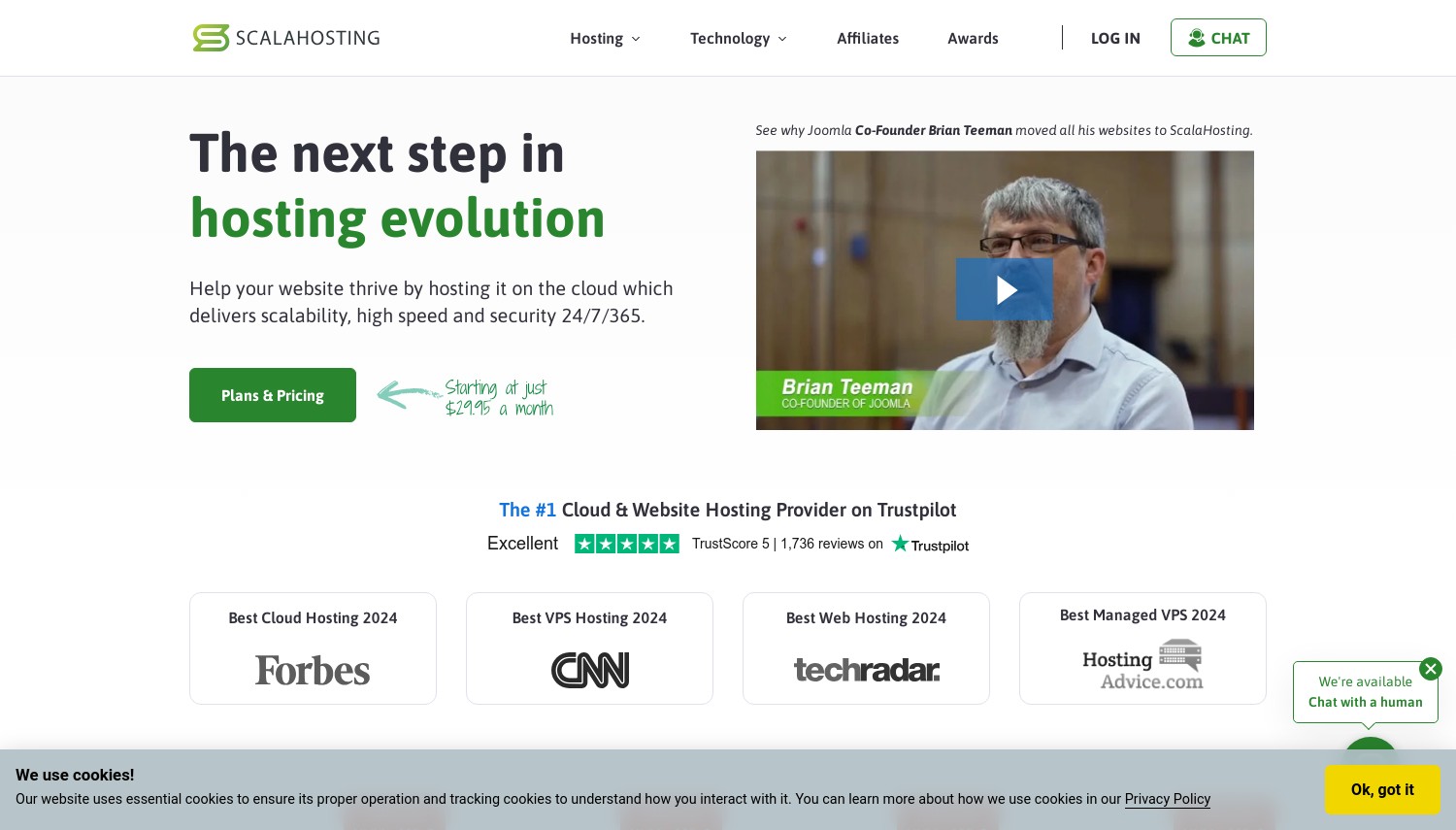
ScalaHosting built their reputation around a specific proposition: managed VPS hosting that doesn't require terminal skills. Their proprietary SPanel control panel handles what cPanel does, without the licensing fees that have pushed hosting costs higher across the industry. For users outgrowing shared hosting but intimidated by server management, ScalaHosting provides a middle path.
The technical stack includes SShield, an AI-powered security system claiming to block 99.998% of attacks. Automatic daily backups, free SSL provisioning, and managed WordPress tools come standard. Native data centers operate in Dallas, New York, and Sofia (Bulgaria), with AWS partnership extending deployment options to 32+ global locations. The management layer handles security patches, server optimization, and monitoring without requiring your intervention.
Pricing sits between budget VPS and premium managed WordPress hosts. Entry at $14.95/mo (3-year term) provides 2GB RAM and adequate resources for small to medium sites. Monthly billing runs higher. The anytime money-back guarantee (prorated refund even after months) removes typical commitment anxiety. Against Cloudways, ScalaHosting costs less but offers fewer infrastructure choices. Against Liquid Web in this comparison, you get similar management at significantly lower price points.
Pros
- SPanel included free (no cPanel licensing fees)
- SShield AI security blocking 99.998% of attacks
- Managed with proactive monitoring and automatic updates
- Anytime money-back guarantee with prorated refunds
Cons
- Entry pricing requires 3-year commitment for best rates
- Fewer data center options than major IaaS providers
- SPanel has learning curve if coming from cPanel
Pricing: Managed Cloud VPS from $14.95/mo (3-year), $29.95/mo monthly. Entry includes 2GB RAM, 1 CPU, 20GB NVMe. Self-managed from $19.95/mo with root access. All include SPanel, daily backups, and free migrations.
Best for: Growing businesses ready to leave shared hosting without learning server administration.
Skip if: You want specific cloud providers (AWS/GCP) or need extensive data center location options.
ScalaHosting fills the gap between shared hosting limits and full DevOps requirements. When traffic growth demands VPS resources but you'd rather not manage servers, their managed approach handles the complexity.
Vultr: Best Budget IaaS Cloud
Starting at $2.50/mo | Per-second billing | No free trial
Vultr competes on two fronts: aggressive pricing and global reach. Their 32 data center locations across 19 countries exceed most competitors, letting you position servers near any major audience. The $2.50/mo entry point (512MB RAM, 10GB SSD) undercuts major competitors while maintaining credible infrastructure. For developers deploying straightforward applications, Vultr delivers infrastructure without premium pricing.
Recent additions strengthen the platform. The VX1 tier (general purpose compute) claims 82% better performance per dollar versus major hyperscalers. Per-second billing (minimum 60 seconds) suits short-lived workloads like CI/CD runners or batch processing. Built-in DDoS protection and customizable firewalls handle security basics. Kubernetes control plane comes free, saving the $70+/mo that AWS charges for equivalent management.
Vultr operates as pure infrastructure. You get root access and full control, which means responsibility for updates, security, and optimization falls entirely on you. Documentation exists but targets experienced users. The ecosystem of third-party tools (Terraform, Ansible) integrates well, but beginners will struggle without DevOps background. Compared to DigitalOcean in this comparison, Vultr offers lower entry pricing but less polished interface and documentation.
Pros
- 32 global data centers across 19 countries
- Entry at $2.50/mo undercuts most competitors
- Per-second billing for short-lived workloads
- Free Kubernetes control plane (saves $70+/mo vs. AWS)
Cons
- Unmanaged requires full server administration responsibility
- Interface less polished than DigitalOcean
- Entry tier (512MB RAM) too limited for most production use
Pricing: Regular Performance from $2.50/mo (512MB RAM, 10GB SSD). High Frequency from $6/mo (1GB RAM, 32GB NVMe, 3GHz+ CPUs). VX1 General Purpose from $43.80/mo. All include 2TB/mo pooled egress free, overage at $0.01/GB.
Best for: Developers comfortable with server management who need global presence at competitive prices.
Skip if: You want managed services or need hand-holding documentation.
Vultr works for teams that know what they're doing. The global footprint and competitive pricing suit production deployments, but expect to handle everything beyond basic infrastructure yourself.
DigitalOcean: Best Developer Experience
Starting at $4/mo | Per-second billing | $200 free credits for new users
DigitalOcean built its reputation on developer experience. Clean interface, excellent documentation, and straightforward pricing attracted a loyal community that now includes over 600,000 customers. Their focus on simplifying cloud infrastructure without dumbing it down makes complex deployments approachable for developers who don't want to become full-time DevOps specialists.
The product portfolio extends well beyond basic VMs. App Platform handles containerized deployments with automatic scaling. Managed Kubernetes simplifies orchestration. Managed databases (Postgres, MySQL, Redis, MongoDB) remove database administration overhead. Spaces provides S3-compatible object storage. This ecosystem lets you build sophisticated architectures without stitching together services from multiple providers. For startups scaling from MVP to production, this integration matters.
Recent changes introduced per-second billing (minimum 60 seconds) and the Cloudways acquisition added managed hosting options. Data centers span 14 locations including major US, European, and Asian markets. Pricing increased slightly in recent years but remains competitive. Against Vultr in this comparison, DigitalOcean costs marginally more but provides substantially better documentation and interface polish.
Pros
- Industry-leading documentation and tutorials
- Integrated ecosystem (Kubernetes, databases, storage, functions)
- $200 free credit for new users (60-day validity)
- Clean interface that respects developer time
Cons
- Entry at $4/mo slightly higher than Vultr's $2.50
- Fewer global locations (14) than Vultr (32)
- Premium Droplets cost notably more than basic tiers
Pricing: Basic Droplets from $4/mo (512MB RAM, 10GB SSD). Premium Droplets from $7/mo (1GB RAM, NVMe). CPU-Optimized from $42/mo. GPU Droplets available for ML workloads. $200 free credit for new accounts (60 days).
Best for: Developers and startups wanting polished infrastructure with excellent documentation.
Skip if: You need maximum data center locations or absolute lowest pricing.
DigitalOcean remains the developer's choice for good reason. The experience of deploying and managing infrastructure feels considered in ways that enterprise clouds often miss. That polish has real productivity value.
Linode (Akamai): Best for Reliability
Starting at $5/mo | Flat-rate billing | No free trial
Linode predates AWS. Founded in 2003, they've been running cloud infrastructure longer than most competitors have existed. The 2022 Akamai acquisition added global edge network integration without changing Linode's developer-friendly approach. This combination of two-decade operational experience and Akamai's network infrastructure positions Linode for users prioritizing stability over cutting-edge features.
The pricing model emphasizes predictability. Flat monthly rates bundle compute, storage, and generous transfer allowances. No surprise bandwidth bills, no complex metering calculations. Premium plans now include DDoS protection at no extra cost, leveraging Akamai's mitigation infrastructure. Dedicated CPU plans guarantee consistent performance without noisy neighbor problems. For workloads where predictable costs and reliable performance matter more than the latest features, this approach works well.
The platform offers managed Kubernetes (LKE), managed databases, and block storage alongside standard compute instances. Locations span major regions adequately if not exhaustively. Against DigitalOcean, Linode matches most capabilities with slightly different pricing structures. The Akamai backing provides enterprise confidence that pure-play startups can't match.
Pros
- 20+ years operational experience running cloud infrastructure
- Flat-rate billing with predictable costs
- Akamai integration adds enterprise-grade DDoS protection
- 99.99% uptime SLA with actual accountability
Cons
- No free trial (though $100 credit promotions exist periodically)
- Interface less modern than DigitalOcean
- Documentation good but not industry-leading
Pricing: Shared CPU from $5/mo (1GB RAM, 25GB SSD, 1TB transfer). Dedicated CPU from $30/mo (4GB RAM, 2 dedicated cores). High Memory from $60/mo (24GB RAM). Network transfer overage at $0.005/GB.
Best for: Teams prioritizing operational stability and predictable billing over newest features.
Skip if: You want free trial access or need extensive free-tier resources.
Linode won't win feature comparison charts. The value is reliability, not innovation. For production workloads where downtime costs real money, that operational maturity has tangible worth.
UpCloud: Best European Cloud Option
Starting at $3.30/mo | Zero egress fees | 3-day free trial
UpCloud operates from Finland with a specific value proposition: high performance at competitive prices with zero egress fees. Most cloud providers charge $0.01-0.09/GB for outbound bandwidth, costs that surprise users serving large files or high-traffic APIs. UpCloud's fair transfer policy (1-24TB included depending on plan) eliminates these surprise bills for most use cases.
Their proprietary MaxIOPS storage technology delivers measurably better disk performance than standard SSDs. Servers deploy in under 45 seconds using latest-generation AMD EPYC processors. The 13 data center locations span Europe (multiple), US (NYC, Chicago, San Jose), and Asia-Pacific (Singapore, Sydney). A 99.999% SLA (five nines) exceeds typical cloud provider guarantees.
The European focus shows in GDPR compliance emphasis and ISO 27001 certification. For companies with EU data residency requirements, UpCloud provides credible European-headquartered infrastructure. Against US-headquartered alternatives, this matters for compliance-sensitive workloads. Pricing stays competitive while including more transfer allowance than most competitors.
Pros
- Zero egress fees under fair transfer policy
- MaxIOPS storage with superior disk performance
- 99.999% SLA (industry-leading uptime guarantee)
- European headquarters with strong GDPR compliance
Cons
- Fewer data center locations than major US providers
- Smaller community means less third-party documentation
- Only 3-day free trial
Pricing: Developer from $3.30/mo (1GB RAM, 25GB storage). General Purpose from $7/mo (2GB RAM). High CPU plans for compute-intensive workloads. Managed databases and Kubernetes available. Transfer: 1-24TB included depending on plan.
Best for: European businesses needing GDPR-compliant infrastructure with predictable bandwidth costs.
Skip if: You need extensive US data center options or want larger free trial periods.
UpCloud serves a specific audience well: users who value transparent pricing, European data residency, and actual performance over marketing promises. The zero egress model removes bandwidth cost anxiety.
AWS Lightsail: Best AWS On-Ramp
Starting at $3.50/mo (IPv6 only) | Fixed pricing | Free tier available
AWS Lightsail exists to solve a specific problem: AWS's main console terrifies beginners. The service offers simplified VPS hosting with predictable pricing, bundling compute, storage, and transfer into fixed monthly rates. For users who want AWS infrastructure without navigating 200+ services and complex billing models, Lightsail provides a manageable entry point.
The value becomes clear when you need AWS ecosystem integration. Your Lightsail instance connects to RDS databases, S3 storage, and Lambda functions through AWS's internal network. As applications grow, resources can migrate to full EC2 without changing providers. Pre-configured blueprints deploy WordPress, Node.js, LAMP stacks, and other common setups in minutes. For startups expecting to eventually need enterprise AWS services, starting with Lightsail makes the future transition easier.
Limitations reflect the simplified approach. Fewer data center options than full EC2. No spot instances or reserved pricing. Configuration options more constrained than raw EC2. The free tier includes 750 hours of the $5 plan for 3 months. Against Vultr or DigitalOcean, Lightsail costs slightly more for equivalent resources, but the AWS integration may justify the premium for certain use cases.
Pros
- Simplified AWS experience with predictable pricing
- Seamless integration with broader AWS ecosystem
- Pre-configured application blueprints for quick deployment
- Free tier: 750 hours for 3 months on $5 plan
Cons
- Pricing higher than equivalent Vultr/DigitalOcean resources
- Fewer configuration options than full EC2
- IPv4 addresses add cost (IPv6-only plans cheaper)
Pricing: Linux IPv6-only from $3.50/mo. Linux with IPv4 from $5/mo (512MB RAM, 20GB SSD, 1TB transfer). Windows from $8/mo. Managed databases from $15/mo. CDN distributions (first 50GB free for 1 year).
Best for: Users planning to grow into broader AWS ecosystem who want a simple starting point.
Skip if: You have no AWS integration needs and want maximum value per dollar.
Lightsail makes sense as an AWS on-ramp. If you'll eventually need S3, Lambda, or RDS, starting here avoids future migration complexity. Otherwise, independent providers offer better value.
Hostinger: Best for Cloud Hosting Beginners
Starting at $6.99/mo | Visual control panel | 30-day guarantee
Hostinger's cloud hosting targets users stepping up from shared hosting. Their visual control panel (hPanel) eliminates command-line requirements while delivering dedicated resources and guaranteed performance. For small businesses outgrowing shared hosting limits but not ready for raw infrastructure management, this middle ground provides meaningful capability improvement without steep learning curves.
The technical specs include dedicated CPU and RAM allocation, NVMe storage, and LiteSpeed web server. Performance clearly exceeds shared hosting. Daily backups, free SSL, and CDN come standard on all cloud plans. The AI assistant helps troubleshoot common issues without requiring technical knowledge. Server locations span major regions including North America, Europe, and Asia, letting you position near your primary audience.
Pricing requires typical Hostinger commitment calculations. That $6.99/mo needs a multi-year prepayment. Monthly billing runs much higher. Renewal increases to approximately $19.99/mo, nearly triple the promotional rate. Against Cloudways in this comparison, Hostinger costs less and requires less technical knowledge, but offers less infrastructure flexibility and forces you onto their proprietary platform.
Pros
- Visual panel requires no command-line knowledge
- Dedicated resources eliminate shared hosting "noisy neighbor" issues
- AI assistant for troubleshooting common problems
- Daily backups and CDN included on all cloud plans
Cons
- Renewal at $19.99/mo is nearly 3x promotional price
- Multi-year commitment required for best pricing
- Limited infrastructure control compared to IaaS options
Pricing: Cloud Startup at $6.99/mo (promo), renews at ~$19.99/mo. 200GB NVMe, 2GB RAM, daily backups. Cloud Professional at $9.99/mo adds 250GB and 4GB RAM. Cloud Enterprise at $29.99/mo provides 300GB and 8GB RAM.
Best for: Small businesses upgrading from shared hosting who want simplicity over flexibility.
Skip if: You need infrastructure control or want predictable long-term pricing.
Hostinger cloud serves the shared-hosting-graduate market well. The dedicated resources genuinely perform better than shared alternatives, and the interface remains approachable. Just calculate actual multi-year costs before committing.
Kinsta: Best Premium WordPress Cloud
Starting at $30/mo | Google Cloud infrastructure | 30-day guarantee
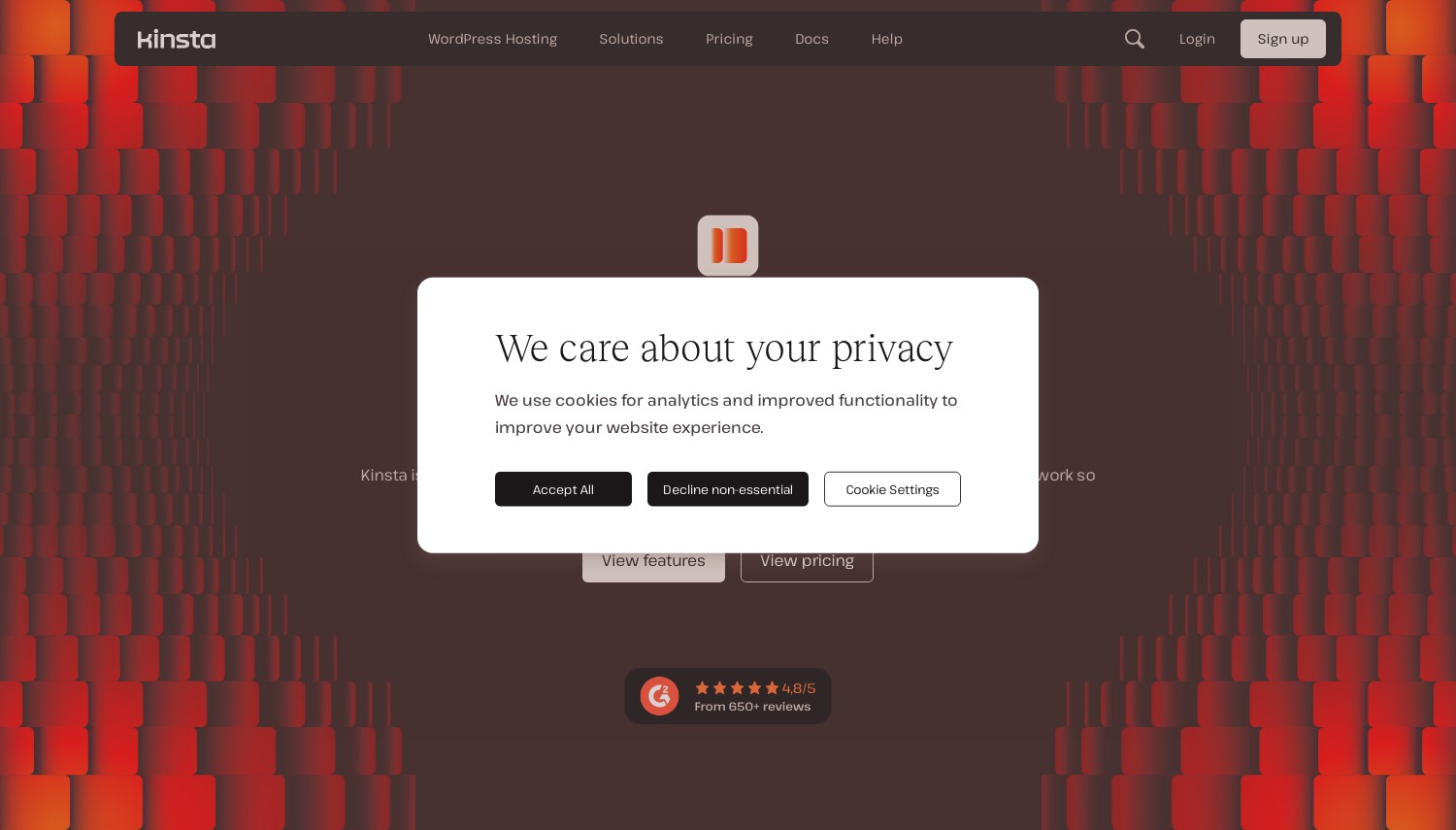
Kinsta runs exclusively on Google Cloud Platform's premium tier network, providing enterprise infrastructure specifically optimized for WordPress. This isn't generic cloud hosting with WordPress installed. Their stack includes custom-built caching, Google's C2 and C3D machines, and Cloudflare Enterprise integration. For WordPress sites where performance directly impacts revenue, Kinsta provides measurable advantages over generic hosting.
The management layer handles everything WordPress-specific. Automatic updates include visual regression testing that rolls back problematic changes automatically. Staging environments deploy in seconds. The MyKinsta dashboard provides analytics, APM tools, and one-click optimization features. Free migrations cover even complex multisite installations. 37+ Google Cloud locations let you position near any audience globally.
Pricing reflects the premium positioning. Entry at $30/mo (annual) includes 35,000 visits and one site. Agencies and larger businesses need plans starting at $115+/mo. This costs considerably more than alternatives like Cloudways or generic VPS providers. Against Liquid Web in this comparison, Kinsta focuses purely on WordPress while Liquid Web supports broader application types. The value depends on whether WordPress-specific optimization justifies the premium.
Pros
- Google Cloud Platform premium tier infrastructure
- Cloudflare Enterprise CDN and DDoS protection included
- Automatic updates with visual regression testing
- Expert WordPress support (not generic hosting support)
Cons
- Expensive: entry at $30/mo with limited visits
- WordPress only (no general web hosting)
- Visit-based pricing can surprise high-traffic sites
Pricing: Single 35k at $30/mo (annual) for 1 site, 35,000 visits. WP 2 at $70/mo for 2 sites, 60,000 visits. WP 5 at $115/mo for 5 sites, 100,000 visits. Agency plans from $340/mo. 30-day money-back guarantee. Annual billing saves ~17%.
Best for: WordPress sites where performance directly impacts business revenue.
Skip if: You're budget-conscious or run applications beyond WordPress.
Kinsta costs more because it delivers more, specifically for WordPress. The Google Cloud infrastructure and WordPress-specific optimization produce measurable performance differences. Whether that justifies 3-4x the cost of alternatives depends on your traffic monetization.
Liquid Web: Best Premium Managed Cloud
Starting at $14.75/mo (managed VPS) | 100% uptime guarantee | 30-day guarantee
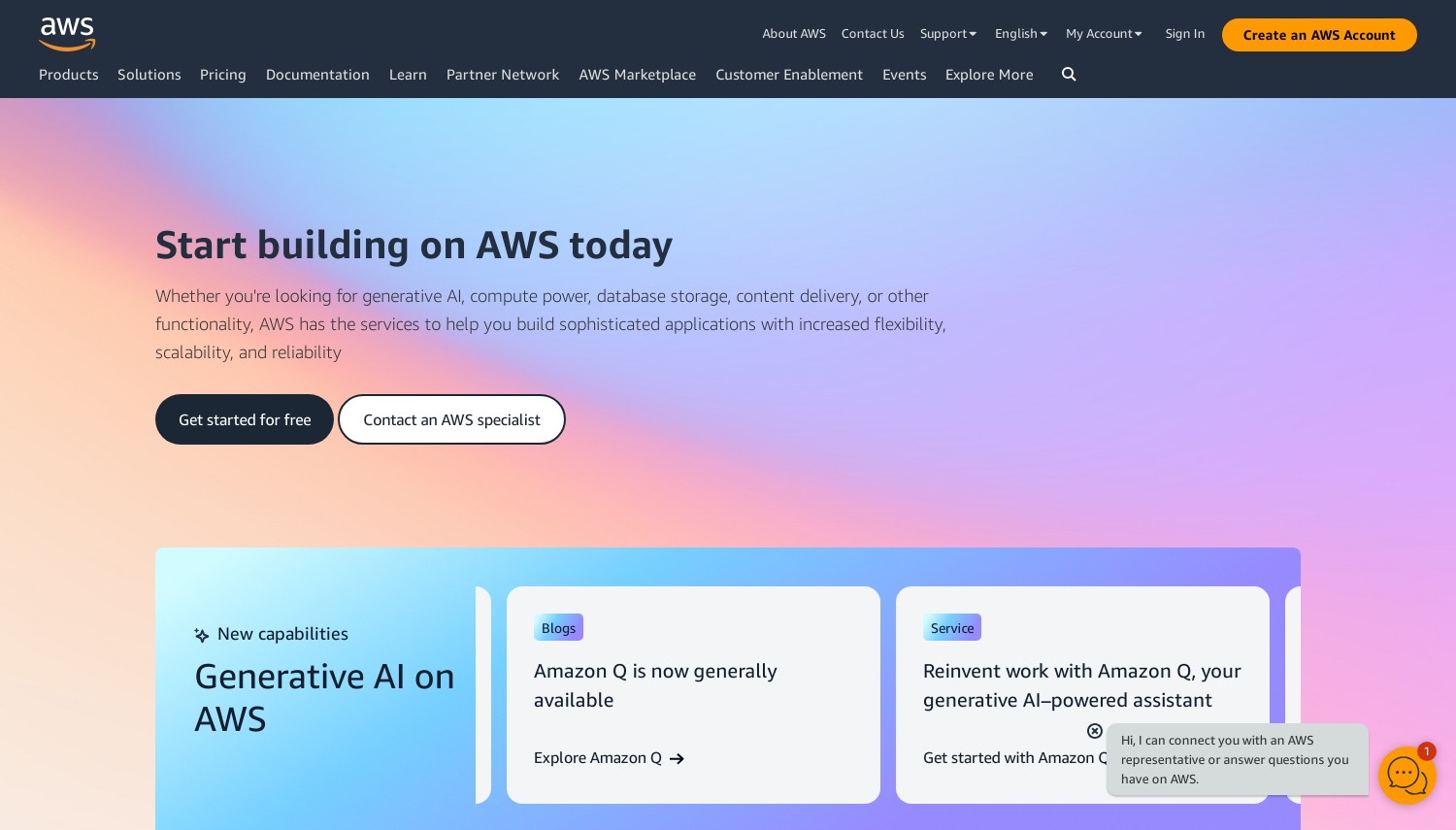
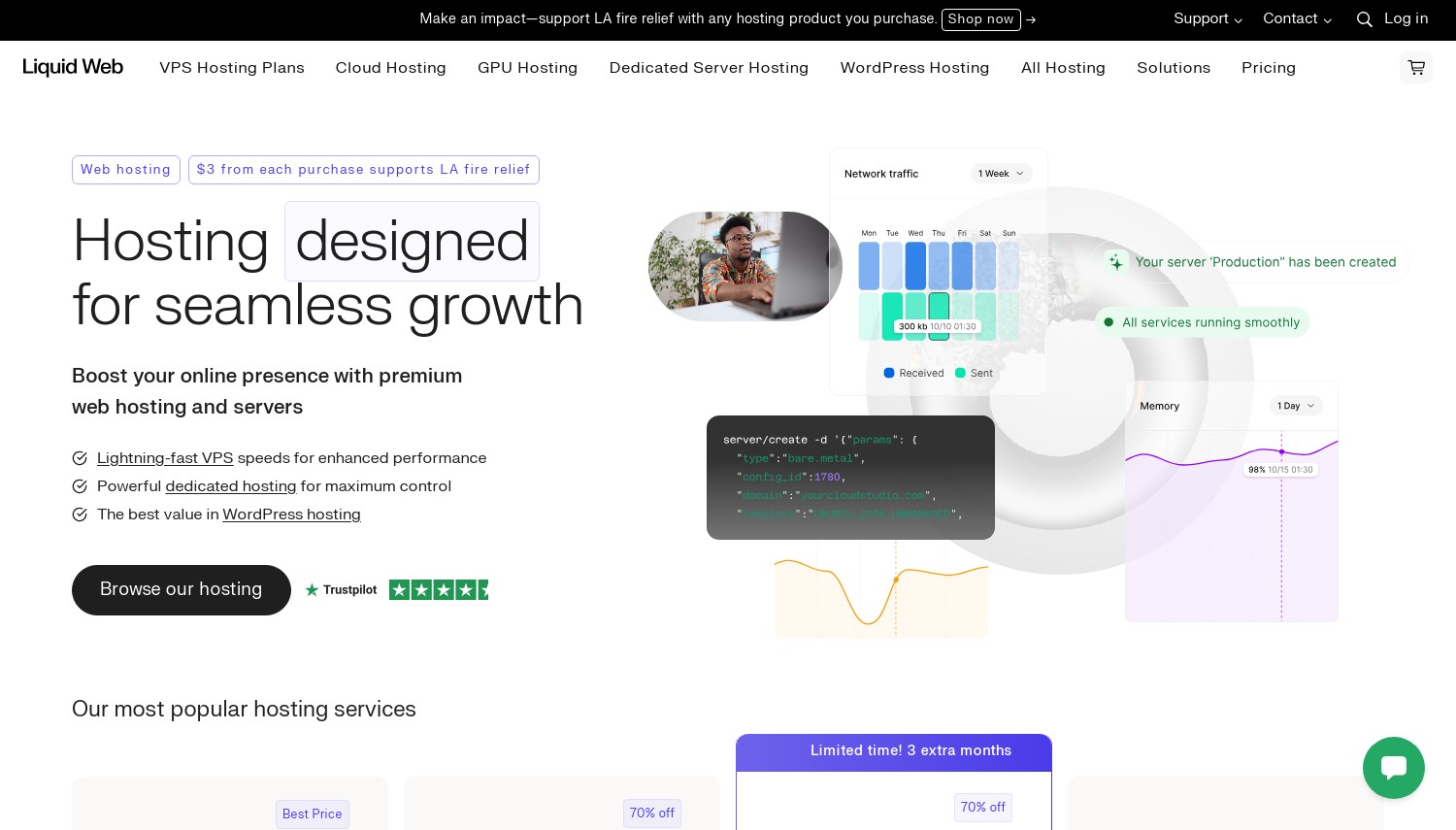
Liquid Web operates in the premium managed hosting space, targeting businesses where hosting problems cost real money. Their managed VPS and cloud offerings include proactive monitoring, security hardening, and expert support that actually resolves issues rather than reading scripts. The 100% network uptime guarantee reflects confidence in infrastructure that few competitors match.
The technical stack uses enterprise hardware (Intel Xeon Gold, AMD EPYC) with NVMe storage across all managed plans. Data centers in Michigan, Arizona, and Virginia provide US coverage with N+2 redundancies. Management includes server optimization, security patches, and DDoS protection standard. Their support team has earned industry recognition for technical competence. For businesses where downtime means lost revenue, this level of service has clear value.
Pricing positions Liquid Web firmly in the premium segment. Managed VPS starts at $14.75/mo, but fully managed with cPanel adds approximately $28/mo. Higher tiers scale into dedicated server territory. Against ScalaHosting in this comparison, Liquid Web costs more but provides fuller management and support. Against Kinsta, Liquid Web supports any application type while Kinsta focuses solely on WordPress.
Pros
- 100% network uptime guarantee with actual accountability
- Expert support that resolves issues, not reads scripts
- Fully managed option handles all server administration
- Enterprise hardware (Intel Xeon Gold, AMD EPYC)
Cons
- Premium pricing starts at $14.75/mo and scales quickly
- cPanel adds $28/mo to managed plans
- Only 3 US data center locations
Pricing: Core-Managed VPS from $14.75/mo (2 vCPU, 2GB RAM, 40GB SSD). Fully Managed with cPanel from $42.75/mo. Cloud Metal (dedicated resources) from $120/mo. All include DDoS protection and 24/7 support.
Best for: Businesses where hosting reliability directly impacts revenue and support quality matters.
Skip if: Budget is the primary concern or you're comfortable managing servers independently.
Liquid Web's premium makes sense when hosting problems cost your business money. The support quality and uptime guarantee provide insurance that cheaper options don't match. The value calculation depends on your downtime costs.
A2 Hosting (Hosting.com): Best for Speed Focus
Starting at $4.99/mo (unmanaged VPS) | Turbo servers available | 30-day guarantee
A2 Hosting markets aggressively on speed, claiming up to 20x faster page loads on their Turbo tier. While marketing claims deserve skepticism, their technical approach is sound: LiteSpeed web server, NVMe storage, and AMD EPYC processors combined with aggressive caching. For sites where page speed directly impacts conversions or SEO rankings, this speed-focused stack delivers measurable improvements.
Their cloud VPS options span managed and unmanaged tiers. Unmanaged starts at $4.99/mo with root access and full control. Managed plans add their "Guru Crew" support handling server administration tasks. The Turbo tier (available on higher plans) includes LiteSpeed, HTTP/3 support, and traffic surge protection. Data centers cover US (Michigan), Europe (Amsterdam), and Asia (Singapore), providing reasonable geographic coverage.
The 2025 rebrand to hosting.com confused the market, though the underlying service remains similar. Renewal pricing jumps substantially from promotional rates, following industry patterns. Entry unmanaged VPS specs are modest (1 vCPU, 1GB RAM). Against Vultr in this comparison, A2 costs more for similar unmanaged resources but offers managed options that pure IaaS providers don't provide.
Pros
- Turbo tier with LiteSpeed and NVMe delivers genuine speed improvements
- Both managed and unmanaged VPS options available
- Free site migrations with all plans
- Anytime money-back guarantee (prorated refund after 30 days)
Cons
- Promotional pricing jumps on renewal
- Turbo benefits require higher-tier plans
- Recent rebrand to hosting.com created market confusion
Pricing: Unmanaged VPS from $4.99/mo (1 vCPU, 1GB RAM, 25GB NVMe). Managed VPS from $24.99/mo (1 vCPU, 2GB RAM). Cloud hosting from $15/mo for 10GB storage. Turbo plans add approximately $7+/mo. 30-day money-back, prorated refund after.
Best for: Sites prioritizing page speed where LiteSpeed and aggressive caching provide measurable benefits.
Skip if: You want lowest pricing or need extensive data center location options.
A2 Hosting's speed claims have technical substance. LiteSpeed consistently outperforms Apache, and their stack optimizes for performance metrics. Whether the premium over basic VPS providers is justified depends on how much page speed impacts your specific business.

 Cloudways

 Kamatera

 ScalaHosting

 Digital Ocean

 Linode

 UpCloud
 Amazon Web Services (AWS)

 Hostinger
 Kinsta
 Liquid Web Inc.
 A2 Hosting