
Wix vs Squarespace (2026): Which Website Builder Wins for Your Project?
Squarespace's cheapest plan can sell products now. That single change, part of its Basic/Core/Plus/Advanced lineup, quietly retired the oldest reason people reached for Wix: "Squarespace's entry plan can't do ecommerce." It can. Yet Wix still takes 0% on digital downloads while Squarespace skims 5% to 7%, so the fee gap flipped the other way. These two trade blows differently in 2026 than the older reviews suggest.
Quick answer: Pick Wix if you want an open editor, an app marketplace, native booking, or you sell digital products (Wix takes no platform cut). Pick Squarespace if design polish and a calmer editor matter more. It also wins for a simple physical-goods store, where its 0%-fee Core plan (USD 23/month) undercuts Wix. We include the digital-product fees and the Acuity add-on cost most comparisons skip.
Last reviewed: July 2026. Prices and fees verified against each platform's current pricing and help pages.
Jump to: Wix · Squarespace · Design & editing · Selling online · Blogging · SEO, speed & AI · How to choose · FAQ
Full features comparison
 Wix
Wix
1. Wix Hosting


 25.1k+
 Positive
| Space | Features | Price |
|---|---|---|
| 500.02 MB | Connect Your Domain | $4.50 |
| 3 GB | Connect Your Domain Free Domain Remove Wix Ads Customized Favicon | $8.50 |
| 10 GB | Connect Your Domain Free Domain Remove Wix Ads Customized Favicon Form Builder App - $48 Value Site Booster App - $60 Value | $12.50 |
| 20 GB | Connect Your Domain Free Domain Remove Wix Ads Customized Favicon Form Builder App - $48 Value Site Booster App - $60 Value Online Store 10 Email Campaigns/month Professional Site Review | $24.50 |
| 50 GB | Connect Your Domain Remove Wix Ads Unlimited Video Hours Sales Analytics & Reports Free Domain for 1 Year $75 Ad Vouchers Site Booster App - $60 Value Visitor Analytics App - $60 Value Professional Logo - $50 Value Pro eCommerce Features Priority Response VIP Support | $35.00 |
| 35 GB | Connect Your Domain Remove Wix Ads 10 Video Hours Sales Analytics & Reports Free Domain for 1 Year $75 Ad Vouchers Site Booster App - $60 Value Visitor Analytics App - $60 Value Professional Logo - $50 Value Pro eCommerce Features | $25.00 |
| 20 GB | Connect Your Domain Remove Wix Ads 5 Video Hours Sales Analytics & Reports Free Domain for 1 Year $75 Ad Vouchers Site Booster App - $60 Value Visitor Analytics App - $60 Value | $17.00 |
 Squarespace
1. Squarespace

 2.3k+
2.3k+
 Negative
| Space | Bandwidth | Panel | Price | |
|---|---|---|---|---|
| Unlimited | Unlimited | cPanel | $16.00 | View Plan |
| Unlimited | Unlimited | cPanel | $23.00 | View Plan |
| Unlimited | Unlimited | cPanel | $27.00 | View Plan |
| Unlimited | Unlimited | cPanel | $49.00 | View Plan |
| Space | Bandwidth | Price | |
|---|---|---|---|
| Unlimited | Unlimited | $16.00 | View Plan |
Overall Scores
SquarespaceReview Score
Customer Support
How We Compared Wix and Squarespace
Two builders this evenly matched need weighting, not a feature dump. We ranked five things, in order. Cost comes first: the total including transaction and add-on fees, not the headline subscription. After that: the editing model and design ceiling, ecommerce depth (physical versus digital goods), SEO controls, and AI tooling. For anyone selling, fees often outrun the subscription within a month.
Prices came from Wix's and Squarespace's current pricing pages plus Squarespace's transaction-fee help center, checked in July 2026. We excluded any figure we couldn't confirm this month, and we quote annual-billing rates because that's what most people pay. We didn't build full stores on both platforms or run our own load tests, so speed notes are attributed to third-party measurements and user reports, not a lab of ours. Where a number is review-sourced rather than official, we flag it. Add-on costs count toward the total (Acuity on Squarespace, paid apps on Wix), because those hit a real budget the same way a subscription does.
Wix – Best for Flexibility, Apps, and Selling Digital Products
Zero. That's what Wix takes from your sales on every plan, physical goods or digital downloads, beyond the standard payment-processing cut. Hold that number, because it decides more of this comparison than the template count does.
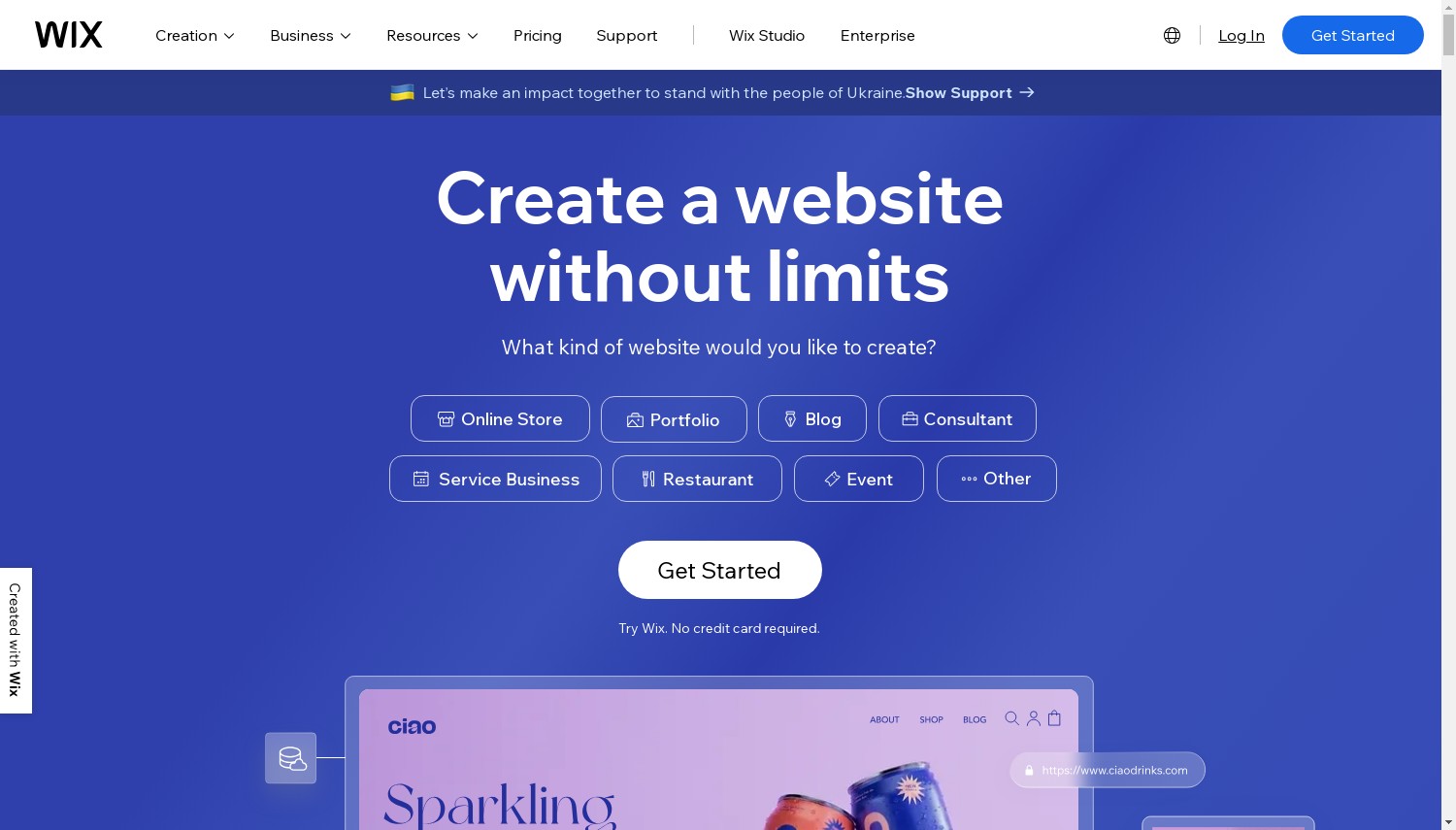
Wix runs a true open-canvas editor. You drop any element anywhere, layer it, resize it to the pixel. Beginners can skip that entirely and let the AI site builder generate a first draft from a few questions, then hand off to Aria, the assistant that keeps helping with edits. There are 900+ templates to Squarespace's roughly 150, an App Market with 500-plus add-ons, native Bookings, and Wix Studio for agencies who want responsive control. The freedom cuts both ways: mobile layouts need manual tidying, and once you publish on a template you can't swap to another without rebuilding.
Here's where the money math turns. For a plain physical store, Wix Core at USD 29/month sits above Squarespace Core (USD 23), a USD 6 gap, and both charge 0% on those sales. Flip to digital goods and it inverts hard. A creator selling USD 2,000/month in courses pays Squarespace Core roughly USD 100/month in platform fees (5%); on Wix Core that fee is USD 0. At the top, Wix Business Elite (USD 159) costs USD 60 more than Squarespace Advanced (USD 99) for comparable unlimited selling.
Pros:
- Open drag-and-drop with 0% platform fees
- 900+ templates and 500+ apps
- Native booking, memberships, and a free plan to test on
- Best-in-class AI setup tools
Cons:
- No template switching after publishing
- Mobile view needs hands-on fixes
- The editor can feel busy for a simple site
Pricing: Free plan (Wix ads, wixsite.com subdomain), then Light USD 17/month (USD 24 monthly, no online store), Core USD 29, Business USD 39, Business Elite USD 159, all billed annually. A 14-day money-back window applies, and paid annual plans include a free domain for year one, then about USD 20/year.
Best for: flexible layouts, app-heavy sites, and anyone selling downloads or courses. Skip if: you want a polished site with fewer decisions and less cleanup.
Verdict: Choose Wix if you sell digital products, need the App Market, or want to place elements freely. If you'd rather not fine-tune mobile views and you sell physical goods only, Squarespace Core does the same 0%-fee selling for USD 6/month less.
Squarespace – Best for Design-Led Sites and Service Businesses
Start with the ceiling, because it's real. Squarespace hands you about 150 templates against Wix's 900-plus, and the editor keeps you inside a tidy grid rather than letting you drop things anywhere. For plenty of buyers, that restraint is the entire point. You get a site that looks designed without touching a single margin.
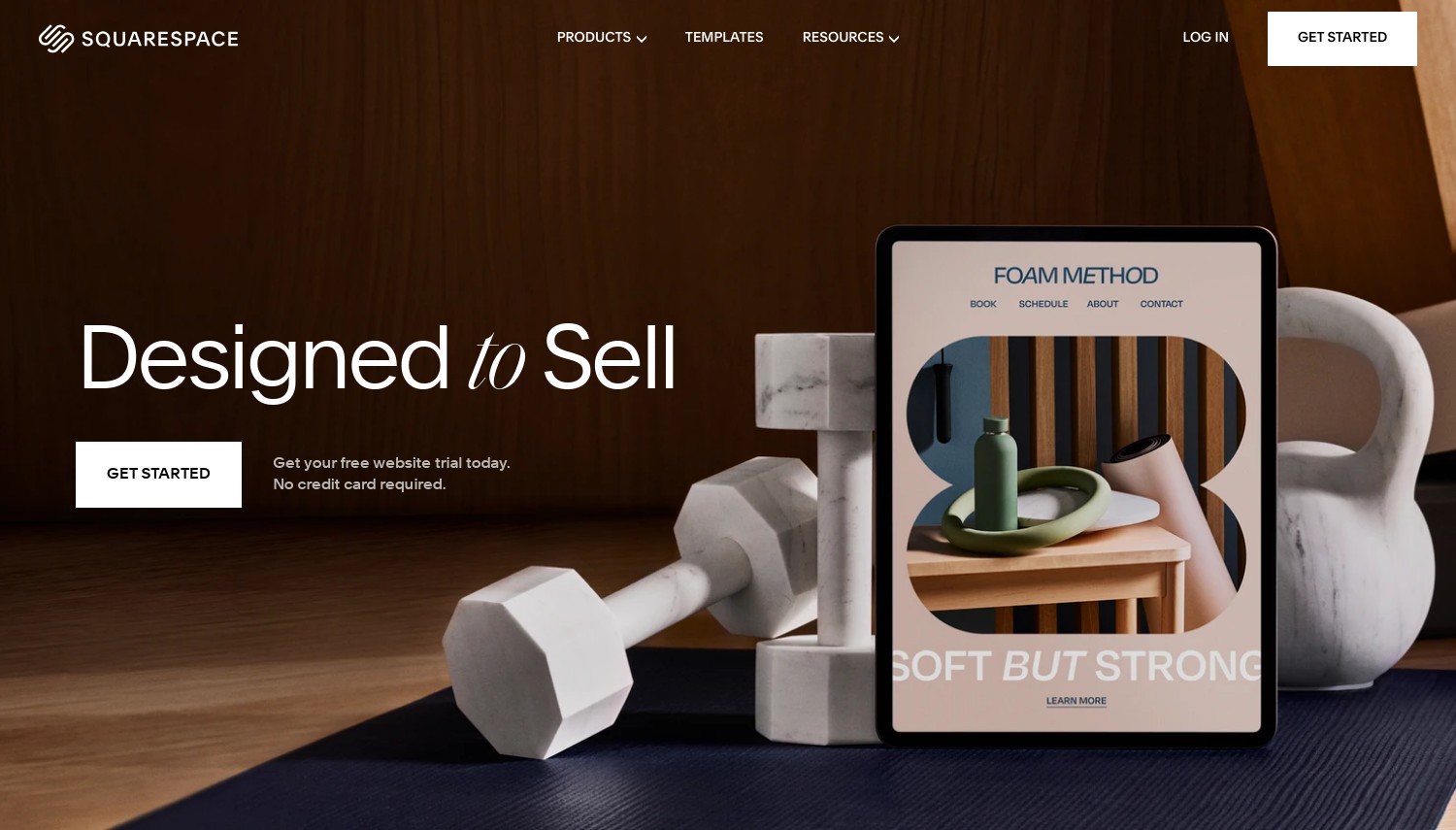
Design is the reputation, and it's earned. Typography, spacing, and section rhythm come out professional by default, and Blueprint AI can style a starter site from a short questionnaire on every plan. The company went private under Permira in October 2024 in a deal worth about USD 7.2 billion, with founder Anthony Casalena still CEO, and the pace of AI releases picked up rather than stalled. Hosting and a CDN are handled for you, and unlike Wix you can switch templates later without a full rebuild.
Now the honest cost picture. Squarespace Basic (USD 16/month) undercuts Wix Light (USD 17) by a dollar and, unlike Light, it can already take payments (2% fee). So the cheapest way to sell anything across both platforms is actually Squarespace Basic, not Wix. Two traps hide in the value story, though. Digital products carry a 7% fee on Basic, 5% on Core, where Wix charges nothing. And appointment booking runs through Acuity, a separate subscription near USD 27/month, so a service business on Core (USD 23) really pays about USD 50, while Wix Core (USD 29) bundles Bookings.
Then there's support. Squarespace keeps to email and weekday live chat, with no phone option, while Wix adds 24/7 phone callbacks and an AI chat assistant. If reaching a human by phone matters to you, that alone can decide it.
Pros:
- Best templates and design polish in the category
- 0% commerce fees on Core and up
- Switch templates without rebuilding
- Blueprint AI on every plan
Cons:
- 5% to 7% fees on digital products (below Advanced)
- Booking needs paid Acuity add-on
- No free plan and no phone support
Pricing: No free plan, 14-day trial with no card. Basic USD 16/month (USD 25 monthly, 2% commerce + 7% digital), Core USD 23 (0% commerce, 5% digital), Plus USD 39 (0% commerce, 1% digital), Advanced USD 99 (0% on both), all billed annually. A 14-day money-back window covers annual plans.
Best for: portfolios, brand sites, and physical-goods stores where looks sell. Skip if: you sell downloads, or you need booking without a second bill.
Verdict: Choose Squarespace if design quality leads and you sell physical products or nothing at all. If your catalog is digital, or your business lives on appointments, Wix Core's 0% fee and bundled Bookings beat Core-plus-Acuity on both cost and simplicity.
Design and Editing: Open Canvas vs Guardrails
This is the split that should drive your pick, more than any spec. Wix gives you an open canvas: move anything, anywhere, with the trade-off that a messy hand produces a messy site and mobile needs its own pass. Squarespace fences you into a grid that's hard to break and, honestly, hard to make ugly (which is the entire pitch). One rewards tinkering. The other rewards handing over control.
Template depth follows the same logic. Wix's 900-plus give you a head start for niche businesses (restaurants, events, gyms), while Squarespace's smaller set leans on quality over quantity. One detail tips real-world decisions: Wix locks you to your chosen template for the life of the site, whereas Squarespace lets you restyle onto a new one later. If you're the type who redesigns every couple of years, that flexibility is worth more than 750 extra starting templates.
For a design-forward site built fast, Squarespace wins. For a site you'll keep bending to new features, Wix does.
Selling Online: Where the Fees Actually Split
Both platforms dropped the old habit of taxing every physical sale, so on tangible goods the choice is close. Wix charges 0% on all plans. Squarespace charges 2% only on Basic and 0% from Core up. On a store doing USD 3,000/month in physical sales, Squarespace Core (USD 23, 0% fee) costs less overall than Wix Core (USD 29, 0% fee) by USD 72 a year. Same fee structure, cheaper subscription.
Digital goods are a different planet. Squarespace keeps a platform cut on downloads, courses, and memberships: 7% on Basic, 5% on Core, 1% on Plus, reaching 0% only on Advanced at USD 99/month. Wix takes nothing on any plan. Sell USD 4,000/month in digital products and Squarespace Core skims USD 200/month in fees; Wix Core skims USD 0. That one line reorders the whole comparison for creators. If you're outgrowing a builder's store entirely, our guide to WordPress ecommerce hosting covers the next step up.
Bottom line for sellers: physical-only, Squarespace edges it on price; digital or mixed, Wix is cheaper the moment volume climbs.
Blogging: Squarespace's Looks vs Wix's Toolset
If the site is mostly a blog, this split matters. Squarespace is the better home for a visual, editorial blog: clean post layouts, multiple authors on one post, galleries, and newsletter blocks that look designed with little effort. Writers who care how a long read feels on the page tend to prefer it.
Wix wins on the mechanics. It adds autosave and revision history, and Squarespace has neither, so a browser crash mid-draft can cost you the post. Wix also gives you blog analytics, post archiving, and more ways to earn through paid content and subscriptions. For a blog you plan to grow and monetize, those tools tip it to Wix; for a portfolio blog where presentation leads, Squarespace still reads better.
SEO, Speed, and AI
On SEO, this is close to a draw, and your content strategy will outweigh the platform either way. Both give you editable titles, meta descriptions, clean URLs, alt text, sitemaps, and Search Console hooks. Wix pulls slightly ahead on tooling with an SEO setup checklist and an AI assistant that suggests fixes; Squarespace leans on clean semantic markup and sensible defaults. Neither will hold you back if you publish good pages consistently.
Speed reports are mixed, so treat single numbers with caution. Some 2026 third-party tests put Wix's mobile performance scores well ahead of Squarespace's, while other reviewers call the difference small for typical small-business traffic. Both sit behind a CDN and handle normal loads fine. On AI, both invested heavily: Wix's builder has been rated among the best for generating a site from a prompt, and Squarespace's Blueprint AI ships on every plan. If AI-driven setup is your priority, compare them against a dedicated AI WordPress builder before committing.
How to Choose Between Wix and Squarespace
So how do you actually pick? Four buyer situations, with real thresholds instead of vibes.
Selling digital downloads or courses, above roughly USD 500/month: Wix Core (USD 29, 0% platform fee). Skip Squarespace Core here. Its 5% digital fee costs USD 25/month on USD 500 of sales, which erases the USD 6 subscription saving and then keeps taking. The gap only widens as you grow.
Design-first portfolio or brand site, no store yet, budget under USD 20/month: Squarespace Basic (USD 16). It looks better out of the box than Wix Light (USD 17) for a dollar less, and Basic can start taking payments later without a plan jump. Wix Light can't sell at all, so you'd be forced up to Core the day you add a product.
Service business built on appointments (salon, coach, studio): Wix Core (USD 29) with native Bookings. Squarespace Core (USD 23) needs Acuity as a separate USD 27/month subscription, pushing the true cost near USD 50. Wix bundles the booking you'd otherwise pay twice for.
High-volume physical store, USD 5,000+/month, wants lowest 0%-fee total: Squarespace Advanced (USD 99) undercuts Wix Business Elite (USD 159) by USD 60/month for comparable unlimited, 0%-fee selling. Only choose Wix Business (USD 39) instead if you specifically need App Market integrations Squarespace can't match. Still torn between a builder and a full CMS? Our WordPress vs website builders breakdown weighs that trade-off, and the cheapest website builder roundup helps if price leads everything.
One caveat before you commit, and it hits both: your design is locked in. Neither gives you a clean, full-site export, so moving to another platform later means rebuilding, not migrating. If there's a real chance you'll outgrow a hosted builder, factor that rebuild cost in now.
Frequently Asked Questions
Is Wix or Squarespace cheaper?
It depends on what you sell. For a plain site or a physical store, Squarespace is cheaper: Basic runs USD 16/month and Core USD 23 with 0% fees, versus Wix Light USD 17 and Core USD 29. For digital products, Wix wins because it charges 0% platform fees while Squarespace takes 5% to 7% below its USD 99 Advanced plan.
Which is easier for beginners, Wix or Squarespace?
Squarespace is easier to get looking good because its grid prevents design mistakes. Wix is easier to build fast thanks to its AI site generator, but its open editor needs more cleanup, especially on mobile. If you want polish with fewer decisions, start with Squarespace; if you want control and speed of setup, start with Wix.
Is Wix or Squarespace better for SEO?
Roughly a tie, so your content matters more than the platform. Both cover titles, meta descriptions, clean URLs, alt text, and sitemaps. Wix adds an SEO setup checklist and an AI assistant for suggestions, giving it a slight edge on tooling. Squarespace relies on clean markup and strong defaults. Neither will block you from ranking.
Can I sell digital products on Squarespace without high fees?
Only on the top plan. Squarespace charges 7% on Basic, 5% on Core, and 1% on Plus for digital products, dropping to 0% only on Advanced at USD 99/month. If downloads or courses are your main business, Wix charges 0% on every plan, which is usually far cheaper until you're big enough to justify Squarespace Advanced.
Final Verdict
There's no single winner here, and any comparison that names one is hiding the fee math. Wix is the pick for flexible layouts, app integrations, appointment bookings, and above all digital sellers, where its 0% platform fee saves real money the moment volume rises. Choose Light for a simple site, Core to sell, Business Elite only if you need the ceiling gone. Squarespace is the pick for design-led sites and physical-goods stores that want to look premium with less fuss. Choose Basic for a brochure site, Core the moment you sell physical products, Advanced only if you sell downloads at scale.
If neither feels quite right, a few related guides go deeper. Read our Squarespace vs Weebly comparison if you're weighing Squarespace against a budget builder. Our WordPress vs website builders breakdown covers whether a closed builder is even the right category, and the cheapest website builder roundup helps if lowest cost is your deciding factor.