
 Hostinger

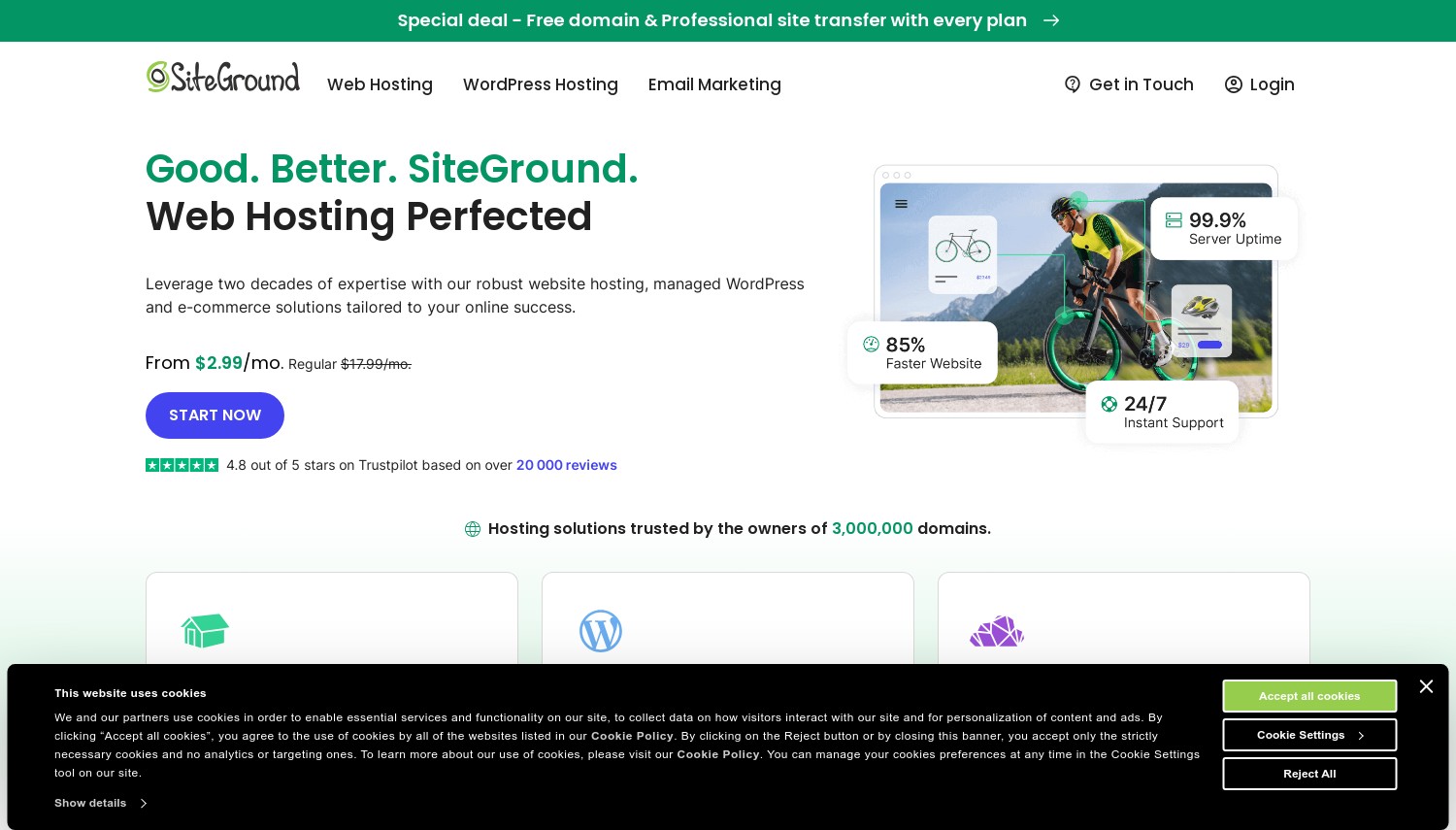
 SiteGround

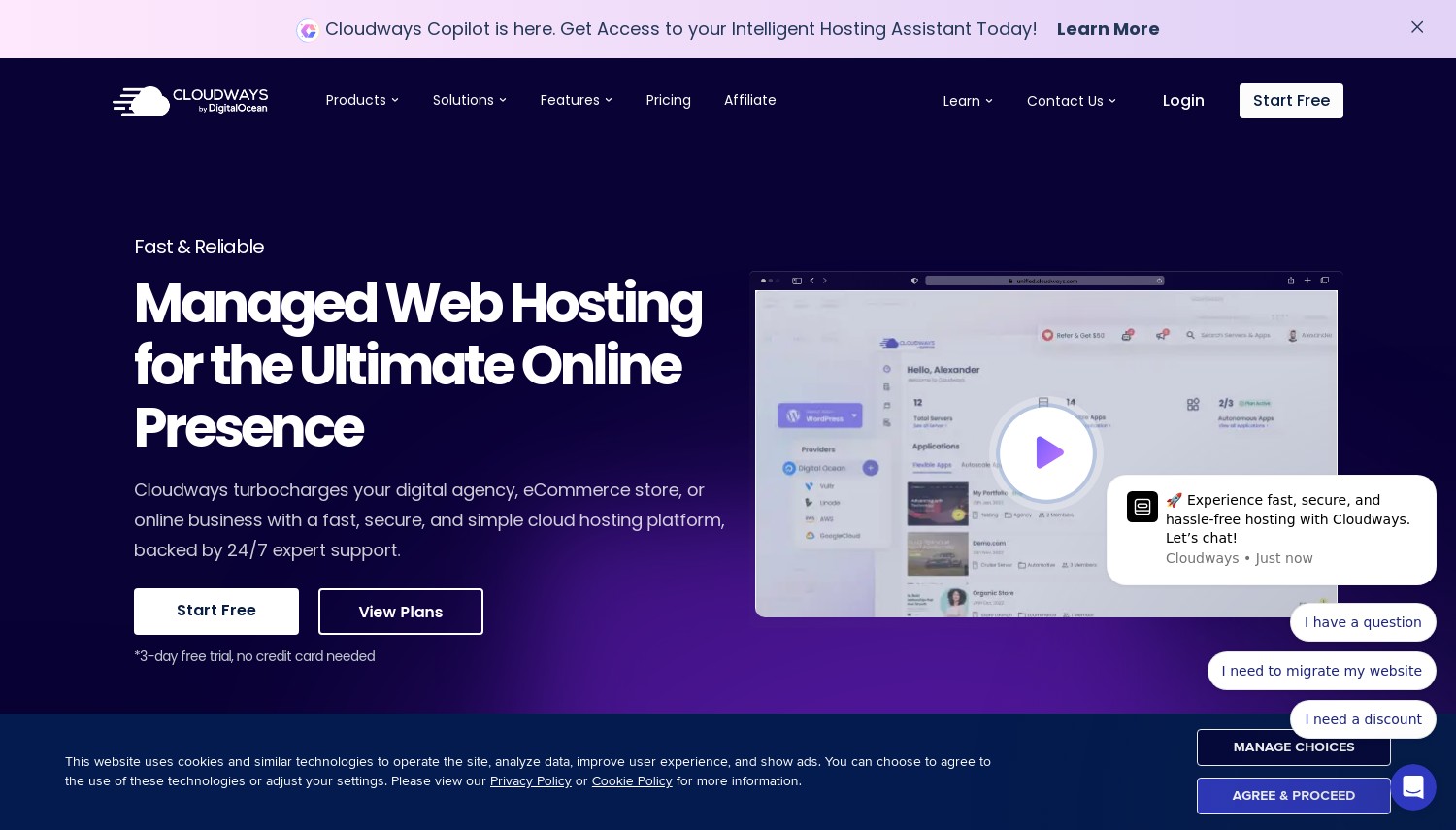
 Cloudways
 Kinsta
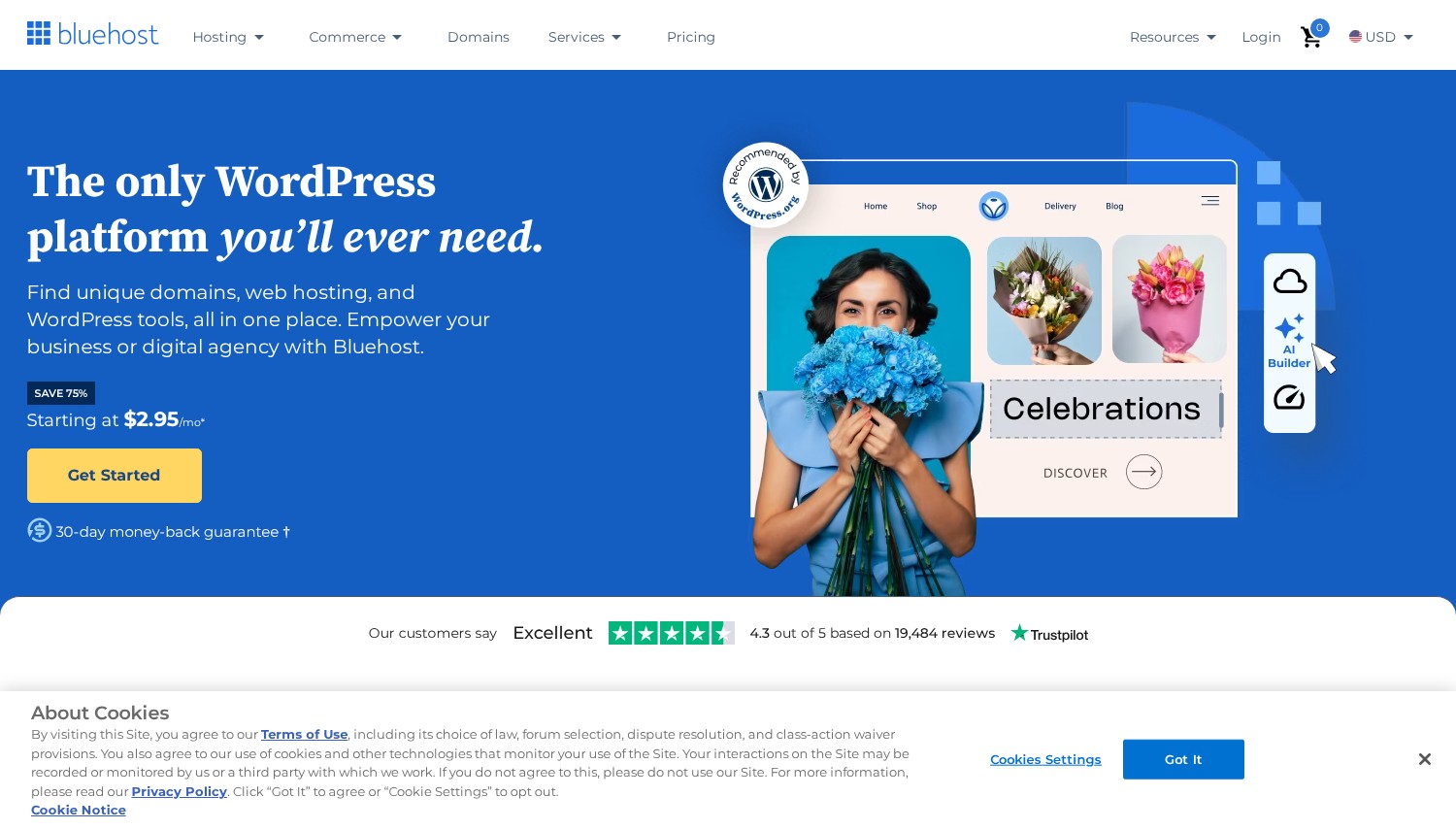
 Bluehost

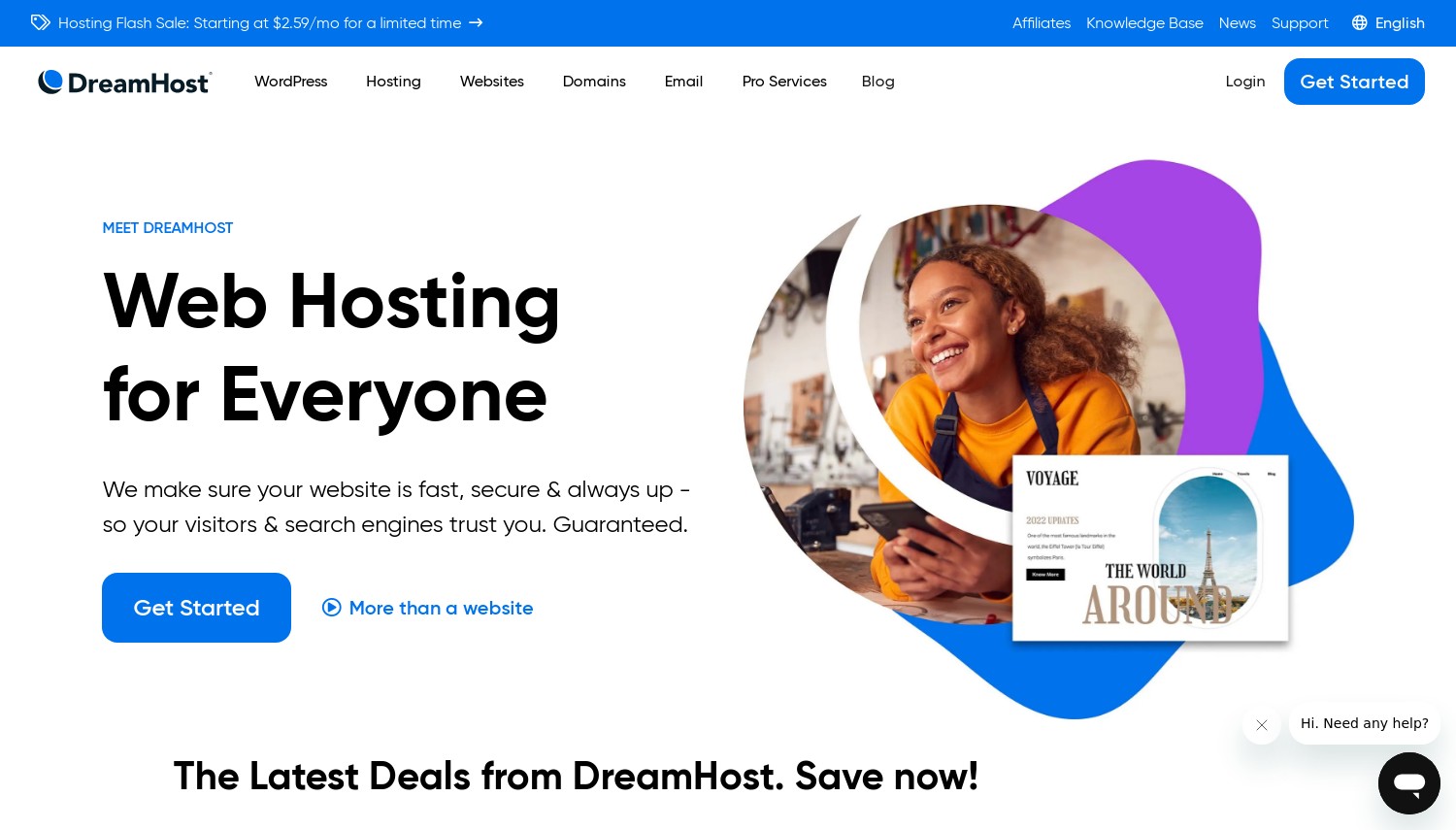
 DreamHost
 A2 Hosting
 GreenGeeks Web Hosting
 InMotion Hosting

































On This Page: [hide]

Most WordPress hosting comparisons rank providers by the same metrics: price, features, support. What they miss is the renewal trap. That $2.99/month WordPress host becomes $17.99/month when your annual term expires. A 48-month commitment saves money upfront but locks you in before you know if the host actually performs. We factored total cost into every recommendation below.
Quick answer: Hostinger offers the strongest value for most American WordPress sites, combining USA data centers in Dallas and Boston with AI-powered site management at $1.99/mo. SiteGround wins for business users who need responsive support on Google Cloud infrastructure. WP Engine justifies its premium for high-traffic sites where downtime costs real money. Below, we compare 10 providers with verified January 2026 pricing and honest assessments of who each one actually serves.
Last reviewed: January 2026. Prices and features verified.
How We Selected These Providers
We filtered providers by WordPress-specific features (staging environments, automatic updates, caching optimization), then verified USA data center availability. Pricing comes directly from official websites as of January 2026, including the renewal rates that hosts prefer to bury. User ratings were aggregated across review platforms with a 4.0/5 minimum threshold from 500+ reviews. The final list balances budget options, managed solutions, and premium platforms to cover different needs.
Hostinger: Best Value for WordPress
Starting at $1.99/mo | 100GB NVMe | 30-day Guarantee
Hostinger rebuilt their WordPress experience around an AI assistant called Kodee. Rather than digging through menus, you ask Kodee to install plugins, configure caching, or troubleshoot slow pages. It handles technical tasks through conversation. This genuinely changes how non-technical users manage WordPress sites. The platform serves over 3 million accounts, which forces infrastructure efficiency at scale.
Two USA data centers (Dallas and Boston) let you position WordPress closer to your audience. A Texas-based business site loads faster from Dallas than from a Virginia server. All plans include LiteSpeed caching and free CDN integration. The hPanel control panel replaced cPanel entirely, resulting in a cleaner interface without licensing costs passed to customers. WordPress installation takes one click, with automatic core updates handled by default.
Here’s the catch: that $1.99/mo requires 48 months paid upfront ($95.52 total). Monthly billing jumps to $12.99. Renewal hits $10.99/mo after your first term. Entry plans include only weekly backups; daily backups require the Business tier at $2.99/mo. Against SiteGround in this list, Hostinger provides more storage but less sophisticated support infrastructure.
Pros
- AI assistant (Kodee) handles WordPress tasks without technical knowledge
- Dual USA data centers (Dallas, Boston) for geographic optimization
- LiteSpeed caching and free CDN on all WordPress plans
- hPanel built specifically for WordPress management
Cons
- Renewal at $10.99/mo is 5x the promotional rate
- Weekly backups only on entry plan (daily costs extra)
- 48-month commitment required for lowest price
Pricing: Premium WordPress at $1.99/mo (48-month), renews at $10.99/mo. Includes 100 websites, 100GB NVMe, free SSL, free domain (1 year). Business WordPress at $2.99/mo adds daily backups and CDN. Cloud Startup at $6.99/mo provides dedicated resources.
Best for: American WordPress users who want modern AI tooling at budget prices and can commit long-term.
Skip if: You need daily backups included free or want predictable month-to-month billing.
Hostinger works for the majority of American WordPress sites. The Kodee assistant removes friction from common tasks, and dual USA locations provide real latency benefits. Calculate your 4-year total cost including renewal before signing up.
SiteGround: Best Support Quality
Starting at $2.99/mo | 10GB SSD | 30-day Guarantee
WordPress problems at 2am need someone who understands WordPress, not a script-reader asking if you tried clearing your cache. SiteGround employs support agents who diagnose actual issues. Their team resolves plugin conflicts, identifies database bottlenecks, and explains what went wrong. According to aggregated user reviews, support satisfaction rates exceed 98%. This matters when your business depends on your website staying online.
SiteGround runs entirely on Google Cloud Platform with four USA locations: Ashburn (Virginia), Council Bluffs (Iowa), Dallas (Texas), and Los Angeles (California). This coverage means sub-30ms response times for visitors anywhere in the continental US. Their proprietary SuperCacher handles both static content and dynamic WordPress queries. The Site Tools panel includes one-click staging, Git integration, and automatic WordPress updates with rollback capability.
Pricing is the trade-off. Entry at $2.99/mo jumps to $17.99/mo on renewal, among the steepest increases in WordPress hosting. The StartUp plan caps storage at 10GB, which fills quickly with media-heavy sites. GrowBig at $4.99/mo (renews $29.99/mo) adds unlimited sites and 20GB. Compared to Hostinger, you pay significantly more for less storage, but the support quality difference is measurable.
Pros
- Support team actually diagnoses WordPress problems, not scripts
- Four USA data centers on Google Cloud infrastructure
- Free daily backups, SSL, and CDN on all plans
- SuperCacher optimizes both static and dynamic content
Cons
- Renewal at $17.99/mo is 6x promotional price
- StartUp limited to 10GB storage
- No monthly billing option available
Pricing: StartUp at $2.99/mo, renews at $17.99/mo. 1 website, 10GB storage, ~10,000 monthly visits. GrowBig at $4.99/mo renews at $29.99/mo, unlimited sites, 20GB, staging included. GoGeek at $7.99/mo renews at $44.99/mo with priority support.
Best for: American businesses and agencies where support quality directly impacts revenue.
Skip if: Budget constraints make renewal pricing unsustainable, or you need more than 10GB on entry plans.
SiteGround costs more because the support experience costs more to deliver. When WordPress issues threaten your business and you need competent help fast, the premium justifies itself.
WP Engine: Best Premium WordPress Platform
Starting at $25/mo | 10GB Storage | 60-day Guarantee
WP Engine exists for sites where downtime has measurable cost. E-commerce stores losing sales per minute offline. Membership sites where access failures drive cancellations. Content publishers where speed directly affects ad revenue. The pricing reflects this: entry at $25/mo positions WP Engine as premium, and the features match.
Every site runs on infrastructure purpose-built for WordPress. Genesis framework themes come included ($360/year value). Cloudflare Enterprise CDN (normally $200+/month) is bundled on all plans. Automatic updates test against your specific configuration before deploying. Staging environments let you test changes without touching production. If something breaks, their team fixes it, including malware remediation at no extra charge.
One trade-off: WP Engine restricts certain plugins that could compromise performance or security. You can’t install your own caching plugin (they handle caching). Some security plugins conflict with their architecture. This trade-off prioritizes reliability over flexibility. Support responds via live chat 24/7 for all plans, with phone support available on Growth tier and above. The 60-day money-back guarantee provides ample testing time.
Pros
- Cloudflare Enterprise CDN included (normally $200+/month separately)
- Genesis framework and StudioPress themes included
- Automatic updates tested against your specific site configuration
- 60-day money-back guarantee, longest among premium hosts
Cons
- Entry at $25/mo prices out budget-conscious users
- Plugin restrictions limit customization flexibility
- 25,000 visit cap on Startup plan may require upgrade
Pricing: Startup at $25/mo for 1 site, 25K visits, 10GB storage. Growth at $96/mo supports 10 sites, 100K visits, 20GB. Scale at $272/mo handles 30 sites, 400K visits, 50GB. Custom enterprise pricing available.
Best for: Business sites, WooCommerce stores, and publishers where uptime and speed directly impact revenue.
Skip if: You’re running a personal blog or need tight control over plugin choices.
WP Engine makes sense when WordPress problems cost your business money. The premium buys infrastructure, expertise, and included tools that would cost more separately. Budget sites should look elsewhere.
Cloudways: Best Flexible Cloud WordPress
Starting at $14/mo | DigitalOcean | 3-day Free Trial
Cloudways approaches WordPress hosting differently. Instead of selling their own servers, they manage WordPress deployments across five cloud providers: DigitalOcean, AWS, Google Cloud, Vultr, and Linode. You choose the infrastructure, they handle server management. This flexibility lets you start on affordable DigitalOcean droplets and scale to AWS or Google Cloud when traffic demands it.
Object Cache Pro (worth $95/year) comes included on plans with 2GB+ RAM, significantly accelerating WordPress database queries. Pay-as-you-go billing means no long-term contracts. Host unlimited WordPress sites on any server. The management layer handles security patches, SSL certificates, and server updates while giving you SSH access when you need it. USA server locations are available through all five providers.
Cloudways requires more technical comfort than typical shared hosting. You’re managing servers (even if Cloudways handles the hard parts), not just WordPress installations. Entry at $14/mo for DigitalOcean provides 1GB RAM, sufficient for smaller WordPress sites. Medium-traffic sites need the $28/mo tier with 2GB RAM to include Object Cache Pro. No email hosting is included; you’ll need a separate service.
Pros
- Choose between 5 cloud providers (DigitalOcean, AWS, Google, Vultr, Linode)
- Object Cache Pro included on 2GB+ plans (normally $95/year)
- Pay-as-you-go billing with no long-term commitment
- Host unlimited WordPress sites per server
Cons
- More technical than typical WordPress hosting
- No email hosting included (need separate service)
- Entry plan at 1GB RAM limits larger WordPress sites
Pricing: DigitalOcean starts at $14/mo (1GB RAM, 25GB storage). Premium DigitalOcean at $28/mo (2GB RAM) includes Object Cache Pro. AWS starts at $38/mo. Google Cloud starts at $37/mo. 3-day free trial, no credit card required.
Best for: Developers and agencies wanting cloud flexibility with WordPress management handled.
Skip if: You want simple “click and forget” WordPress hosting or need included email.
Cloudways bridges the gap between raw cloud hosting complexity and managed WordPress simplicity. The ability to switch infrastructure providers without migrating your site provides flexibility no other approach matches.
Kinsta: Best for Agencies and High-Traffic Sites
Starting at $35/mo | 35K Visits | 30-day Guarantee
Kinsta runs exclusively on Google Cloud Platform’s fastest infrastructure: C2 and C3D virtual machines that outperform standard cloud instances. Every site connects through Cloudflare’s Enterprise network with 260+ edge locations worldwide. This architecture delivers performance that budget hosts simply cannot match. Independent speed tests consistently rank Kinsta among the fastest WordPress platforms available.
MyKinsta, their management dashboard, handles what agencies need: site cloning, staging environments pushed to production with one click, and team member access controls. Free migrations include sites from any host, handled by Kinsta’s team. Automatic plugin updates use visual regression testing to catch problems before they affect visitors. If malware somehow reaches your site, Kinsta removes it at no charge.
Pricing positions Kinsta as premium. Entry at $35/mo caps visits at 35,000, meaning medium-traffic sites need higher tiers quickly. The WP 2 plan at $70/mo covers 50,000 visits. Agency plans starting at $340/mo support multiple client sites with white-label options. Annual billing saves two months. Compared to WP Engine, Kinsta offers comparable performance at similar prices with a more modern dashboard.
Pros
- Google Cloud C2/C3D machines deliver top-tier WordPress performance
- Cloudflare Enterprise CDN with 260+ global edge locations
- Automatic updates with visual regression testing
- Free migrations and malware removal included
Cons
- Entry at $35/mo with 35K visit cap limits value for growing sites
- Overage charges apply if you exceed plan limits
- No email hosting included
Pricing: Single 35k at $35/mo for 1 site, 35K visits. WP 2 at $70/mo covers 2 sites, 50K visits. Business plans from $125/mo for 5 sites, 100K visits. Agency plans from $340/mo. Annual billing saves 2 months.
Best for: Agencies managing client WordPress sites and high-traffic publishers needing maximum performance.
Skip if: You’re running a single low-traffic site or need budget-friendly scaling.
Kinsta delivers premium WordPress performance with tools built for professional workflows. The cost makes sense for agencies billing clients or sites where speed measurably impacts business metrics.
Bluehost: Best for WordPress Beginners
Starting at $2.95/mo | 10GB Storage | 30-day Guarantee
WordPress.org has officially recommended Bluehost since 2005. That’s not just marketing. The recommendation reflects consistent delivery of WordPress hosting that works for newcomers. Bluehost’s dashboard simplifies WordPress setup to the point where first-time site owners can launch within an hour. The platform hosts over 2 million WordPress sites, providing infrastructure experience at scale.
The 2026 platform includes an AI-powered website builder that generates layouts based on your description. Drag-and-drop editing lets you customize without touching code. WordPress installation happens automatically during signup. Free domain registration (first year) and SSL certificates come standard. The dashboard organizes WordPress management tools logically, reducing the learning curve that frustrates beginners on more technical platforms.
Trade-offs exist for advanced users. The Basic plan limits storage to 10GB and websites to one. Renewal at $8.99/mo (Basic) represents roughly 3x the promotional rate, less steep than SiteGround but still notable. Performance benchmarks place Bluehost mid-pack, adequate for most sites but not competing with speed-focused hosts like Kinsta. The Choice Plus plan at $5.45/mo adds automated backups and domain privacy.
Pros
- WordPress.org officially recommended since 2005
- AI website builder generates layouts from descriptions
- Free domain (1 year) and SSL on all plans
- Dashboard designed specifically for WordPress beginners
Cons
- Basic plan limited to 1 website and 10GB storage
- Renewal at $8.99/mo (Basic) is 3x promotional price
- Performance adequate but not class-leading
Pricing: Basic at $2.95/mo (36-month), renews at $8.99/mo. 1 website, 10GB storage. Plus at $5.45/mo, unlimited websites. Choice Plus at $5.45/mo adds CodeGuard backups. Pro at $13.95/mo includes dedicated IP.
Best for: First-time WordPress site owners who prioritize ease of setup over advanced features.
Skip if: You need multiple websites on entry plans or prioritize top-tier performance.
Bluehost removes barriers for WordPress beginners. The WordPress.org recommendation carries weight, and the platform delivers what newcomers need without overwhelming them with options they won’t use.
DreamHost: Best Money-Back Guarantee
Starting at $16.99/mo (DreamPress) | 30GB SSD | 97-day Guarantee
DreamHost offers something no other WordPress host matches: a 97-day money-back guarantee. That’s over three months to test whether the platform fits your needs. If WordPress hosting comparisons stress you out because you’re afraid of choosing wrong, DreamHost eliminates that risk almost entirely.
Their managed WordPress product (DreamPress) runs on SSD storage with built-in caching optimized for WordPress queries. Recent expansions added plans supporting up to 20 WordPress sites on single accounts, making DreamHost competitive for users managing multiple properties. Free migrations are handled by their team, matching the number of sites your plan supports. USA data centers in Oregon and Virginia cover both coasts.
DreamPress pricing sits between budget shared hosting and premium managed platforms. Entry at $16.99/mo targets users who’ve outgrown basic hosting but don’t need enterprise features. The renewal rate stays close to promotional pricing (around $19.99/mo), avoiding the dramatic jumps common elsewhere. Shared WordPress hosting starts lower at $2.89/mo but lacks DreamPress optimizations. Against Cloudways or Kinsta, DreamHost offers simpler management at lower cost with less performance headroom.
Pros
- 97-day money-back guarantee eliminates switching risk
- Renewal pricing stays close to promotional rates
- Plans available for 1 to 20 WordPress sites
- Free professional migrations included
Cons
- DreamPress entry at $16.99/mo higher than shared hosting alternatives
- Performance solid but not premium-tier
- Interface less polished than modern competitors
Pricing: DreamPress 1 at $16.99/mo for 1 site, 30GB SSD, 100K visits. DreamPress 3 handles 3 sites at $24.99/mo. DreamPress 5 covers 5 sites at $28.99/mo. Larger plans available for agencies. Shared WordPress from $2.89/mo.
Best for: Risk-averse WordPress users who want extensive trial time and predictable renewal pricing.
Skip if: You need premium performance or want the lowest possible entry price.
DreamHost’s 97-day guarantee removes the pressure from choosing a WordPress host. Test thoroughly, migrate your content, run real traffic through it. If anything falls short, you get your money back.
A2 Hosting (NOW Hosting.com): Best Speed Technology
Starting at $2.99/mo | 100GB SSD | Anytime Guarantee
A2 Hosting built their reputation on speed, specifically their Turbo plans running LiteSpeed servers. LiteSpeed consistently outperforms Apache in WordPress benchmarks, often delivering pages 20-30% faster. Combined with NVMe storage offering 3x faster read/write speeds than standard SSDs, the Turbo stack creates measurable performance advantages for WordPress sites where speed affects SEO rankings and user engagement.
Turbo Boost at around $7/mo adds AMD EPYC processors and guaranteed resources. The A2 Optimized plugin pre-configures caching specifically for their infrastructure. HTTP/3 support accelerates page loads by 20-30% compared to HTTP/2 for supported browsers. Managed WordPress tiers include Jetpack Personal (normally $50/year), staging environments, and automatic updates for core, themes, and plugins.
Standard plans without Turbo run Apache servers with standard SSDs. The performance gap between Turbo and non-Turbo is significant enough that budget users choosing A2 specifically for speed should factor Turbo pricing into their decision. Entry promotional rates require multi-year terms, and renewals roughly triple. The “Anytime” money-back guarantee provides a prorated refund after the initial period.
Pros
- Turbo plans with LiteSpeed deliver documented speed improvements
- NVMe storage and AMD EPYC processors on Turbo tiers
- A2 Optimized plugin pre-configures WordPress caching
- Jetpack Personal license included on managed plans
Cons
- Speed benefits require Turbo upgrade (non-Turbo uses Apache)
- Renewal rates roughly 3x promotional pricing
- Entry specs limited without Turbo add-on
Pricing: Startup at $2.99/mo (promotional), renews around $10.99/mo. 100GB SSD, 1 website. Turbo Boost at $7/mo adds LiteSpeed, NVMe. Managed WordPress with Turbo from $12/mo includes staging and Jetpack.
Best for: WordPress users who prioritize page speed and are willing to pay for Turbo infrastructure.
Skip if: You want speed but won’t pay for Turbo plans, or need predictable renewal pricing.
A2 Hosting’s speed reputation is earned, but specifically on Turbo plans. Budget users choosing A2 for speed should budget for Turbo from the start.
GreenGeeks: Best Eco-Friendly WordPress
Starting at $2.95/mo | 50GB SSD | 30-day Guarantee
GreenGeeks matches their energy consumption with renewable energy credits at 300%. For every unit of power their servers use, they purchase three times that amount in wind energy credits through the Bonneville Environmental Foundation. Since 2009, the EPA has recognized GreenGeeks for environmental leadership. If sustainability matters to your brand, GreenGeeks lets you host WordPress without the carbon guilt.
Under the hood, LiteSpeed servers handle requests with built-in caching, free nightly backups, and Cloudflare CDN integration. All plans include automatic WordPress updates, free SSL, and a free domain for the first year. Performance tests show LCP (Largest Contentful Paint) around 1.2 seconds and fully loaded times around 1.6 seconds, competitive with non-eco-focused competitors. Support operates 24/7 via chat, phone, and tickets.
Renewal pricing is the notable downside. Entry at $2.95/mo jumps to $12.95/mo on renewal. The Pro plan at $4.95/mo renews at $17.95/mo. Premium at $8.95/mo renews at $29.95/mo. These renewal rates match or exceed competitors without the environmental mission. The Lite plan limits storage to 50GB and doesn’t include on-demand backups.
Pros
- 300% renewable energy match via wind credits
- LiteSpeed servers with built-in caching
- Free nightly backups and CDN included
- EPA-recognized environmental program since 2009
Cons
- Renewal at $12.95/mo (Lite) represents 4x increase
- Entry plan limited to 50GB storage
- No on-demand backups on Lite tier
Pricing: Lite at $2.95/mo, renews at $12.95/mo. 1 website, 50GB SSD. Pro at $4.95/mo (renews $17.95/mo) adds unlimited sites and on-demand backups. Premium at $8.95/mo (renews $29.95/mo) includes dedicated resources.
Best for: Environmentally-conscious WordPress users who want hosting aligned with sustainability values.
Skip if: Budget is your primary concern and renewal pricing matters more than environmental impact.
GreenGeeks delivers genuine environmental commitment alongside competent WordPress hosting. The 300% energy match is verifiable, not marketing fluff. Factor renewal costs into your decision.
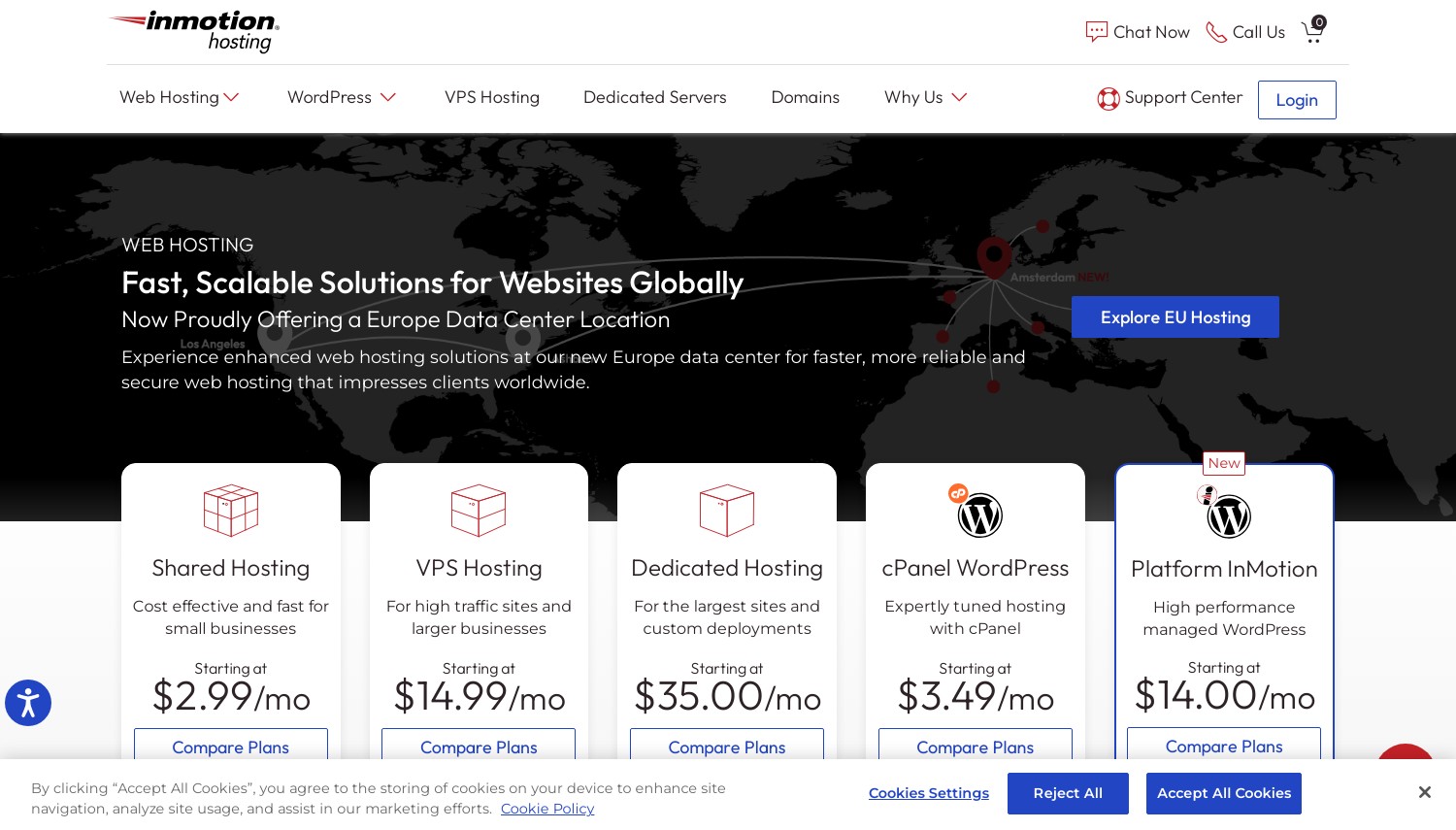
InMotion Hosting: Best US-Based Support
Starting at $3.29/mo | 100GB NVMe | 90-day Guarantee
InMotion operates entirely from US-based data centers with US-based support staff. When you contact support, you reach someone in the United States who understands American business hours and communication styles. For US companies with compliance requirements or preferences for domestic vendors, this distinction matters. Their Virginia and Los Angeles data centers cover both coasts with redundant infrastructure.
What you get out of the box: over 200 premium themes and essential plugins (backups, forms, builders) at no extra cost. NVMe storage delivers fast database queries. Daily automated backups, malware scanning, and DDoS protection come standard. The support team assists with WordPress-specific issues, not just server problems. Their knowledge base covers WordPress troubleshooting extensively.
A 90-day money-back guarantee provides substantial testing time. Entry at $3.29/mo requires a 36-month commitment for that rate. Renewal pricing jumps, though InMotion publishes rates more transparently than some competitors. The WP Core plan limits hosting to 1 website; the WP Launch plan at $5.09/mo supports multiple sites. Against offshore hosts, InMotion costs slightly more but delivers US-based operations throughout.
Pros
- US-based support staff and data centers
- 90-day money-back guarantee for extended testing
- 200+ premium themes and plugins included
- NVMe storage with daily backups on all plans
Cons
- Entry plan limited to 1 website
- Promotional pricing requires 36-month term
- Slightly higher pricing than offshore competitors
Pricing: WP Core at $3.29/mo (36-month), 1 site, 100GB NVMe. WP Launch at $5.09/mo adds multiple sites. WP Power at $5.09/mo includes 200GB and 10+ sites. WP Pro at $8.99/mo supports 40+ sites with 300GB storage.
Best for: US businesses preferring domestic hosting infrastructure and support teams.
Skip if: Geographic location of servers and support doesn’t affect your decision.
InMotion Hosting delivers WordPress hosting with entirely US-based operations. The 90-day guarantee and domestic support justify the slight premium for businesses that value American infrastructure.
How to Choose WordPress Hosting for USA Sites
Match your hosting choice to what actually matters for your site:
- Calculate total cost, not promotional price. That $2.99/mo becomes $17.99/mo on renewal. Multiply the renewal rate by months you’ll actually use the hosting, then compare totals.
- Storage needs scale with media. A blog with text posts fits 10GB. WooCommerce with product images needs 50GB+. Video content demands even more. Check what your current site uses before committing.
- Support quality varies dramatically. Budget hosts route you to script-readers. Premium hosts employ WordPress specialists. If you’ll need help, factor this into your decision.
- Server location affects speed. USA data centers matter for American audiences. If your visitors are mostly domestic, choose hosts with US locations (Dallas, Los Angeles, Virginia, etc.).
- Managed vs. unmanaged is about your time. Managed hosting handles updates, security, and optimization. Unmanaged saves money but requires your involvement. Value your time accordingly.
For most American WordPress sites, Hostinger or SiteGround cover needs well. Business-critical sites should evaluate WP Engine or Kinsta. Agencies managing multiple client sites benefit from Cloudways’ flexibility or Kinsta’s management tools.
Frequently Asked Questions
Which WordPress host has the best uptime for USA sites?
WP Engine and Kinsta both maintain 99.99% uptime SLAs backed by actual compensation if they fail to deliver. SiteGround’s Google Cloud infrastructure provides enterprise-grade redundancy. Budget hosts like Hostinger and Bluehost deliver adequate uptime for most sites (99.9%+) but without the same SLA commitments.
Is managed WordPress hosting worth the extra cost?
Managed hosting (WP Engine, Kinsta, DreamPress) handles updates, security, caching, and optimization automatically. If WordPress maintenance takes time you’d rather spend elsewhere, or if downtime costs your business money, managed hosting pays for itself. For hobby sites or technical users comfortable with WordPress administration, shared hosting works fine.
Do I need USA-based servers for my WordPress site?
If your audience is primarily American, yes. Server location affects page load times by 50-150ms per geographic separation. A WordPress site on European servers loads noticeably slower for US visitors than one hosted in Dallas or Virginia. For international audiences, CDN integration matters more than server location.
Why do WordPress hosting renewal prices increase so much?
Promotional pricing is a customer acquisition cost that hosts absorb temporarily. Renewal rates reflect actual operational costs plus profit margin. Hosts betting you won’t migrate after setup can charge steep renewals. DreamHost and InMotion offer more modest renewal increases; WP Engine and Kinsta charge the same rate from day one.
Final Verdict
Hostinger delivers the best combination of features and value for most American WordPress sites. The AI assistant, dual USA data centers, and modern platform justify its position as our top recommendation for budget-conscious users.
SiteGround wins when support quality matters. The premium is real, but so is the difference between script-readers and WordPress experts who actually solve problems.
WP Engine and Kinsta compete for premium WordPress hosting. Both deliver enterprise-grade performance; choose based on dashboard preference and specific features you’ll use.
Cloudways offers unique flexibility for technically comfortable users who want cloud infrastructure without server administration overhead.
Bluehost remains the straightforward choice for WordPress beginners who want official WordPress.org backing and simple setup.
If you’re exploring VPS hosting as your WordPress site grows, or need dedicated server resources for high-traffic sites, we have dedicated comparisons covering those options.