
Best Rust Server Hosting (2026): Top 10 Providers Compared
Rust wipes don't care about your hosting plan. When 200 players log in on force wipe day and your server takes 45 seconds to load a chunk, half of them won't come back next month. The difference between a thriving Rust community and a dead one often comes down to whether the hardware behind it can handle peak load without choking.
Quick answer: Host Havoc offers the strongest combination of owned hardware, high-clock CPUs, and Rust-focused features for serious server owners. For budget-friendly entry, SparkedHost's Enterprise plans deliver solid performance starting at USD 15.00/month with 10 GB RAM. Shockbyte's official Rust partnership gives you in-game perks and reliable slot-based pricing. Below, we compare 10 providers with verified pricing and honest assessments.
Jump to: Apex Hosting | SparkedHost | ScalaCube | Indifferent Broccoli | Host Havoc | Nodecraft | Shockbyte | GTXGaming | Godlike.host | BisectHosting | How to Choose | FAQ
Last reviewed: March 2026. Prices and features verified.
How We Selected These Providers
Rust punishes weak servers harder than most games. A 200-slot community running modded Oxide plugins, custom maps, and scheduled wipes needs raw single-thread CPU speed, fast NVMe storage, and enough RAM to avoid crashes mid-raid. We filtered hosts by hardware generation, Rust-specific mod support (Oxide/uMod and Carbon), DDoS mitigation, and global server coverage. User review data from aggregators helped confirm reliability claims, with a minimum threshold of 4.0/5 from 500+ reviews for most providers. We verified all pricing directly against official websites or recent third-party sources, and flagged any data we couldn't confirm.
| Hosting Provider | Reviews | Overall Rating | Starts from |
|---|---|---|---|
1  Apex Hosting Apex Hosting
|
742 |

|
$4.49 / mo. |
2  Sparked Host Sparked Host
|
2k+ |
|
No data / mo. |
3  ScalaCube ScalaCube
|
4.8k+ |

|
$2.50 / mo. |
4  Indifferent Broccoli Indifferent Broccoli
|
767 |
|
No data / mo. |
5  Host Havoc Host Havoc
|
879 |
|
No data / mo. |
6  Nodecraft Nodecraft
|
1.6k+ |
|
$9.98 / mo. |
1. Apex Hosting

 742
4.7
Positive
Positive
742
4.7
Positive
Positive










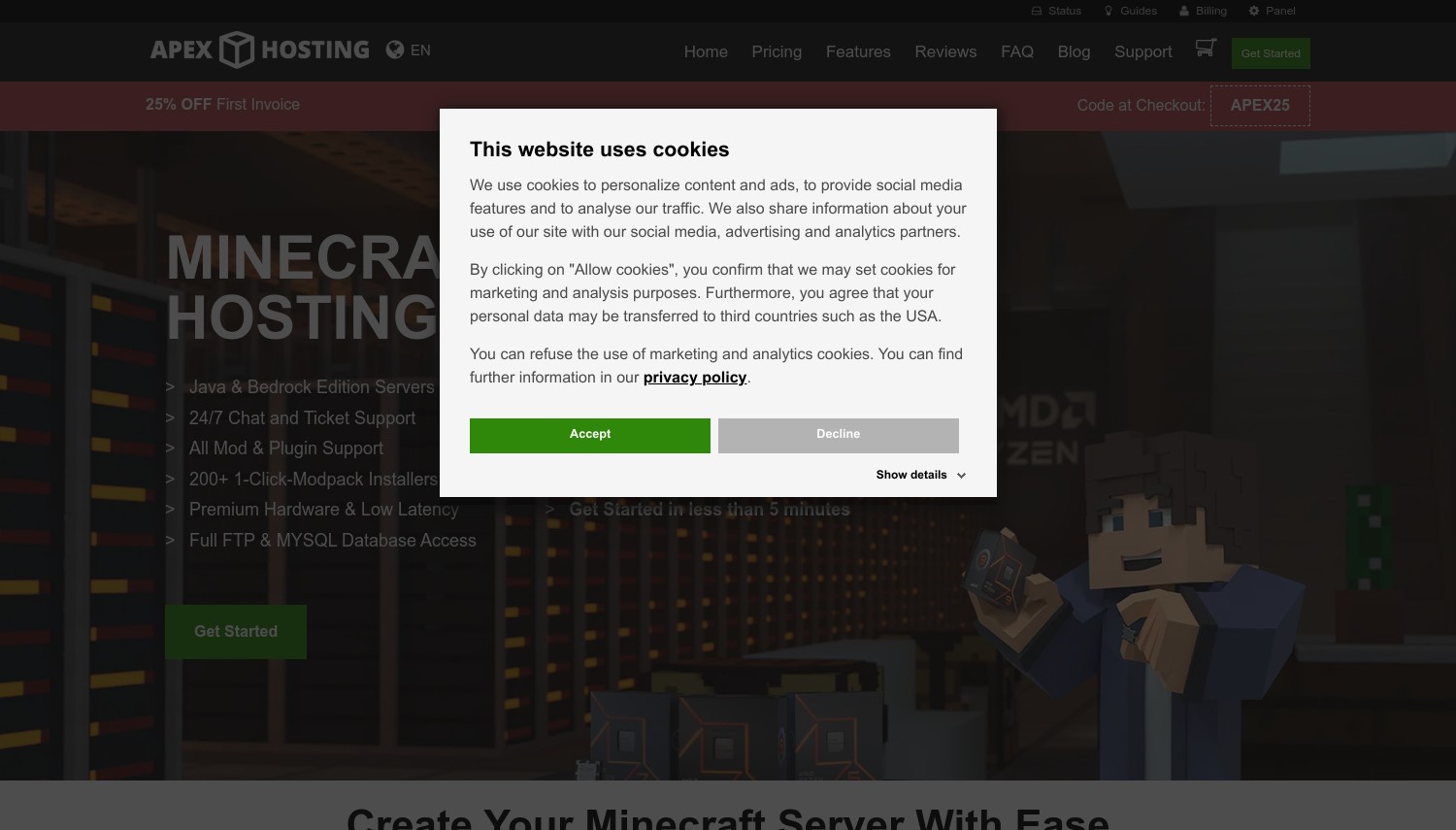
Apex Hosting – Best for Global Server Coverage
Starting at USD 14.99/mo (4 GB RAM) | 18 data centers | 4.6/5 Trustpilot (8,000+ reviews)
Apex Hosting has been in the game hosting business since 2013, and their infrastructure reflects that tenure. Eighteen data center locations across North America, Europe, Asia-Pacific, and South America give you ping flexibility that smaller hosts can't match. For Rust communities with players scattered across continents, this geographic spread matters more than a few dollars in monthly savings.
Their Rust setup includes one-click Oxide/uMod toggling through the control panel, custom map uploads, and map seed customization. Every plan comes with unlimited player slots and unlimited SSD storage, so you're paying purely for RAM allocation. The EX Series tier upgrades you to Ryzen 9 hardware with 4 dedicated vCores and NVMe SSDs, which handles wipe-day loads noticeably better than shared resources.
Compared to SparkedHost and Host Havoc on this list, Apex runs pricier for equivalent RAM. Their 4 GB starting tier is technically below Rust's comfortable minimum (most admins recommend 8-10 GB). So realistically, you're looking at USD 35.00/month for their 10 GB plan. The 72-hour refund window is also tight, giving you barely enough time to test a full wipe cycle.
Pros
- 18 global locations with pre-purchase ping testing
- Unlimited player slots and SSD storage on all plans
- EX Series with dedicated Ryzen 9 vCores for peak performance
- One-click Oxide/uMod support and extensive Rust knowledge base
Cons
- Entry plan (4 GB) is underpowered for most Rust servers
- Higher pricing than competitors for equivalent RAM (USD 35.00/mo for 10 GB)
- 72-hour refund window is among the shortest on this list
Pricing: 4 GB at USD 14.99/mo, 5 GB at USD 18.75/mo, 10 GB at USD 35.00/mo. Quarterly billing saves 10%. Promo codes like "APEX25" take 25% off the first invoice only; renewals are at full price. 72-hour money-back guarantee, one refund per account.
Best for: Server owners with international player bases who need low ping across multiple regions.
Skip if: You're on a tight budget or want more than 72 hours to evaluate performance.
Apex is a safe, established choice with genuine global reach. Just size your plan correctly from the start. Their 4 GB tier is a Minecraft holdover that won't serve Rust well, and by the time you pick adequate RAM, the monthly cost climbs past most competitors.
2. Sparked Host
 2k+
4.7
Positive
Positive
2k+
4.7
Positive
Positive
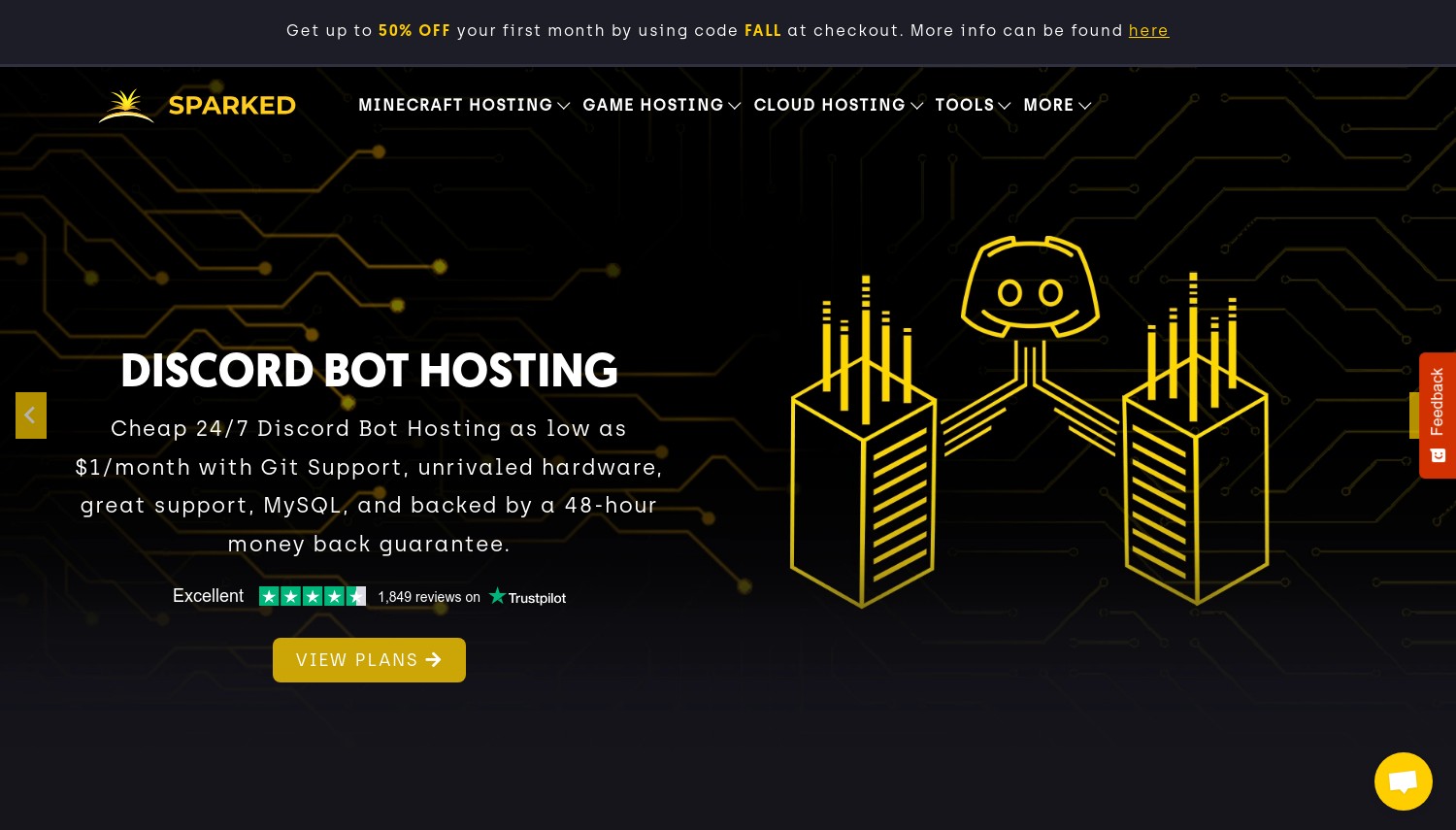
SparkedHost – Best for Budget Performance
Starting at USD 15.00/mo (10 GB RAM) | 10 locations | 4.8/5 Trustpilot (2,260+ reviews)
SparkedHost flips the usual game hosting trade-off on its head. Their Cloth plan gives you 10 GB RAM with 2.5 CPU cores and 100 GB NVMe storage for USD 15.00/month. That's enough to run a 40-player Rust server on a map size of 1,000-2,000. Most competitors charge USD 25-35 for comparable specs.
What makes them interesting beyond pricing is the Apollo Panel. Built in-house (not a stock Pterodactyl reskin), it includes one-click installers for both Oxide/uMod and Carbon mod frameworks. Supporting Carbon alongside Oxide is a genuine differentiator. Carbon has been gaining traction in the Rust modding community as a lighter, faster alternative, and most hosts on this list only support Oxide. The panel also includes a server splitter tool that lets you divide your allocated resources across multiple server instances.
SparkedHost runs Ryzen 7 and Ryzen 9 hardware on their Enterprise tier, though specs vary by location. A Dallas server might get a Ryzen 9 7950X while Helsinki gets a Ryzen 7 5700X. This inconsistency isn't shown on the pricing page, which is frustrating. Their 1-day free trial (no credit card needed) partially offsets this. You can test actual performance in your chosen location before committing.
One catch: their 48-hour refund window is the shortest on this list. Miss the trial and pay up front, and you don't get much runway to change your mind.
Pros
- USD 15.00/mo for 10 GB RAM with NVMe storage is hard to beat on value
- Both Oxide/uMod and Carbon mod support with one-click installers
- 24-hour free trial with no credit card required
- Custom Apollo Panel with server splitter and server importer tools
Cons
- Hardware varies significantly by data center location (not disclosed on pricing page)
- 48-hour refund window is the tightest in this roundup
- Only 3 Rust-specific plans currently listed (no smaller entry option)
Pricing: Cloth (10 GB) USD 15.00/mo, Leather (16 GB) USD 24.00/mo, Fuel (24 GB) USD 36.00/mo. Quarterly saves 5%, semi-annual 12%, annual 20%. No promo/renewal price split. Active promo codes frequently offer 40-50% off the first month. 48-hour money-back guarantee.
Best for: Server owners who want strong RAM-per-dollar value and Carbon mod support.
Skip if: You need guaranteed high-end hardware at a specific location or want a longer refund period.
SparkedHost delivers a lot of server for the money. The Carbon support and free trial set it apart from budget competitors. Just verify your actual hardware allocation by testing during the trial period, because what you get depends on which data center you pick.
3. ScalaCube
 4.8k+
4.3
Positive
4.8k+
4.3
Positive
 Neutral

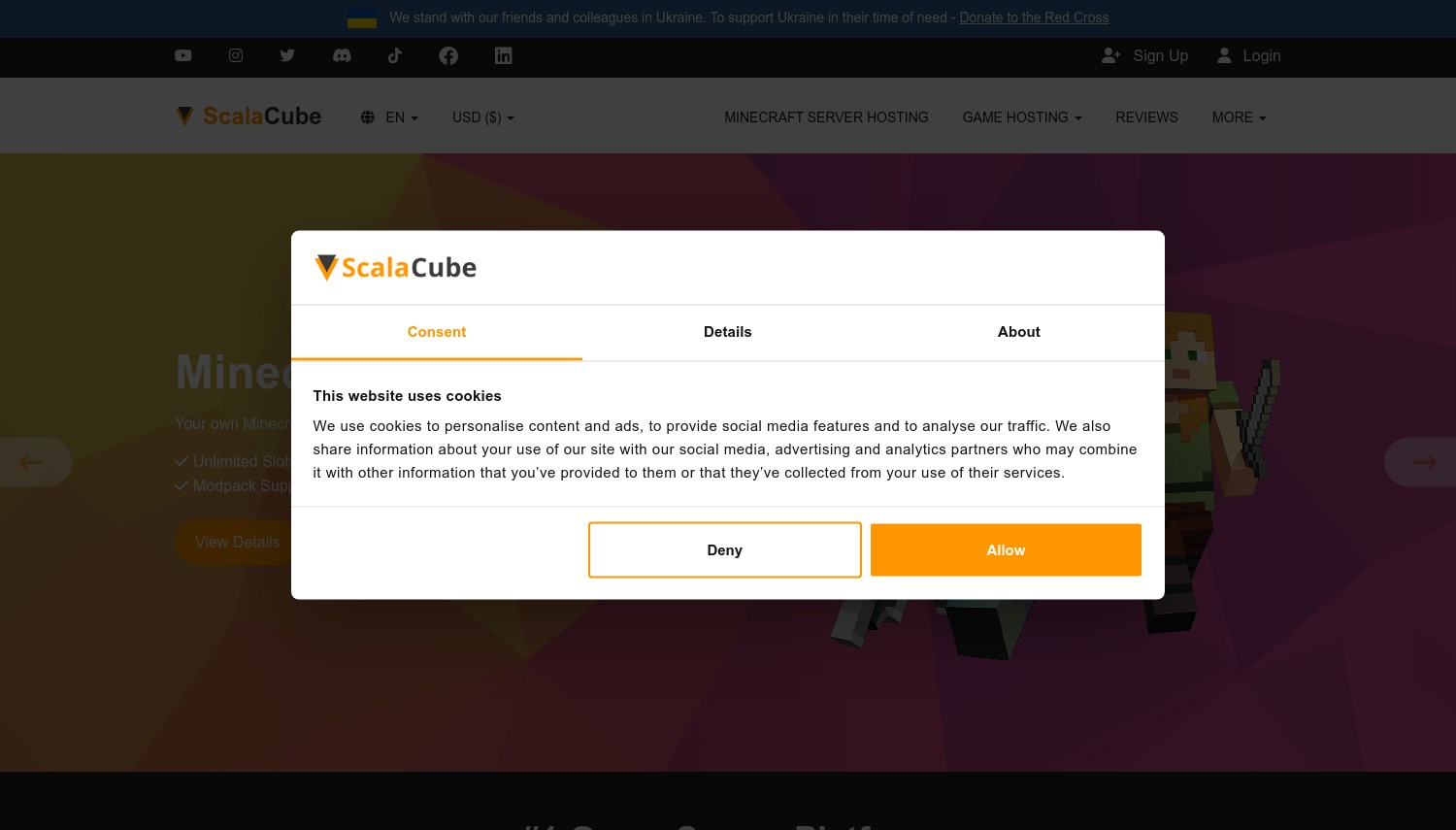
ScalaCube – Best for Generous Hardware Allocation
Starting at USD 19.20/mo (first month, 150 slots) | 14 locations | 4.5/5 Trustpilot (4,700+ reviews)
ScalaCube takes a different approach than most Rust hosts. Instead of selling RAM tiers, every plan ships with the same hardware: 32 GB RAM, an 8-core 3.4 GHz CPU, and 320 GB SSD storage. Plans differ only by player slot count (150, 200, or 250 slots). For a modded Rust server running dozens of Oxide plugins, that 32 GB allocation provides headroom most competitors don't offer at this price range.
Their infrastructure runs on OVHcloud data centers across 14 locations including the US, Canada, Europe, Asia-Pacific, and Brazil. The control panel is custom-built with Rust-specific settings for gather rates, XP multipliers, and spawn points, though its interface feels dated compared to panels like Apollo or NodePanel.
Here's the catch. The displayed prices (USD 19.20 for 150 slots) are first-month promotional rates with 20% off. Renewal runs approximately USD 24.00/month. The marketing page claims 24/7 support, but actual support hours are Monday through Friday, 9 AM to 5 PM. It also advertises 99.9% uptime, while the Terms of Service only guarantee 99% and may not formally cover game servers. These discrepancies are worth knowing before you commit.
Pros
- 32 GB RAM and 8-core CPU included on every plan regardless of tier
- 14 global server locations on OVHcloud infrastructure
- Rust-specific control panel with gather rate and XP customization
- 7-day money-back guarantee (10 days for auto-renewals)
Cons
- Displayed prices are 20% promotional; renewal approximately USD 24.00/mo for the base plan
- Support hours are weekday business hours only (despite "24/7" marketing)
- Uptime guarantee in ToS (99%) is lower than advertised (99.9%)
Pricing: 150 slots at USD 19.20/mo first month (approximately USD 24.00/mo renewal), 200 slots at USD 25.60/mo first month (approximately USD 32.00/mo renewal), 250 slots at USD 32.00/mo first month (approximately USD 40.00/mo renewal). Prices exclude VAT. Monthly billing only. 7-day money-back guarantee.
Best for: Heavily modded servers that need large RAM allocation without paying enterprise prices.
Skip if: You need responsive weekend or after-hours support.
The raw specs per dollar are strong here. Thirty-two GB of RAM for under USD 25/month (at renewal) beats most competitors by a wide margin. Just go in with open eyes about the support limitations and promotional pricing structure.
4. Indifferent Broccoli
 767
4.6
Positive
Positive
767
4.6
Positive
Positive
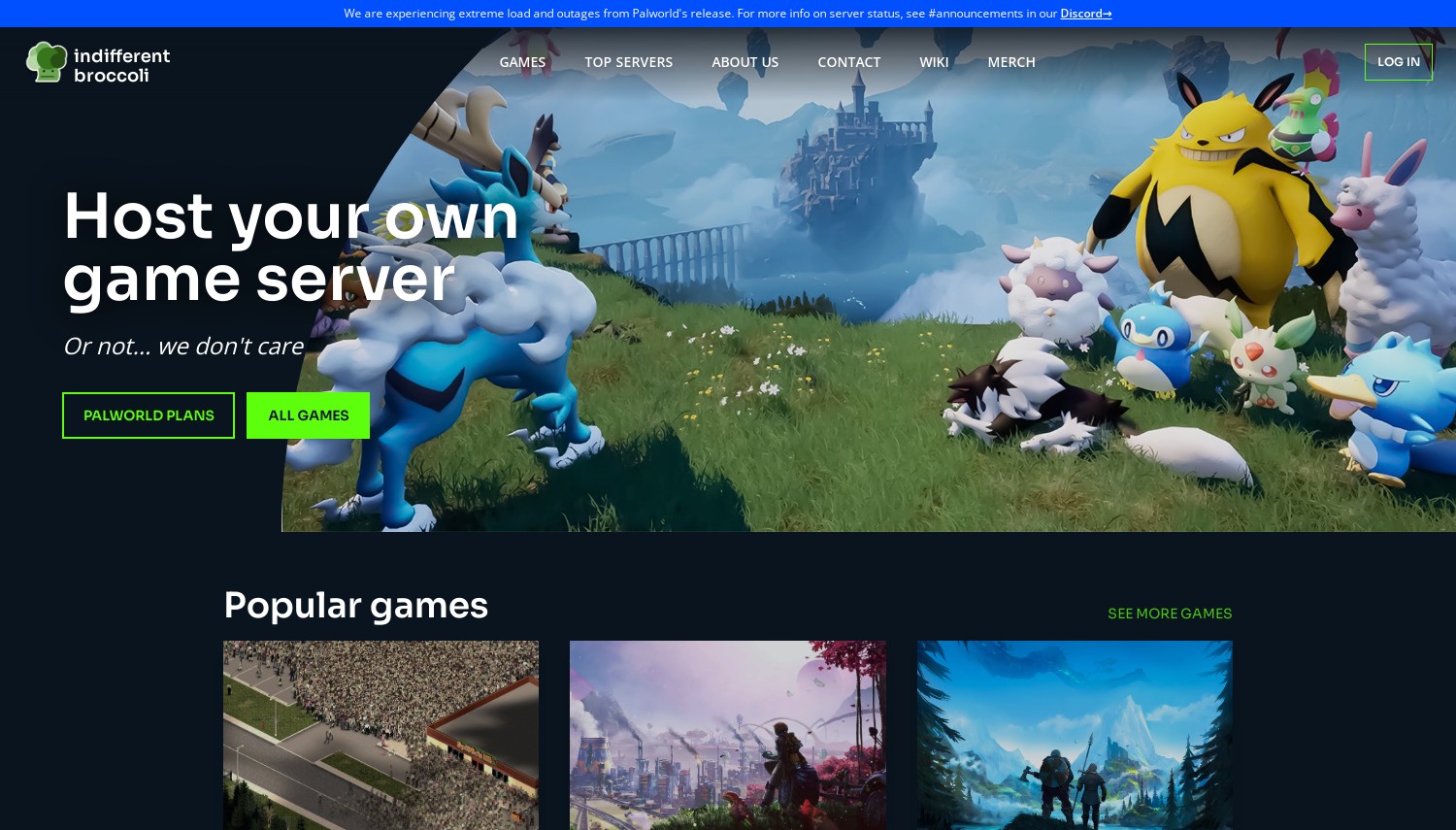
Indifferent Broccoli – Best for Low-Risk Entry
Starting at USD 12.99/mo (25 players) | NA and EU locations | 4.6/5 Trustpilot (730+ reviews)
The name is odd, but the hosting isn't. Indifferent Broccoli has quietly built a following since 2021, now serving over 100,000 game servers with a 17,000-member Discord community. Their Rust hosting stands out for one reason above all others: you can try it with zero financial risk. A 2-day free trial requires no credit card, and even after you pay, the 7-day refund policy applies to renewals too, not just the first purchase. That's extremely rare in game hosting.
Pricing is flat and honest. USD 12.99/month gets you a 25-player server. USD 16.99 covers 50 players. No promotional bait, no renewal increases. You pay the same price month after month. The "Split the Cost" feature lets multiple people share the bill directly through the platform, which is handy for friend groups pooling resources.
A unique feature is their Discord bot for server management. Restart your server, check status, and manage settings without leaving Discord. For communities already living in Discord (which describes most Rust groups), this removes friction from daily admin tasks.
Geography is the limitation. Servers are only available in North America and Europe: San Jose, Dallas, Montreal, and Frankfurt/Roubaix. No Asia-Pacific, no Oceania, no South America. Players outside these regions will face higher ping. There's also no formal uptime SLA. The ToS explicitly states the service is provided "as is" with no warranty.
Pros
- 2-day free trial with no credit card, plus 7-day refund on renewals
- Flat pricing with no promotional/renewal difference
- Discord bot for in-app server management
- Split the Cost feature for shared billing
Cons
- Limited to NA and EU only (no Asia-Pacific or Southern Hemisphere)
- No formal uptime SLA or guarantee
- Support response target is 4 hours (not instant)
Pricing: 25 players at USD 12.99/mo, 50 players at USD 16.99/mo, 100 players at USD 32.99/mo, 200 players at USD 48.99/mo, 400 players at USD 72.99/mo. No renewal increases. Server freeze option at USD 5.99/mo to preserve data during breaks. 7-day money-back guarantee (applies to renewals). 2-day free trial.
Best for: Small to mid-size groups who want risk-free testing and transparent pricing.
Skip if: Your player base is outside North America or Europe.
Indifferent Broccoli won't win a specs race against hosts running Ryzen 9 hardware. What it offers instead is honesty: clear pricing, a real free trial, and a refund policy that actually respects repeat customers. For community servers where trust matters more than bleeding-edge performance, that's a solid foundation.
5. Host Havoc
 879
4.7
Positive
Positive
879
4.7
Positive
Positive
Host Havoc – Best for Serious Communities
Starting at USD 16.00/mo (30 slots) | 13 locations | 4.7/5 Trustpilot (1,519 reviews)
Host Havoc is one of the few game hosting companies that owns its physical hardware. They don't resell OVHcloud or Hetzner capacity. They buy and rack their own servers running AMD Ryzen and Intel Xeon E-series processors clocked at 4.6 to 5.0 GHz. For Rust, where single-thread CPU speed directly determines tick rate stability, this hardware ownership translates to more consistent performance than resellers can typically deliver.
The per-slot pricing model starts at USD 16.00/month for 30 slots (USD 0.53/slot) and scales down to USD 0.18/slot at 400 players. Base plans include 8 GB RAM, upgradeable to 12 GB (+USD 7.50/mo) or 16 GB (+USD 10.00/mo). Their customized TCAdmin 2 panel includes a mod manager GUI that auto-updates Oxide/uMod plugins, Steam Workshop integration, and a configuration file editor. A 70% discount on BattleMetrics RCON is included, which is a nice perk for admins who rely on that tool for monitoring and moderation.
They also offer free community web hosting and free migration from your previous host. Support tickets average under 10 minutes for a response, and the team is frequently named in Trustpilot reviews (Lee, Lou, Rafael, Zack). When your Rust server crashes at 2 AM during a raid, that response speed matters.
Downsides? A 72-hour money-back window and per-slot pricing that can get expensive for large communities. At 200 slots, you're paying roughly USD 40-50/month before RAM upgrades.
Pros
- Owns physical hardware with 4.6-5.0 GHz CPUs for strong single-thread performance
- Support response averaging under 10 minutes, 24/7
- 70% BattleMetrics RCON discount and free community web hosting
- Free server migration from other hosts
Cons
- Per-slot pricing gets costly at higher player counts
- 72-hour refund window
- RAM upgrades are paid add-ons (base 8 GB, +USD 7.50 for 12 GB, +USD 10.00 for 16 GB)
Pricing: Slot-based: 30 slots at USD 16.00/mo, 50 slots at USD 17.50/mo, 70 slots at USD 18.50/mo, 400 slots at USD 72.00/mo. RAM upgrades: 12 GB +USD 7.50/mo, 16 GB +USD 10.00/mo. CPU Priority add-on +USD 4.00/mo. Month-to-month billing only, no contracts. 72-hour money-back guarantee. Accepts PayPal, credit cards, Bitcoin, and Litecoin.
Best for: Established Rust communities that prioritize hardware quality and fast support over budget pricing.
Skip if: You're running a casual server for a small friend group and want to minimize cost.
Host Havoc earns its reputation through hardware ownership and support quality. You're paying a premium compared to budget hosts, but you're getting infrastructure that a Canadian company controls end-to-end. For communities where server stability is non-negotiable, that control matters.
6. Nodecraft
 1.6k+
4.4
Positive
Positive
1.6k+
4.4
Positive
Positive
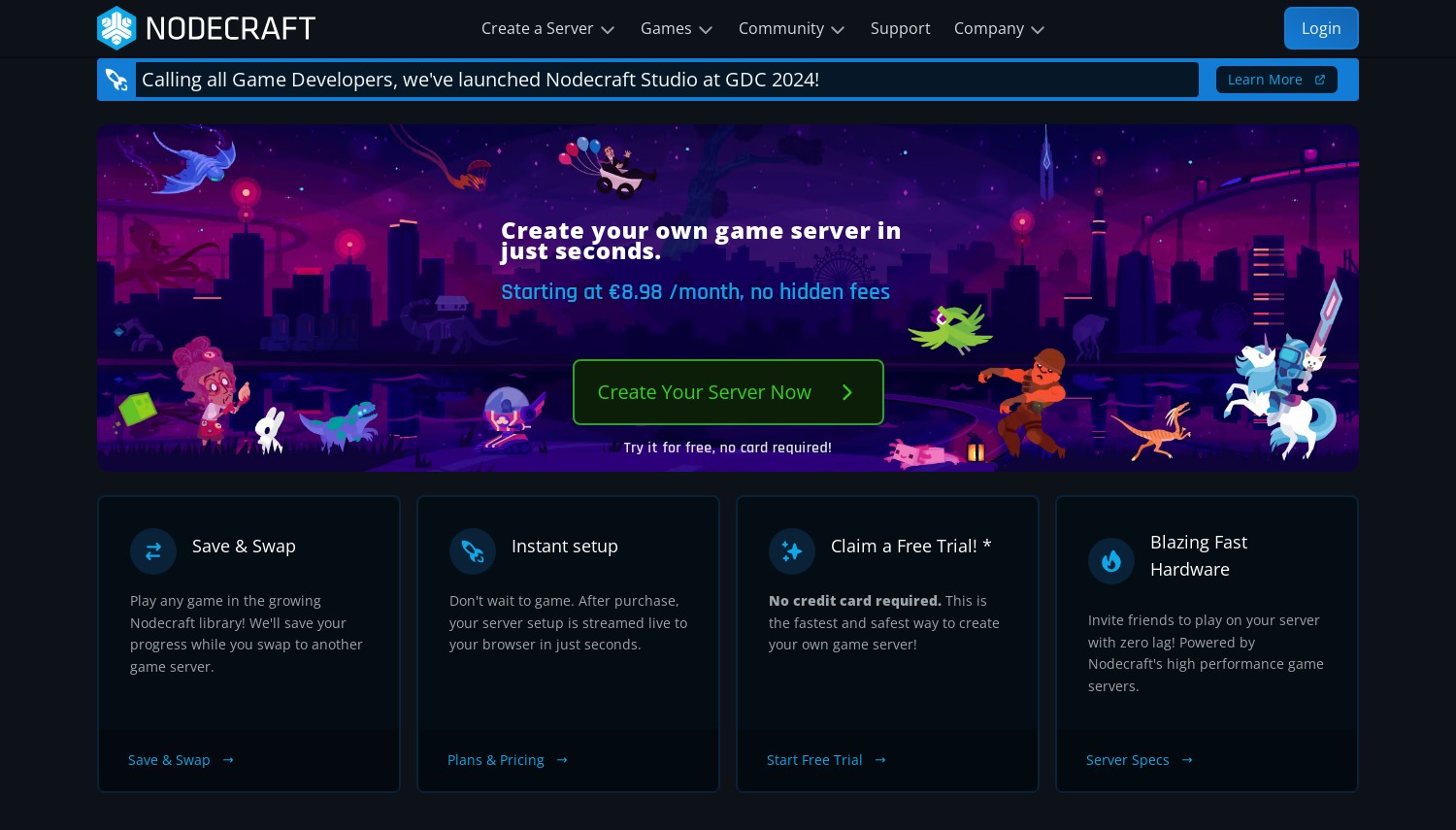
Nodecraft – Best for Multi-Game Communities
Starting at USD 49.98/mo (10 GB, Pro) | 27 locations | 4.9/5 Trustpilot (1,698 reviews)
Nodecraft costs more than every other host on this list for a Rust-capable plan. Their minimum recommended RAM for Rust is 10 GB, which puts you at USD 49.98/month on the Pro tier or USD 29.80 on the Lite tier. That's steep when SparkedHost offers 10 GB for USD 15.00. So why is Nodecraft here?
Two reasons. First, the Save and Swap feature. If your community plays Rust, Minecraft, ARK, and Valheim across different seasons, Nodecraft lets you save your current game world, switch to a different game instantly, and swap back later without losing any progress. Pro plans include 3 to 9 swap instances depending on tier. No other host on this list matches this game-hopping flexibility.
Second, the network. Twenty-seven data centers span from Seattle to Auckland, including less common locations like Zagreb, Prague, Copenhagen, and Queretaro. Their hardware runs AMD Ryzen 9 7950X processors with DDR5 RAM and NVMe SSDs, with an average of only 12 customers per physical server. That low density means fewer noisy-neighbor performance issues during peak hours.
Fair warning about the Lite tier (USD 29.80/mo for 10 GB): those servers hibernate when no players are connected. For Rust, where players expect 24/7 availability, hibernation is a dealbreaker. Stick with Pro for Rust. Support runs 11:30 AM to 8:00 PM CST daily, so no 24/7 technical help. The mobile apps (iOS, Android, Overwolf) are genuinely useful for quick restarts when you're away from your desk, though.
Pros
- Save and Swap between 53+ games without losing progress
- 27 global locations with Ryzen 9 7950X / DDR5 hardware
- Low server density (~12 customers per node)
- Mobile apps for iOS, Android, and Overwolf
Cons
- USD 49.98/mo minimum for a Rust-capable Pro plan (10 GB)
- Support limited to 8.5 hours/day (not 24/7)
- Lite tier servers hibernate when empty (unusable for Rust)
Pricing: Pro: 10 GB at USD 49.98/mo, 12 GB at USD 59.98/mo, 16 GB at USD 79.98/mo. Lite: 10 GB at USD 29.80/mo (hibernating). Quarterly saves 10%, annual saves 20%. No renewal increases. 24-hour free trial (no credit card) or 7-day trial (with payment info). 7-day money-back guarantee (one-time per account).
Best for: Communities that rotate between multiple games and need a single hosting account to manage them all.
Skip if: You only play Rust and want competitive pricing.
Nodecraft's per-GB cost is the highest here, no question. But if your group cycles through games regularly, paying more for one flexible account beats managing separate hosts for each title. The 4.9 Trustpilot rating from nearly 1,700 reviews backs up their quality claims.
Shockbyte – Best for Official Rust Integration
Starting at USD 10.00/mo (40 slots) | 15+ locations | 3.8/5 Trustpilot (10,169 reviews)
Shockbyte holds a card no other host on this list can play: they're an official Rust partner, endorsed by Facepunch Studios. The "Host Your Own Server" button inside the Rust game client links directly to Shockbyte. Customers who purchase through that in-game button receive an exclusive Tool Cupboard skin (a 1980s-style server rack design) that isn't available anywhere else. It's a cosmetic perk, but it signals a partnership most hosts would love to have.
Beyond the partnership, Shockbyte's slot-based pricing keeps things simple. USD 10/month for 40 slots, USD 15 for 60, USD 20 for 125. Every plan includes Oxide/uMod, Carbon, and Harmony mod support, automatic backups, DDoS protection, and unlimited NVMe storage. Their hardware runs AMD EPYC 4244P/4464P processors with speeds up to 5.4 GHz single-thread. For a CPU-bound game like Rust, those clock speeds translate directly to smoother gameplay.
Now for the elephant in the room: support. With over 10,000 Trustpilot reviews, the 3.8/5 rating reflects a polarized user base: 77% give 5 stars, but 13% give 1 star. The most common complaint is slow ticket response times, with some users reporting 5+ day waits for resolution. If your server breaks and you need fast help, this is a real risk. Shockbyte also charges a USD 5/month surcharge for Singapore and Sydney locations.
Pros
- Official Rust partner with exclusive in-game Tool Cupboard skin
- Supports Oxide, Carbon, and Harmony mod frameworks
- AMD EPYC hardware with up to 5.4 GHz single-thread speed
- Simple slot-based pricing starting at USD 10.00/mo
Cons
- Support response times inconsistent (5+ day waits reported by some users)
- 3.8/5 Trustpilot score is the lowest on this list
- USD 5/mo surcharge for Singapore and Australia locations
Pricing: 40 slots at USD 10.00/mo, 60 slots at USD 15.00/mo, 125 slots at USD 20.00/mo, 125-300 slots at USD 0.50/slot. Quarterly saves 10%, semi-annual 20%, annual 25%. No renewal increases on base pricing. 72-hour money-back guarantee (one per account). Singapore and Sydney locations +USD 5.00/mo.
Best for: Rust players who want the official partnership perks and straightforward slot-based pricing.
Skip if: Fast support turnaround is critical for your server operations.
Shockbyte serves an enormous customer base (190,000+ game servers), and the Facepunch partnership validates their Rust infrastructure. The support inconsistency is the main gamble. If nothing breaks, you'll be happy. If something does, prepare for patience.
GTXGaming – Best for Location Variety
Starting at approximately USD 0.20/slot | 28+ locations | 4.7/5 Trustpilot
GTXGaming, a UK-based company operating since 2013, offers one of the widest server networks in the game hosting space. Over 28 data center locations span North America, Europe, Asia, Oceania, and even less common regions like Morocco and Greece. If your community includes players across unusual geographic combinations, GTXGaming likely has a location that works.
Their Rust servers run on modern hardware: Ryzen 9 7950X at extreme-tier locations and Ryzen 9 5950X with overclocking at standard locations, paired with DDR5 memory and NVMe storage. The custom control panel provides real-time CPU, memory, and disk monitoring alongside daily automatic backups and full Oxide/uMod support. Servers run on Windows Server 2022, which some admins prefer for Rust plugin compatibility.
Per-slot pricing sits around USD 0.20/slot based on third-party sources, making a 50-slot server roughly USD 10/month. That's competitive. GTXGaming also locks your price at purchase, so no renewal increases regardless of future pricing changes. Game switching is available if your community branches into other titles.
Where GTXGaming falls short is consumer protection. The refund window is only 24 hours, barely enough time to configure a Rust server and test performance under load. No formal uptime SLA is published either. These gaps are unusual for a host of this size and tenure.
Pros
- 28+ global locations including uncommon regions
- Ryzen 9 7950X / DDR5 / NVMe hardware at extreme-tier locations
- Price-lock guarantee (no renewal increases ever)
- 24/7 support via live chat, tickets, email, and Discord
Cons
- 24-hour refund window is the shortest here
- No published uptime SLA
- UK-based pricing (GBP); USD equivalents fluctuate with exchange rates
Pricing: Approximately USD 0.20/slot (GBP pricing converted). A 50-slot server runs roughly USD 10/mo, scaling up to 400 slots at approximately USD 80/mo. Price locked at purchase. Daily backups and DDoS protection included. 24-hour money-back policy.
Best for: Communities needing servers in less common geographic locations.
Skip if: You want a generous refund period or a contractual uptime guarantee.
GTXGaming's network breadth is its strongest asset. Few hosts can match 28+ locations with current-gen hardware at each. The razor-thin refund window is the main concern. Test carefully during those first 24 hours.
Godlike.host – Best for Rust-Focused Plans
Starting at USD 22.39/mo (50 slots, 8 GB RAM) | 14 locations | 4.5/5 Trustpilot
Godlike.host names their Rust plans after in-game items: Compound, Pump, Python, Thompson, Bolt, Rocket. It's a small detail, but it signals something useful: this host designs its tiers specifically around Rust's resource demands rather than offering generic game server plans. Each tier pairs a slot count with a recommended RAM allocation, from 8 GB for 50 players up to 24 GB for 250 players.
Features include Oxide/uMod support, SFTP access, and a Discord bot for server management (similar to Indifferent Broccoli's approach). What's less common is their config editor with shareable links. You can create a server configuration and share it via URL without giving anyone access to your full file system. For communities with multiple admins, this is a practical security feature.
Every plan includes a personal account manager, which Godlike.host advertises as part of their support model. Fourteen server locations cover the US, Canada, Europe, Asia, Oceania, and South America. Hardware runs on Ryzen 9 5950X processors with NVMe SSDs.
Here's what really sets them apart: a 14-day money-back guarantee, the most generous on this list. That gives you a full wipe cycle (Rust's forced wipes happen monthly) to evaluate server performance under realistic conditions. The hardware generation (Ryzen 9 5950X) is capable but one step behind hosts running 7950X, which may matter for large modded servers during peak load.
Pros
- Rust-specific plan tiers matched to player count and RAM needs
- 14-day money-back guarantee (longest on this list)
- Shareable config editor links for multi-admin security
- Personal account manager included with every plan
Cons
- Ryzen 9 5950X hardware is capable but not latest generation
- Starting price (USD 22.39/mo) is mid-range for 50 slots / 8 GB
- No specific uptime SLA percentage published
Pricing: Compound (50 slots, 8 GB) from USD 22.39/mo, scaling up to Rocket (250 slots, 24 GB) at approximately USD 57.59/mo. Monthly, quarterly, and annual billing available (longer terms discounted). Enterprise DDoS protection and backups included. 14-day money-back guarantee.
Best for: Server owners who want Rust-tailored plans and a generous trial period.
Skip if: You need the latest-gen hardware for maximum wipe-day performance.
Godlike.host won't win on raw specs or lowest price. Its strength is thoughtful Rust-specific design: plans sized for actual Rust demands, a 14-day refund that respects wipe cycles, and admin tools built for how Rust communities actually operate. That attention to the game's specific needs is worth considering.
BisectHosting – Best for Modded Servers
Starting at approximately USD 3.00/GB RAM | 20+ locations | Highly rated on Trustpilot
BisectHosting earns its spot on this list primarily for mod support depth. They integrate both Oxide/uMod and Carbon frameworks with 24/7 modding assistance from their support team. If you're running a heavily modded Rust server and hit a plugin conflict at midnight, having staff who can help troubleshoot Rust-specific mod issues (not just generic hosting problems) saves hours of forum digging.
Per-GB pricing scales from small friend-group servers up to massive 48 GB / 16 vCPU configurations. Plans include Rust+ Mobile App compatibility, beta branch support, an instance manager for running multiple server configs, and game swapping across 100+ titles. The VPS-like flexibility in resource allocation makes BisectHosting feel more customizable than fixed-plan competitors.
Billing discounts reward commitment: 10% off quarterly, 15% semi-annually, 20% annually. The 99.97% monthly uptime SLA is backed by service credit compensation (1 day extension per hour of qualifying downtime, capped at 30 days). That's more specific than most game hosts bother to document.
Watch out for two things: a 72-hour refund window and taxes added on top of listed prices, which catches some buyers off guard. Backup retention information conflicts between sources (3 days vs. 7 days), so confirm this with support before relying on it.
Pros
- Both Oxide/uMod and Carbon with 24/7 modding support
- Scales up to 48 GB RAM / 16 vCPUs for large modded servers
- 99.97% uptime SLA with documented compensation
- Game swapping across 100+ titles
Cons
- 72-hour refund window
- Taxes added on top of listed prices
- Backup retention period unclear (3 or 7 days depending on source)
Pricing: Approximately USD 3.00/GB RAM per month. A 10 GB Rust server runs roughly USD 30/mo before taxes. Quarterly saves 10%, semi-annual 15%, annual 20%. 20+ server locations. 72-hour money-back guarantee. Renewal refunds: full within 1 day, 50% within 3 days.
Best for: Modded Rust servers needing expert plugin support and flexible resource scaling.
Skip if: You want all-inclusive pricing without surprise taxes.
BisectHosting's modding expertise is the real draw. Plenty of hosts "support" Oxide. Fewer have staff who can troubleshoot Carbon plugin conflicts or help optimize a 30-plugin modded server. For heavily customized Rust experiences, that expertise justifies the mid-range pricing.
How to Choose Rust Server Hosting
Rust demands more from a host than most multiplayer games. Here's what actually matters when picking one.
Prioritize CPU clock speed over core count. Rust's server process is largely single-threaded. A host running a Ryzen 9 7950X at 5.0 GHz will handle wipe-day loads better than one with a 16-core Xeon at 2.4 GHz. Ask about specific CPU models, not just "latest generation hardware." Hosts like Host Havoc (4.6-5.0 GHz) and Shockbyte (5.4 GHz EPYC) publish their specs. Others don't, which should make you ask why.
Calculate RAM for your use case. Vanilla Rust with 50 players needs 8-10 GB minimum. Add Oxide plugins and that jumps to 12-16 GB. Large modded servers with custom maps can eat 20 GB or more. SparkedHost's 10 GB for USD 15/month is the value benchmark. If another host charges more for less RAM, they need to justify it with measurably better hardware.
Check the refund window against wipe cycles. Rust's forced wipes happen on the first Thursday of each month. A 24-hour refund (GTXGaming) or 72-hour refund (Apex, Host Havoc, Shockbyte) doesn't give you time to test a full wipe cycle. Godlike.host's 14-day guarantee and Indifferent Broccoli's 2-day free trial plus 7-day refund on renewals offer the best safety nets. Does the host let you experience peak load before locking you in?
Decide between slot-based and RAM-based pricing. Slot-based hosts (Host Havoc, Shockbyte, GTXGaming) charge per player capacity. RAM-based hosts (SparkedHost, Nodecraft, Apex) charge per GB. Neither model is universally better. Slot pricing is predictable; RAM pricing gives more control. For servers that run heavy mods with few players, RAM-based plans often save money.
Don't ignore mod framework support. Oxide/uMod is the standard, but Carbon is gaining ground as a lighter alternative. Only SparkedHost, Shockbyte, and BisectHosting support both on this list. If you plan to use Carbon plugins, verify support before purchasing.
Frequently Asked Questions
How much RAM does a Rust server need?
A vanilla Rust server with 50 players needs 8 to 10 GB of RAM as a baseline. Adding Oxide or Carbon plugins pushes that to 12 to 16 GB depending on plugin count and complexity. Large community servers with custom maps, 100+ players, and heavy modding should plan for 20 GB or more. SparkedHost starts at 10 GB for USD 15.00/month, while ScalaCube includes 32 GB on every plan. Start at the higher end of estimates rather than upgrading mid-wipe.
What makes Rust server hosting different from other game hosting?
Rust is unusually CPU-intensive compared to games like Minecraft or Terraria. Server performance depends heavily on single-thread CPU speed because the main game loop runs on one core. This means a high-clock processor (4.5 GHz+) matters more than having many cores. Rust also generates large world files and handles persistent building/destruction data, making NVMe storage important for world save operations. Wipe-day player spikes create peak loads that stress hosting infrastructure more than most games' steady-state usage.
Is Shockbyte's official Rust partnership worth choosing them over competitors?
Facepunch Studios gives Shockbyte an exclusive in-game "Host Your Own Server" button and an exclusive Tool Cupboard skin for customers. From a hosting quality perspective, the partnership signals that Facepunch trusts Shockbyte's Rust infrastructure. However, it doesn't guarantee better hardware or support than competitors. Host Havoc, SparkedHost, and Godlike.host all offer strong Rust hosting without the partnership. Choose Shockbyte if the in-game integration and skin appeal to you, but don't treat the partnership alone as proof of superior performance.
Can I switch between Oxide and Carbon mod frameworks?
On hosts that support both frameworks (SparkedHost, Shockbyte, BisectHosting), you can typically switch through the control panel. However, you can't run both simultaneously on the same server instance. Plugins built for Oxide won't automatically work on Carbon and vice versa, so switching frameworks means rebuilding your plugin setup. Most Rust servers still use Oxide/uMod since it has the larger plugin library. Carbon is growing as a performance-focused alternative. If you're starting fresh and care about server-side performance, research which framework your preferred plugins support before committing.
Final Verdict
For established communities where performance and reliability justify the cost, Host Havoc is the strongest pick. Owned hardware, high-clock CPUs, fast support, and the BattleMetrics discount make it a complete package for serious Rust server operators.
SparkedHost offers the best value per dollar. Ten GB of RAM with NVMe storage for USD 15/month, plus Carbon support, undercuts most competitors significantly. Use the free trial to verify hardware quality at your chosen location.
If you're risk-averse, Indifferent Broccoli and Godlike.host stand out. The former gives you a no-credit-card trial with refunds on renewals. The latter offers a 14-day money-back window, enough to test through an actual wipe cycle. Both respect your right to evaluate before committing.
Shockbyte is the obvious choice if the Facepunch partnership and in-game integration matter to you. Competitive slot-based pricing and high-clock EPYC hardware back up the branding. Just accept that support may test your patience.
Multi-game communities should look at Nodecraft despite its higher cost. The Save and Swap feature and 27 server locations serve groups that don't want to manage multiple hosting accounts. ScalaCube wins on raw RAM allocation (32 GB per plan), making it ideal for heavily modded setups on a mid-range budget.
GTXGaming suits communities with players in unusual geographic locations thanks to 28+ data centers. BisectHosting earns its spot through genuine modding expertise and a documented uptime SLA. Apex Hosting remains a reliable global option with 18 locations and proven infrastructure.
If you're exploring broader game server hosting options beyond Rust, or considering a self-managed approach, our VPS hosting comparison covers providers where you get full root access and more hardware per dollar. For Rust communities also running a clan website, our dedicated server guide covers options with enough power for both game and web workloads. And if Minecraft is your community's secondary game, check our Minecraft server hosting guide for Minecraft-specific recommendations.