
 Hostinger

 Ultahost
 SiteGround

 A2 Hosting
 Bluehost

 GreenGeeks Web Hosting
 Kinsta
 WPX Hosting
 Cloudways















































On This Page: [hide]
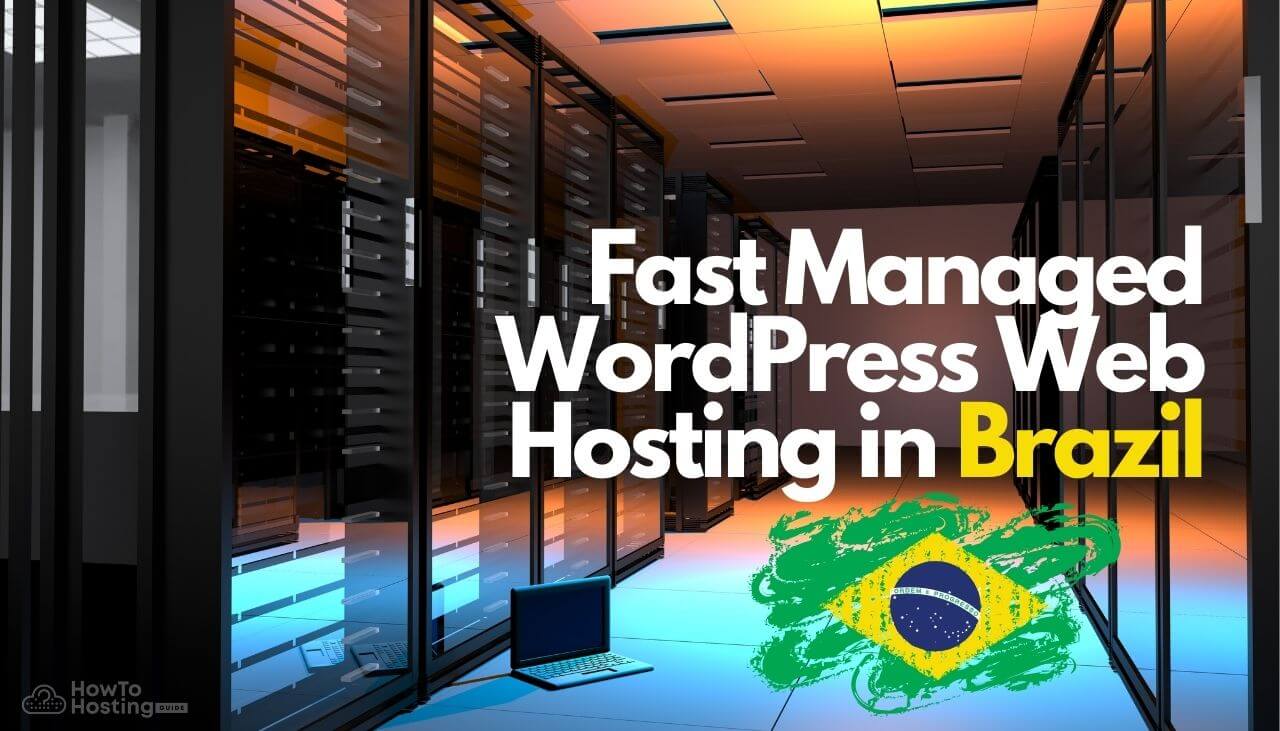
Which are Brazil’s most effective, fast managed WordPress hosting suppliers in 2026? Below is a practical, buyer-focused shortlist of providers that are commonly chosen for WordPress projects targeting visitors in Brazil — with clear “best for” guidance and real-world trade-offs.
Fast Managed WordPress Hosting in Brazil (2026) — Quick Summary
⭐ Overall Rating: ⭐ 4.6 / 5 (editorial: speed stack, uptime reliability, support quality, pricing transparency)
⚙️ Key Features at a Glance:
- Server-side caching + CDN (real impact on Core Web Vitals and TTFB)
- Automated backups + one-click restore (recovery after plugin/theme breakage)
- Security hardening (WAF, malware scanning, patching, DDoS protection)
- Staging tools (test changes without risking production)
- WordPress-aware support (fixes WP issues, not just “server is up” replies)
💡 Best For: Businesses, creators, and agencies publishing to Brazil who want speed + stability without babysitting WordPress weekly.
💰 Starting Price (Jan 2026 reality check): Entry “managed WordPress” promos can start around $2–$6/mo (long-term billing), while premium managed WordPress typically starts around $25–$50/mo.
🧾 Quick Verdict: If your audience is in Brazil, pick a host with strong caching/CDN + predictable renewals — the cheapest first-month deal rarely stays cheap after year one.
Why Use Fast Managed WordPress Hosting in Brazil?
If you’re comparing hosting providers (instead of just “getting something online”), managed WordPress hosting is usually worth it for three reasons:
- Speed you can feel: Better caching and tuned PHP/MySQL setups reduce slow admin panels and improve page load time under traffic.
- Fewer “update disasters”: Automated backups + staging let you test changes and roll back quickly if a plugin/theme breaks your site.
- Support that understands WordPress: When something fails, you want someone who recognizes common WP failure points (database locks, plugin conflicts, memory limits) — not generic ticket replies.
Benefits of Fast Managed WordPress Hosting in Brazil
- Lower latency for Brazilian visitors: Better routing + CDN edge coverage often matters more than “raw server specs.”
- Reliability under spikes: Viral posts and paid campaigns can crush shared servers; managed WordPress plans typically handle bursts more gracefully.
- Security hardening by default: Managed providers usually block common attacks before they reach WordPress.
Pros and Cons (Honest, 2026 Reality)
Pros
- Faster troubleshooting: backups + restore points reduce downtime when updates go wrong.
- Better WordPress performance: server-level caching and tuned stacks usually beat “DIY plugin-only” optimization.
- Less maintenance: many providers handle core updates and basic security patching.
Cons
- Renewals can jump hard: the best promo prices often require long billing terms; renewals may be significantly higher.
- Some plugins may be restricted: especially caching/security plugins that conflict with server-level tooling.
- Not always “Brazil-hosted”: some brands serve Brazil via CDN rather than true in-country data centers (fine for most sites, but not all compliance needs).
How to Choose (Fast Checklist Before You Buy)
- Ask where performance comes from: NVMe + server caching + CDN > “unlimited bandwidth” marketing.
- Confirm backup frequency + restore process: daily backups are great; one-click restore is what saves you at 2 AM.
- Check renewal pricing: compare first-term total vs year-2 monthly cost.
- Look for staging: if you update plugins/themes often, staging pays for itself quickly.
Suggested visual additions: A comparison table (Price / Renewal / Backups / Staging / CDN / Best for) and a simple “setup flow” diagram help readers choose faster.
Setup & Migration (Step-by-Step)
Quick setup steps (new WordPress site)
- Pick a plan based on expected traffic and whether you need staging.
- Register or connect your domain (most hosts guide this in the dashboard).
- Install WordPress via 1-click installer (or use the host’s WordPress onboarding wizard).
- Enable SSL + CDN in the hosting panel.
- Run a basic speed check (homepage + a heavy page). Save results as your “baseline.”
Migration steps (existing WordPress site)
- Create a fresh backup (files + database) before moving anything.
- Use the host’s migration tool or request assisted migration (recommended if uptime matters).
- Test on a temporary URL or staging environment.
- Update DNS during low-traffic hours and monitor for 24 hours (cache, login, forms, checkout).
Top Fast Managed WordPress Web Hosting in Brazil (2026 Shortlist)
Hostinger
Best for: Budget-focused WordPress sites that still want modern speed tooling (CDN, backups, staging on higher tiers).
Starting price (Jan 2026): commonly promoted around $2.99/mo on longer terms; renewals are notably higher on many plans.
What feels good in real use:
- Fast onboarding: dashboard guides you through WordPress setup without technical friction.
- Performance features included: CDN + caching stack support helps most sites hit decent real-world speed quickly.
- Transparent renewal notice (important): renewal pricing is shown during checkout on many offers — don’t skip reading it.
Limitations to consider:
- Lowest tiers can feel tight once you add heavy plugins or high-resolution media.
- Best speed/backup features are usually on mid-tier plans.
WPX
Best for: Site owners who want “done-for-you” support and consistently fast global delivery via WPX’s included CDN.
Starting price (Jan 2026): typically starts around $24.99/mo (monthly), with cheaper effective monthly rates on annual billing.
Why WPX still makes sense in 2026:
- WPX XDN included: their CDN is bundled across plans (helpful when serving mixed Brazil + global traffic).
- Support reputation: WPX is known for quick, WordPress-capable responses (not just server resets).
- Good fit for agencies: practical when managing multiple WordPress installs and needing fast fixes.
Trade-offs:
- Not the cheapest option long-term versus entry managed WordPress promos.
- If you need ultra-specific infrastructure control, you may prefer cloud VPS platforms.
A2 Hosting (now hosting.com)
Best for: Users who want a performance-oriented WordPress host and don’t mind comparing tiers carefully.
2026 update: A2 has transitioned branding to hosting.com in many markets, with a stronger focus on managed WordPress performance tooling.
What stands out:
- Performance-forward positioning (caching, speed stack focus).
- Multiple hosting paths (WordPress, VPS, higher power options as you scale).
Watch-outs:
- Intro deals vary; renewals can be meaningfully higher depending on term length.
HostGator Hosting

Best for: Users who want a widely supported brand and easy plan upgrades as the site grows.
Pricing transparency (2026 reality): HostGator clearly separates intro discounts from regular renewal rates. Always compare the first term vs year-two cost.
What you get (typical managed WP expectations):
- Managed WordPress onboarding + migration options.
- Security tooling and backup add-ons depending on plan.
- 24/7 support with multiple contact channels.
Trade-offs:
- Renewal pricing can be materially higher than the promo price.
LocaWeb Brazil

Best for: Businesses that want a Brazil-based provider, Portuguese-first support, and locally familiar billing options.
Starting price (2026 update): Locaweb frequently promotes WordPress hosting starting around R$ 5,90/mês on annual terms (promo-driven).
Why it can be a strong Brazil pick:
- Portuguese-first onboarding and support (less friction for local teams).
- Product ecosystem that fits Brazilian SMB needs (email, domains, add-ons).
Watch-outs:
- As with most providers, promotional pricing typically applies to the initial term.
WebLink.com

Best for: Brazil-based projects that want an affordable local provider and Portuguese support.
What to like:
- Local-market focus (plans and support designed around Brazilian customers).
- Often positioned as a cost-effective option for small to mid-size sites.
Limitations:
- Feature sets can vary by plan; confirm backups and performance tooling before buying.
WP Engine Hosting

Best for: Mission-critical WordPress sites where reliability, security, and workflows (staging/restore) matter more than price.
Starting price (2026 reality): typically in the $25–$50+/mo range depending on plan and billing.
Why teams pay for it:
- Daily backups + restore points: reduces the risk of “one bad update took us down for hours.”
- Staging and dev workflow: safer releases for businesses and agencies.
- Performance posture: built for demanding WordPress installs and higher traffic expectations.
Trade-offs:
- Not budget hosting — best ROI when downtime is expensive.
GreenGeeks

Best for: Eco-conscious site owners who still want solid WordPress performance fundamentals.
Starting price (common promos): often promoted around $2.95/mo (term-based discounts).
What to expect:
- Solid entry WordPress hosting for small and medium projects.
- Good support availability, plus a large knowledge base.
Trade-offs:
- Like most budget-friendly hosts, the best rates require longer commitments.
BlueHost Brazil

Best for: Beginners who want a WordPress-first dashboard experience and a widely used brand.
Starting price (2026 promos): often promoted around $2.95–$3.99/mo depending on plan and billing term.
What to like:
- Beginner-friendly setup, WordPress-focused flows, common integrations.
- Typically includes essentials like SSL and a free domain on annual plans.
Watch-outs:
- Always verify what’s included for backups and the renewal cost after the intro term.
Conclusion
In 2026, “fast WordPress hosting” is rarely about one magic feature — it’s the combination of server-level caching, a well-configured CDN, dependable backups/restore, and support that understands WordPress. For Brazil-focused projects, prioritize the providers that give you measurable speed improvements (especially TTFB and Core Web Vitals), and don’t ignore renewal pricing — that’s where many “cheap” plans become expensive.
Our practical recommendation: If your site is business-critical, pick a provider with strong backups + staging. If your site is early-stage, pick the provider that gives you the best performance tooling without surprise renewals.
SEO Snippets (Add to CMS)
Recommended meta title (≤ 60 chars): Fast Managed WordPress Hosting in Brazil (2026)
Meta description (≤ 160 chars): Compare fast managed WordPress hosting in Brazil (2026). See best picks, real trade-offs, renewals, speed features, backups, and support.
Internal linking suggestions:
- Link “managed WordPress hosting” to: BEST MANAGED HOSTING REVIEW
- Link “VPS for scaling WordPress” to: VPS Hosting in Brazil
- Link “budget starter hosting” to: Shared Hosting Brazil
- Optional comparison piece idea: “Cloud vs Managed WordPress for Brazil traffic” → Cloud Hosting Brazil
WordPress Hosting – FAQ 2026
What Is WordPress Used For?
WordPress is used for building websites in the form of:
- 1-page Autobiography websites
- Blogs and Personal Websites
- eCommerce stores
WordPress is ideal for beginners who want to build small websites with a specific purpose in mind, but also used by experienced internet prodigies who scale up and make huge businesses out of WordPress sites.
What Is WordPress Hosting?
WordPress hosting is a type of web hosting specifically designed for websites built with the popular WordPress content management system.
This form of hosting is specifically-tailored to WordPress and revolves around optimizing its performance and security. The service has features such as drag and drop one-click WP installations, automatic updates, and a support team to help you manage it.
Is WordPress Hosting Better Than Cloud?
WordPress hosting is a great choice for those looking to quickly and easily set up a website with minimal technical know-how. However, when compared, cloud hosting offers more scalability and can be more cost-effective in the long run, making it a great choice for businesses looking to grow quickly. Ultimately, it depends on your needs and budget which hosting solution is better for you.
How to Choose The Best WordPress Hosting Plan?
To choose the best WordPress hosting, consider the features offered by the hosting provider, such as storage space, bandwidth, customer support, security, and scalability.
Additionally, assess the hosting provider’s reputation, customer reviews, and pricing to make sure you make the right decision.
You can formulate the best companies for your needs by selecting your specific criteria using advanced tools, such as howtohosting.guide’s Hosting Finder tool.
What Does WordPress Hosting Include?
WordPress Hosting includes a range of services, such as domain name registration, hosting, one-click installation of WordPress, and technical support.
It also offers a wide range of features, such as plugins, themes, and more, to customize your website to your needs.
Who Can Benefit from WordPress Hosting?
WordPress hosting is the perfect solution for anyone looking to create a website or blog.
It provides a secure and reliable platform for hosting your site, as well as access to a variety of powerful plugins and features to help you customize your site and maximize its potential. With WordPress hosting, you can easily maintain your website and ensure it runs smoothly.
How Many Websites Can I Host on WordPress?
You can host an unlimited number of websites on WordPress. Depending on your hosting plan and the features you need, you can choose from a variety of hosting options, such as shared hosting, VPS hosting, dedicated hosting, and managed WordPress hosting.
Is WordPress Better Than Traditional Web Hosting?
WordPress hosting is generally considered to be better than traditional hosting, as it offers a range of features that are specifically tailored to the needs of WordPress users. WordPress hosting comes with a pre-installed version of WordPress, which makes setting up a website easier and faster.