
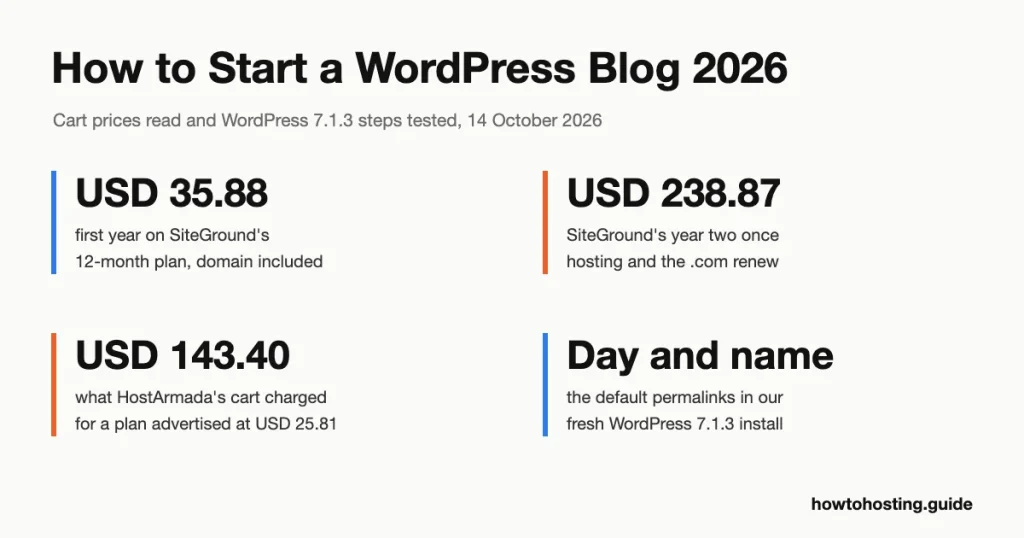
How to Start a WordPress Blog in 2026: Beginner’s Guide
A self-hosted WordPress blog costs USD 35.88 to USD 47.88 for its first year on a 12-month hosting plan, with the domain included. Year two is where budgets break: USD 151.87 to USD 238.87, once hosting and the .com renew…
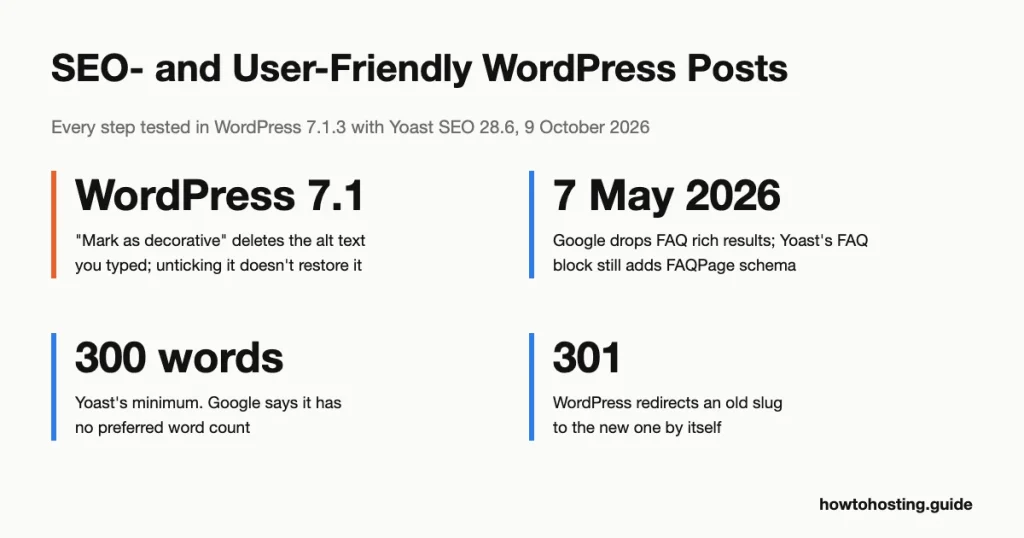
How to Make a WordPress Post SEO-Friendly (2026)
We rebuilt this guide by doing every step in WordPress 7.1.3 and checking each Google claim against Google’s own Search Central documentation. Several tips from the 2020 version didn’t survive that check. Neither did some of the red warnings Yoast…
WordPress Posts Vs WordPress Pages
Short answer: use a post for anything with a date that belongs in your blog stream: news, tutorials, announcements, recipes. Use a page for content that should always sit in the same place: Home, About, Services, Contact and your privacy…
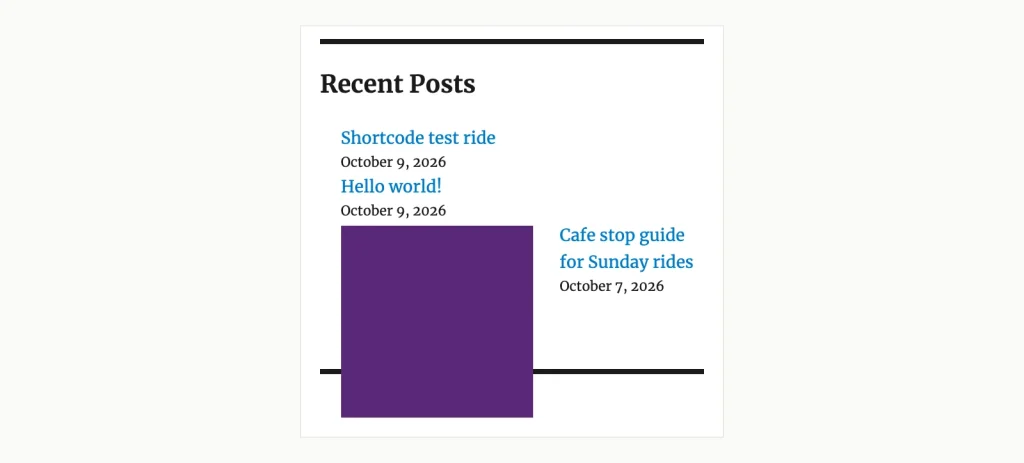
How to Display Recent Blog Posts on Your WordPress Website
We ran the recent-posts code that several tutorials still copy, in WordPress 7.1.3. It printed its own comments on the page and listed 6 posts when asked for 5. The built-in tools do better, but they have traps of their…
How to Add a Post To a Page in WordPress
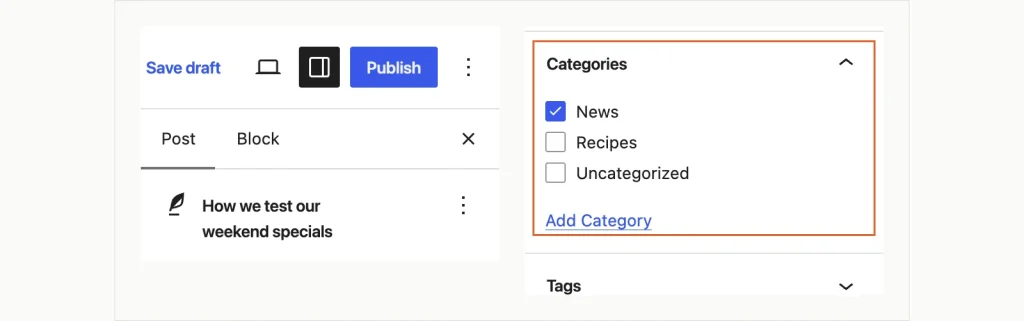
Put a Query Loop block on a WordPress page, leave it on its first setting, and the editor shows your latest posts. Publish it, and visitors see one item: the page itself. That trap catches people because the preview looks…
How to Reset WordPress to Default Settings (2026): 4 Methods and When Each One Is Wrong
Three WordPress reset plugins are now closed on WordPress.org, the most recent shut on 19 July 2026 pending review. You have to reach for a plugin at all because WordPress core has never shipped a reset of its own. The…

Best Free Logo Makers (2026) – 12 Tools and What They Really Charge
Three logo makers that filled “best free logo maker” lists a few years ago no longer exist. One was bought and switched off. One quietly dropped the tool from its own website. One 404s on every URL we could find…
How to Backup Your WordPress Site in 2026 (Plugins, Hosts and the Manual Way)
Kinsta’s backup documentation contains one sentence most of its customers have never read. “Each backup is stored on the same host machine as your site.” Kinsta is a well-regarded managed host, and that line is not a scandal. Same-machine snapshots…

Why WordPress Still Runs on PHP in 2026 (And Why That Won’t Change)
WordPress gets blamed for keeping old PHP alive. The numbers say the reverse. Across WordPress installs that report in, 76.7% run PHP 8, against 63.3% of the PHP web as a whole. That is a 13.4-point lead for the platform…

How to Create Events and Appointments in WordPress (2026): 12 Plugins Compared
Modern Events Calendar vanished from the WordPress.org plugin directory on 11 May 2022. Timely’s All-in-One Event Calendar was permanently closed on WordPress.org on 21 August 2025. Neither is coming back, and both still turn up in event plugin roundups published…
How Many WordPress Plugins Should You Install? (2026 Guide)
We counted the WordPress.org plugin directory on 31 August 2026. Of the 71,067 plugins it lists, 41,367 have gone more than a year without an update. That is 58% of the shelf sitting untouched. Now here’s the part that flips…
How to Add PDF Files to Your Website (2026): Upload, Link, and Embed Them Properly
Embed a PDF in an iframe and every iPhone visitor sees page one, then nothing. Apple’s mobile Safari has rendered embedded PDFs as a flat image since iOS 8. Automattic’s own File block documentation still warns that “most phone and…
How to Change Your WordPress Theme Safely in 2026 (Step-by-Step)
The frightening part of a theme change is not the part everyone warns you about. Your posts, pages, images and comments sit in the database, and deactivating a theme does not touch a single row of it. What breaks is…
![WordPress User Role [Complete Guide]](https://cdn.howtohosting.guide/wp-content/uploads/2020/04/WordPress-User-Role-Complete-Guide-1024x585.jpg)
How to Create New User Roles in WordPress (2026): Custom Capabilities Without Locking Yourself Out
WordPress ships six roles, and the gap between two of them is 19 capabilities wide. An Editor holds 26. An Author holds 7. Nothing sits in between. So the first time you need somebody who can edit other people’s drafts…

Must-Have WordPress Plugins (2026): 12 Verified Picks and 1 to Delete Today
On 12 June 2026, one of the most-recommended plugins in this category started serving a backdoor. Attackers reached it through a second plugin on the same shortlist. Tampered scripts from Awesome Motive’s CDN hit more than 1.2 million sites running…
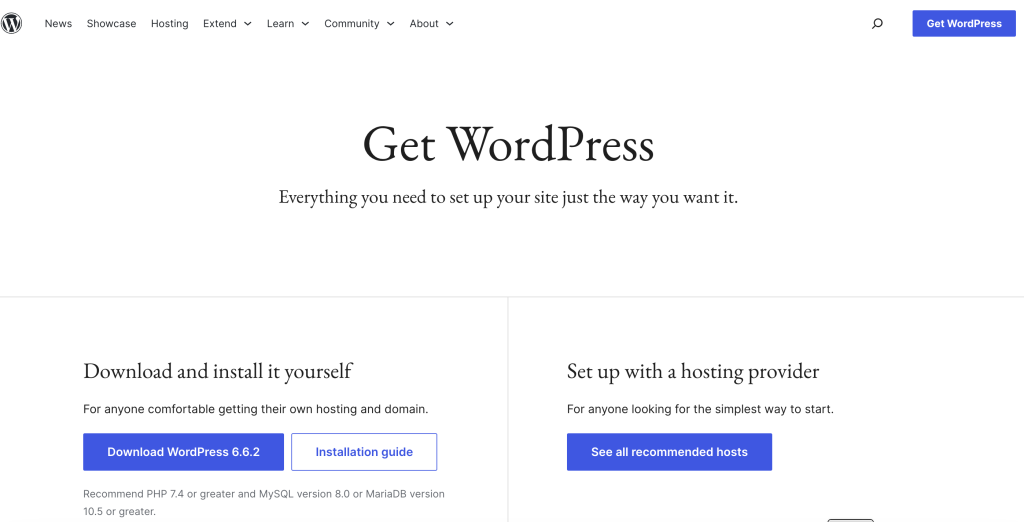
Why Use WordPress in 2026? 10 Honest Reasons (and Who Should Skip It)
WordPress slipped from 43.2% of all websites in December 2025 to 41.9% by May 2026. That reads like a platform in trouble. It isn’t. Almost every point it lost went to AI-built and static sites that run no CMS at…
How to Create a Table of Contents in WordPress (2026): The No-Code Methods That Still Work
WordPress has shipped a Table of Contents block since 2022. Four years on, it’s still flagged “experimental,” so a default self-hosted install can’t even see it in the editor. That means every tutorial telling you to “just add the native…
How to Install Cloudflare on a WordPress Website (2026): Step-by-Step Guide
Half the Cloudflare-for-WordPress tutorials online still tell you to flip on Auto Minify. That switch no longer exists. Cloudflare retired it on August 5, 2024, and the right way to connect the two has shifted with it: you now link…
How to Test Your WordPress Site’s Security in 2026 (Free Tools and a Full Audit Checklist)
Attackers weaponize a fresh WordPress flaw in a median of five hours. By the time a plugin vulnerability lands in your inbox, the bots have usually already tried it on your site. That five-hour gap is the whole reason to…
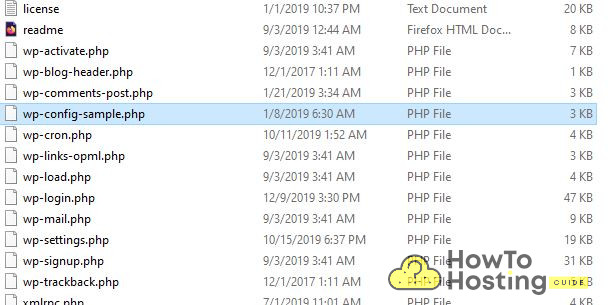
What Is wp-config.php? The WordPress Configuration File Explained (2026)
One stray character in wp-config.php, a missing semicolon or a deleted quote, and your entire WordPress site turns into a white screen. That same file is also where you fix slow admin pages, lock out the dashboard code editor, and…
While we may earn affiliate commissions from some of the companies featured, these commissions do not compromise the integrity of our reviews or influence our rankings.
The affiliate earnings contribute to covering account acquisition, testing expenses, maintenance, and development of our website and internal systems.
Trust howtohosting.guide for reliable hosting insights and sincerity.