6 Best Shared Web Hosting Providers in India for 2025
How We Test
We evaluate each hosting provider through a consistent, data-driven framework that focuses on real-world usability and transparency. Our testing combines verified performance data, user feedback, and hands-on experience to create fair, comparable reviews.
- Performance & Reliability: We measure average TTFB (Time to First Byte), LCP (Largest Contentful Paint) where available, and assess long-term uptime history from independent monitors.
- Support Responsiveness & Quality: We evaluate live chat, ticket response times, and the depth of the help center or documentation.
- Pricing & Transparency: We compare entry vs renewal pricing, check for hidden fees or limits (storage, inodes, bandwidth, email), and note whether add-ons are optional or mandatory.
- Feature Support / Developer Tooling: We test access to staging environments, SSH, WP-CLI, automated backups, and the ease of site migration.
Whenever possible, we incorporate results from reputable third-party benchmarks or verified user performance tests, and we always note the date and region of testing to ensure context and accuracy.
Hostinger — Best for Budget & India-Focused Projects
Stack: LiteSpeed + LSCache
CDN: Cloudflare (free)
Data Centers: India, Singapore, Netherlands, US, Brazil, and others
Backups: Daily on select plans
SLA / Uptime Guarantee: 99.9%
Quick Verdict: Hostinger delivers exceptional speed-per-cost performance for India and Asia-focused projects. With LiteSpeed architecture, local data centers, and feature-rich plans, it’s ideal for small businesses or creators on a budget. However, users should be aware of renewal rate increases and limited support channels.
Why Choose Hostinger
Strong local performance: Hostinger’s proximity to Indian markets is a key strength. Independent tests show ~59 ms response time to Mumbai when hosted from the Singapore data center — excellent for regional audiences.
Feature-rich at low cost: Even the entry plans include free SSL, email, hPanel (custom control panel), and one-click WordPress installs. The interface is intuitive, designed for both beginners and non-technical users.
Generous inode limits: Publicly documented caps of 200k (Single), 400k (Premium), and 600k (Business) inodes ensure adequate storage and file capacity for most sites.
Easy scalability: Hostinger’s cloud and VPS tiers offer smooth upgrades without migrating to a different platform, making it future-proof as your site grows.
Clear suspension policy: Automated abuse flags can trigger temporary account suspensions, but the company generally resolves issues quickly once identified.
Performance & Reliability
Hostinger consistently ranks well in independent performance tests. TechRadar’s 2025 review recorded 99.96% uptime over 10 weeks and LCP around 0.607s, reflecting high reliability. Benchmarks from HostingStep gave Hostinger an 8.0/10 WPBench score with 99.99% uptime averages.
The LiteSpeed + LSCache architecture delivers strong WordPress optimization, particularly for cached pages. However, under heavy load or high concurrency (e.g., e-commerce spikes), shared resource limits may be noticeable — typical for low-cost shared hosting.
Plans & Pricing Clarity
Hostinger’s shared plans are aggressively priced during promotions — often around ₹149–249/month in India for multi-year terms. Renewal rates can increase 2–3×, depending on plan and duration. Despite this, Hostinger’s pricing transparency is better than average, with renewal rates clearly shown at checkout.
Each shared plan includes free SSL, email accounts, and unmetered bandwidth (subject to fair usage). Domain registration, premium DNS, or on-demand backups may incur additional charges. Hostinger also provides a 30-day money-back guarantee on most services.
Key caution: Renewal price inflation is common, so budget with the long-term rate in mind.
Support Experience
Hostinger offers 24/7 live chat and email ticketing, with no phone-based support. The knowledge base and tutorial library are excellent, particularly for WordPress beginners. Migration help is available (often free) for standard WordPress sites. Complex cases may require manual coordination or small migration fees.
Developer tools like SSH access, Git, and WP-CLI are included in higher shared tiers, while staging features are available on Business or Cloud plans.
Limitations & Gotchas
- Steep renewals: Expect 2–3× price increases after your initial term.
- No phone support: Support is limited to chat and tickets.
- Inode caps: Heavy image or plugin-based sites can hit file limits.
- Shared resource ceilings: High concurrency may cause slowdowns under peak loads.
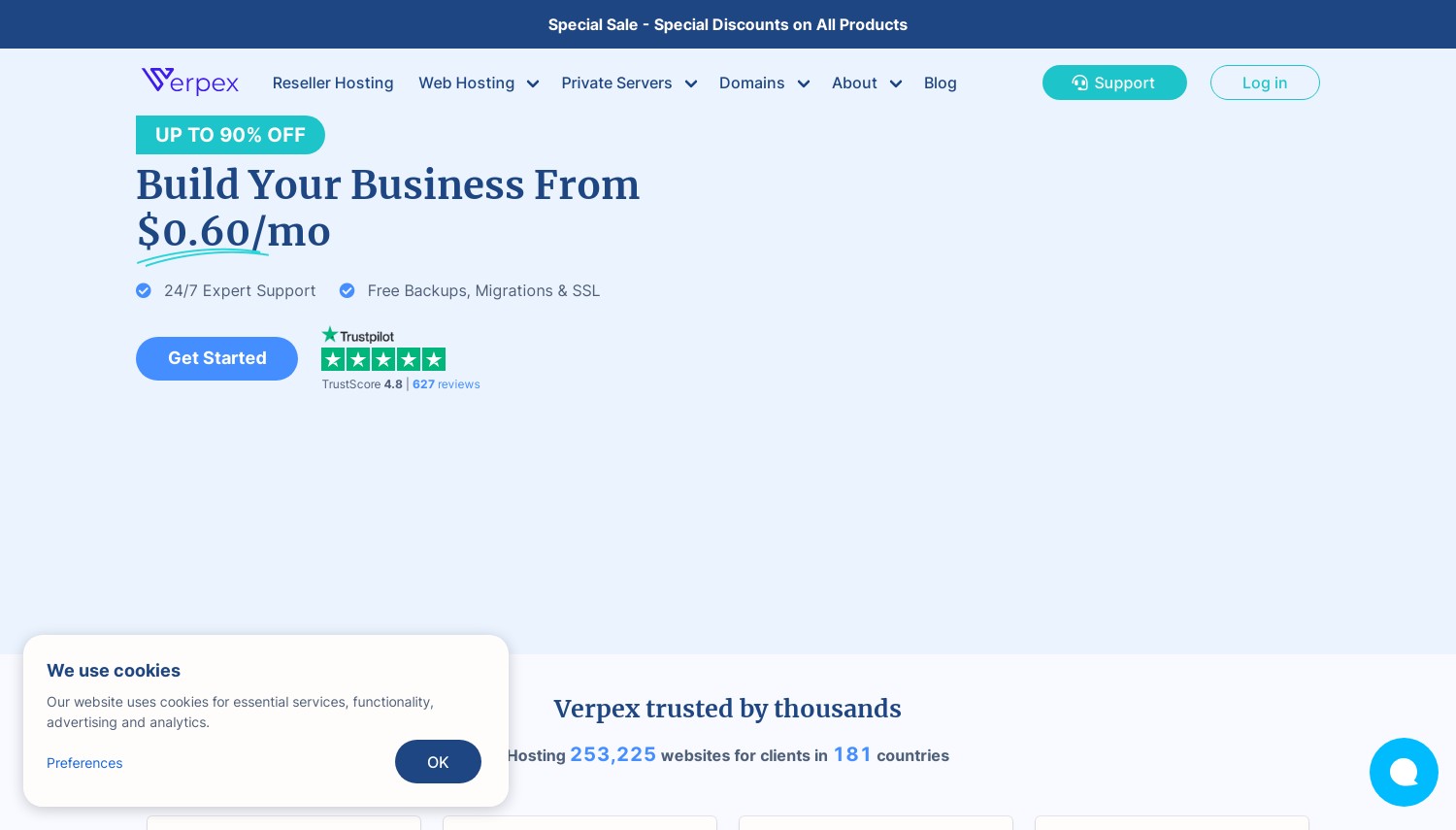
Verpex - Best for Ultra-Budget Entry + Generous Trial
Stack: cPanel / LiteSpeed / Apache hybrid
CDN: Free Cloudflare CDN included
Data Centers: India, US, Europe, and other global regions
Backups: Automatic daily and weekly backups (depending on plan)
SLA / Uptime Guarantee: 99.9% (claimed)
Quick Verdict: Verpex delivers one of the lowest-cost hosting entry points in 2025 while packing in valuable features like free SSL, daily backups, and staging. It’s great for small websites, test projects, or learners on a budget, but resource limits and long-term renewal prices warrant attention.
Why Choose Verpex
Ultra-low pricing: Verpex frequently runs aggressive promotions — sometimes as low as $0.59/month — making it one of the cheapest ways to start hosting a website. Despite the minimal cost, it includes essentials such as cPanel, SSL certificates, and backups.
Beginner-friendly setup: The inclusion of staging environments, one-click installs, and familiar cPanel management tools makes it easy to get started quickly. For users in India or nearby regions, Verpex’s Indian data centers provide lower latency and better local SEO relevance.
Ideal for testing and side projects: Verpex shines when used for personal sites, portfolios, or proof-of-concept apps. It’s a budget-friendly sandbox for learning WordPress or experimenting with low-traffic sites without high financial risk.
Performance & Reliability
In independent feedback and aggregated user reviews (HostAdvice 2025), Verpex earns praise for reliable uptime and fair performance given its ultra-low pricing. Load times are described as “good for small to medium sites,” with few complaints about downtime under light workloads.
However, performance benchmarks are limited, and as with most budget hosts, heavy traffic or concurrent load can reveal CPU throttling and slower I/O speeds. For modest usage, reliability remains acceptable and stable.
Plans & Pricing Clarity
Verpex’s biggest draw is its introductory pricing. Entry-level plans can cost under a dollar per month during promotions, but renewal rates typically rise substantially after the initial term. Each plan includes free SSL, staging environments, and automated backups, which helps maintain value even at low cost.
However, it’s essential to review the resource allocations (CPU, RAM, email, and storage limits) before committing. Some cheaper plans may throttle performance or enforce I/O caps when usage spikes.
Support Experience
Verpex’s support team is generally praised for being friendly and responsive, particularly for beginner-level issues. Live chat and ticketing are available, and migration assistance is typically included for those moving from another host.
That said, advanced or developer-level queries may take longer to resolve, as technical depth varies between agents. The knowledge base provides basic coverage for common issues like DNS setup, email configuration, and WordPress installation.
Limitations & Gotchas
- Resource caps: Low-cost tiers come with strict CPU and I/O limits.
- Renewal increases: Expect substantial price jumps after the promo period.
- Performance variability: Under high load, speeds can dip noticeably.
- Limited advanced support: More technical users may find assistance basic.
Best For
- Personal or small projects with limited traffic.
- Budget-conscious users testing hosting or learning WordPress.
- Freelancers and students needing inexpensive staging or portfolio hosting.
Not For
- High-traffic websites or e-commerce stores.
- Businesses requiring premium SLAs or advanced developer support.
- Projects needing predictable, scalable performance.
Pros
- Exceptionally low entry price for hosting beginners.
- Free SSL, staging, and backups on all plans.
- Global data center coverage, including India.
- cPanel interface familiar to most users.
- Good for small websites, tests, and learning environments.
Cons
- Significant renewal price increases.
- Strict resource and performance limits on cheap tiers.
- Unclear benchmarks for heavy workloads.
- Support less robust for technical users.
Verdict: Verpex is a great ultra-budget host for newcomers and small projects seeking basic hosting with modern features. The generous trial pricing and inclusive toolset make it ideal for testing, portfolios, and low-traffic WordPress sites — just be mindful of renewal costs and capacity ceilings before committing long-term.
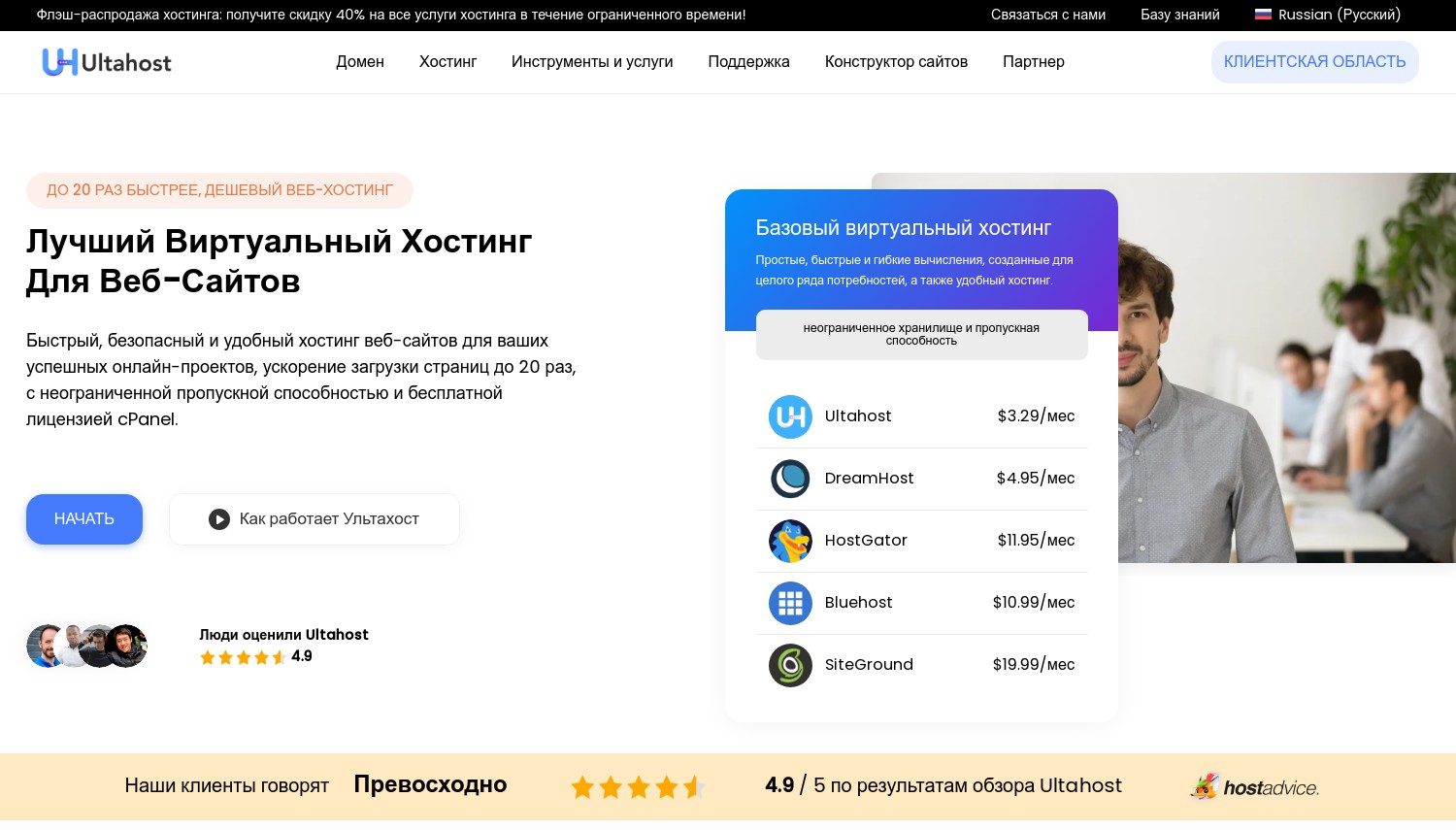
Ultahost - Best for Aggressive Pricing & Feature Offers
Stack: cPanel (Linux)
CDN: Optional / add-on
Data Centers: India, Singapore, US, EU (multiple regions)
Backups: Automatic daily / snapshot-based (depending on plan)
SLA / Uptime Guarantee: 99.9% (claimed)
Quick Verdict: Ultahost offers aggressive pricing and generous specifications across shared, VPS, and WordPress plans. It’s a strong contender for cost-conscious buyers who want lots of features upfront - but users should review refund terms and be mindful of performance under load and variable support depth.
Why Choose Ultahost
Feature-rich hosting for the price: Ultahost’s shared and managed WordPress tiers often include NVMe SSD storage, WP-CLI, automatic backups, DDoS protection, and free domains (on select plans). These inclusions make it appealing for users seeking value without sacrificing features.
Transparent pricing claims: Marketing emphasizes “no hidden fees,” which resonates with buyers wary of post-purchase surprises. Many reviewers note the clear checkout process and straightforward renewal details compared to some major hosts.
Positive user sentiment: Ultahost maintains Trustpilot (4.6/5) and HostAdvice (4.9/5) ratings, with many praising helpful support and easy onboarding. However, a few users have questioned review authenticity, so it’s wise to balance testimonials with third-party feedback.
Performance & Reliability
TechRadar’s 2025 hosting analysis found Ultahost competitive in uptime and speed for smaller sites, though performance can dip for large or complex workloads. WebsitePlanet’s tests flagged occasional uptime inconsistencies and support delays during peak times. Independent user reports vary — some note stable day-to-day operation, others cite inconsistent server response under traffic spikes.
Ultahost’s global data centers (including India and Singapore) improve latency for Asia-based sites, and its NVMe storage plus built-in caching enhance WordPress responsiveness. However, long-term performance data remains limited compared to top-tier providers.
Plans & Pricing Clarity
Shared hosting plans typically start around $3.29/month for the Starter plan and scale to $12.99/month for premium tiers during promotions. Each plan generally includes SSL certificates, free domains (first year), email hosting, and automated backups.
Refund policy: Ultahost advertises a 30-day money-back guarantee, but user accounts suggest that certain cases — such as annual prepayments or promo purchases — may not qualify for full refunds. Always confirm terms in writing before committing long-term.
While the feature list is strong, transparency and fine-print clarity could improve, especially for refund exclusions and auto-renewal policies.
Support Experience
Ultahost provides 24/7 live chat and ticket-based support. Many reviews describe support agents as friendly and responsive, often resolving common hosting and setup issues promptly. The main concern lies in technical depth — complex or developer-level queries (e.g., custom configurations, SSH issues) can take longer or need escalation.
The company’s own review pages and testimonials highlight positive interactions, though consistency varies across regions and time zones. For basic use, support quality is solid; for advanced troubleshooting, it’s less predictable.
Limitations & Gotchas
- Refund transparency: Some users report denials for annual or promotional refunds.
- Mixed performance reports: Benchmarks under load are limited or inconsistent.
- Variable support depth: Responses may be less technical on complex issues.
- Questionable review authenticity: Independent forums (e.g., WebHostingTalk) have raised doubts about overly positive reviews.
- No comprehensive third-party audits: Few independent verifications of uptime or speed claims exist.
Best For
- Buyers prioritizing maximum features at the lowest price.
- Small to mid-tier projects or portfolios needing fast setup.
- Users comfortable verifying terms before long-term purchase.
Not For
- High-traffic e-commerce or resource-intensive sites.
- Businesses needing enterprise-grade SLAs or guaranteed performance.
- Users who require detailed, developer-level technical support.
Pros
- Excellent feature set for the cost (NVMe, backups, security tools).
- Strong user sentiment on Trustpilot and HostAdvice.
- Aggressive pricing and frequent promotions.
- WordPress-ready stack with WP-CLI and daily backups.
Cons
- Refund policy inconsistencies; terms not always clear.
- Occasional uptime or speed dips under traffic stress.
- Unverified review reliability on external platforms.
- Support varies in technical depth and responsiveness.
Verdict: Ultahost offers exceptional value for users seeking premium features at entry-level pricing. However, success with the platform depends on managing expectations — confirm refund terms, monitor uptime closely, and budget for potential scalability needs as traffic grows.
HostArmada - Best Balanced Option for Performance + Support
Stack: Nginx / LiteSpeed (on premium plans)
CDN: Cloudflare integration / optional
Data Centers: 23+ global locations including Mumbai, India
Backups: Free nightly backups with multiple restore points
SLA / Uptime Guarantee: 99.9%
Quick Verdict: HostArmada offers an impressive mix of speed, reliability, and customer support with an India data center for local audiences. Its plans are feature-rich (free backups, malware protection, caching), but note that the best performance stack (LiteSpeed) is only available in top-tier plans and renewals can be steep.
Why Choose HostArmada
Customer support reputation: HostArmada consistently earns praise for responsive, friendly, and helpful support teams. Independent review platforms highlight their fast ticket replies and proactive issue resolution.
Generous refund policy: A 45-day money-back guarantee gives users extra peace of mind, surpassing the industry standard 30 days.
Free backups and security tools: Automatic daily backups, malware scanning, and strong security features (including firewalls and IP filtering) come included with most plans — not as paid add-ons.
India presence: The Mumbai data center significantly improves latency and SEO performance for India-targeted websites, offering a real regional advantage compared to hosts with only Singapore or US origins.
Performance & Reliability
Independent uptime monitors have recorded 99.9–100% uptime in multiple testing periods. Benchmark tests (e.g., GTMetrix and HostAdvice data) indicate stable performance and quick load times under normal conditions. Under heavy load, however, lower-tier Nginx plans can show latency spikes - a trade-off that disappears on the LiteSpeed-based Speed Reaper plan.
The infrastructure is solid, with SSD/NVMe storage and built-in caching layers. Combined with Cloudflare CDN, this setup provides consistent, reliable results for most WordPress and CMS-driven sites.
Plans & Pricing Clarity
HostArmada’s entry-level shared plans often start around $2.99–$3.99/month (promo rate). These plans include free backups, SSL, malware protection, and email accounts - features that competitors sometimes charge extra for. However, users should be aware of significant renewal jumps after the initial term, which can more than double prices.
Resource limits: Lower-tier plans may include storage or email space caps and limited caching capabilities. The Speed Reaper (LiteSpeed) plan unlocks the best performance stack and caching features.
Support Experience
Support is available via live chat, tickets, and limited phone access (by region). Users frequently cite response times under 20 minutes and well-written answers from knowledgeable agents. The knowledge base covers cPanel, WordPress, and general troubleshooting effectively.
Migration support for WordPress and cPanel sites is included, and most users describe the process as smooth and prompt. While the overall experience is strong, some forum posts mention unclear terms or billing confusion — mostly related to promo renewals or plan upgrades.
Limitations & Gotchas
- Top-tier tech locked: LiteSpeed caching is exclusive to the highest shared plan.
- Renewal price inflation: Renewal rates rise sharply after the intro term.
- Lower-tier limitations: Less caching and smaller email/storage quotas on cheaper plans.
- Transparency concerns: Some users cite confusing terms or unclear renewal details.
Best For
- Users wanting balanced hosting performance and good value for money.
- India-based projects leveraging the Mumbai data center.
- Small businesses or creators planning to grow gradually while staying on shared hosting.
Not For
- Buyers prioritizing the absolute lowest intro pricing.
- Sites needing maximum caching or speed features on the cheapest plans.
- Users who are extremely sensitive to renewal pricing or fine print.
Pros
- Strong customer support reputation and responsiveness.
- Generous 45-day money-back guarantee.
- Free backups, SSL, and malware protection included.
- India data center for fast regional performance.
- Solid uptime record across tests.
Cons
- High renewal prices after promo term.
- Best tech (LiteSpeed caching) reserved for premium tiers.
- Some complaints about transparency and policy clarity.
- Entry plans have smaller resource allocations.
Verdict: HostArmada earns its place as a well-balanced hosting provider — combining strong support, reliable uptime, and solid features. The Mumbai data center makes it an excellent choice for India-focused websites. Just be aware of renewal jumps and feature tiering when choosing your plan.
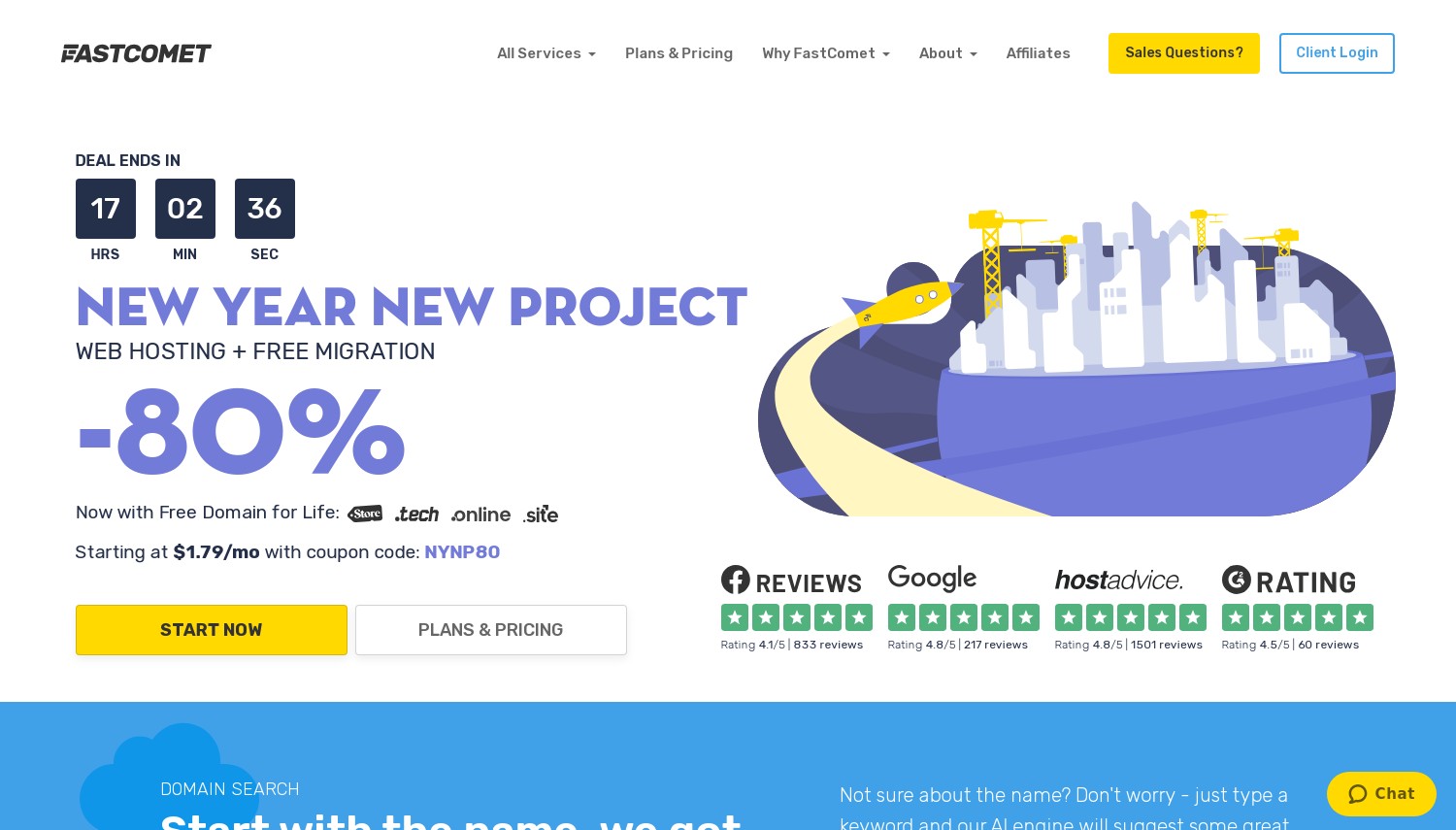
FastComet - Best for Transparent Resource Allocation & Global Reach
Stack: Apache / Nginx hybrid with caching
CDN: Free Cloudflare CDN integration
Data Centers: Multiple global regions, including India and other Asia-Pacific locations
Backups: Daily and weekly off-site backups (persistent storage)
SLA / Uptime Guarantee: 99.9%
Quick Verdict: FastComet stands out for its clear, transparent resource limits, reliable infrastructure, and excellent support reputation. With a wide data center network and stable uptime, it’s one of the most balanced hosts for users who want predictable performance without overpaying for marketing hype.
Why Choose FastComet
Performance + transparency: FastComet earns high marks in independent reviews for speed, uptime, and clarity. The company publicly lists its CPU, memory, and inode limits for each plan, making it easier to understand exactly what resources you’re paying for — a rarity in shared hosting.
Broad global reach: With data centers in Asia, India, Europe, and North America, users can host close to their target audience, reducing latency and improving load times. This makes FastComet especially attractive for multi-region or global websites.
Reliable backups and security: Backups are taken daily and stored off-site for easy recovery. SSL, domain migration, and malware protection come included. Many users note that FastComet’s disaster recovery process is smooth and fast compared to similarly priced providers.
Performance & Reliability
In third-party reviews, FastComet regularly posts strong performance results. Real-world load times often stay under 700 ms, according to testing by BlogKraft and Bitcatcha. Uptime averages above 99.9%, with rare service interruptions. Their hybrid Apache/Nginx stack and SSD/NVMe storage make everyday website performance fast and consistent.
However, as with most shared environments, users on lower plans may encounter CPU throttling or resource limitations during high-traffic periods. Some reviewers also note that backup retention (beyond the default period) could be faster or more flexible in basic tiers.
Plans & Pricing Clarity
FastComet’s pricing is refreshingly honest. Each plan lists CPU cores, RAM, storage, and bandwidth — no vague “unlimited” promises. While they do offer introductory discounts, renewal prices remain relatively moderate compared to many competitors. A 30-day money-back guarantee gives new users time to evaluate performance safely.
Every shared plan includes free SSL, domain transfer, backups, and Cloudflare CDN. The infrastructure uses SSD or NVMe storage for speed and reliability, and bandwidth is unmetered within fair usage guidelines. These inclusions make the platform well-suited for both new and growing sites.
Support Experience
FastComet’s 24/7 support is consistently praised for fast response times and knowledgeable assistance. Customers can reach them via chat, ticket, or phone. The support team handles everything from simple setup questions to advanced optimization and PHP configuration advice.
The documentation and tutorials are clearly written and up to date, covering WordPress, email configuration, and developer topics. Migration services are free and handled professionally, often completed within hours.
Limitations & Gotchas
- Backup speed/retention: Some reviews suggest longer retention or faster restoration would be ideal.
- Shared resource ceilings: Under heavy or sustained high traffic, users may see temporary CPU/memory throttling.
- Renewal pricing: While moderate, renewals still rise from initial promos.
Best For
- Users who want clear, predictable hosting specs with strong documentation.
- Websites with international or mixed traffic across multiple regions.
- Customers valuing responsive, human support and transparent pricing.
Not For
- Ultra-low-budget users chasing rock-bottom promo rates.
- High-traffic or enterprise projects requiring dedicated servers.
Pros
- Transparent, well-documented resource allocation per plan.
- Strong uptime and real-world speed in reviews.
- Excellent global data center coverage (India + Asia included).
- Free Cloudflare CDN, SSL, and daily backups.
- Reliable 24/7 support and clear knowledge base.
Cons
- Backup retention could be longer or faster on lower tiers.
- Shared plan limits under sustained heavy traffic.
- Moderate renewal step-up from intro pricing.
Verdict: FastComet is a transparent, high-performing host that combines solid global reach with predictable pricing. Its strong uptime, data center variety, and proactive support make it a smart pick for users who prioritize clarity and stability over marketing fluff.
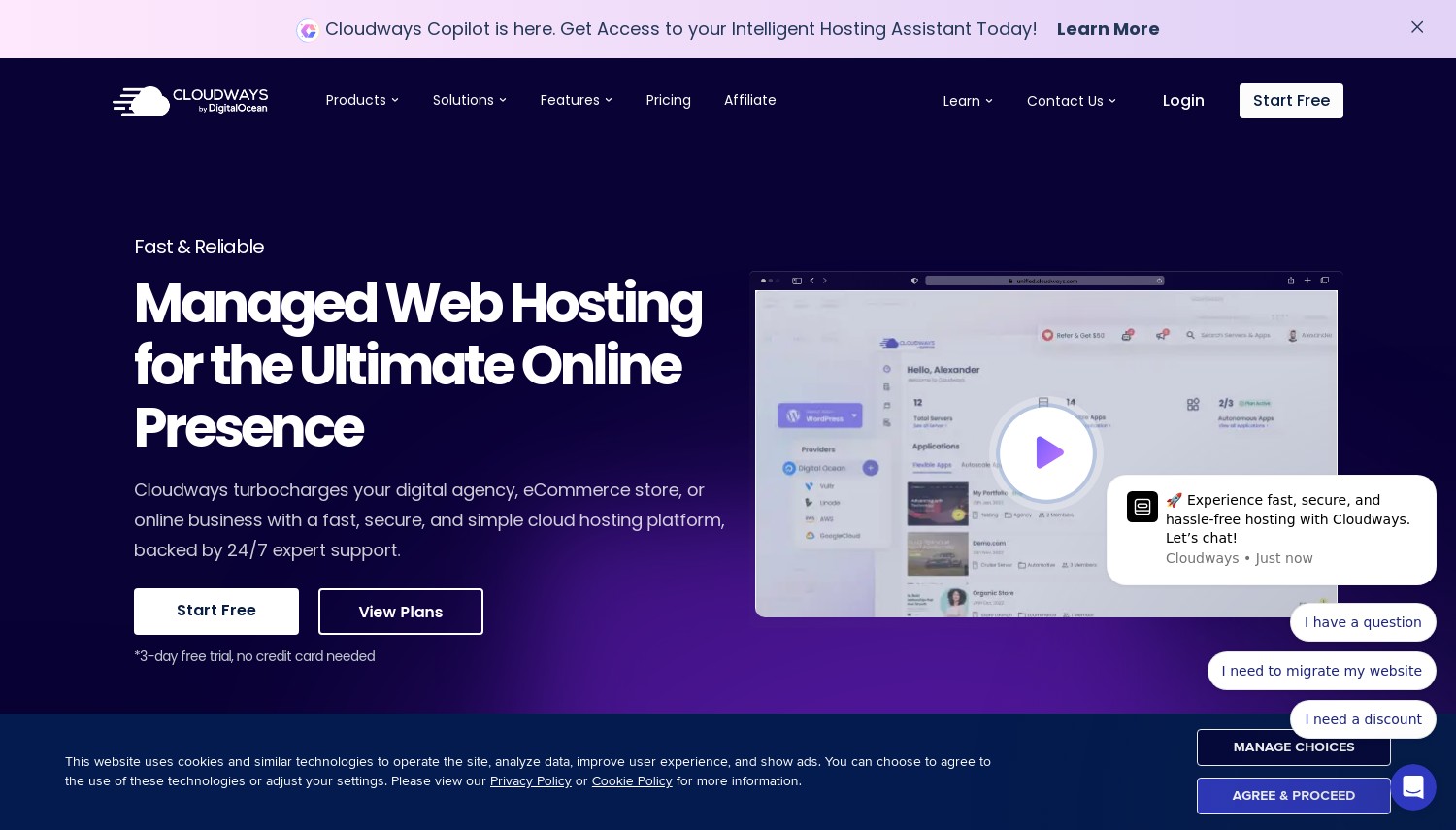
Cloudways - Best for Scalable Hosted Cloud (Shared-Like) Experience
Stack: Managed cloud (choice of providers underneath)
CDN: Optional (StackPath or Cloudflare integration)
Data Centers: Varies by provider (DigitalOcean, Vultr, AWS, Google Cloud, Linode, etc.)
Backups: Automated backups, frequency and retention based on plan
SLA / Uptime Guarantee: Depends on chosen cloud provider
Quick Verdict: Cloudways isn’t “shared hosting” in the traditional sense - it’s a managed cloud platform built on top of major cloud providers. It costs more than basic shared plans, but in return, you get isolated resources, better uptime, and scalability that grows with your business. Ideal for users who want more control and performance without becoming system admins.
Why Choose Cloudways
Managed cloud flexibility: Cloudways bridges the gap between shared and VPS hosting. You choose your cloud provider (e.g., DigitalOcean, Vultr, AWS, or Google Cloud) and deploy in a region closest to your audience - including Asia or India for better latency.
Performance isolation: Unlike shared hosting, you’re not competing for resources with other users. Each instance has dedicated CPU, RAM, and storage allocation, resulting in far more consistent performance and stability under traffic spikes.
Hands-off management: Cloudways takes care of server setup, security patches, caching, SSL, and updates. You also get advanced features like staging environments, Git integration, monitoring, and one-click scaling. Essentially, it’s the convenience of managed hosting on the power of cloud infrastructure.
Performance & Reliability
Because each server is isolated, performance is consistent even during high-traffic events. Users report low response time variance and solid stability across all supported cloud providers.
Uptime: Cloudways’ uptime depends on the underlying provider’s SLA (e.g., DigitalOcean’s 99.99% uptime). Cloudways adds its own monitoring and security layer, helping identify and mitigate issues early.
Speed & caching: Servers use a custom ThunderStack (Nginx + Apache + Varnish + Memcached + Redis + PHP-FPM), designed to maximize WordPress and PHP app performance. Independent user tests often show TTFB below 200 ms when hosted on well-optimized Singapore or Bangalore regions.
Plans & Pricing Clarity
Cloudways pricing is modular - you pay for your selected cloud provider plus a small Cloudways management fee. Entry-level plans start at around $11/month (DigitalOcean 1GB), scaling with server size and provider choice.
Pros: transparent pricing, no contracts, and monthly billing. Cons: total cost is higher than shared hosting, and extra services (CDN, email, storage) may add up. A free trial is available to test performance before committing.
Backup management: Automated daily backups are included; retention and frequency vary by plan. On-demand backups are available for manual snapshots before major updates.
Support Experience
Cloudways support operates 24/7 through live chat, ticketing, and community forums. Premium support tiers offer faster SLAs and dedicated engineers. Users often highlight responsive chat agents and helpful guidance during migrations or performance tuning.
The documentation is thorough, covering WordPress optimization, server scaling, DNS configuration, and advanced caching setups. Migration support is available for WordPress and PHP applications and is handled efficiently by the in-house team.
Limitations & Gotchas
- Not as cheap as shared hosting - monthly cost increases with server size.
- Some advanced features (e.g., CDN, email) require manual setup or add-ons.
- While managed, you still handle more configuration than with cPanel hosts.
- Billing may fluctuate if you resize servers or scale resources unexpectedly.
Best For
- Projects that are outgrowing shared hosting but not ready for full DevOps management.
- Agencies and developers needing scalable, isolated cloud environments.
- Users who want to choose their cloud provider and region (e.g., Singapore, India).
Not For
- Budget-constrained users who only need basic shared hosting.
- Beginners who prefer completely hands-off hosting with no configuration work.
Pros
- Dedicated performance isolation vs. shared environments.
- Flexible scaling up or down as traffic grows.
- Managed stack: security, caching, monitoring handled by Cloudways.
- Choice of global cloud providers and regions, including Asia.
- Excellent documentation and responsive support.
Cons
- Higher cost than shared hosting.
- Requires minimal technical comfort for setup and scaling.
- Extra costs for CDN, email, and some integrations.
Verdict: Cloudways delivers cloud-grade performance in a managed package. It’s a top pick for fast-growing websites, WooCommerce stores, and agencies needing scalability and control. While pricier than shared hosting, the reliability and speed gains make it well worth the upgrade.
HowToHosting.Guide Selected Hostinger Reviews in India

Trustpilot User
from India

Published on: 14/04/2025
"Very kind and fast service and talented person"
Trustpilot User
from India
Published on: 22/06/2024
"amazing service team very dedicated and service is awesome"
Trustpilot User
from India
Published on: 08/04/2024
"Good hosting i use it for all my website"
As one of the largest online markets in the world, India is a preferred destination for hosting services and a lot of people are using the privileges of hosting their websites in India.
In this article, we are going to review and compare
The Best Shared Hosting Companies in India.
Overview of the Shared Hosting Providers in India

Shared Hosting India: Final Thoughts
Shared hosting is one of the most popular web hosting solutions that support a vast number of small to medium websites. In today's article, you familiarize yourself with some of the greatest solutions for the Indian market.
If you feel the need of familiarizing yourself with India and its web hosting opportunities you can also read:
India Web Hosting
Shared Hosting Services Offering Best Support

 Hostinger

 Verpex Hosting
 Ultahost
 HostArmada

 FastComet
 Cloudways