
 Now let us see all our top pick hosting providers when it comes to delivering the best cPanel:
 HostArmada

 A2 Hosting

 InMotion Hosting

 Hostgator
 Bluehost
 Stablepoint
 MochaHost
































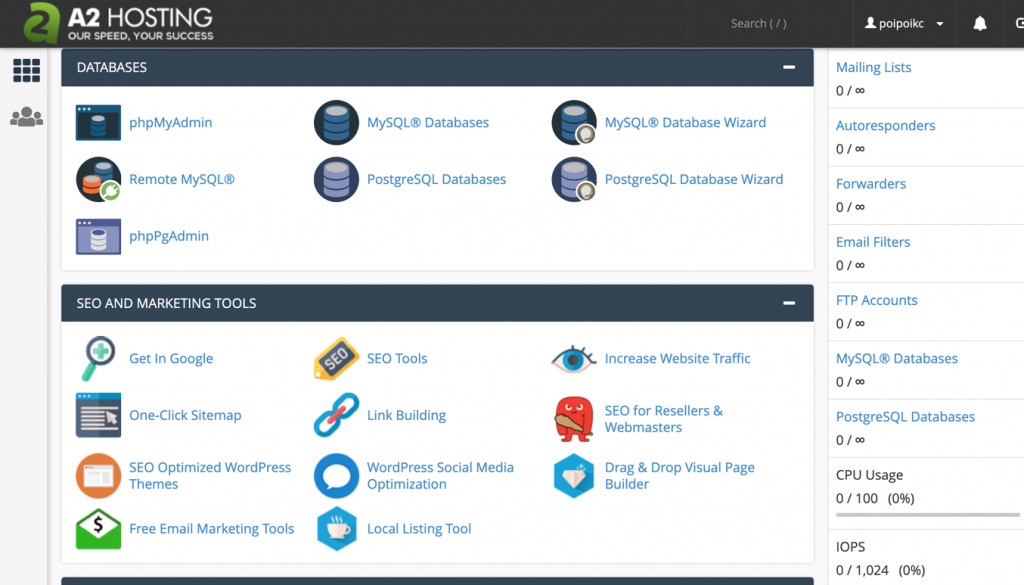 The interface is via the popular control panel that everyone is used and it uses this control panel in its Shared plans, VPS plans, dedicated ones and also reseller hosting.
The control panel is particularly fast, due to its combination with SwiftServers - high-performance servers that provide websites with more
The interface is via the popular control panel that everyone is used and it uses this control panel in its Shared plans, VPS plans, dedicated ones and also reseller hosting.
The control panel is particularly fast, due to its combination with SwiftServers - high-performance servers that provide websites with more 
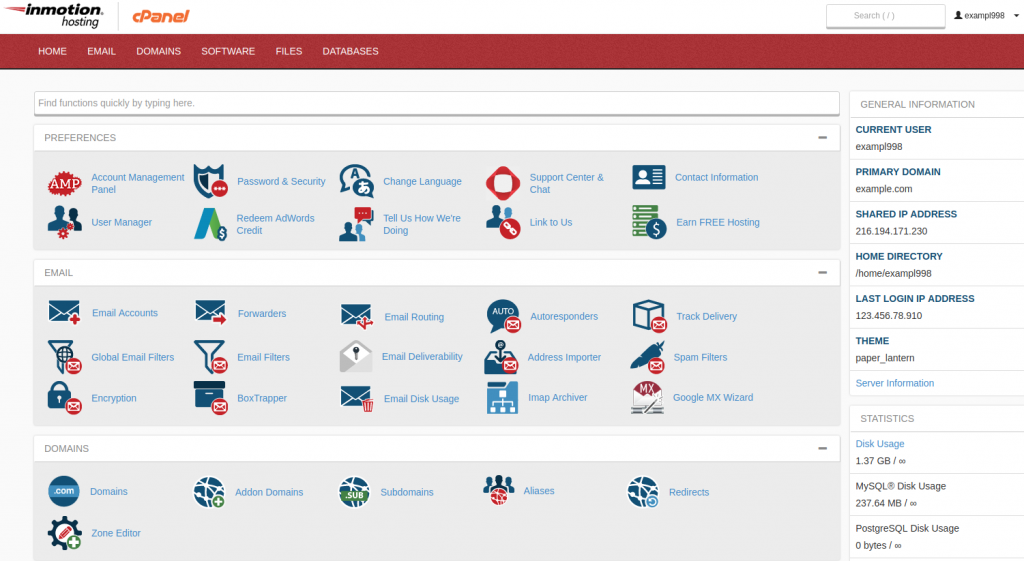 Unlike some of its competitors, InMotion does not charge extra for using its cPanel. It already includes the packages it offers.

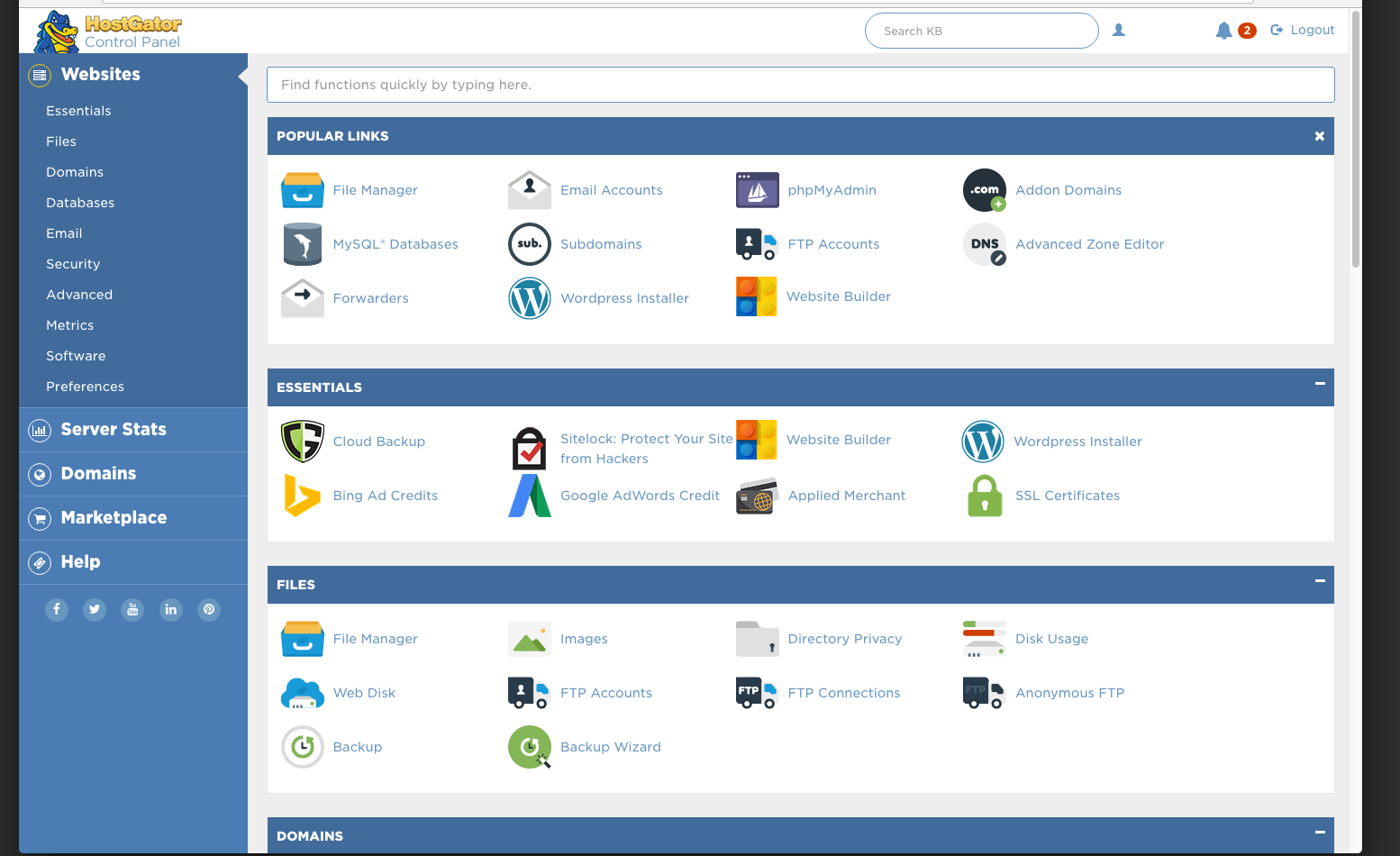 The main strategy of HostGator seems to be ease of usage and they have applied this in their control panel, using "the most popular hosting control panels at your fingertips!".
The cPanel of HostGator is basically the latest version and it is one of the most user-friendly as well as cheap control panels, making them a desirable hosting provider.
But this is not all.
Besides the extras that are offered, the cPanel solution of Hostgator's cheapest plan seems to include 4500 free-of-charge website templates making it one of the best cPanel solutions out there.
These will help you create your site without having to code anything, just a few clicks.
And as a complimentary bonus, HostGator offers a $100 Google marketing voucher, plus free space for paid ads.
The fact that they offer mobile support as well, makes them a very professional and modern company.
And if we mention few words on the support they offer, well, you can rest assured that an award-winning support team is providing you with 24/7 support every time you want.
The main strategy of HostGator seems to be ease of usage and they have applied this in their control panel, using "the most popular hosting control panels at your fingertips!".
The cPanel of HostGator is basically the latest version and it is one of the most user-friendly as well as cheap control panels, making them a desirable hosting provider.
But this is not all.
Besides the extras that are offered, the cPanel solution of Hostgator's cheapest plan seems to include 4500 free-of-charge website templates making it one of the best cPanel solutions out there.
These will help you create your site without having to code anything, just a few clicks.
And as a complimentary bonus, HostGator offers a $100 Google marketing voucher, plus free space for paid ads.
The fact that they offer mobile support as well, makes them a very professional and modern company.
And if we mention few words on the support they offer, well, you can rest assured that an award-winning support team is providing you with 24/7 support every time you want.

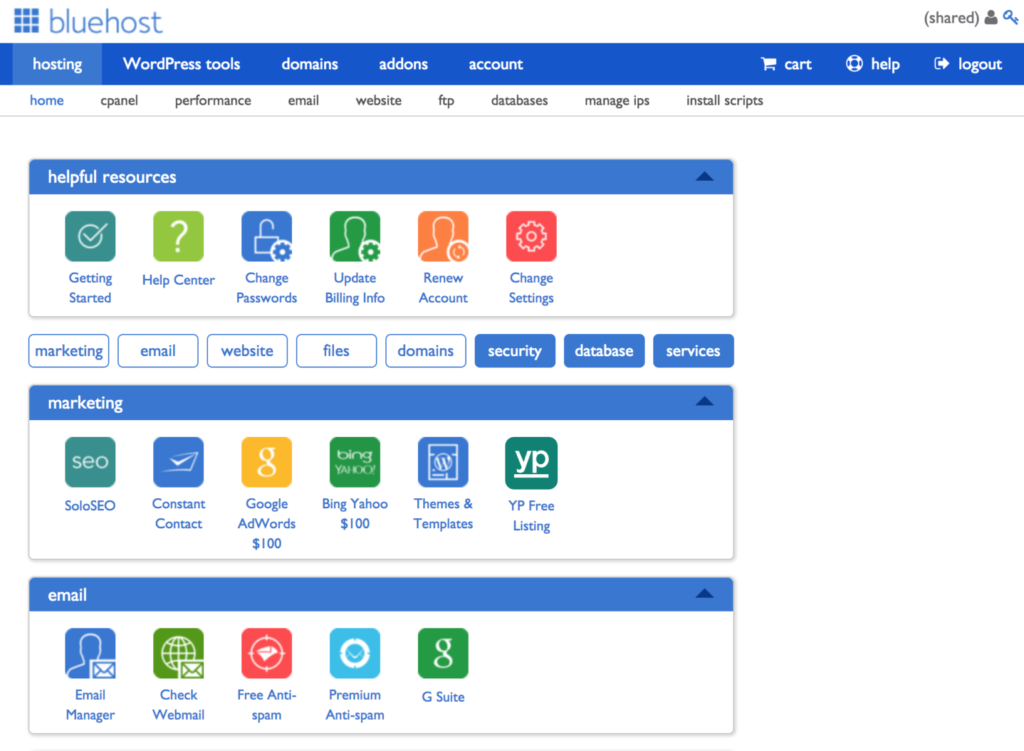 Bluehost is entirely built with cPanel in mind. Its cPanel is customised to a high extent to include extra tools that are not generally offered by the competition.
The cPanel has tools that help simplify your website management.
Bluehost has also added server optimisation and management tools from the cPanel.
Not only this but Bluehost, being one of the best cPanel providers out there also has the ability to handle general administrative activities, domain management tasks as well as account and e-mail management.
All of this is available in the cPanel.
As for extras, we would give Bluehost the highest control panel extras score in our mind, because it includes easy access to one-click installs of WordPress, Drupal, Magento, and other applications, plus tons of features and apps included.
Bluehost has the capability of up-scaling your site if it grows in traffic and begins to generate revenue.
They are perfectly equipped in upgrading you to a higher plan, from
Bluehost is entirely built with cPanel in mind. Its cPanel is customised to a high extent to include extra tools that are not generally offered by the competition.
The cPanel has tools that help simplify your website management.
Bluehost has also added server optimisation and management tools from the cPanel.
Not only this but Bluehost, being one of the best cPanel providers out there also has the ability to handle general administrative activities, domain management tasks as well as account and e-mail management.
All of this is available in the cPanel.
As for extras, we would give Bluehost the highest control panel extras score in our mind, because it includes easy access to one-click installs of WordPress, Drupal, Magento, and other applications, plus tons of features and apps included.
Bluehost has the capability of up-scaling your site if it grows in traffic and begins to generate revenue.
They are perfectly equipped in upgrading you to a higher plan, from On This Page: [hide]
Shared Hosting FAQ
What Is Shared Web Hosting?
Shared hosting, just like its name suggests, allows you to share one server with other customers of the same web hosting company, in other words other users of this server.
This means that all of your different websites data is on the same server, which maintains other clients as well. When using shared web hosting, bear in mind that the amount of your resources are only limited, due to this same exact reason.
This means that every time your website exceeds a certain resource, like bandwidth or drive space, you may be charged extra, depending on the web hosting company.
How to Choose the Best Shared Web Hosting Plan?
Choosing the correct shared web hosting plan really depends on your requirements. Generally, these kinds of plans are suitable if you want to:
- Begin a small website for your business or blog.
- Are on a budget and want to keep low operating costs.
- Have a start a project and you wish to show it to your upcoming potential customers.
- Are a beginner with lack of extensive technical knowledge about networking and hosting.
- Are not an experienced web programmer.
- Want to study how WordPress, Joomla and other CMS platforms work.
- Wish to learn web design and coding in real life.
Based on this criteria and other factors, such as price, features, support, hardware (RAM, CPU, Bandwidth, etc.) you can use howtohosting.guide’s Hosting Finder, to easier compare that latest deals and find the best plan for you.
What Are the Pros and Cons of Shared Web Hosting?
When it comes to shared web hosting in particular, you could say that the following are its main benefits and drawbacks:
Pros:
- Prices are cheap and you can stumble upon good deals.
- User friendly control panels and interfaces, designed for beginners.
- Loading speeds are generally fast.
- Backups are often offered by companies, providing high-reliability.
- Tech support for most top companies is outstanding.
- Most servers are very well secured, with the latests standards in this sector.
Cons:
- Limited resources, compared to dedicated hosting.
- Sometimes, load times are slow, especially from far away locations.
- Shared directory means risks of security standpoint in case there is a problem with the server.
- Shared resources means slower performance on web traffic surges.
- You only get access to standard features, unlike when compared to VPS hosting.
What to Do If I Have Already Chosen My Shared Hosting?
In case you have done your research and have already chosen the right web hosting company to begin your project, then the following steps should help you start:
- Make sure the idea of your project is clearly understood.
- All of the research for the project should be fully done beforehand.
- Research the right domain extension to choose from (.com, .io, .net, etc.).
- Choose if you will have a custom site or will use a CMS platform, like WordPress, Joomla, Drupal, etc.
- Select the right theme and plugins that will benefit your project, keeping functionality and simplicity in mind.
- Select different categories for your website or project.
How Are Servers Shared?
In shared hosting, the server is divided into multiple segments, with each segment allocated to a different website. Each website is allocated a certain amount of resources such as memory, storage space, and CPU time.
The websites on the server are usually hosted on a single IP address, so they cannot access each other’s data. The main advantage of shared hosting is its affordability.
Since multiple websites are hosted on the same server, the cost of hosting is shared among them. This makes shared hosting a cost-efficient option for businesses and individuals who don’t have the budget to get dedicated hosting.
Who Needs a Shared Hosting Plan?
Shared hosting is a great choice for those who are looking for an affordable and easy way to get their website or blog up and running. It’s ideal for those who don’t have a large budget, don’t require a lot of features, and don’t need a lot of customization.
Shared hosting is best for small businesses, personal blogs, and hobby websites. With shared hosting, your website is hosted on a single physical server, along with multiple other websites.
This helps keep costs down as you are only paying for the resources you need, rather than dedicated resources for your website. Shared hosting is also extremely easy to set up and maintain, making it perfect for those who don’t have much experience with web hosting.
It is also a great choice for those who need a quick and easy setup. Most hosting providers offer a one-click and drag and drop installation process, which makes it easy to get your website up and running in no time.
Is Shared Hosting Worth It?
The answer is yes, but it depends on your specific needs. Shared hosting is a good option for small businesses or website owners who don’t have high traffic or need many resources.
It is also a good option for businesses who don’t need a lot of customization or don’t need the server to be managed by an IT specialist.
However, the downside is that you are sharing the server resources with other users, so you may experience slower loading times and more downtime.
How Can I Find Proper Shared Hosting Easily?
By using the Hosting Finder Tool, for less than a minute, you can filter web hosting brands by traffic volume, CMS (WordPress, Magento, Drupal.), Server Location and current discounts. All results are based on analysis of customer reviews around the web.