
Best WordPress Hosting in France (2026): 11 Providers Compared
o2switch built its whole reputation on one flat-priced plan with no renewal markup. In 2026 that plan is gone, split into Grow, Cloud, and Pro, and the cheapest promo now climbs from EUR 1.86 to EUR 16 HT at renewal (HT means before France's 20 percent VAT). That's exactly the sort of change a French WordPress buyer needs to spot before signing anything. And it points at the bigger question: of the 11 hosts below, only five actually keep your files on French soil. The rest serve French visitors from Frankfurt or Amsterdam.
Quick answer: For a French audience that wants managed WordPress on a real Paris server, weigh Hostinger and Ultahost first. Hostinger wins on features, Ultahost on its flat renewal. Want French-owned infrastructure with guaranteed local data residency? OVHcloud (three French data centers) or o2switch (Chappes, in Auvergne). PlanetHoster gives you a Paris data center plus LiteSpeed and a 60-day refund.
Jump to: HostArmada · ChemiCloud · ScalaHosting · Hostinger · Ultahost · Kamatera · o2switch · PlanetHoster · OVHcloud · Infomaniak · IONOS · How to Choose · FAQ
Last reviewed: July 2026. Prices and features verified.
How We Selected These Providers
One line split the field before anything else: does the WordPress plan physically host in France, or does it route French traffic to the nearest border? That mattered more here than raw price, because a Paris server shaves real milliseconds off every page load for local visitors. After that, we weighted the WordPress speed stack: LiteSpeed and NVMe over plain Apache and SATA SSD. Then the entry-to-renewal ratio, because a EUR 2 promo that becomes EUR 16 in year two is not a EUR 2 plan.
We kept hosts with published renewal prices, a managed WordPress feature set beyond a one-click installer (staging, automatic updates, WP-CLI), and user ratings above 4.0/5 across review aggregators. Pricing came from official pages checked in July 2026, including French-language versions where rates show HT (hors taxes, before France's 20 percent VAT). Euro prices are converted to USD at roughly 1.08 for comparison. We did not run synthetic load tests. Two honest gaps: ScalaHosting and IONOS both list a Paris location, but we could not confirm it is selectable on their entry shared WordPress tiers, so we flag that below rather than promise it. For the wider market beyond WordPress, see our France web hosting guide.
| Hosting Provider | Reviews | Overall Rating | Wordpress Hosting from |
|---|---|---|---|
1  HostArmada HostArmada
|
1.1k+ |

|
$1.49 / mo. -85% NOW |
2  ChemiCloud ChemiCloud
|
1.2k+ |
|
$2.49 / mo. 78% OFF |
3  ScalaHosting ScalaHosting
|
2.2k+ |
|
$2.95 / mo. -75% |
4  Hostinger Hostinger
|
63.2k+ |

|
$1.95 / mo. 80% Off |
5  Ultahost Ultahost
|
854 |
|
$3.80 / mo. Flash Sale -40% |
6  Kamatera Kamatera
|
320 |

|
$4.00 / mo. 30 Days free |
7  o2switch o2switch
|
4.1k+ |
|
$5.43 / mo. |
8  PlanetHoster PlanetHoster
|
5.5k+ |
|
$1.94 / mo. |
9  OVHcloud OVHcloud
|
6.7k+ |

|
$1.04 / mo. |
10  Infomaniak Infomaniak
|
1.7k+ |
|
$1.81 / mo. |
11  IONOS | ionos.com IONOS | ionos.com
|
38.1k+ |
|
$1.00 / mo. |
1. HostArmada
 1.1k+
4.9
Positive
Positive
1.1k+
4.9
Positive
Positive










| Storage | Bandwidth | Panel | Price | |
|---|---|---|---|---|
| 15 GB | Unlimited | cPanel | $1.49 / mo. | View Plan |
| 30 GB | Unlimited | cPanel | $2.47 / mo. | View Plan |
| 40 GB | Unlimited | cPanel | $2.96 / mo. | View Plan |
HostArmada – Best for a long money-back window
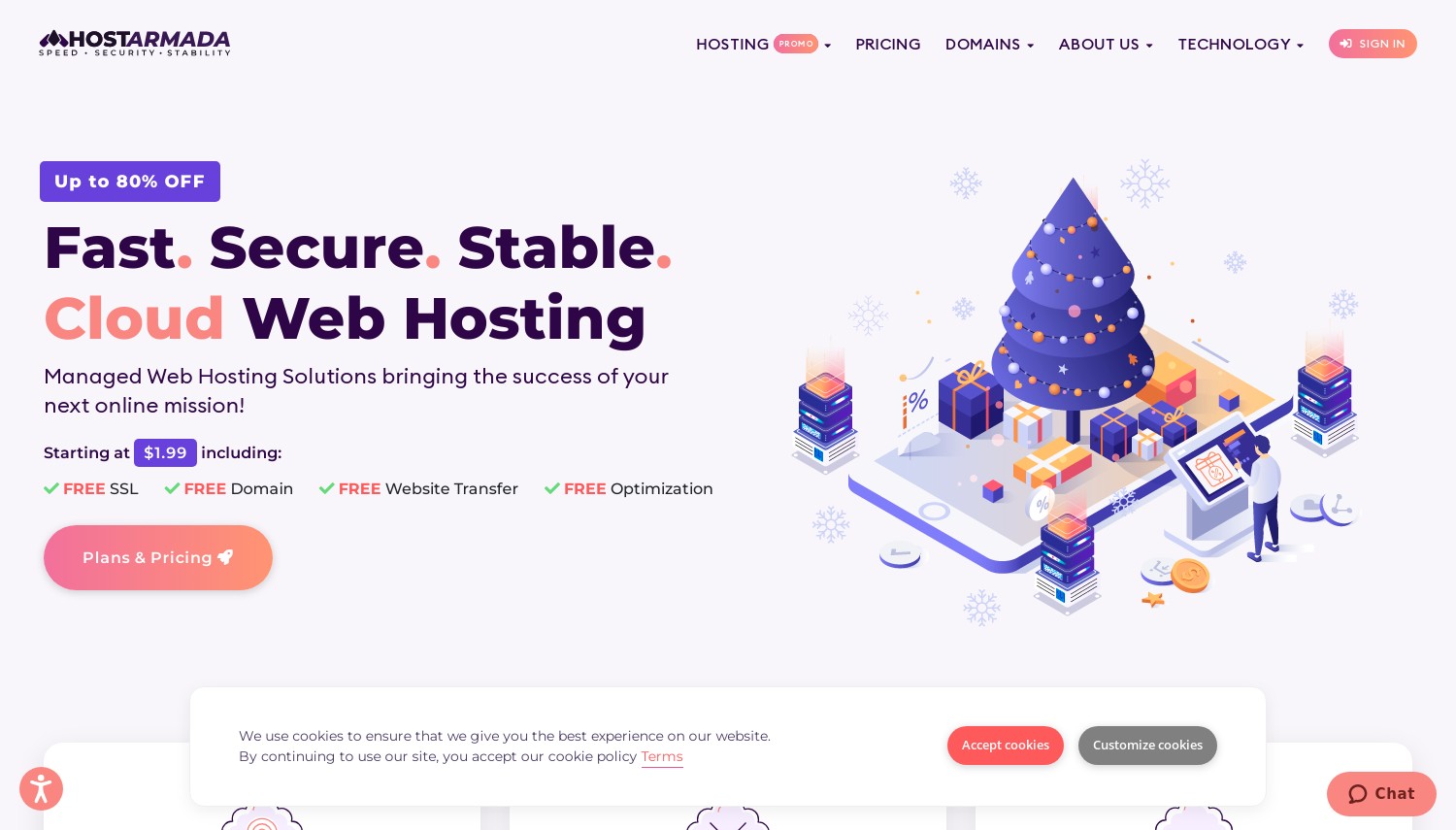
Start with the asterisk. HostArmada markets speed, but LiteSpeed, the web server that makes WordPress caching fast, only appears on its top Speed Reaper tier. The two cheaper plans run NGINX. So the USD 1.99 headline and the speed pitch don't describe the same plan.
Pricing (all on a 3-year term): Start Dock USD 1.99/mo, Web Warp USD 3.29/mo, Speed Reaper USD 3.95/mo. Renewals are a flat 5x across the board: USD 9.95, 16.45, and 19.75. Every plan uses NVMe storage (fast flash disks), free Cloudflare CDN, daily backups, and free migration. The 45-day money-back window is the longest among the international hosts here, matched only by ChemiCloud. Support runs 24/7 over live chat and tickets.
Here's the number that matters for France: HostArmada has no Paris data center on its shared or WordPress plans. French visitors route to Frankfurt or Milan. To get LiteSpeed you pay USD 3.95 (Speed Reaper), while ChemiCloud includes LiteSpeed on its USD 2.49 Starter, 37 percent cheaper for the same web server. That gap is hard to argue past.
- Free Cloudflare CDN and NVMe on every plan
- 45-day refund, unusually generous
- Free WordPress migration (1 to 5 sites by tier)
- No French data center on shared or WP tiers
- LiteSpeed locked to the top plan
- Renewal jumps 5x on all tiers
Best for: buyers who want a long safety net to test WordPress before committing. Skip if: your audience is mostly in France, because the Frankfurt hop costs you the latency you came here to fix.
Verdict: Choose HostArmada only if the 45-day refund and free migration outweigh the missing French server, and only on Speed Reaper so you actually get LiteSpeed. If you want that same speed stack cheaper, ChemiCloud beats it at the entry tier. If you want a French server at all, look at Hostinger or o2switch instead.
2. ChemiCloud
 1.2k+
4.9
Positive
Positive
1.2k+
4.9
Positive
Positive


| Storage | Bandwidth | Panel | Price | |
|---|---|---|---|---|
| 20 GB | Unlimited | cPanel | $2.49 / mo. | View Plan |
| 30 GB | Unlimited | cPanel | $3.49 / mo. | View Plan |
| 40 GB | Unlimited | cPanel | $4.49 / mo. | View Plan |
ChemiCloud – Best speed stack at the entry price
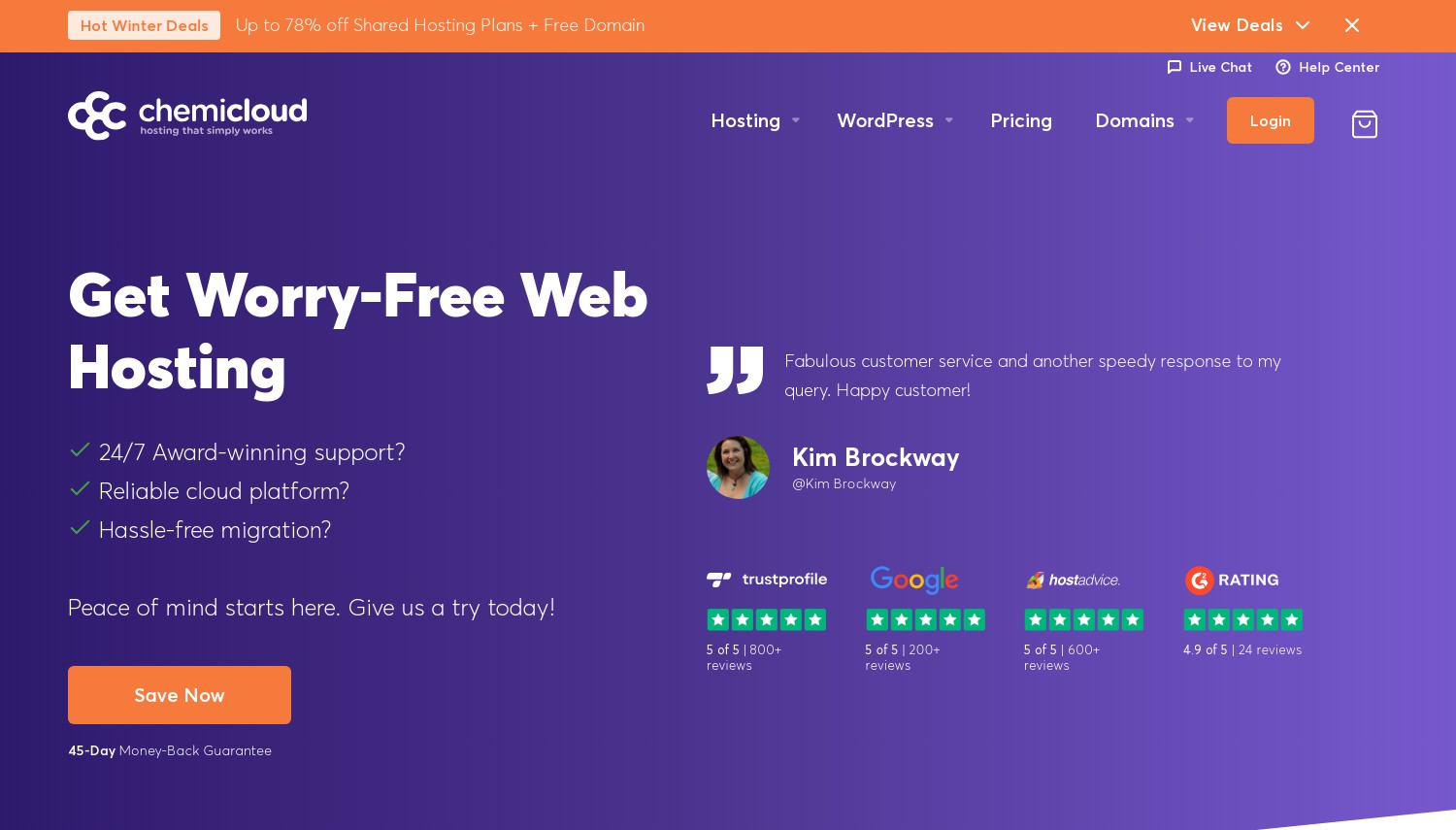
USD 2.49/mo, and LiteSpeed is already switched on. That single fact separates ChemiCloud from most budget WordPress hosts, which reserve the fast web server for a pricier tier. Here you get LiteSpeed plus LiteSpeed Cache on the cheapest plan, paired with NVMe storage and free Cloudflare CDN.
Plans (36-month term): Starter USD 2.49/mo, Pro USD 3.49/mo, Turbo USD 4.49/mo. Renewals land at USD 11.95, 17.95, and 21.95, roughly 5x, so the real cost is the renewal, not the promo. Every tier includes WordPress staging, free migration in about an hour, free SSL, a free first-year domain, and daily off-site backups. The company publishes a 99.99% uptime commitment, and the refund window is 45 days.
For France, the honest limit is location: ChemiCloud's nearest server is Frankfurt (its EU footprint is Frankfurt and Bucharest, no Paris). Spending USD 0.50 more than HostArmada's Start Dock buys you the LiteSpeed and staging that HostArmada withholds until its USD 3.95 plan. Against ScalaHosting, ChemiCloud's Starter renews at USD 11.95, the same as ScalaHosting Mini, but includes staging on every tier where Scala reserves more of its stack for higher plans.
- LiteSpeed and LSCache on all tiers
- Staging included on every plan
- 99.99% uptime, 45-day refund
- No Paris server; Frankfurt is closest
- Renewal near 5x entry
Best for: WordPress buyers who want the full speed stack without upgrading tiers. Skip if: you need the server itself inside France.
Verdict: Pick ChemiCloud if speed features per dollar are your priority and Frankfurt latency suits your French readers. That hop usually adds 10 to 20 ms: fine for a blog, less so for checkout. If French soil is non-negotiable, Hostinger gives you LiteSpeed on a Paris server for a similar entry price. If you want a gentler renewal, ScalaHosting's higher tiers climb far less.
3. ScalaHosting
 2.2k+
4.9
Positive
Positive
2.2k+
4.9
Positive
Positive


| Storage | Bandwidth | Panel | Price | |
|---|---|---|---|---|
| 10 GB | Unlimited | cPanel | $2.95 / mo. | View Plan |
| 50 GB | Unlimited | cPanel | $5.95 / mo. | View Plan |
| 100 GB | Unlimited | cPanel | $9.95 / mo. | View Plan |
ScalaHosting – Best for a gentle renewal curve
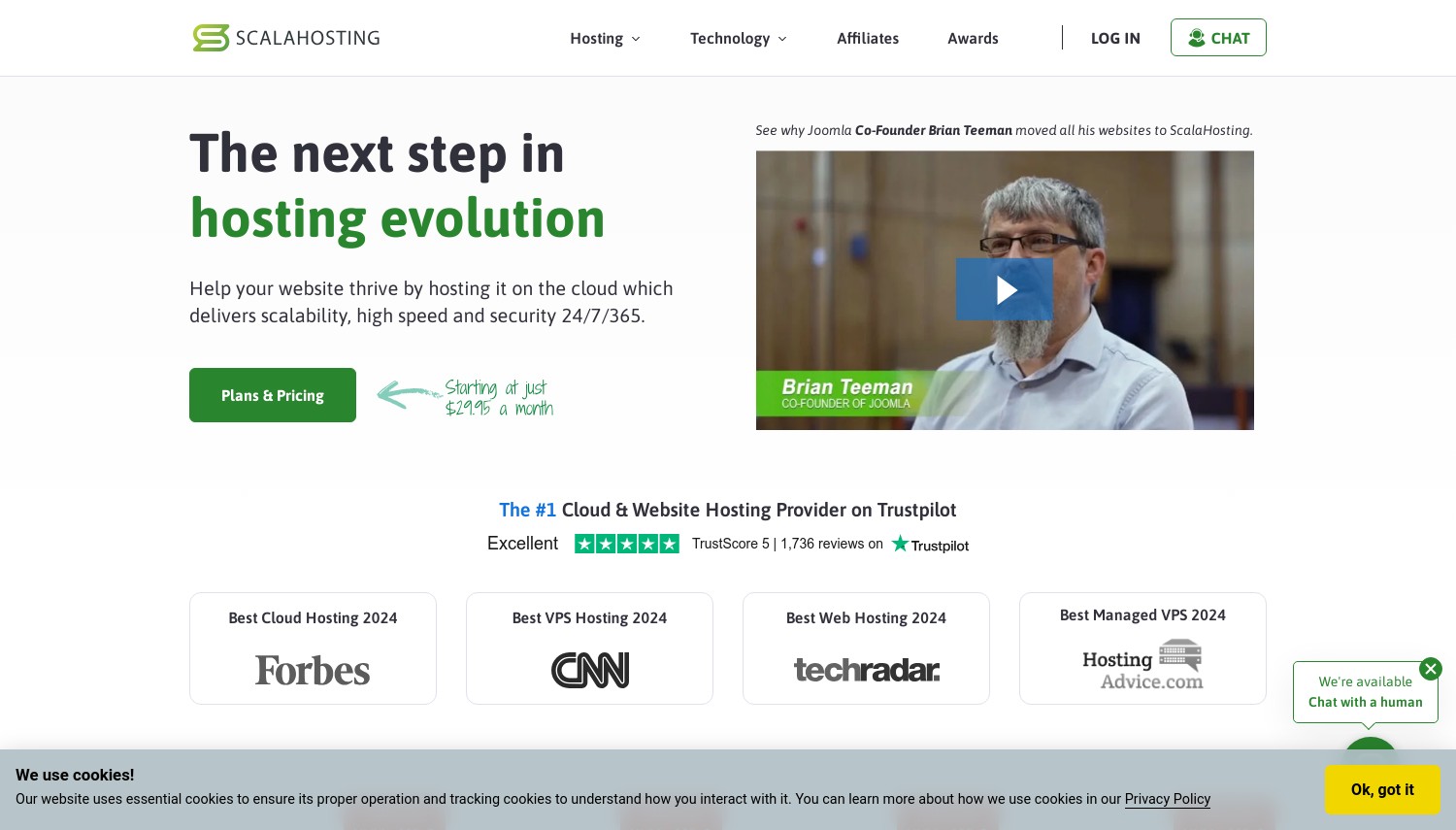
ScalaHosting lists a Paris location, but read the fine print before you count on it. That Paris region runs on AWS and appears tied to its managed cloud (sCloud) tier, not clearly to the entry shared plans. So the France angle here comes with a checkout caveat: confirm the Paris option is selectable on the plan you actually buy.
What is confirmed: NVMe storage on all shared plans, free Cloudflare CDN, free professional migration, staging and cloning, and SPanel, Scala's in-house control panel that skips the per-account cPanel license fee. SShield adds real-time attack blocking. Plans (36-month): Mini USD 2.95/mo, Start USD 5.95/mo, Advanced USD 9.95/mo. Renewals are USD 11.95, 14.95, and 19.95.
That renewal line is Scala's real advantage. Mini still jumps 4.05x, but Start renews at just 2.51x and Advanced at 2.01x. Put Advanced next to ChemiCloud Turbo: ChemiCloud renews at 4.89x to USD 21.95, ScalaHosting Advanced at 2.01x to USD 19.95. Over three years, Scala's gentler curve is the cheaper hold at the higher tier, even though its entry price is steeper.
- SPanel avoids cPanel license costs
- SShield real-time security, free migration
- Renews 2.01x on the Advanced tier
- Paris DC may be VPS-only, confirm first
- Mini buys just 10GB and one site
Best for: buyers who plan to stay years and hate renewal shocks, on the Start or Advanced tier. Skip if: you want a guaranteed French shared server today without a checkout gamble.
Verdict: Choose ScalaHosting on Start or Advanced if a low renewal multiplier matters more than the lowest promo, and treat the Paris server as a bonus to verify, not a promise. If you need confirmed French hosting, o2switch or OVHcloud own their French data centers outright. If you want the cheapest LiteSpeed entry, ChemiCloud undercuts Scala Mini.
4. Hostinger
 63.2k+
4.6
Positive
Positive
63.2k+
4.6
Positive
Positive



| Storage | Bandwidth | Panel | Price | |
|---|---|---|---|---|
| 100 GB | Unlimited | cPanel | $1.95 / mo. | View Plan |
| 200 GB | Unlimited | cPanel | $2.95 / mo. | View Plan |
| 200 GB | Unlimited | cPanel | $3.49 / mo. | View Plan |
Hostinger – Best all-round managed WordPress on French soil
Building your first WordPress site and want it served from France without learning server administration? This is the plan most French beginners should shortlist. Hostinger opened a Paris data center that runs NVMe on 100 percent renewable French power, and it is available for the WordPress and web hosting plans (not VPS). That closes the latency gap that used to push European traffic through Lithuania.
WordPress plans (48-month term): Premium USD 2.99/mo (20GB SSD, 3 sites), Business USD 3.79/mo (50GB NVMe, staging), Cloud Startup USD 7.99/mo (100GB NVMe, priority support). Renewals are USD 10.99, 16.99, and 25.99. You get LiteSpeed, free migration with no downtime, smart automatic updates, WP-CLI (command-line control for developers), WordPress Multisite, malware scanning, and Kodee, the AI assistant that handles routine WordPress tasks. Money-back is 30 days, and the published SLA is 99.9 percent.
The trade is the commitment: that USD 2.99 needs a 48-month prepay, and staging only starts on Business. Set Hostinger next to Ultahost, its closest French-server rival: Premium renews at USD 10.99 (3.68x), while Ultahost's comparable WordPress plan holds flat at USD 2.80. By year two, Hostinger costs about 3.9x more per month. You pay that premium for a richer feature set and a bigger support operation.
- Real Paris NVMe data center
- LiteSpeed, WP-CLI, Multisite, Kodee AI
- Free no-downtime migration
- Best price needs 48-month prepay
- Renews to USD 10.99 on Premium
- No phone support; staging on Business up
Best for: French beginners and small businesses who want managed WordPress features on a local server. Skip if: renewal cost is your top worry, because Ultahost holds its price flat.
Verdict: Choose Hostinger if you want the fullest managed WordPress toolkit on French soil and can stomach the four-year term. If you want the same Paris-server benefit at a price that never rises, Ultahost is the direct answer. If you need phone support in French, OVHcloud or o2switch have local teams Hostinger lacks.
5. Ultahost
 854
4.6
Positive
Positive
854
4.6
Positive
Positive

| Storage | Bandwidth | Panel | Price | |
|---|---|---|---|---|
| 30 GB | Unlimited | cPanel | $3.80 / mo. | View Plan |
| 60 GB | Unlimited | cPanel | $4.80 / mo. | View Plan |
| 80 GB | Unlimited | cPanel | $8.80 / mo. | View Plan |
Ultahost – Best flat renewal with a Paris server
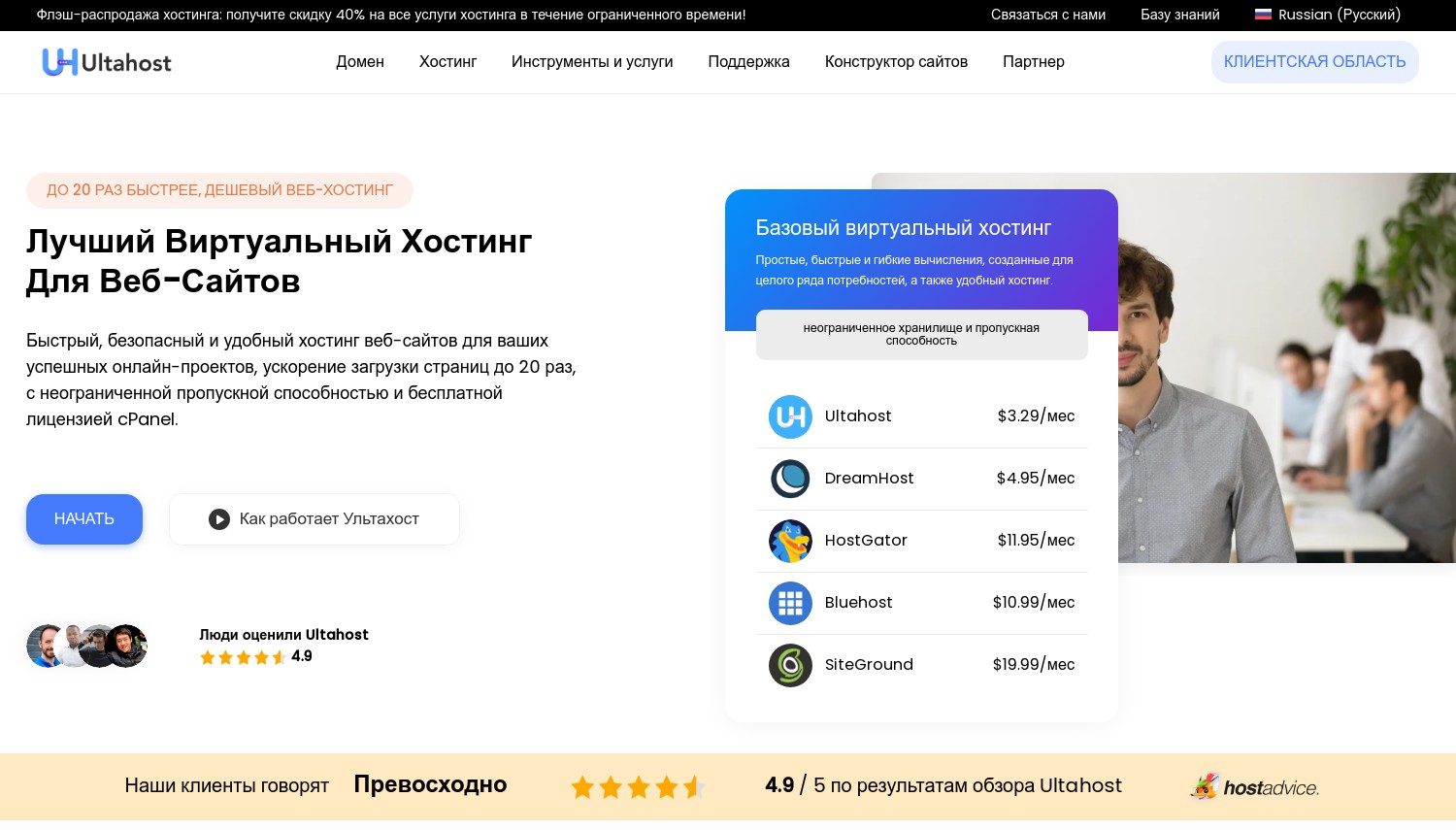
Where Hostinger's WordPress plan more than triples at renewal, Ultahost's holds flat. That is the entire pitch, and it is a real one. The price you sign up at is the price you keep, on every WordPress tier, and Ultahost added a Paris data center (Tier-III) to serve French visitors locally.
WordPress plans (24-month term): Ulta WordPress USD 2.80/mo (30GB NVMe), Starter USD 4.50/mo (100GB NVMe), Business WordPress USD 6.50/mo. All three renew at the same rate, a 1.0x multiplier. The stack runs LiteSpeed with NVMe, and includes a WordPress Manager, WP-CLI, staging, a free migration plugin, automatic updates, Multisite, daily backups, and free SSL. Support is 24/7. Money-back is 30 days. Two gaps worth naming: Ultahost does not publish a firm uptime SLA on its WordPress page, and free CDN is not stated there.
The math against the field is stark. Ultahost Business WordPress at USD 6.50/mo flat undercuts Hostinger Business's USD 16.99 renewal by 62 percent, for a broadly similar managed feature set on a French server. Against o2switch, whose Cloud promo renews to EUR 16 HT (about USD 17.28), Ultahost's flat pricing looks calmer still. If year-two billing keeps you up at night, this is the shortlist leader. If you need a VPS later, Ultahost and others sell one; see our France VPS hosting guide.
- Flat renewal, no bill shock
- Paris Tier-III data center
- LiteSpeed, NVMe, staging, WP-CLI
- No published uptime SLA on WP page
- CDN not confirmed; smaller brand
Best for: buyers who want a French server and hate renewal surprises. Skip if: you want a large support operation and lots of independent benchmark data, where Hostinger has more.
Verdict: Choose Ultahost if flat pricing on a Paris server is the goal, full stop. If you want deeper documentation, phone support, and a bigger ecosystem, Hostinger justifies its higher renewal. If you need guaranteed French data residency from a French-owned firm, OVHcloud is the pick, not Ultahost.
6. Kamatera
 320
4.2
Positive
Positive
320
4.2
Positive
Positive




| Storage | Bandwidth | Panel | Price | |
|---|---|---|---|---|
| 20 GB | 5 TB | cPanel Direct Admin ISP Manager Plesk | $4.00 / mo. | View Plan |
| 20 GB | 5 TB | cPanel Direct Admin ISP Manager Plesk | $6.00 / mo. | View Plan |
| 30 GB | 5 TB | cPanel Direct Admin ISP Manager Plesk | $12.00 / mo. | View Plan |
Kamatera – Best for developers who build their own stack
Kamatera is not managed WordPress hosting, and treating it like it is will cost you. What you buy is a raw cloud VPS: you pick the CPU, RAM, and disk, and you install and maintain WordPress yourself. There's a one-click WordPress server image, but no staging, no automatic updates, and no WordPress support desk unless you pay for management.
Pricing is pay-as-you-go from USD 4/mo for 1 vCPU, 1GB RAM, and 20GB NVMe, billed monthly or hourly, with no term and no renewal markup. The generous part is the trial: 30 days with up to USD 100 in service credits. The stinger for non-technical buyers is management. Kamatera's managed add-on runs about USD 50/mo, which changes the whole calculation.
Watch the comparison carefully. Kamatera's USD 4 base looks cheaper than Hostinger's USD 2.99 promo. But add the USD 50 managed layer and you land at USD 54/mo, roughly 8x Ultahost's managed USD 6.50 Business tier. And there is no Paris data center: the nearest are Frankfurt and Amsterdam, so French visitors take a small latency hit regardless. For teams that outgrow shared hosting and want managed cloud instead, our France cloud hosting guide covers the next step up.
- No renewal markup, pay-as-you-go
- 30-day trial with USD 100 credit
- Full control of the server stack
- Unmanaged; you run WordPress yourself
- Management add-on near USD 50/mo
- No French data center
Best for: developers and agencies comfortable on the Linux command line who want scalable, honestly-priced cloud. Skip if: you want WordPress handled for you, where Ultahost or Hostinger win outright.
Verdict: Choose Kamatera if you can run your own server and want cloud flexibility with no lock-in. If you can't, its true managed cost (USD 54/mo) makes it the wrong tool, and Ultahost delivers managed WordPress for a tenth of that. If you specifically need a French server, Kamatera does not have one; OVHcloud does.
7. o2switch
 4.1k+
4.9
Positive
Positive
4.1k+
4.9
Positive
Positive
| Storage | Bandwidth | Panel | Price |
|---|---|---|---|
| Unlimited | Unlimited | cPanel | $5.43 / mo. |
o2switch – Best French-owned host, with a 2026 pricing caveat
For years, o2switch sold one plan at one flat price with unlimited resources, and French users loved it for exactly that. In 2026 the company retired the single plan and launched three: Grow, Cloud, and Pro. The reputation for flat pricing hasn't caught up with the reality, and that gap is a trap for anyone signing on the old assumption.
Current pricing (HT, before 20 percent VAT): Grow at EUR 7.00/mo (about USD 7.56), Cloud at a promo EUR 1.86/mo (about USD 2.01) for the first year, and Pro at EUR 6.25/mo (about USD 6.75) for year one. The renewals are the story. Cloud jumps to EUR 16 HT (about USD 17.28) from year two, and Pro to EUR 24 HT (about USD 25.92). That Cloud promo is an 8.6x increase, one of the steepest here. Multi-year renewals soften it (three years of Cloud runs EUR 9 HT/mo). Money-back is 30 days.
The hardware and location remain excellent: o2switch owns its data center in Chappes, near Clermont-Ferrand, running OpenLiteSpeed and 100 percent NVMe, with native French phone and ticket support. On resources, o2switch Grow at EUR 7 HT gives unlimited sites where ChemiCloud caps its USD 2.49 Starter at one site. But watch the renewal: o2switch Cloud's EUR 16 HT lands near ChemiCloud Turbo's USD 21.95, so the flat-price legend no longer holds.
- French-owned Chappes data center
- OpenLiteSpeed, NVMe, unlimited sites
- Native French phone support
- Prices are HT; add 20 percent VAT
- Cloud renews 8.6x to EUR 16 HT
- No dedicated managed-WP product
Best for: French businesses that want a local company, local support, and can commit multi-year to blunt the renewal. Skip if: you want a fixed low price forever, because that o2switch no longer exists.
Verdict: Choose o2switch if French ownership, French support, and a Chappes server matter and you prepay several years. If you want a genuinely flat renewal instead, Ultahost or Infomaniak deliver it where o2switch no longer does. If you want France's biggest infrastructure and enterprise scale, OVHcloud is the larger French option.
8. PlanetHoster
 5.5k+
4.6
Positive
Positive
5.5k+
4.6
Positive
Positive
| Storage | Bandwidth | Panel | Price | |
|---|---|---|---|---|
| 100 GB | Unlimited | cPanel | $1.94 / mo. | View Plan |
| Unlimited | Unlimited | $9.99 / mo. | View Plan |
PlanetHoster – Best for a Paris server plus a 60-day refund
Sixty days to change your mind. PlanetHoster's refund window doubles the 30-day standard most of this list offers, and it pairs that with a Paris data center, so French data residency and a long safety net come together. The company is French-Canadian, with data centers in Paris, Lausanne, and Montreal, all outside the reach of the US Cloud Act.
The World plan starts at EUR 5.49/mo (about USD 5.93) on a 24-month launch offer, renewing to EUR 19.99 (about USD 21.59), a 3.6x jump. The stack is strong for WordPress: LiteSpeed with LSCache Enterprise, NVMe and SSD storage, one-click WordPress through the N0C control panel, free expert migration, and a published 99.99 percent average uptime. Support is 24/7 in French, and independent review scores sit around 4.7/5.
Against the French-server field, PlanetHoster's renewal to EUR 19.99 (USD 21.59) is a 3.6x jump, close to Hostinger Premium's 3.68x. But Ultahost's Paris-hosted plan holds at USD 6.50 flat, roughly 70 percent cheaper in year two. What PlanetHoster offers that Ultahost does not is that 60-day refund and LiteSpeed Enterprise caching. The one adjustment is the N0C panel: it is not cPanel, so expect a short learning curve if you are migrating from a cPanel host.
- 60-day refund, longest here
- Paris data center, LiteSpeed Enterprise
- Native French 24/7 support
- Renews 3.6x to EUR 19.99
- N0C panel, not cPanel
Best for: buyers who want confirmed Paris hosting, premium caching, and the longest trial period. Skip if: you want the lowest year-two bill, where Ultahost's flat USD 6.50 wins clearly.
Verdict: Choose PlanetHoster if a Paris server, LiteSpeed Enterprise, and a two-month refund justify the renewal step. If you want cheaper long-term French hosting, Ultahost undercuts it flat. If you want cPanel familiarity on French soil, o2switch keeps the classic panel where PlanetHoster asks you to learn N0C.
9. OVHcloud
 6.7k+
2.3
Neutral
Neutral
6.7k+
2.3
Neutral
Neutral


| Storage | Bandwidth | Panel | Price |
|---|---|---|---|
| 1 GB | Unlimited | cPanel | $1.04 / mo. |
| 100 GB | Unlimited | cPanel | $4.39 / mo. |
| 250 GB | Unlimited | cPanel | $7.69 / mo. |
OVHcloud – Best for guaranteed French data residency at scale
OVHcloud is the French giant, and its argument is jurisdiction: three data centers on national soil (Gravelines, Roubaix, Strasbourg), with data residency guaranteed inside France. For a French business that must keep customer data in-country, that guarantee is the whole reason to be here, and no international host on this list can match the local-ownership story.
OVHcloud restructured its web hosting in May 2026 into Eco, Business, and Agency ranges, and prices rose with it. Current rates (USD, excl. VAT): Eco Personal USD 3.59/mo first term, renewing to USD 7.09 (100GB SSD). Business Professional runs USD 2.39, renewing to USD 11.79 (250GB SSD). Business Performance is USD 8.29, renewing to USD 23.59 with CDN. The published uptime is 99.9 percent, and support is French-language by phone and ticket.
The renewal picture is mixed, so read it carefully. Eco Personal renews at just 1.98x (USD 3.59 to USD 7.09), gentler than Hostinger Premium's 3.68x climb to USD 10.99, and it sits on French soil. But Business Professional jumps 4.93x. The hardware caveat: OVHcloud runs SSD, not NVMe, on the lower tiers, and reserves the CDN for Performance up, so the raw WordPress speed stack trails LiteSpeed hosts like ChemiCloud and PlanetHoster.
- Three French data centers, own hardware
- Data stays in France, guaranteed
- Eco Personal renews only 1.98x
- SSD not NVMe on lower tiers
- Business Professional renews 4.93x
- No LiteSpeed; CDN only on Performance
Best for: French businesses and public bodies that need certified local data residency and enterprise scale. Skip if: you want the fastest WordPress cache stack, where LiteSpeed hosts beat OVHcloud's setup.
Verdict: Choose OVHcloud if in-France data residency and a French-owned provider are requirements, and pick Eco Personal for its gentle 1.98x renewal. If you want speed-tuned WordPress instead, PlanetHoster gives you a Paris server with LiteSpeed Enterprise. If you want a smaller French host with unlimited resources, o2switch is the alternative.
10. Infomaniak
 1.7k+
4.5
Positive
Positive
1.7k+
4.5
Positive
Positive

| Storage | Bandwidth | Price | |
|---|---|---|---|
| Unlimited | Unlimited | $1.81 / mo. | View Plan |
| 100 GB | Unlimited | $6.95 / mo. | View Plan |
| 100 GB | Unlimited | $8.96 / mo. | View Plan |
Infomaniak – Best green host, but hosted in Switzerland
Infomaniak's servers sit in Switzerland, not France, and that is the first thing a France-focused buyer should know. The company is Swiss, runs its own green data centers near Geneva (it reuses server heat to warm buildings), and serves the French market heavily with native French support. If Swiss jurisdiction and environmental credentials appeal more than a France-based server, it earns a place; if you strictly need data on French soil, it does not.
Web Hosting starts at EUR 5.75/mo (about USD 6.21), excl. VAT, and the standout feature is a flat renewal, no price hike in year two, a genuine differentiator against OVHcloud and IONOS. For heavier WordPress sites, the Managed Cloud Server runs EUR 29/mo (about USD 31.32). WordPress features include managed hosting, automatic updates, staging, and daily backups with 7 and 30-day retention. Money-back is 30 days.
On price behavior, Infomaniak's EUR 5.75 (USD 6.21) holds flat, where OVHcloud Personal climbs from USD 3.59 to USD 7.09 at renewal. By year two, Infomaniak is actually cheaper than OVHcloud's entry tier, and greener. The trade against OVHcloud is location: OVHcloud guarantees French soil, Infomaniak guarantees Swiss soil, both inside strong privacy regimes but only one inside France.
- Flat renewal, no year-two hike
- Green Swiss data centers, heat reuse
- Managed WP, staging, native French support
- Servers in Switzerland, not France
- Higher entry price than OVHcloud
- No clearly published uptime SLA
Best for: buyers who value flat pricing, sustainability, and Swiss privacy, and treat Geneva as close enough to Paris. Skip if: you need the server physically in France, where OVHcloud or o2switch are the answer.
Verdict: Choose Infomaniak if a flat price and a green Swiss host matter more than a French postcode on the server. If in-France residency is the requirement, OVHcloud wins on jurisdiction. If you want flat pricing on an actual French server, Ultahost combines both where Infomaniak cannot.
11. IONOS | ionos.com
 38.1k+
4.3
Positive
Positive
38.1k+
4.3
Positive
Positive


| Storage | Bandwidth | Panel | Price | |
|---|---|---|---|---|
| Unlimited | Unlimited | cPanel | $1.00 / mo. | View Plan |
| 10 GB | Unlimited | cPanel | $4.00 / mo. | View Plan |
| 100 GB | Unlimited | cPanel | $6.00 / mo. | View Plan |
IONOS – Best budget managed WordPress name
One dollar a month. That is IONOS's opening rate on managed WordPress, and it is also the reason to read the renewal line twice before you celebrate. IONOS is German (the old 1&1), and while it has a Paris data center in its cloud and VPS infrastructure, the shared managed WordPress product's server assignment is typically German or EU, not guaranteed France. So the French credentials here are the weakest on the list.
Managed WordPress pricing (USD): Start USD 1.00/mo first year renewing to USD 12.00, Grow USD 5.00 renewing to USD 8.00, Boost USD 12.00 renewing to USD 17.00. The stack is managed WordPress with automatic updates, a pre-installed setup, the Website Cockpit dashboard, and Jetpack tools on higher plans. Published uptime is 99.99 percent, support is 24/7 with French-language help, and money-back is 30 days.
That Start renewal is the number to sit with: USD 1.00 to USD 12.00 is a 12x jump, by far the steepest here, dwarfing Hostinger Premium's 3.68x. Grow is the more honest tier, renewing only 1.6x from USD 5 to USD 8. Against a confirmed French-server host like Hostinger, IONOS trades away location certainty for a lower nominal entry, which is a poor deal if your traffic is French.
- USD 1 entry, managed WordPress included
- Grow renews only 1.6x
- 99.99% uptime, French-language support
- Start renews 12x to USD 12
- French hosting not guaranteed on shared WP
- Dated interface
Best for: budget buyers who want a big-brand managed WordPress name and pick the Grow tier, not Start. Skip if: a French server is the point, where Hostinger and Ultahost deliver it and IONOS does not.
Verdict: Choose IONOS on the Grow tier if you want cheap managed WordPress from a major European company and location is flexible. If you want the server in France, Hostinger and Ultahost both confirm Paris hosting where IONOS cannot. If you want the lowest year-two bill outright, Ultahost's flat USD 2.80 beats IONOS Grow's USD 8.
How to Choose WordPress Hosting for a French Audience
Forget the feature checklists. The decision comes down to three questions: where do your visitors sit, how much traffic do you handle, and what will you actually pay in year two? Here are concrete scenarios with real thresholds.
Budget under USD 5/mo, first WordPress site, French readers: Ultahost Ulta WordPress at USD 2.80/mo flat on its Paris server. It keeps the price fixed and puts your files in France. Skip Hostinger Premium here only if the renewal to USD 10.99 worries you; Hostinger is the richer plan, but Ultahost wins purely on year-two cost.
Small business needing certified French data residency, budget under USD 8/mo: OVHcloud Eco Personal (USD 3.59, renews USD 7.09) on Gravelines or Roubaix. The 1.98x renewal is gentle and the data stays in France by guarantee. Skip Infomaniak for this profile, because its servers are Swiss, not French, which fails a hard residency requirement even though the host is excellent.
WooCommerce store, 500-plus daily orders, French checkout: a Paris server with LiteSpeed matters here, because caching and low latency protect cart conversion. PlanetHoster (Paris, LiteSpeed Enterprise) or Hostinger Cloud Startup (USD 7.99, 100GB NVMe, priority support). For store-specific tuning, our WordPress eCommerce hosting guide goes deeper on WooCommerce needs. Skip Kamatera unless you have a developer, since an unmanaged store is a support liability at this order volume.
Developer or agency, multiple sites, wants control: Kamatera from USD 4/mo, self-managed, or ScalaHosting's managed VPS if you want French-region cloud without running everything yourself. Skip fully managed shared plans here; they cap the control you actually want.
One more filter: renewal transparency. Ultahost and Infomaniak hold prices flat. o2switch and IONOS Start have the harshest jumps (8.6x and 12x). If you dislike surprises, weight that as heavily as the promo.
Frequently Asked Questions
Do I need a French data center for a WordPress site, or is Frankfurt close enough?
For a blog or brochure site, Frankfurt (used by ChemiCloud and HostArmada) adds only about 10 to 20 ms for French visitors, which readers won't notice. For a WooCommerce store or a login-heavy site, a French server pays off, because every checkout call and AJAX request runs faster. Hostinger, Ultahost, OVHcloud, o2switch, and PlanetHoster all host in France. If speed at checkout drives revenue, choose one of those over a Frankfurt fallback.
Is Hostinger or Ultahost better for a French WordPress site?
Both host on a Paris server, so it comes down to features versus price. Hostinger has the deeper toolkit (WP-CLI, Multisite, Kodee AI, priority support on Cloud Startup) but renews Premium to USD 10.99. Ultahost holds every WordPress tier flat, so USD 2.80 stays USD 2.80. Pick Hostinger for the richer managed experience, Ultahost if a fixed year-two bill matters most.
How much does managed WordPress hosting in France cost per year after renewal?
Budget by the renewal, not the promo. On a real French server, expect roughly USD 34/year with Ultahost (flat USD 2.80), about USD 85/year with OVHcloud Eco Personal (USD 7.09), and about USD 132/year with Hostinger Premium (USD 10.99). o2switch's Cloud tier looks cheapest at signup but renews to EUR 16 HT, around USD 207/year before VAT. Always calculate year two before you commit.
Can I run WooCommerce for French customers on these plans?
Yes, and the host choice affects checkout speed directly. PlanetHoster and Hostinger pair LiteSpeed caching with a Paris server, which keeps checkout requests fast. Entry shared tiers (ChemiCloud Starter, HostArmada Start Dock) run small stores fine but can strain past a few hundred daily orders. For higher volume, move up to Hostinger Cloud Startup or a VPS.
Final Verdict
The France-first shortlist is short and honest. Ultahost is the value pick: a Paris server with a flat renewal, so the entry price is the forever price. Hostinger is the all-rounder, the deepest managed WordPress toolkit on French soil, if you accept the renewal and the long term. For guaranteed in-country data residency at scale, OVHcloud and its three French data centers are unmatched, and Eco Personal's 1.98x renewal is fair. Want a Paris server with premium caching and the longest safety net? PlanetHoster, with LiteSpeed Enterprise and a 60-day refund.
Around those four: ChemiCloud gives the best speed stack per dollar if Frankfurt latency is acceptable, o2switch is the French-owned classic (now watch its 2026 renewals), Infomaniak is the flat-priced green option on Swiss soil, and Kamatera suits developers who build their own stack. ScalaHosting and HostArmada earn spots on renewal-curve and refund-window strengths, and IONOS works on its Grow tier if location is flexible.
If your audience spreads beyond France, our WordPress hosting in Europe by country guide maps servers across neighbors like Germany, Belgium, and Spain, useful when several of these hosts fall back to Frankfurt or Amsterdam anyway. Pair it with the France web hosting and France cloud hosting guides linked above to cover shared, cloud, and VPS as your WordPress site grows.