
Wix vs Squarespace (2026): あなたのプロジェクトに勝つのはどの Web サイトビルダーですか? - JA
Squarespaceの最安プランで商品を販売できるようになりました. そのたった一つの変化, Basic/Core/Plus/Advanced ラインナップの一部, 人々が Wix を求めた最も古い理由は静かに引退しました: "Squarespaceのエントリープランではeコマースはできない。" できる. それでも Wix にはまだかかります 0% Squarespace のスキミング中のデジタル ダウンロードについて 5% に 7%, つまり手数料の差は逆転した. この 2 つは、異なる打撃を与えます 2026 古いレビューが示唆しているよりも.
簡単な回答: オープンエディターが必要な場合は Wix を選択してください, アプリマーケットプレイス, ネイティブ予約, またはデジタル製品を販売している場合 (Wix はプラットフォームのカットを必要としません). 洗練されたデザインと落ち着いたエディターを重視する場合は、Squarespace を選択してください. シンプルな実店舗にも最適です, 手数料0%のコアプラン (23ドル/月) アンダーカットウィックス. ほとんどの比較では省略されるデジタル製品料金と Acuity アドオン費用が含まれています.
最終レビュー済み: 7月 2026. 各プラットフォームの現在の価格設定とヘルプページに基づいて検証された価格と料金.
にジャンプ: Wix ・・ Squarespace ・・ デザイン & 編集 ・・ オンライン販売 ・・ ブログ ・・ SEO, 速度 & AI ・・ 選び方 ・・ よくある質問
全機能比較
 Wix
Wix
1. Wix Hosting


 25.1k +
 ポジティブ
ポジティブ
| スペース | 特徴 | 価格 |
|---|---|---|
| 500.02 MB | ドメインを接続する | $4.50 |
| 3 GB | ドメインを接続する無料ドメインWix広告を削除するカスタマイズされたファビコン | $8.50 |
| 10 GB | ドメインを接続する無料ドメインWix広告を削除するカスタマイズされたファビコンフォームビルダーアプリ - $48 バリューサイトブースターアプリ - $60 価値 | $12.50 |
| 20 GB | ドメインを接続する無料ドメインWix広告を削除するカスタマイズされたファビコンフォームビルダーアプリ - $48 バリューサイトブースターアプリ - $60 バリューオンラインストア 10 メールキャンペーン/月のプロフェッショナルサイトレビュー | $24.50 |
| 50 GB | ドメインを接続 Wix 広告を削除 無制限のビデオ時間 販売分析とレポート 無料ドメイン 1 年 $75 広告バウチャーサイトブースターアプリ - $60 バリュービジター分析アプリ - $60 バリュープロフェッショナルロゴ - $50 ValueProeコマース機能優先応答VIPサポート | $35.00 |
| 35 GB | ドメインを接続するWix広告を削除する 10 ビデオ時間販売分析とレポートの無料ドメイン 1 年 $75 広告バウチャーサイトブースターアプリ - $60 バリュービジター分析アプリ - $60 バリュープロフェッショナルロゴ - $50 バリュープロのeコマース機能 | $25.00 |
| 20 GB | ドメインを接続するWix広告を削除する 5 ビデオ時間販売分析とレポートの無料ドメイン 1 年 $75 広告バウチャーサイトブースターアプリ - $60 バリュービジター分析アプリ - $60 価値 | $17.00 |
 Squarespace
1. Squarespace

 2.3k +
 ネガティブ
ネガティブ
| スペース | 帯域幅 | パネル | 価格 | |
|---|---|---|---|---|
| 無制限 | 無制限 | cPanel | $16.00 | プランを見る |
| 無制限 | 無制限 | cPanel | $23.00 | プランを見る |
| 無制限 | 無制限 | cPanel | $27.00 | プランを見る |
| 無制限 | 無制限 | cPanel | $49.00 | プランを見る |
| スペース | 帯域幅 | 価格 | |
|---|---|---|---|
| 無制限 | 無制限 | $16.00 | プランを見る |
総合得点
Wix と Squarespace を比較した方法
この均等に一致する 2 つのビルダーには重み付けが必要です, 機能ダンプではありません. 5つのことをランク付けしました, 順番に. コストが第一です: 取引手数料と追加手数料を含む合計額, ヘッドライン購読ではありません. その後: 編集モデルとデザイン上限, eコマースの深さ (物理的な商品とデジタル商品), SEO コントロール, および AI ツール. 売っている人にとっては, 料金は 1 か月以内にサブスクリプションを超えることがよくあります.
価格は Wix と Squarespace の現在の価格ページと Squarespace の取引手数料ヘルプセンターから取得しました。, 7月にチェックした 2026. 今月確認できなかった数字は除外しました, ほとんどの人が支払う金額は年額であるため、年額の請求額を提示しています。. 両方のプラットフォームで完全なストアを構築したり、独自の負荷テストを実行したりしませんでした, そのため、速度に関する記録はサードパーティの測定値とユーザーのレポートに基づいています。, 私たちの研究室ではありません. 数値が公式ではなくレビューから得られたものである場合, 私たちはそれにフラグを立てます. 追加費用は合計にカウントされます (Squarespace の Acuity, Wix の有料アプリ), サブスクリプションと同じように実際の予算に達するためです.
Wix – 柔軟性に最適, アプリ, およびデジタル製品の販売
ゼロ. Wix はすべてのプランの売上からそれを取得します, 物理的な商品またはデジタルダウンロード, 標準的な支払処理削減額を超える. その番号を保持してください, テンプレート数よりもこの比較の方が重要であるため、.
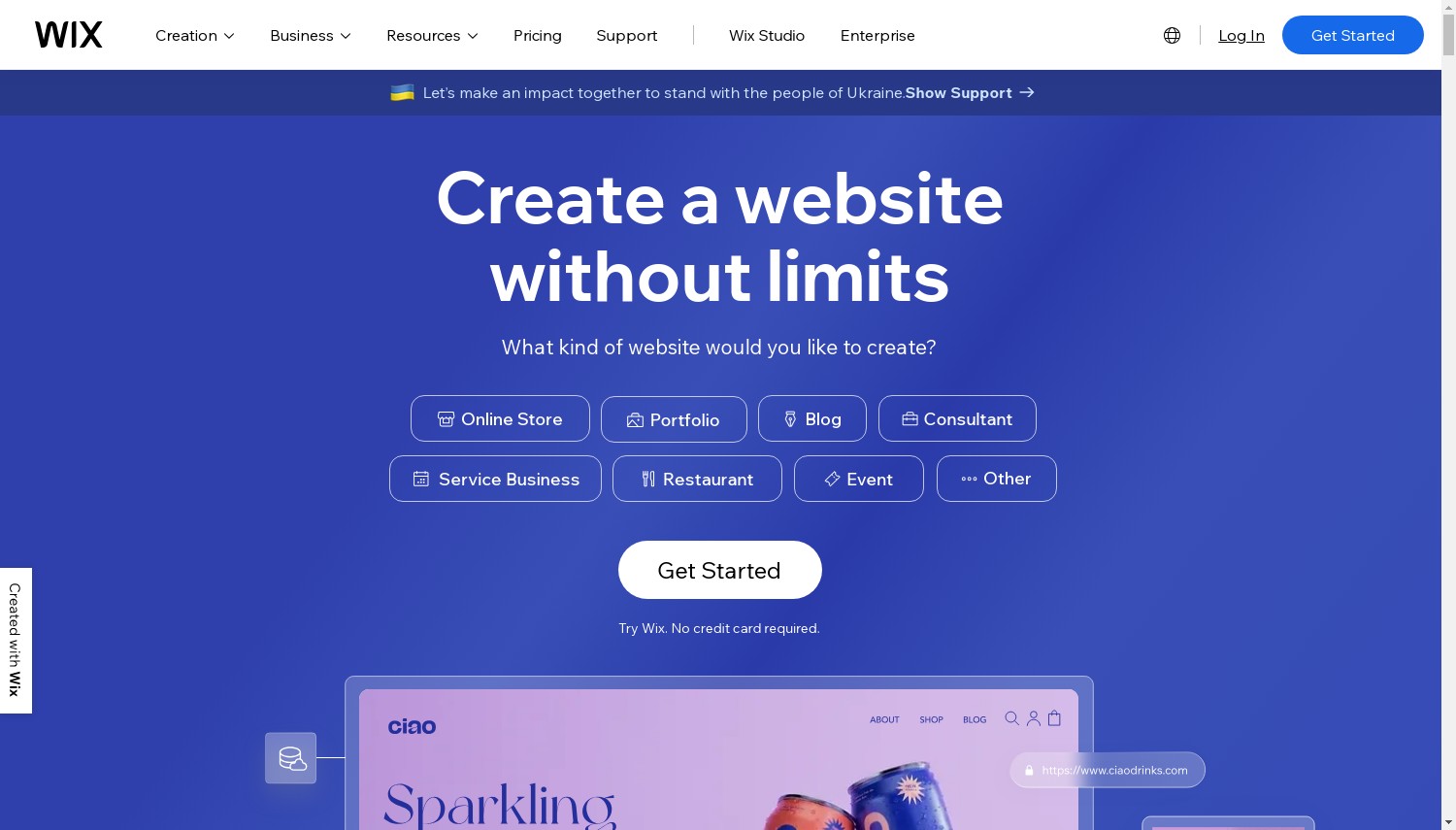
Wix は真のオープンキャンバスエディターを実行します. 任意の要素をどこにでもドロップします, それを重ねる, ピクセルに合わせてサイズ変更します. 初心者はそれを完全にスキップして、AI サイトビルダーにいくつかの質問から最初の草稿を生成させることができます, それからアリアに引き渡す, 編集を手伝ってくれ続けるアシスタント. がある 900+ テンプレート Squarespace へのおおよその 150, 500 以上のアドオンを備えた App Market, ネイティブ予約, 応答性の高いコントロールを必要とする代理店向けの Wix Studio. 自由は双方向を切り裂く: モバイルレイアウトは手動で整理する必要がある, そして、テンプレートで公開すると、再構築せずに別のテンプレートに切り替えることはできません.
ここでお金の計算が変わります. 普通の実店舗の場合, Wix コアで 29ドル/月 Squarespace Coreの上に位置します (米ドル 23), 米ドル 6 ギャップ, そして両方とも充電します 0% それらの販売について. デジタルグッズにひっくり返すと激しく反転します. コースで月額 2,000 ドルを販売するクリエイターは、Squarespace Core に大まかに支払います プラットフォーム料金は月額 100 米ドル (5%); Wix Core の場合、料金は USD です 0. 頂点で, Wix ビジネスエリート (米ドル 159) 費用は米ドル 60 Squarespace Advanced を超える (米ドル 99) 同等の無制限販売の場合.
長所:
- ドラッグアンドドロップで開く 0% プラットフォーム料金
- 900+ テンプレートと 500+ アプリ
- ネイティブ予約, メンバーシップ, テスト用の無料プラン
- クラス最高の AI セットアップ ツール
短所:
- テンプレート切り替えなし 出版後
- モバイルビューには実践的な修正が必要です
- シンプルなサイトでは編集者が忙しく感じることがある
価格設定: 無料プラン (Wix 広告, wixsite.com サブドメイン), それから光 17ドル/月 (米ドル 24 毎月, オンラインストアはありません), コア米ドル 29, ビジネス米ドル 39, ビジネスエリートUSD 159, すべて毎年請求される. 14 日間の返金期間が適用されます, 有料の年間プランには、1 年目の無料ドメインが含まれます, その後、年間約 20 米ドル.
こんな方に最適: 柔軟なレイアウト, アプリが多いサイト, ダウンロードまたはコースを販売している人. 次の場合はスキップします: 意思決定やクリーンアップが少なく、洗練されたサイトが必要な場合.
評決: 選ぶ Wix デジタル製品を販売する場合, アプリマーケットが必要です, または要素を自由に配置したい. モバイルビューを微調整したくない場合で、物理的な商品のみを販売する場合, Squarespace Core は、同様の 0% 手数料販売を月額 6 ドル未満で行います.
Squarespace – デザイン主導のサイトおよびサービス ビジネスに最適
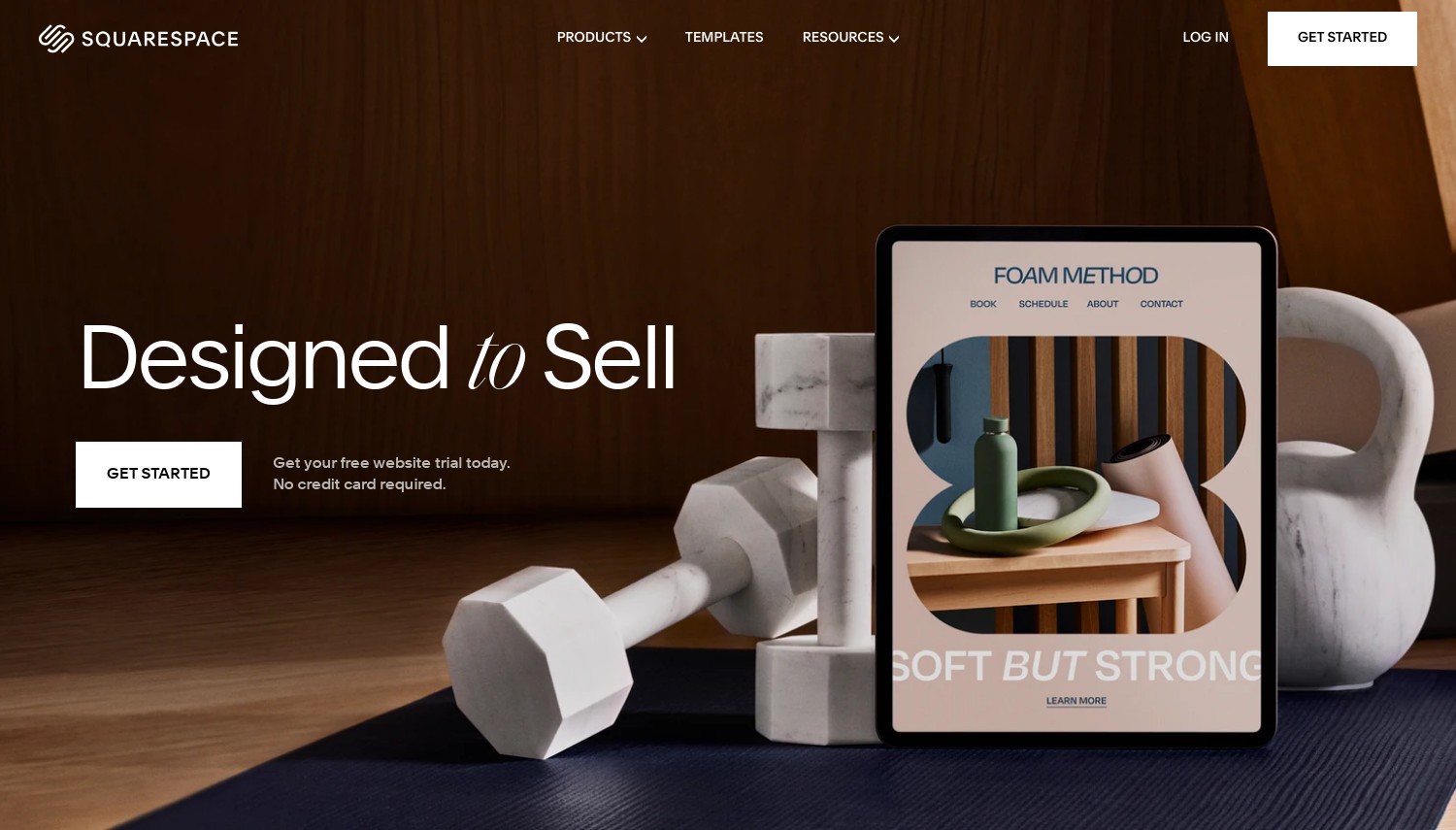
天井から始めます, それは本物だから. Squarespace が提供する情報 150 Wix の 900 以上のテンプレートに対する, エディターは、どこにでも項目をドロップできるのではなく、きちんとしたグリッド内に保持します。. たくさんの購入者のために, その自制こそが重要なのだ. マージンを一切触れずにデザインされたように見えるサイトが得られます.
デザインが評判, そしてそれは得です. タイポグラフィ, 間隔, セクションリズムはデフォルトでプロフェッショナルになります, Blueprint AI は、すべてのプランに関する短いアンケートに基づいてスターター サイトのスタイルを設定できます. 同社は10月にペルミラの下で非公開化された 2024 約価値のある取引で 米ドル 7.2 十億, 創設者のアンソニー・カサレナ氏は現在もCEOを務めている, AI リリースのペースは停滞するのではなく加速しました. ホスティングと CDN が自動的に処理されます, Wix とは異なり、完全な再構築を行わずに後でテンプレートを切り替えることができます。.
正直なコストのイメージ. スクエアスペースベーシック (16ドル/月) アンダーカットウィックスライト (米ドル 17) 1ドル単位と, 光と違って, すでに支払いを受けることができます (2% 手数料). したがって、両方のプラットフォームで何かを販売する最も安価な方法は、実際には Squarespace Basic です, ウィックスではありません. 価値の物語に潜む2つの罠, けれど. デジタル製品には、 7% 基本料金, 5% コア上, Wix では料金がかかりません. 予約は Acuity を通じて行われます, 別のサブスクリプションは月額 27 ドル近く, つまりコアのサービスビジネス (米ドル 23) 実際に約米ドルを支払います 50, 一方 Wix コア (米ドル 29) バンドル予約.
それならサポートもあるよ. Squarespace は電子メールと平日のライブチャットを継続します, 電話オプションなし, Wix が追加する間 24/7 電話コールバックと AI チャット アシスタント. 電話で人間に連絡することが重要な場合, それだけで決められる.
長所:
- カテゴリ内で最高のテンプレートと洗練されたデザイン
- 0% コマース手数料 コア以上
- 再構築せずにテンプレートを切り替える
- あらゆる計画におけるブループリント AI
短所:
- 5% に 7% 手数料 デジタル製品について (上級以下)
- 予約には有料の Acuity アドオンが必要です
- 無料プランなし、電話サポートなし
価格設定: 無料プランはありません, 14-カードなしの 1 日トライアル. 基本 16ドル/月 (米ドル 25 毎月, 2% 商業 + 7% デジタル), コア米ドル 23 (0% 商業, 5% デジタル), プラス米ドル 39 (0% 商業, 1% デジタル), 高度な米ドル 99 (0% 両方で), すべて毎年請求される. 14 日間の返金期間は年間プランをカバーします.
こんな方に最適: ポートフォリオ, ブランドサイト, 見た目を販売する実店舗. 次の場合はスキップします: ダウンロード販売してるのね, または、2 回目の請求書なしで予約が必要な場合.
評決: 選ぶ Squarespace デザインの品質が優先され、物理的な製品を販売するか、まったく販売しない場合. カタログがデジタルの場合, またはあなたのビジネスは予定に基づいて成り立っています, ウィックスコアの 0% 料金とバンドル予約は、コストとシンプルさの両方で Core-plus-Acuity に勝ります.
デザインと編集: オープンキャンバス vs ガードレール
これがあなたの選択を左右するスプリットです, どんなスペックよりも. Wix はオープンなキャンバスを提供します: 何かを動かす, どこでも, その代償として、手が汚いとサイトも汚くなり、モバイルには独自のパスが必要になります。. 正方形の空間はあなたを格子状に囲い、破るのが困難です。, 正直に, 醜くするのは難しい (これがピッチ全体です). いじくり回すと 1 つの報酬が得られます. その他の報酬は制御を引き継ぎます.
テンプレートの深さは同じロジックに従います. Wix の 900 以上のサービスにより、ニッチなビジネスで有利なスタートを切ることができます (レストラン, イベント, ジム), 一方、Squarespace の小規模なセットは量よりも質に重点を置いています. 一つの詳細が現実世界の意思決定にヒントを与える: Wix では、サイトの存続期間中、選択したテンプレートにロックされます, 一方、Squarespace では、後で新しいスタイルに再スタイルできます。. 数年ごとにデザインを変えるタイプの場合, 柔軟性はそれ以上の価値があります 750 追加の開始テンプレート.
デザインを重視したサイトを迅速に構築するには, スクエアスペースの勝利. 新しい機能を取り入れ続けるサイトの場合, ウィックスはそうします.
オンライン販売: 料金が実際に分割される場所
どちらのプラットフォームも、物理的な販売ごとに課税するという古い習慣を廃止しました。, したがって、有形の商品の選択は近いです. Wix の料金 0% すべてのプラン. Squarespaceの料金 2% Basic および 0% コアアップから. 実店舗で月額 3,000 米ドルの売上を上げている店舗の場合, スクエアスペースコア (米ドル 23, 0% 手数料) Wix Core よりも全体的なコストが低い (米ドル 29, 0% 手数料) 米ドルで 72 1年. 同じ料金体系, より安いサブスクリプション.
デジタル製品は別の惑星です. Squarespace はプラットフォームのダウンロードを削減し続ける, コース, とメンバーシップ: 7% ベーシックについて, 5% コア上, 1% もっと見る, 到達 0% アドバンスのみ月額99ドル. Wix はどのプランでも何もかかりません. デジタル製品で月額 4,000 米ドルを販売し、Squarespace Core スキムの手数料として月額 200 米ドルを販売; Wix コア スキム USD 0. この 1 行で、クリエイター向けの比較全体の順序が変更されます。. 建設業者の店舗を完全に超えてしまっている場合, 私たちのガイド WordPress eコマースホスティング 次のステップアップをカバーします.
売り手にとっての最終的な利益: 物理的のみ, スクエアスペースは価格で優位に立つ; デジタルまたはミックス, Wix は取引量が増えると安くなります.
ブログ: Squarespace の外観と Wix のツールセット
サイトのほとんどがブログの場合, この分割が重要です. Squarespace はビジュアルにとってより良い場所です, 編集ブログ: きれいな投稿レイアウト, 1 つの投稿に複数の投稿者がいる, ギャラリー, ほとんど労力をかけずにデザインされたように見えるニュースレターブロック. ページを読む時間がどのくらい長く感じられるかを気にするライターは、それを好む傾向があります.
Wix がメカニズムで勝利. 自動保存と改訂履歴を追加します, Squarespaceにはそのどちらもありません, そのため、下書き中にブラウザがクラッシュすると投稿が失われる可能性があります. Wix ではブログ分析も可能です, アーカイブ後の, 有料コンテンツやサブスクリプションを通じて収益を得るその他の方法. 成長させて収益化を計画しているブログの場合, これらのツールは Wix に情報を提供します; プレゼンテーションがリードするポートフォリオ ブログの場合, Squarespace のほうが読みやすい.
SEO, スピード, そしてAI
SEOについて, これは引き分けに近い, いずれにせよ、コンテンツ戦略がプラットフォームを上回るでしょう. どちらも編集可能なタイトルを提供します, メタディスクリプション, クリーンな URL, altテキスト, サイトマップ, および Search Console フック. Wix は、SEO 設定チェックリストと修正を提案する AI アシスタントを備えたツールでわずかに先を行っています; Squarespace はクリーンなセマンティック マークアップと賢明なデフォルトを重視しています. 良質なページを継続的に公開すれば、どちらも妨げにはなりません.
速度レポートはまちまちです, したがって、単一の数字は慎重に扱ってください. いくつかの 2026 サードパーティのテストでは、Wix のモバイル パフォーマンス スコアが Squarespace のスコアを大きく上回っています。, 一方、他の査読者は、典型的な中小企業のトラフィックではその差は小さいとしています。. どちらも CDN の背後にあり、通常の負荷を適切に処理します. AIがいる, どちらも多額の投資をした: Wix のビルダーは、プロンプトからサイトを生成する点で最も優れていると評価されています。, Squarespace の Blueprint AI はすべてのプランに搭載されています. AI 主導のセットアップが優先される場合, 専用のものと比較してください AI WordPress ビルダー コミットする前に.
Wix と Squarespace のどちらを選択するか
では実際にどうやって選ぶのか? 購入者の 4 つの状況, バイブの代わりに実際のしきい値を使用.
デジタルダウンロードまたはコースの販売, およそ USD 500/月以上: ウィックスコア (米ドル 29, 0% プラットフォーム料金). ここでSquarespace Coreをスキップしてください. これは 5% デジタル料金は米ドルで月額 25 米ドルかかります 500 売上高の, それはUSDを消去します 6 サブスクリプションを節約し、その後も継続して取得します. 成長するにつれて差は広がるばかり.
デザインファーストのポートフォリオやブランドサイト, まだ店舗はありません, 予算は USD 20/月未満: スクエアスペースベーシック (米ドル 16). 箱から出してすぐの見た目は Wix Light よりも優れています (米ドル 17) 1ドル安く, Basic では、プランを変更することなく、後で支払いの受け取りを開始できます. Wixライトが全然売れない, そのため、製品を追加したその日から強制的に Core に移行することになります。.
アポイントを中心としたサービス事業 (サロン, コーチ, スタジオ): ウィックスコア (米ドル 29) ネイティブ予約の場合. スクエアスペースコア (米ドル 23) 別途月額 27 ドルのサブスクリプションとして Acuity が必要です, 実際のコストを米ドルに近づける 50. Wix では、通常であれば 2 回支払うことになる予約をバンドルします.
大量生産の実店舗, 5,000ドル以上/月, 最低手数料の合計0%を希望する: スクエアスペースアドバンスト (米ドル 99) Wix ビジネスエリートをアンダーカット (米ドル 159) 同等の無制限の場合は 60 ドル/月, 0%-手数料販売. Wix ビジネスのみを選択してください (米ドル 39) 特に App Market の統合が必要な場合は、Squarespace では対応できません。. ビルダーと完全な CMS の間でまだ迷っています? 私たちの WordPress とウェブサイトビルダーの比較 内訳はそのトレードオフを考慮する, そしてその 最安のウェブサイトビルダー 価格がすべてをリードする場合、ラウンドアップは役立ちます.
コミットする前の注意点が 1 つあります, そしてそれは両方に当たります: あなたのデザインは閉じ込められています. どちらもクリーンにはなりません, フルサイトエクスポート, したがって、後で別のプラットフォームに移行することは再構築を意味します, 移行していない. ホスト型ビルダーを超える可能性が本当にある場合, 今の再構築コストの要因.
よくある質問
WixとSquarespaceのどちらが安いですか?
何を売るかによるよ. 通常のサイトまたは実店舗の場合, スクエアスペースのほうが安い: Basic は月額 16 米ドル、コアは USD で実行されます 23 と 0% 手数料, 対 Wix ライト USD 17 およびコア米ドル 29. デジタル製品の場合, Wix は有料なので勝ちます 0% Squarespace がかかる間のプラットフォーム料金 5% に 7% 米ドル以下 99 アドバンスプラン.
初心者にとってはどちらが簡単ですか, WixまたはSquarespace?
Squarespace は、グリッドがデザインのミスを防ぐため、見栄えを良くするのが簡単です. Wix は AI サイトジェネレーターのおかげで迅速に構築するのが簡単です, ただし、開いているエディターにはさらにクリーンアップが必要です, 特にモバイルでは. より少ない意思決定で磨きをかけたい場合, スクエアスペースから始める; セットアップのコントロールとスピードが必要な場合, Wixから始める.
Wix と Squarespace は SEO に優れていますか?
ほぼネクタイ, したがって、プラットフォームよりもコンテンツが重要です. どちらも表紙タイトルは, メタディスクリプション, クリーンな URL, altテキスト, とサイトマップ. Wix が SEO 設定チェックリストと提案用の AI アシスタントを追加, ツーリングにわずかな優位性を与える. Squarespace はクリーンなマークアップと強力なデフォルトに依存しています. どちらもランキングの妨げにはなりません.
Squarespace でデジタル製品を高額な手数料なしで販売できますか?
最上位プランのみ. Squarespaceの料金 7% ベーシックについて, 5% コア上, と 1% デジタル製品向けの on Plus, に落ちる 0% アドバンスのみ月額99ドル. ダウンロードまたはコースが主なビジネスの場合, Wix の料金 0% どのプランでも, 通常、Squarespace Advanced を正当化できるほど大きくなるまでは、これよりはるかに安価です。.
最終評決
ここには一人の勝者はいない, そして、名前を挙げた比較は手数料の計算を隠していることになる. Wix 柔軟なレイアウトに最適です, アプリの統合, 予約, そして何よりもデジタル販売者, どこにある 0% プラットフォーム料金は、ボリュームが増加した瞬間に実際のお金を節約します. シンプルなサイトの場合はライトを選択してください, 売るための核心, Business Elite は天井をなくす必要がある場合のみ. Squarespace 手間をかけずに高級感を出したいデザイン主導のサイトや実店舗に最適です。. パンフレット サイトの場合は [Basic] を選択します, 物理的な製品を販売する瞬間のコア, 大規模なダウンロード販売を行う場合のみ上級者向け.
どちらも正しくないと感じた場合, いくつかの関連ガイドではさらに詳しく説明されています. 私たちを読む スクエアスペース vs ウィーブリー Squarespace と予算ビルダーを比較検討する場合. WordPress と Web サイト ビルダーの内訳では、クローズド ビルダーが適切なカテゴリであるかどうかをカバーしています。, 最低コストが決め手であれば、最も安価なウェブサイトビルダーのまとめが役に立ちます.