
最高の Joomla VPS ホスティング (2026) – トップ 12 安全で高速なプロバイダーの比較 - JA
多くの "Joomla VPS" 計画は、Softaculous ボタンがボルトで取り付けられた汎用 Linux ボックスです。. 自分でサーバーを強化できるならそれでいい. ホストが Joomla にパッチを当て続けてくれると思っているなら、それは本当に問題です. その 1 つの分割, 管理型と日曜大工型, どのプロバイダーがあなたに適しているかについてほぼすべてを決定します. Contabo'sから実行されます 4 vCPU と 8 GB ボックスは月額約 4.32 米ドル (すべての更新をどこで処理するか) Ultahost および ChemiCloud からのフルマネージド LiteSpeed スタックに至るまで.
簡単な回答: 管理者の手間がかからないマネージド Joomla の場合, Ultahost (USD 4.80/月) 更新が保留されているため、値が選択されます, ScalaHosting は組み込みの Joomla マネージャーを最上位に追加します. 最低価格でそのままの仕様が必要で、コマンド ラインを使いやすい? コンタボさん 4 vCPU と 8 GB 層はここにいる全員を上回ります. 管理対象 cPanel サーバーで LiteSpeed 速度が必要? ChemiCloud.
にジャンプ: ScalaHosting, Hostinger, Ultahost, HostArmada, コンタボ, ChemiCloud, A2ホスティング, FastComet, Namecheap, クラウドウェイズ, カマテラ, InMotionホスティング.
最終レビュー済み: 5月 2026. 価格と機能を検証しました.
これらのプロバイダーの選択方法
私たちは 1 つの技術フロアからスタートしました: デフォルトのスタックでは Joomla を実行する必要がありました 5 きれいに. それはPHPを意味します 8.1 mbstring 以降, json, カールが有効になっている, プラスMySQL 8.0.13+ またはMariaDB 10.4+. PHP を配信するものなら何でも 8.0 スタンダード層がカットされたため.
そこから, 基準の重みは Joomla VPS の角度に従った. 速度信号が最も重要です: LiteSpeed の利用可能性, NVMe とプレーン SSD ストレージの比較, と ECC メモリはすべてプロバイダーを引き上げました. 次はセキュリティだ, VPS では root とそれに伴う責任が与えられるため、. 含まれている DDoS 保護に報いました, Web アプリケーション ファイアウォール, 管理されたパッチ適用. 3 番目の重みは、参入価格と更新価格の差でした。, 米ドルだから 29.95 2年目に2倍になるティーザーは米ドルではありません 29.95 予定.
ソース: 各プロバイダーの 5 月のライブ価格ページ 2026 (キャッシュされていないバージョン), 公開された稼働時間 SLA, ユーザーレビューは最小限で集計されます。 50 評価を信頼する前のレビュー. 正直な限界: 合成 Joomla 負荷テストは実行しませんでした, Hosting.com のブランド変更以来、A2 Hosting の製品ページが不安定になっています (影響を受ける仕様にフラグを立てます), また、従量課金制ホストの更新数のいくつかは、これらのプランは時間単位で請求されるため、単純に存在しません。.
| ホスティングプロバイダー | レビュー | 総合評価 | から始まります |
|---|---|---|---|
1  ScalaHosting ScalaHosting
|
2.2k + |

|
$2.95 / mo. -75% |
2  Hostinger Hostinger
|
63.2k + |

|
$1.95 / mo. 80% オフ |
3  Ultahost Ultahost
|
854 |
|
$1.80 / mo. フラッシュセール -40% |
4  HostArmada HostArmada
|
1.1k + |
|
$1.49 / mo. -85% 今 |
5  コンタボ コンタボ
|
9.1k + |

|
$4.73 / mo. セットアップ料金なし |
6  ChemiCloud ChemiCloud
|
1.2k + |
|
$2.49 / mo. 78% オフ |
7  A2ホスティング A2ホスティング
|
3.4k + |
|
$1.95 / mo. 今 -76% |
8  FastComet FastComet
|
3.5k + |
|
$1.79 / mo. -80% オフ |
9  Namecheap Namecheap
|
19k + |
|
$1.48 / mo. -71% 今 |
10  クラウドウェイズ クラウドウェイズ
|
3.4k + |
|
$11.00 / mo. |
11  カマテラ カマテラ
|
320 |
|
$4.00 / mo. 30 無料日数 |
12  InMotionホスティング InMotionホスティング
|
2.8k + |
|
$0.99 / mo. -75% |
1. ScalaHosting
 2.2k +
4.9
ポジティブ
ポジティブ
2.2k +
4.9
ポジティブ
ポジティブ










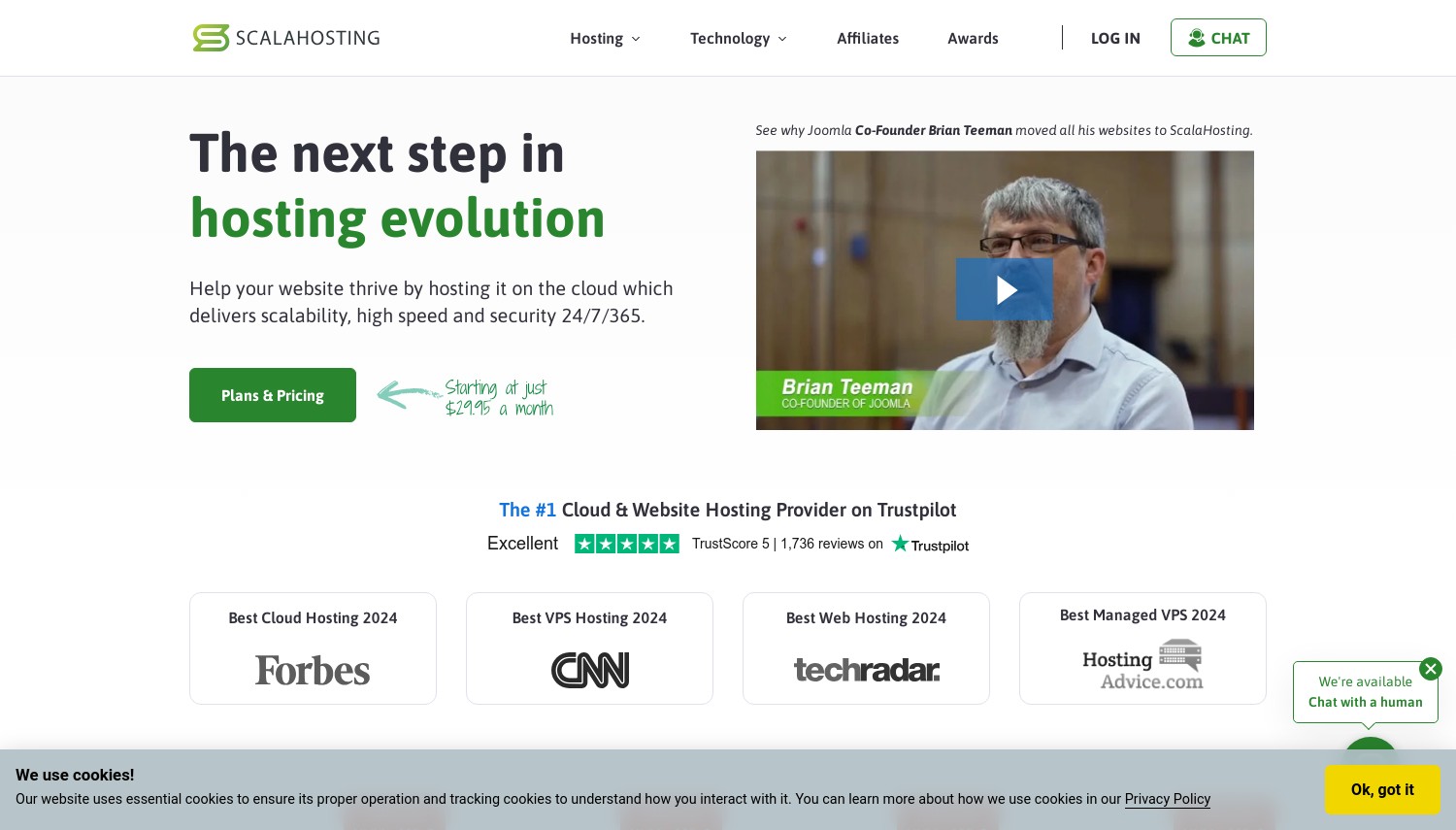
ScalaHosting – 組み込みツールを備えたマネージド Joomla に最適
月額 19.95 ドルから 自己管理, USD 29.95/月の管理 | 1 に 2 vCPU, 1 に 4 GB RAM, NVMe | 99.9% SLA | SPパネル + Sシールド
ScalaHosting は、Joomla 管理をパネル自体に組み込む唯一のプロバイダーです. 社内の SPanel には、インストールを処理する WordPress および Joomla マネージャーが同梱されています, 更新, コマンドラインに触れずに基本的なセキュリティを切り替えます. Joomla 自身の共同創設者である Brian Teeman は、Joomla に Scala を公に推奨しました, これは、多くの市場で検証されることはまれです。 "Joomla互換" マーケティング.
ハードウェアは現在の PCIe NVMe on Intel Xeon Gold, およびSShield, ScalaのAIセキュリティモニター, リアルタイムで攻撃を監視し、最も自動的にブロックします。. Joomla ではそれが重要です, 古い拡張機能が通常の侵害ベクトルである場合. SPanel は cPanel のライセンス料も廃止します, そのため、Namecheap ユーザーのようにコントロール パネルに追加料金を支払う必要はありません。.
価格について, マネージドクラウド VPS ビルド (2 CPU, 4 GB RAM) に着陸します 29.95ドル/月, 価格と価格の両方において ChemiCloud の管理対象エントリと一致します 4 GBのRAM, ChemiCloud が cPanel に依存している場合、Scala は SPanel フリーをスローします。. InMotion の USD に対して 9.99 管理対象層 (4 vCPU, 8 GB), Scala は、そのままのスペックでは高価に見えます, つまり、Scala の場合はツールです, コア数ではありません.
長所:
- Joomlaマネージャーを内蔵 SPパネル, cPanel料金はかかりません
- SShield AI セキュリティがリアルタイムで攻撃をブロック
- 13 4大陸にわたるデータセンター
- 共同創設者レベルの Joomla の支持
短所:
- 自己管理型のエントリー層は希薄です 1 GB RAM
- 真のマネージド VPS は USD から始まります 29.95, 数人のライバルの上に
価格設定: セルフマネージド Linux VPS は月額 19.95 米ドルで開始され、更新は USD で行われます。 24.95ドル/月; マネージド クラウド ビルドは 29.95 米ドル/月です. 新規顧客には 30-当日返金 ウィンドウ. cPanelはオプションです, 強制ではない.
こんな方に最適: サーバー管理を学ばずに管理された更新とセキュリティを必要とする Joomla オーナー. 次の場合はスキップします: 必要なのは生の CPU と RAM だけです, Contabo または InMotion の方が 1 ドル当たりの金額がはるかに高くなります。.
評決: 選ぶ ScalaHosting SPanel Joomla マネージャーと SShield の組み合わせがまさにあなたが望むものである場合, ここにいる他の誰もそれをバンドルしていないので. 安価なマネージド cPanel リソースが必要なだけの場合, InMotion が提供する 4 vCPU と 8 GB(米ドル) 9.99 そして代わりにそこに行くべきです.
2. Hostinger
 63.2k +
4.6
ポジティブ
ポジティブ
63.2k +
4.6
ポジティブ
ポジティブ






Hostinger – RAM が最も多く、最も安価なエントリー
6.49ドル/月 (USD 11.99/月で更新) | 1 vCPU, 4 GB RAM, 50 GB NVMe, 4 TB帯域幅 | 99.9% | hパネル
USD 6.49/月 4 GBのRAM. その数字はピッチ全体です, そしてそれは強いです. ホスティンガーのKVM 1 このプランでは、Namecheap の同様の価格の Pulsar 層の 4 倍のメモリが提供されます (2 GB(USD) 6.88), これにより、少数の拡張機能を実行している Joomla サイトに対する予算の推奨が最も簡単になります。.
注目はパネルです. Hostinger は cPanel ではなく独自の hPanel を実行します, そしてデフォルトではLiteSpeedはありません. Joomla を Ubuntu に手動でインストールする, Debian, または AlmaLinux テンプレート, またはKodeeに寄りかかる, Hostinger の AI アシスタント, それを説明するために. Joomla は VPS アプリ リストの名前付きワンクリック テンプレートではありません, どちらにしても手動セットアップが必要です.
セキュリティは自己管理型ボックスの明るい点です: Hostinger にはマルウェア スキャナーがバンドルされています, Wanguard DDoS 保護, 毎週のバックアップ, 無料のSSL. この価格でそれは意味のあるスタックです. 正直な欠点はリニューアルです, どれにジャンプするか 11.99ドル/月, ほぼ2倍, 2年の任期が終了したら.
長所:
- 4 GB RAM エントリー価格で, 予算レベルで最高の比率
- バンドルされたマルウェア スキャナーと ワンガード DDoS
- NVMeストレージと 4 TB帯域幅
- Kodee AI アシスタントによるセットアップ支援
短所:
- デフォルトではcPanelもLiteSpeedもありません
- Joomla のニーズ 手動インストール
- 更新がほぼ2倍に
価格設定: 24 か月の期間で USD 6.49/月, USD 11.99/月で更新, とともに 30-日帰り 保証. 隠れたパネル料金はありません, ただし、cPanelオプションもありません.
こんな方に最適: 予算を重視し、手動インストールを実行でき、1 ドルあたり最大の RAM を必要とする Joomla ユーザー. 次の場合はスキップします: すぐに使えるcPanelまたはLiteSpeedが必要です, ChemiCloud または FastComet がそのために構築されている場所.
評決: 選ぶ Hostinger 手持ちよりも価格とRAMが重要で、Joomlaを自分でセットアップしても大丈夫な場合. 手動インストールができず、管理された更新が必要な場合, ウルタホストに行く, コストが安くなり、作業を効率化できます.
3. Ultahost
 854
4.6
ポジティブ
ポジティブ
854
4.6
ポジティブ
ポジティブ

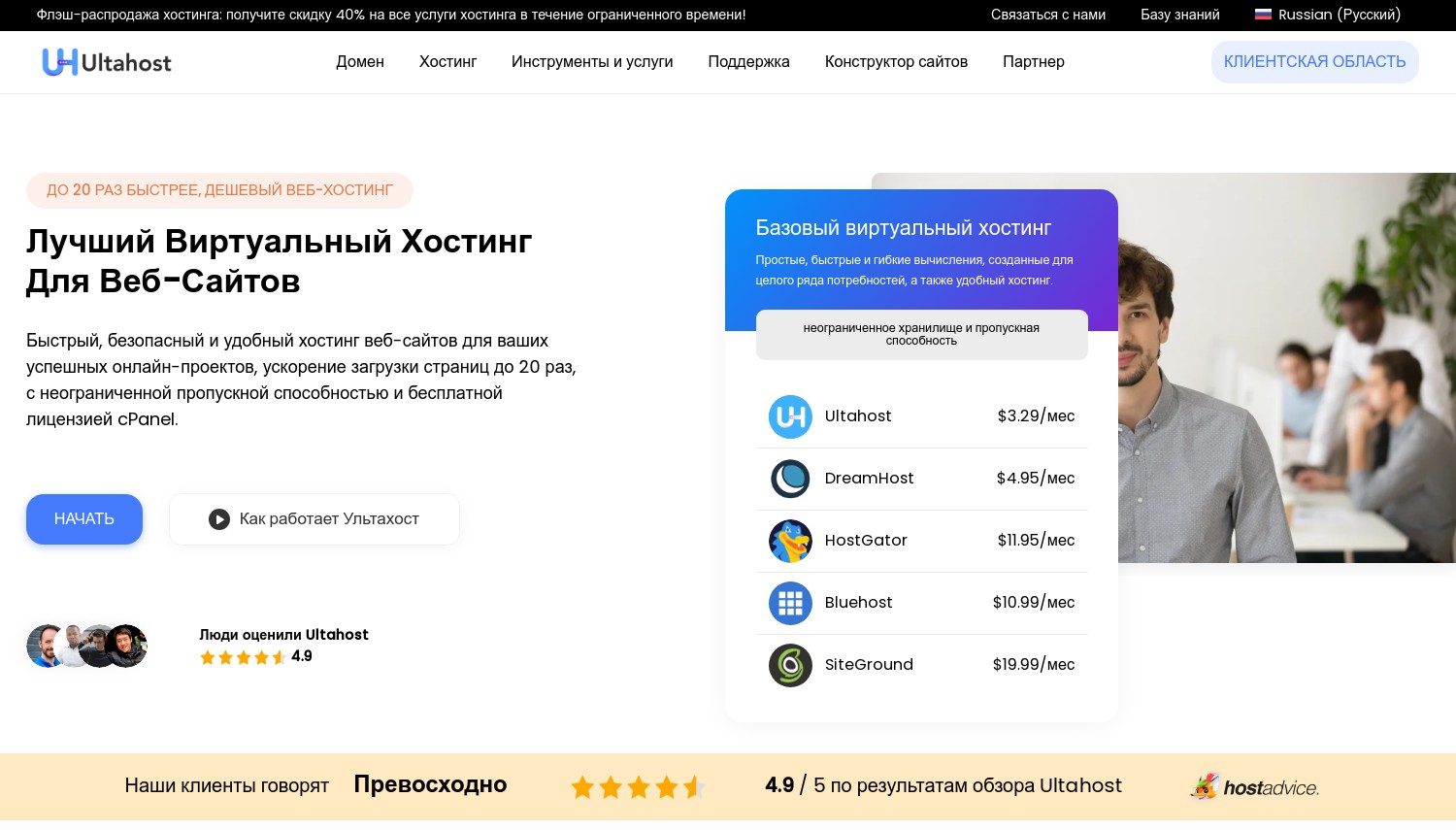
Ultahost – 低価格で最高のマネージド Joomla
USD 4.80/月 (更新保留) | 1 vCPU, 1 GB DDR5 メモリ, 30 GB NVMe, 従量制帯域幅 | 99.99% | LiteSpeed
Hostinger がセットアップ作業を自分で行うように要求する場合, Ultahost には、低価格で無料の月額管理が含まれています. それが Ultahost を面白くするコントラストです. 専用の Joomla VPS ラインは LiteSpeed Web サーバーを確認します, Softaculous を介したワンクリック Joomla インストール, および AMD EPYC ハードウェア, したがって、これは CMS ラベルが付いた一般的なボックスではなく、適切に Joomla 対応です.
リニューアルのストーリーが真の差別化要因となる. Ultahost の USD 4.80/月のエントリーは、 米ドル 4.80 更新について 2年間の任期で, ホスティンジャーが米ドルに上昇する一方で 11.99 ScalaHosting の自己管理型 VPS は USD で更新されます 24.95. 3 年以上にわたってギャップ複利が実際のお金に変わる.
リソースはトレードオフです. VPS Basic レベルは軽いです 1 GB DDR5 RAM と 30 GB NVMe, 小規模な Joomla サイトには問題ありませんが、拡張機能やトラフィックが積み重なると窮屈になります. より重い LiteSpeed と cPanel の組み合わせは上位層に存在します, 無料の Hestia または CyberPanel オプションよりも cPanel または Plesk を希望する場合は追加料金がかかります.
長所:
- 無料の月額管理が含まれています
- 更新価格は保留, 2年目のジャンプはなし
- LiteSpeed と Softaculous 経由の 1-click Joomla
- 99.99% 稼働時間と 30+ 場所
短所:
- エントリー層は軽い 1 GB RAM
- cPanel と Plesk は有料のアドオンです
価格設定: USD 4.80/mo with the renewal holding on two-year terms, もっとある 30-当日返金. Free Hestia or CyberPanel; cPanel and Plesk extra.
こんな方に最適: first-time Joomla VPS buyers who want managed updates, LiteSpeed, and a price that won't spike. 次の場合はスキップします: あなたが必要です 4 GB+ RAM at entry, where Hostinger or Contabo give far more memory.
評決: 一緒に行く Ultahost if you want the cheapest truly managed Joomla VPS and you can live with starting small. If your site already eats memory, ホスティンガーの 4 GB(USD) 6.49 or Contabo's 8 GB box is the smarter buy from day one.
4. HostArmada
 1.1k +
4.9
ポジティブ
ポジティブ
1.1k +
4.9
ポジティブ
ポジティブ

HostArmada – Best Managed Cloud VPS for Hands-Off Security
29.95ドル/月 (USD 59.90/月で更新) | 1 CPU, 2 GB RAM, 50 GB NVMe, 2 TB帯域幅 | 99.9% | cPanel
不快な部分から始める: HostArmada's entry Web Shuttle tier gives you just 1 CPUコアと 2 GB RAM for USD 29.95/mo, and that doubles to 59.90ドル/月 更新時. 紙の上, コンタボがあなたに手渡します 4 vCPU と 8 GB for around USD 4.32, roughly four times the cores and RAM for a seventh of the price. So why is HostArmada here?
Because Contabo gives you nothing else, HostArmada はその他すべてを提供します. これは、無料の cPanel を備えたフルマネージドのクラウド VPS です, ワンクリック Joomla 用 Softaculous, 無料の Web アプリケーション ファイアウォール, マルウェア保護機能が組み込まれています. ファイアウォールの設定やカーネルのパッチを適用したくない Joomla 所有者向け, そのバンドルが製品です. WAF は特に、ほとんどの Joomla 侵害の原因となる拡張機能の脆弱性を保護します。.
The 23 クラウド VPS ロケーションは、地理的範囲においてもほとんどのマネージド ライバルを上回っています, Joomla の視聴者が米国やヨーロッパ以外にいる場合に便利です. 返金窓口, けれど, ケチです 7 VPS の日数と 45 共有プランが取得できる日数.
長所:
- 無料でフルマネージド WAFとマルウェアからの保護
- 無料の cPanel および Softaculous Joomla インストーラー
- 23 グローバル拠点
- すべての層に NVMe ストレージを搭載
短所:
- それだけ 1 コアと 2 エントリ時の GB RAM
- 更新は2倍になります 59.90ドル/月
- 7-日の VPS 返金窓口
価格設定: USD 29.95/月のプロモーション, USD 59.90/月の更新, 7-日帰り VPS上で. cPanelとセキュリティツールが含まれています, 驚くべきアドオンはありません.
こんな方に最適: 技術的な知識を持たない Joomla 所有者で、管理されたセキュリティとグローバルな展開を望んでおり、その費用を支払うつもりです. 次の場合はスキップします: コアあたりの価値が必要な場合, Contabo または InMotion がこのレベルをスペック上で圧倒しているところ.
評決: 買う HostArmada マネージドセキュリティプラスの場合 23 場所はプレミアムの価値があり、ターミナルにログインする必要はありません. 価格に敏感な場合、または実際のリソースが必要な場合, インモーションのUSD 9.99 マネージド VPS が提供するもの 4 vCPU と 8 GB とすべての軸でこれをアンダーカットします.
5. Contabo
 9.1k +
4.0
ポジティブ
ポジティブ
9.1k +
4.0
ポジティブ
ポジティブ
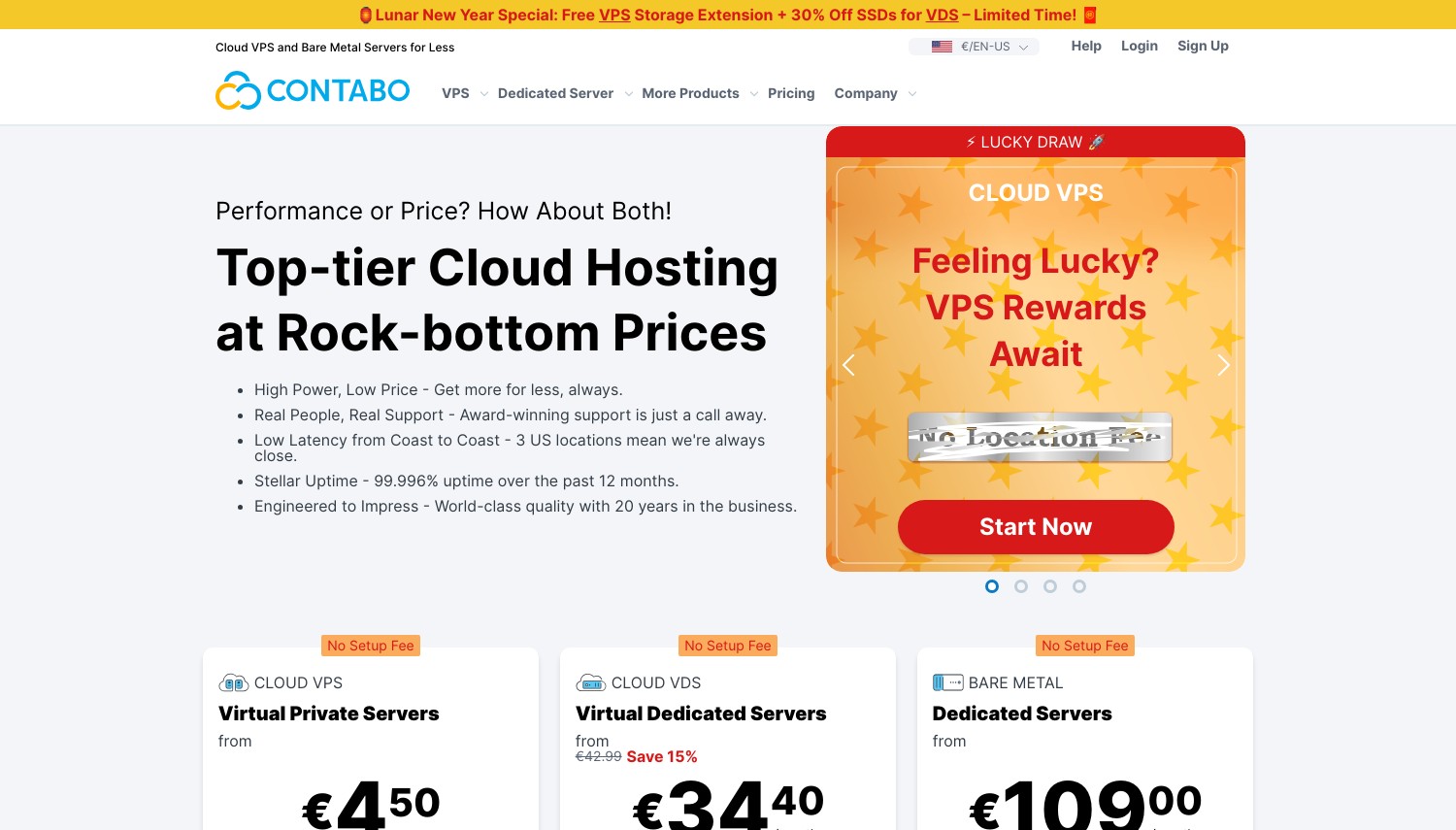
Contabo – コストパフォーマンスに優れた最高の生スペック
USD 4.32/月から (ユーロ 3.60) | 4 vCPU, 8 GB RAM, 75 GB NVMe または 150 GB SSD, 無制限のトラフィック | 99.9% | デフォルトではパネルなし
4 つの vCPU と 8 GB の RAM、月額約 4.32 米ドル. この比較では、1 ドルあたりの原材料リソースでこれに匹敵するプロバイダーは他にありません. Contabo のクラウド VPS 10 ChemiCloud の USD の約 7 倍の価値が得られます 29.95 管理対象層 (2 vCPU, 4 GB) 純粋にハードウェアだけで測定する場合. ティーザーレートのゲームはありません: 価格は期間の長さに応じて決まります, 更新時に膨らまないようにする.
ここが誠実な取引です. Contabo は完全に管理されておらず、初期状態ではコントロール パネルがありません. 裸の Linux サーバーが手に入ります, 常時オンの DDoS 保護, それが契約です. Joomla をインストールするということは、独自の LAMP または LEMP スタックをセットアップすることを意味します, それを確保する, コマンドラインを学ぶか、オプションの cPanel または Plesk アドオンの料金を支払うかのいずれか. OpenLiteSpeed を自分でインストールしない限り、LiteSpeed はありません.
サーバーの強化を生業とする開発者または代理店向け, これは明らかな選択です. Joomla を稼働させたいだけの中小企業経営者向け, それはバーゲンを装った罠だ.
長所:
- 無敵 4 vCPU, 8 GB RAM 価格で
- 更新価格の高騰はありません
- 選択 75 GB NVMe または 150 GB SSD
- 常時オンの DDoS 保護, 無制限のトラフィック
短所:
- 完全に管理されていない, デフォルトではパネルなし
- インストールしない限り LiteSpeed は使えません
- Joomla のセキュリティはすべて自分で処理します
価格設定: USD 4.32/月から (ユーロ 3.60) 12か月の任期で, ティーザーの更新はありません, 14-日帰り. cPanel, Plesk, と Webmin は有料アドオンです.
こんな方に最適: 最大限のハードウェアを必要とし、Joomla とセキュリティを自分で管理する開発者および代理店. 次の場合はスキップします: サーバーを強化したことがない, Ultahost のマネージド LiteSpeed VPS を使用すると、同様のエントリー価格で頭痛の種を軽減できます。.
評決: 選ぶ コンタボ 独自のスタックを実行でき、お金で買える最大限の CPU と RAM が必要な場合. ターミナルコマンドが緊張する場合, その場を離れて、Ultahost または ChemiCloud にボックスを管理させましょう.
6. ChemiCloud
 1.2k +
4.9
ポジティブ
ポジティブ
1.2k +
4.9
ポジティブ
ポジティブ

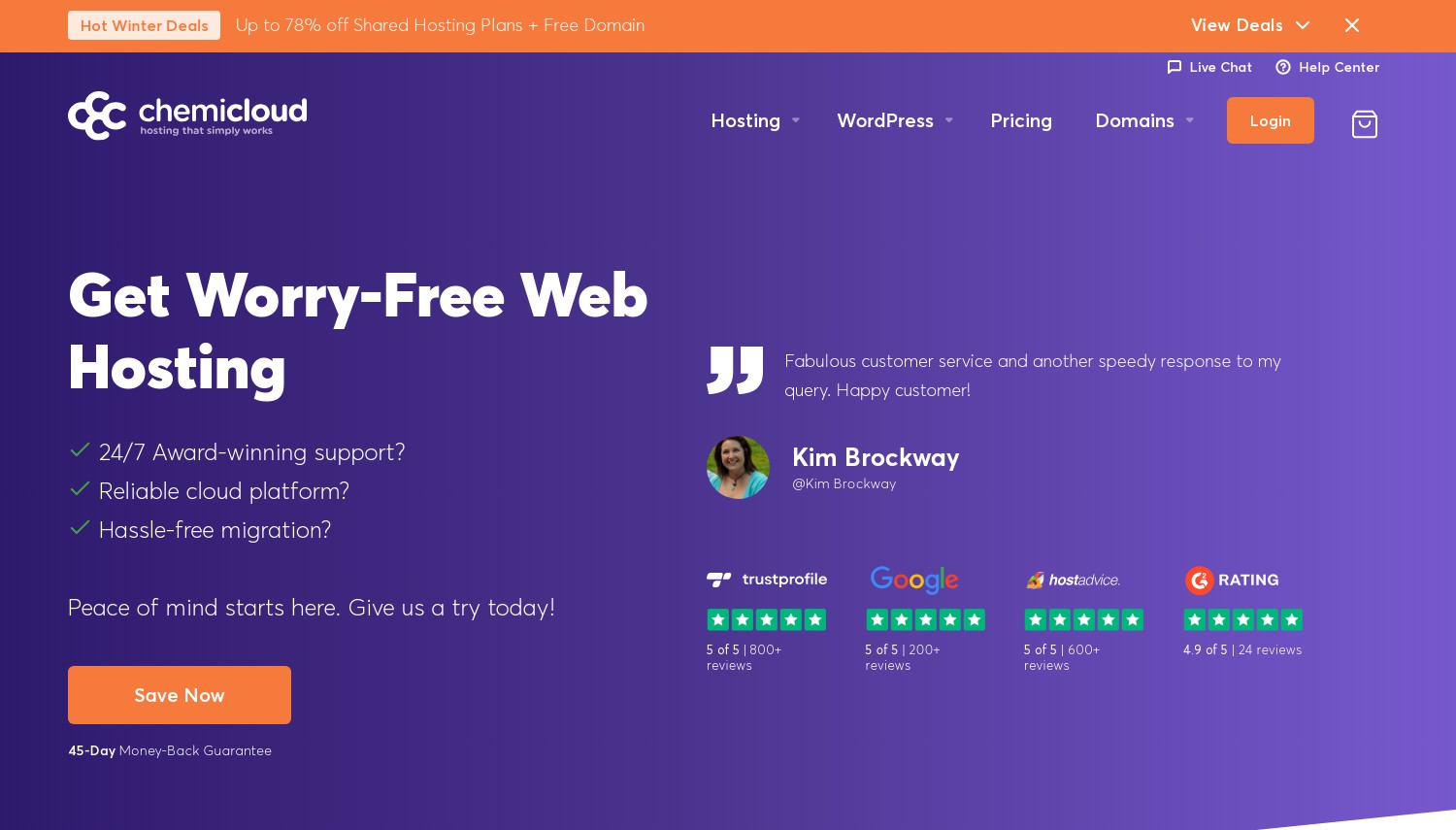
ChemiCloud – 最高の LiteSpeed および LSCache マネージド VPS
29.95ドル/月 (USD 54.95/月で更新) | 2 vCPU, 4 GB RAM, 80 GB NVMe, 4 TB帯域幅 | 99.99% | cPanel / WHM
ChemiCloud の Joomla の魅力は、設定する必要のない速度です. すべての管理対象 VPS には LiteSpeed と LSCache が同梱されています, 単なる静的なアセットではなく、動的な Joomla ページを真に高速化するキャッシュ レイヤー. 無料の cPanel/WHM と Softaculous を組み合わせます, すでに調整済みのサーバーに、ワンクリックで Joomla をインストールできます。.
対ファストコメット, 他のフルマネージド LiteSpeed ホストはこちら, ChemiCloud は価格で勝つ. そのクラウド 1 ティア (2 vCPU, 4 GB) 月額 29.95 米ドルで、FastComet のほぼ同等のクラウドを下回る 2 (2 vCPU, 4 GBETC) USD 53.87/月で約 44%. ECC メモリといくつかのデータセンターを諦める, しかし、ほとんどの Joomla サイトにとって、これはかなりの節約と引き換えになります。.
The 99.99% 稼働時間の主張と 13 グローバルデータセンターが強固な管理パッケージを完成させる. 弱点はリニューアルです: 米ドル 29.95 に登ります 54.95ドル/月, 約1.8倍, そしてその層ではあなたはまだ残っているだけです 2 vCPU と 4 GB. Contabo のアンマネージド ボックスは、そのままのスペックでは恥ずかしい, ただし、Contabo は Joomla ページをキャッシュしたり、SSL をインストールしたりしません.
長所:
- LiteSpeed + LSCache 含まれています, 実際のJoomla速度
- 無料の cPanel/WHM および Softaculous
- 99.99% 稼働時間, 13 場所
- 無料の移行と専用 IP
短所:
- 更新は次のとおりです 54.95ドル/月
- それだけ 2 vCPU と 4 その価格でGB
- 7-日の VPS 返金窓口
価格設定: USD 29.95/月のプロモーション, USD 54.95/月の更新, 7-日帰り VPS上で. cPanel, LiteSpeed, 移行もすべて含まれます.
こんな方に最適: DIY チューニングなしで管理された LiteSpeed 速度と cPanel を必要とする Joomla オーナー. 次の場合はスキップします: 同じマネージド LiteSpeed をもっと安くしたい, Ultahost はエントリー価格の数分の一でそれを提供します.
評決: 選ぶ ChemiCloud 管理対象の cPanel サーバー上にバンドルされた LiteSpeed と LSCache が優先事項であり、更新を恐れない場合. LiteSpeed をもっと安く使いたい場合, Ultahost は USD から実行します 4.80; お金を払ってより多くのコアが必要な場合, インモーションを見てください.
7. A2 Hosting
 3.4k +
4.5
ポジティブ
ポジティブ
3.4k +
4.5
ポジティブ
ポジティブ


A2 ホスティング – 速度調整されたマネージド VPS に最適
月額 2.99 ドルから 管理されていない, USD 29.99/月の管理 (更新 ~USD 76.99/月) | NVMeターボまで | 99.9% | 管理対象の cPanel
A2 Hosting は実際にはその名前ではもう存在しません. 同社は 2016 年に Hosting.com にブランド変更されました。 2025, 製品ページはそれ以来不安定です, そのため、ライブ チェックアウトで表示されるまでは、特定のプラン層名を慎重に扱ってください。. 変わっていないのは速度角です: A2 のターボ層は NVMe SSD を使用し、最大 3 倍高速なディスク I/O を実現します。, これは、多くの拡張機能を備えたデータベースを多用する Joomla サイトに役立ちます.
この構造は、ほとんどのレベルで管理対象または非管理対象を選択できるという点で珍しいです。. アンマネージドは安価に開始, その周り 2.99ドル/月 為に 1 GB RAMと 150 GB NVMe, NamecheapのUSDをも下回る 6.88 Pulsar はより多くのストレージを提供しながら価格を抑えます. マネージド VPS は、cPanel と CloudLinux を含めて月額 29.99 米ドル付近から始まります, これは、ScalaHosting および ChemiCloud と並んでその層に位置します。.
リスクについて正直になる. 独立したレビューでは、歴史的に稼働時間が一貫していないことが指摘されています, 管理された更新は急務です, に向かって登る 76.99ドル/月. 既存の Joomla サイトを移行する場合、無料移行により移行が容易になります.
長所:
- NVMeターボ Joomla データベースを高速化するための階層
- 管理プランに含まれるcPanel
- 管理対象か非管理対象かの選択
- 無料のサイト移行
短所:
- ブランド変更後のページは、 不安定な, 仕様をライブで確認する
- レビューにおける過去の稼働時間に関する苦情
- 月額 76.99 米ドル付近の管理された更新
価格設定: アンマネージドは USD 2.99/月から, 月額 29.99 ドルから管理、更新は月額 76.99 ドル程度, とともに 30-当日返金. 管理対象層にバンドルされたcPanel.
こんな方に最適: NVMe Turbo とマネージドまたはアンマネージドの柔軟性を必要とする速度重視の Joomla サイト. 次の場合はスキップします: 予測可能な価格設定と確実な稼働時間を必要としている, InMotion の場所 99.99% SLA とより穏やかな更新はより安全です.
評決: 選ぶ A2ホスティング Turbo NVMe の速度とマネージドかアンマネージドの選択が重要であり、チェックアウト時に仕様を確認する場合. ブランド変更の不確実性が気になる場合, ScalaHosting は、より安定した製品を備えた同等のマネージド Joomla ツールを提供します.
8. FastComet
 3.5k +
4.8
ポジティブ
ポジティブ
3.5k +
4.8
ポジティブ
ポジティブ
FastComet – 世界のデータセンター全体で最高のフルマネージド LiteSpeed
53.87ドル/月 (USD 76.95/月で更新) | 2 vCPU, 4 GB ECC RAM, 80 GB SSD, 4 TB帯域幅 | 99.9% | cPanel / WHM
まず最初に目につくのは価格です, そして良い意味ではない. FastCometのエントリークラウド 2 VPS の料金は USD 53.87/月です, この比較において、大差を付けて最も高価な出発点. InMotion は 2 倍のコアと 2 倍の RAM を提供します (4 vCPU, 8 GB) 米ドルの場合 9.99, FastCometの価格の約5分の1. また、頼れる安価なアンマネージドオプションもありません.
それで、何にお金を払っているのですか? 真に完全な管理パッケージ. すべての FastComet プランには LiteSpeed サーバーが含まれています, cPanel / WHM, 無料の毎日および毎週のバックアップ, CDN, そしてウェブファイアウォール, 広がる 11 に 12 グローバルデータセンター. ECC メモリは、長時間実行される Joomla サイトの安定性にとって非常に役立ちます. サポートは名刺です, と 24/7 応答時間は平均約 10 分.
価格よりもリーチとサポートを重視するクライアント Joomla サイトを管理する代理店向け, そのバンドル自体が正当化される. 個人サイト所有者の場合, 入場料を無視するのは難しい.
長所:
- フルマネージド LiteSpeed どのプランでも
- ECC RAM, 無料の CDN と Web ファイアウォール
- 11 に 12 グローバルデータセンター
- 速い 24/7 サポート, 応答時間は 10 分以内
短所:
- 最も高価な入場料 53.87ドル/月
- アンマネージド層やバジェット層はありません
- SSD, NVMeではありません, 基本プランでは
価格設定: USD 53.87/月のプロモーション, USD 76.95/月の更新, 7-日帰り VPS上で. すべて同梱, 機能ごとの料金はかかりません.
こんな方に最適: 管理された LiteSpeed を必要とする代理店や企業, 地理的な範囲が広い, とプレミアムサポート. 次の場合はスキップします: 予算が厳しい, ChemiCloud がマネージド LiteSpeed を提供する場所 44% 入口では少ない.
評決: 一緒に行く FastComet グローバル データ センターと高速管理サポートがプレミアム価格を上回る場合. 同じ LiteSpeed-plus-cPanel エクスペリエンスをはるかに安価で提供したい場合, ChemiCloud は直接的に安価な代替手段です; 生の値の場合, InMotion が完全に勝利.
9. Namecheap
 19k +
4.2
ポジティブ
ポジティブ
19k +
4.2
ポジティブ
ポジティブ
Namecheap – 最高の安価なアンマネージド ルート VPS
6.88ドル/月 | 2 CPU, 2 GB RAM, 40 GB SSD RAID-10, 1 TB帯域幅 | 99.9% | 管理されていない, cPanel オプション
完全なルート制御を望む開発者を想像してください, 小さな請求書, 誰の手を握る必要もありません. それがNamecheapバイヤーです. Pulsar 層は月額 6.88 米ドルで利用できます。 2 CPUコアと 2 RAID-10 SSD ストレージ上の GB RAM, これにより、ほとんどの低予算ホストがスキップする冗長性が追加されます. Quasar にステップアップすると、次のことが得られます 4 コアと 6 GB RAM USD 12.88/月.
パネル上で数学が面白くなる. Namecheap VPS は管理対象外です, そしてcPanelのコストを追加 17.88ドル/月, サーバー自体以上に. Pulsar と cPanel をスタックすると、月額 24.76 ドルになります, これは ChemiCloud の USD のすぐ下にあります 29.95 cPanel と LiteSpeed がすでに含まれているマネージド層. したがって、cPanelを完全にスキップして、無料のパネルまたは裸の構成でJoomlaを実行しない限り、, 価値は蒸発する.
LiteSpeedもありません, ストレージはNVMeではなくSSDです. 無料のパネルを使用するコマンドラインに慣れた Joomla 管理者向け, 安いです, 冗長ボックス. 他の誰かのために, cPanelの追加料金は控訴を無効にする.
長所:
- 格安エントリー付き RAID-10 SSD 冗長性
- 完全な root アクセスと制御
- クエーサーのオファー 6 GB RAM (USD) 12.88
- 30-初めてのアカウントの場合は当日返金
短所:
- cPanelのアドオン費用 17.88ドル/月
- ライトスピードなし, NVMeではなくSSD
- マネージド Joomla ツールはありません
価格設定: 6.88ドル/月 (年間請求) パルサー用, Quasar の場合 USD 12.88/月, 30-日帰り 新しいアカウントの場合. cPanel とマネージド サポートは有料の追加料金です.
こんな方に最適: 安価なルートボックスが必要で、パネルをスキップまたは自己ホストする技術的な Joomla 管理者. 次の場合はスキップします: cPanelが必要です, これを追加すると ChemiCloud のオールイン マネージド プランがお得になるため.
評決: 選ぶ Namecheap コマンドラインの操作に慣れていて、予算内で冗長ストレージが必要な場合. cPanelが必要になる瞬間, 停止, ChemiCloud は、パネル単体の Namecheap の料金をわずかに上回る価格で LiteSpeed とバンドルしているためです。.
10. Cloudways
 3.4k +
4.5
ポジティブ
ポジティブ
3.4k +
4.5
ポジティブ
ポジティブ



Cloudways – Best Multi-Cloud Managed Joomla
11ドル/月から | 1 vCPU, 2 GB RAM, 50 GB SSD, 2 TB帯域幅 | 使った分だけ | proprietary dashboard
Cloudways は通常の意味でのホストではありません, it's a managed layer that sits on top of someone else's cloud. 基盤となるインフラストラクチャを選択する (DigitalOcean, Vultr, Linode, AWS, またはGoogle Cloud) and Cloudways handles the management, キャッシング, and one-click app installs above it. Joomlaの場合, that means a managed deployment without being locked to one provider's hardware.
The entry DigitalOcean Standard plan runs USD 11/mo for 1 vCPU と 2 GB RAM. That's more than double Ultahost's USD 4.80 管理されたエントリ, and Ultahost gives you LiteSpeed where Cloudways uses its own stack. But Cloudways bills hourly with no contracts and no renewal trap, so you scale up and down as Joomla traffic moves, paying only for what you run. The 3-day free trial needs no credit card, 珍しいです.
トレードオフはパネルです. cPanelはありません, just the Cloudways dashboard, which is clean but unfamiliar if you've spent years in WHM. また、公開されている稼働時間 SLA は価格ページには記載されていません, それを考慮に入れてください.
長所:
- 選択 5 下の雲
- 時間単位の請求, 更新の罠がない
- 管理された更新, キャッシング, 無料の移行
- 3-一日トライアル, カードは必要ありません
短所:
- cPanelなし, 独自のダッシュボードのみ
- 入場料 2 倍以上の Ultahost
- 稼働時間 SLA は公開されていません
価格設定: DigitalOcean で月 11 米ドルから, 契約なしの従量課金制, もっとある 3-日無料トライアル. AWS または Google Cloud をベースとして選択するとコストが上昇する.
こんな方に最適: マネージドクラウドの柔軟性と後でインフラストラクチャを切り替えるオプションを必要とする Joomla オーナー. 次の場合はスキップします: cPanel または管理された最低価格をご希望の場合, Ultahost は両方の点でそれを上回っています.
評決: 選ぶ クラウドウェイズ マルチクラウドの選択と時間単位のスケーリングが Joomla トラフィックの動作に適合するかどうか. cPanel を使用したい場合、または単にマネージド ホスティングの料金を安くしたい場合, Ultahost と InMotion の方が安い, より従来のルート.
11. Kamatera
 320
4.2
ポジティブ
ポジティブ
320
4.2
ポジティブ
ポジティブ



Kamitera – 最高のスケーラブルなクラウド VPS
月額 4 ドルから | 1 vCPU, 1 GB RAM, 20 GB SSD/NVMe | 99.95% | デフォルトではパネルなし
4ドル/月, 思い通りにサーバーを構築できます. Kamitera のモデルでは正確な CPU をダイヤルインできます, 羊, 固定層から選択するのではなく、ディスクを選択する, その後、契約なしで時間単位で請求されます. 成長が見込まれる Joomla サイトの場合, その粒度は、成長しすぎたり、払いすぎたりするレベルを購入するよりも優れています.
エントリー価格では、コンタボのすぐ隣にあります (米ドル 4 対おおよそ米ドル 4.32), しかし、あなたが何を得るかについて2人は激しく分かれました. Contabo のエントリーボックスがあなたに渡します 4 vCPU と 8 GB RAM, カマテラの矮小化 1 vCPU と 1 基本構成での GB. カマテラはリーチと信頼性で反撃する: 20+ Contabo 社に対するグローバル データセンター 11, さらに高い 99.95% 稼働時間 保証と USD による寛大な 30 日間の無料トライアル 100 クレジットで.
Contaboにいいね, デフォルトではバンドルされたパネルがなく管理対象外です, ただし、マネージド アドオンとオプションの cPanel または Plesk が利用可能です. 料金を支払わない限り、Joomla を自分でインストールして保護することになります.
長所:
- 完全にカスタマイズ可能 CPU, 羊, とディスク
- 20+ グローバルデータセンター
- 99.95% 稼働時間, 時間単位の課金
- 30-一日トライアル 米ドルで 100 クレジット
短所:
- デフォルトでは管理対象外, 同梱パネルなし
- 小さな基本構成 (1 vCPU, 1 GB)
- cPanel と管理コストは別途発生します
価格設定: USD 4/月から, 契約なしの従量課金制, もっとある 30-日無料トライアル. パネルと管理は有料のアドオンです.
こんな方に最適: growing Joomla sites that want to scale resources precisely and reach a global audience. 次の場合はスキップします: you want maximum specs per dollar at entry, where Contabo's 8 GB box wins, or managed simplicity, where Ultahost does.
評決: 選ぶ カマテラ if precise scaling and 20+ data centers matter for your Joomla audience. If you just want the most hardware up front, Contabo gives more for the same money; if you want it managed, Ultahost is the cleaner choice.
12. InMotion Hosting
 2.8k +
4.0
ポジティブ
2.8k +
4.0
ポジティブ
 中性
中性
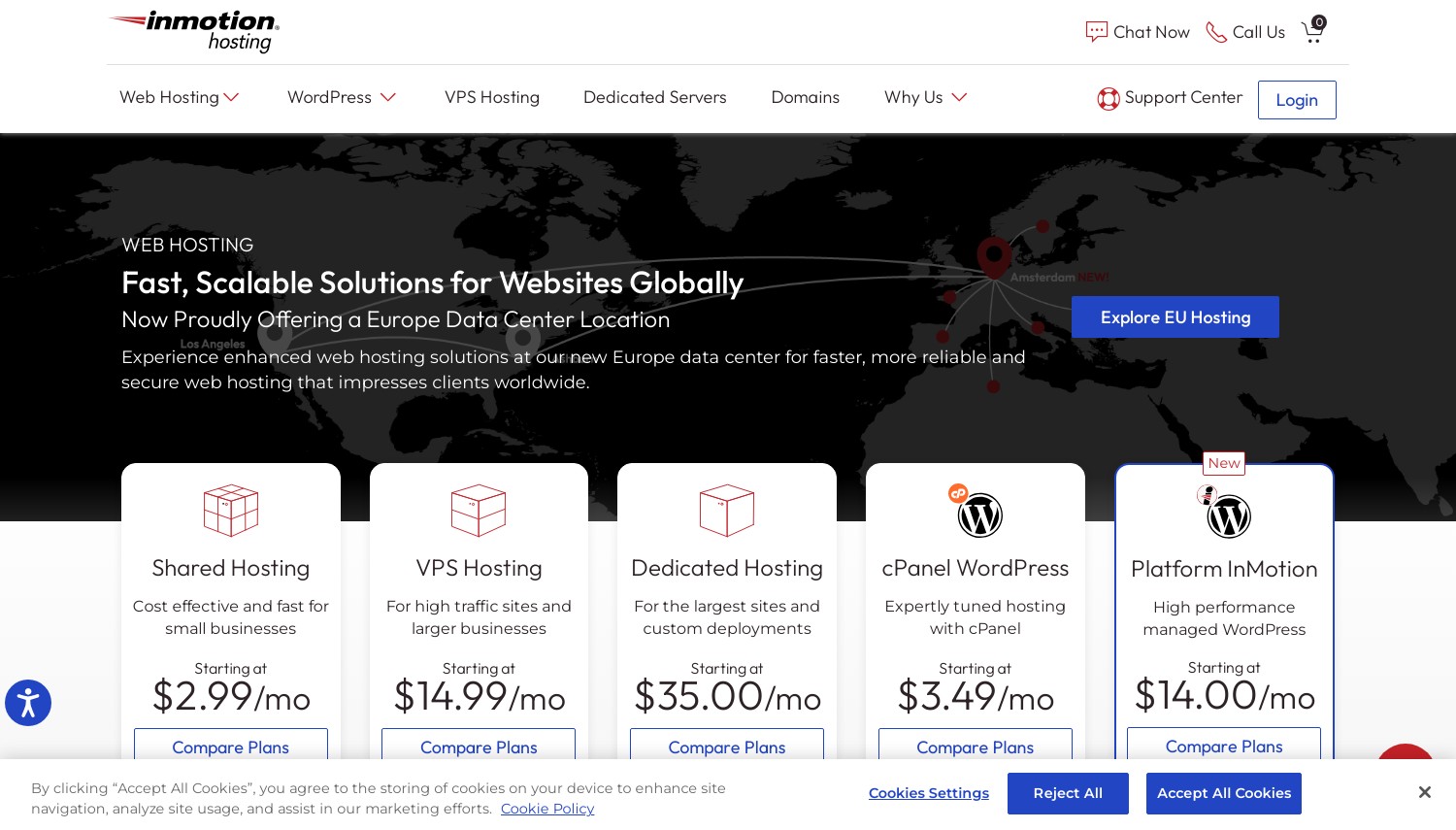
InMotion Hosting – Best Managed cPanel Value
9.99ドル/月 (更新USD 16.99/月) | 4 vCPU, 8 GB RAM, 160 GB NVMe, 5 TB帯域幅, 2 専用IP | 99.99% | cPanel
Where ChemiCloud and HostArmada charge USD 29.95 為に 2 に 4 GBのRAM, InMotion hands you 4 vCPU, 8 GB RAM, と 160 GB NVMe for USD 9.99/mo. それが見出しです, and it reframes the whole managed-VPS field. Hostinger の USD に対して 6.49 KVM 1 (1 vCPU, 4 GB, 50 GB), InMotion gives 4x the cores and over 3x the storage for USD 3.50 もっと, with cPanel included rather than bolted on.
This is a fully managed VPS with free cPanel up to five domains, 無料の移行, Launch Assist オンボーディング, DDoS防御. The 99.99% 稼働時間保証はここが最適です, そしてリニューアル 16.99ドル/月 この比較では、より緩やかなステップアップの 1 つです, HostArmadaやA2で見られる倍増には程遠い.
問題は地理です. InMotion は 3 つのデータセンターを運営しています (アッシュバーン, ロサンゼルス, アムステルダム), Joomla の視聴者がアジアまたは南米にいる場合, FastComet のより広いフットプリントは、より良いサービスを提供します. 5 つのドメインを超える cPanel にも追加料金がかかります, 多くの Joomla サイトをホストしている場合は注目に値します.
長所:
- 4 vCPU, 8 GB RAM 米ドルで 9.99, ここで最高の価値
- 無料のcPanel, 移住, およびローンチアシスト
- 99.99% 稼働時間, 優しいリニューアル
- 2 専用IPと 160 GB NVMe
短所:
- それだけ 3 データセンター
- cPanel を超えて 5 ドメインには追加料金がかかります
価格設定: 24 か月の期間で月額 9.99 ドル, USD 16.99/月で更新, とともに 90-日帰り 長期保証. cPanel は最大 5 つのドメインまで無料.
こんな方に最適: 1 ドルあたり最も管理された cPanel ハードウェアと長い返金期間を希望する Joomla オーナー. 次の場合はスキップします: アジアまたは南米にデータセンターが必要な場合, ファストコメットの場所 12 場所がさらに遠くまで届く.
評決: 買う InMotionホスティング 管理された cPanel の価値が必要で、視聴者が北米またはヨーロッパにいる場合. グローバルなリーチが優先される場合, FastComet のより広いデータセンタースプレッドは、より高い価格を正当化する; 特に LiteSpeed が必要な場合, ChemiCloud が最適です.
1 最もレビューされている VPS Joomla ホスティングプロバイダー (6月 2026)
| ホスティング名 | ユーザー満足度 % | レビュー数 | プロモーション |
|---|---|---|---|
 VHostingソリューション VHostingソリューション |
97% | 5068 | 無料ドメイン |
Joomla VPS の選び方
適切な Joomla VPS は、まず 1 つの質問に帰着します。: サーバーを管理してくれますか, それともホストにそうしてもらいたいですか?? 他のすべてはそこから導き出されます. 状況に応じた具体的なシナリオを次に示します.
月額 5 米ドル未満の予算で Linux サーバーを実行できます → Contabo Cloud VPS 10 (4.32ドル/月) 為に 4 vCPU と 8 GB RAM, カマテラか (4ドル/月) 正確なスケーリングとより多くのデータセンターが必要な場合. ここでは管理対象ホストをスキップします; 自分で管理できるリソースには 6 倍の金額を支払うことになります. セキュリティ強化のための時間を確保するだけ, 管理対象外とは、拡張機能のパッチ適用が自分で行われることを意味するため.
最初の Joomla VPS, 管理してほしい, 予算 USD 10/月未満 → Ultahost (USD 4.80/月, 更新保留) 管理された LiteSpeed とワンクリックで Joomla をインストールできます. 米ドルまで伸ばすことができれば 9.99, InMotion hands you 4 vCPU と 8 無料のcPanel付きGB, これは Ultahost よりもはるかに高いヘッドルームです 1 GBエントリー. 固定価格の Ultahost を選択してください, リソースの InMotion.
重い拡張機能を備えた速度重視の Joomla サイト → ChemiCloud (29.95ドル/月) マネージド cPanel にバンドルされた LiteSpeed および LSCache 用, ディスク I/O がボトルネックの場合は、A2 Hosting の NVMe Turbo. このプロファイルでは Hostinger と Namecheap を避けてください; どちらもデフォルトでは LiteSpeed を実行しません, そのため、動的な Joomla ページにとって最も重要なキャッシュ レイヤーが失われます。.
複数のクライアント Joomla サイトをグローバルに管理する代理店 → FastComet (53.87ドル/月) 為に 12 データセンター, ECC RAM, 迅速な管理サポート, または HostArmada の場合 23 場所. プレミアムはリーチ&ハンズオフのセキュリティを購入します. すべてのクライアントが北米またはヨーロッパにいる場合, インモーションのUSD 9.99 階層によりコストのほとんどが節約されます.
検討する価値のある変数が 1 つ増えました: 参入から更新までのギャップ. 米ドル 29.95 USDになるプロモーション 59.90 Ultahost の USD とは異なる購入です 4.80 それは保持します. コミットする前に、マネージドかアンマネージドかのより広範な決定を理解したい場合, 私たちのガイド マネージド VPS とアンマネージド VPS コミットする前に、責任の境界線がどこに該当するかを分解します。.
よくある質問
VPS 上で Joomla サイトに必要な RAM の量?
いくつかの拡張機能を備えた小さな Joomla サイトは、 2 GBのRAM. ページビルダーを追加したら, VirtueMart を通じた e コマース, または安定した交通量, のための計画 4 GB以上. ホスティンガーが提供するもの 4 GBおよびUSD 6.49/月, Contabo のオファー 8 GBで約USD 4.32 自己管理ができれば. 下 2 GB, 負荷がかかると管理ページが遅くなることが予想されます.
コントロール パネルなしでアンマネージド VPS 上で Joomla を実行できますか?
はい, ただし、スタック全体を自分でインストールして保護することになります. On Contabo or Kamatera you set up Apache or Nginx, PHP 8.1+, およびMariaDB, then deploy Joomla manually and handle every security update. It's cheaper and fully flexible, but it's real system administration. If that sounds like work you'd rather skip, a managed host like Ultahost or InMotion does it for you.
Which VPS host has a one-click Joomla installer?
ScalaHosting, Ultahost, HostArmada, ChemiCloud, FastComet, and InMotion all include Softaculous or a built-in installer that deploys Joomla in one click. ScalaHosting goes furthest with a dedicated Joomla manager inside SPanel. Hostinger and Namecheap don't list Joomla as a named one-click app, so you'd install it manually on those.
Is ScalaHosting or ChemiCloud better for Joomla?
Both sit at USD 29.95/mo for managed Joomla, so it comes down to one priority. ScalaHosting は、組み込みマネージャーと SShield セキュリティを備えた Joomla 固有のツールで優れています. ChemiCloud はバンドルされた LiteSpeed と LSCache のおかげで生の速度で勝利を収めます, ScalaHosting が OpenLiteSpeed セットアップ経由でのみ提供するもの. 管理を容易にするために Scala を選択してください, ChemiCloud によるすぐに使えるキャッシュ パフォーマンス.
最終評決
システム管理を学ばずに管理対象サーバーを必要とするほとんどの Joomla 所有者向け, Ultahost 最も賢いエントリーです: マネージド LiteSpeed, ワンクリックインストール, そして価格はUSDで維持されます 4.80. 管理対象の cPanel ボックス上で実際のリソースが必要な場合, 動いている 米ドルでは比類のない価値があります 9.99 為に 4 vCPU と 8 GB. 独自のスタックを実行できる開発者は、次のことを行う必要があります。 コンタボ その 8 GB ボックスの価格は約 USD 4.32. バンドルされた LiteSpeed の速度が目標の場合, ChemiCloud そのために作られています.
これらの選択肢を結びつけるのは、マネージドとアンマネージドの分割に関する正直さです。. 安価なアンマネージドボックスが安いのは、時間が空いている場合のみです, マネージド プランは、そうでなければターミナルで迷ってしまう場合にのみ、プレミアム料金を支払う価値があります。. 自分のスキルに合わせて製品を選択する, あなたの予算だけではなく.
まだ広い範囲を比較検討しているなら, 私たちのまとめ 全体的に最高の VPS ホスティング Joomla の範囲を超えたプロバイダーをカバーします, 一方、 cPanel VPS ホスティング ガイドでは、CMS にとって重要なパネルの選択について詳しく説明します. 別のプラットフォームを実行する? 私たちのメモと比較してください WordPress VPS ホスティング 比較, フルマネージドのクラウド設定については、 マネージドVPSホスティング オプション. Joomla は、同じハードウェアのアドバイスを引き継ぐために、十分なサーバー要件を両方と共有しています。.